Apple working on iTunes 11 with iOS 6 support, improved iCloud integration
According to sources, Apple has recently begun internally seeding the next major release of the iTunes application for computers, iTunes 11. Work on iTunes 11 began prior to the release of iTunes 10.6, and the development of the new software product – that we are familiar with – is currently focused on under-the-hood changes, rather than cosmetic changes. However, Apple develops different portions of products in separate groups or at separate times, so the final product will likely include some new user-interface elements and more visible features.
Apple is working on iTunes 11 as a version of iTunes that supports their upcoming iOS 6 release and future devices. Apple typically releases new versions of iTunes alongside major new OS’s and mobile devices. While iTunes 11 is built as an iOS 6 compatible-release, according to sources, iTunes 11 could very well be a release coming farther down the road, and Apple could very well release another iTunes 10.x point update as a simple iOS-6-compatiblity release. One source calls that the more likely situation.

On the subject of iTunes, we’re still hearing that a full iTunes Store and App Store revamp is underway for a launch between this summer and the fall. Earlier this year, Apple purchased a company called Chomp to help with that refresh. Since then, we’ve heard multiple independent whispers that the Chomp team has been fully integrated into a team that specifically exists in order to improve content discovery within the iTunes application and the online store.
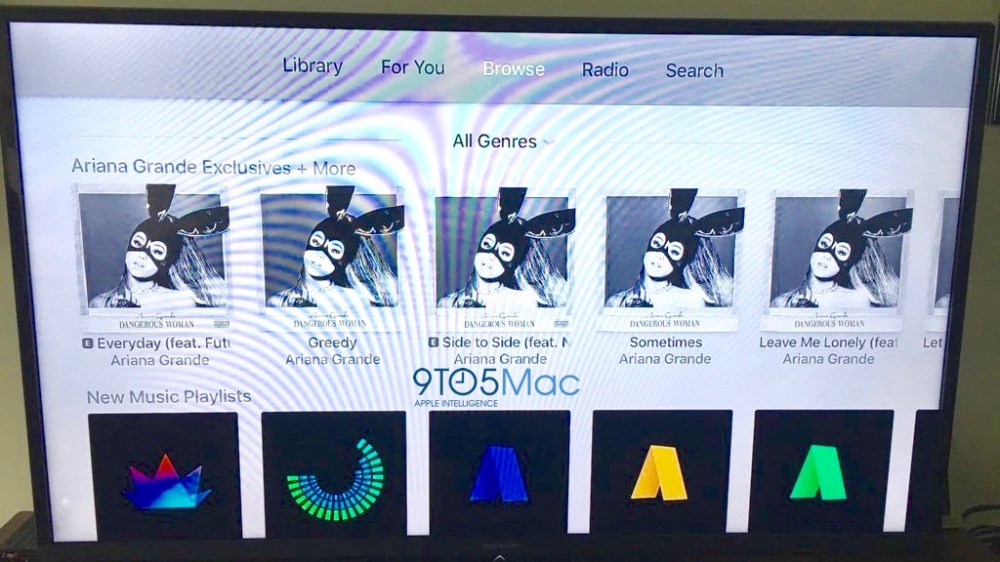
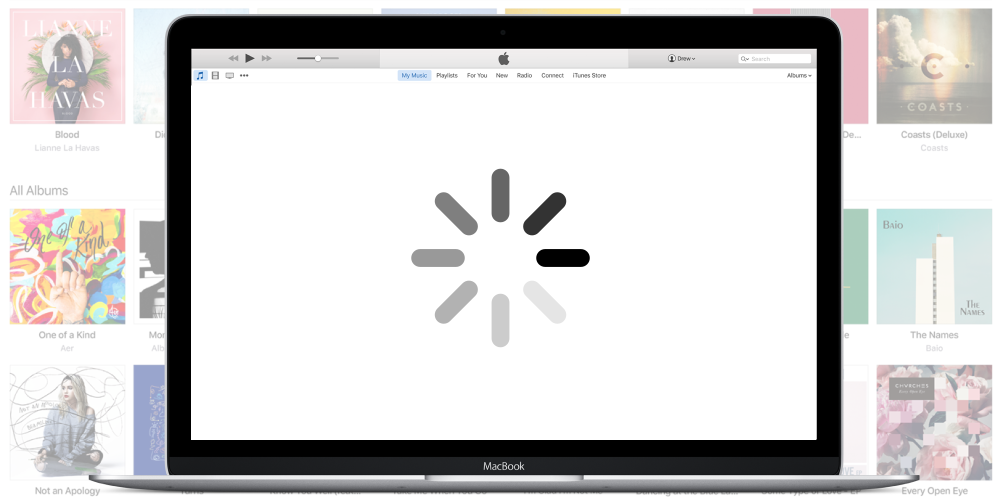
The above image is an actual screenshot from an internal iTunes 11.0 build, but we have seen more than that. iTunes 11 includes an increased presence of iCloud integration. Perhaps the biggest testament to this is a dedicated iCloud settings panel within iTunes. This panel is a centralized, always accessible spot for users to control iCloud related features while in iTunes. These features include iTunes Match, iTunes in the Cloud, iCloud iOS device backups and more. We’ll have more on this soon.
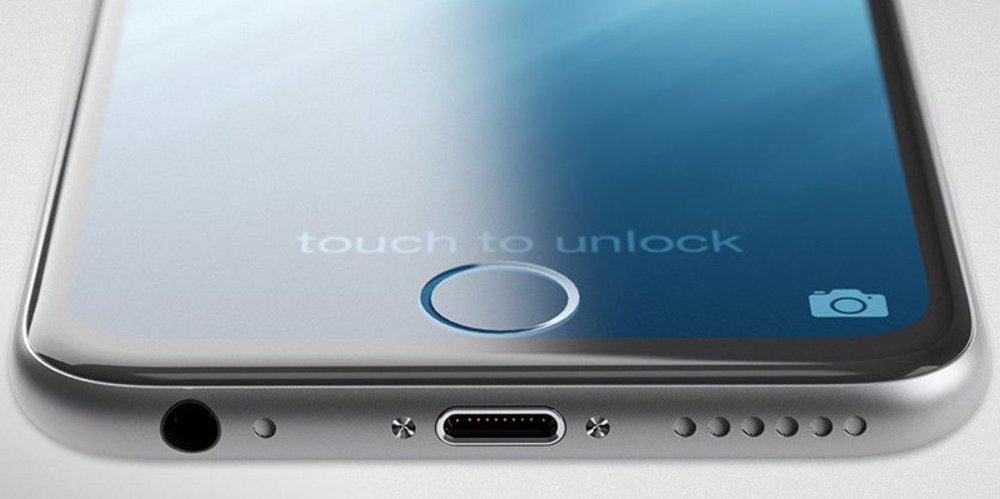
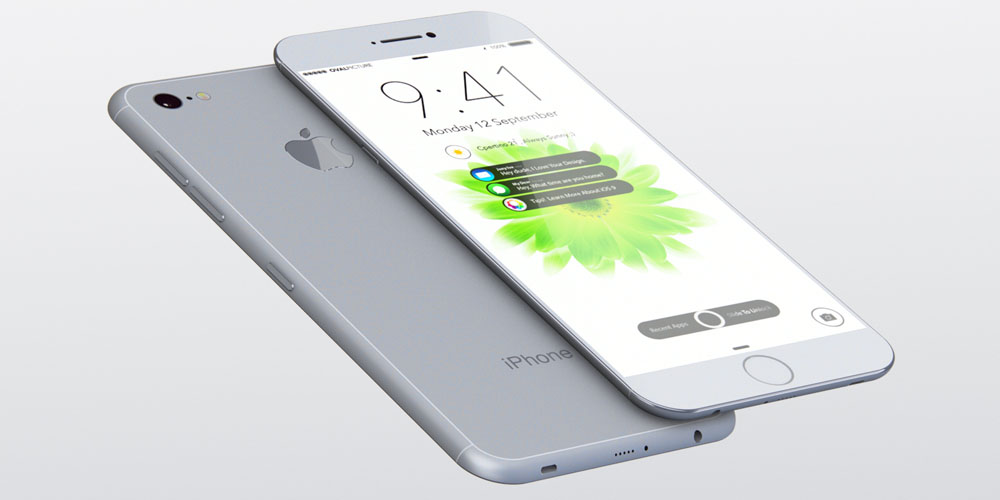
Check out this beautiful mockup of the 4-inch iPhone
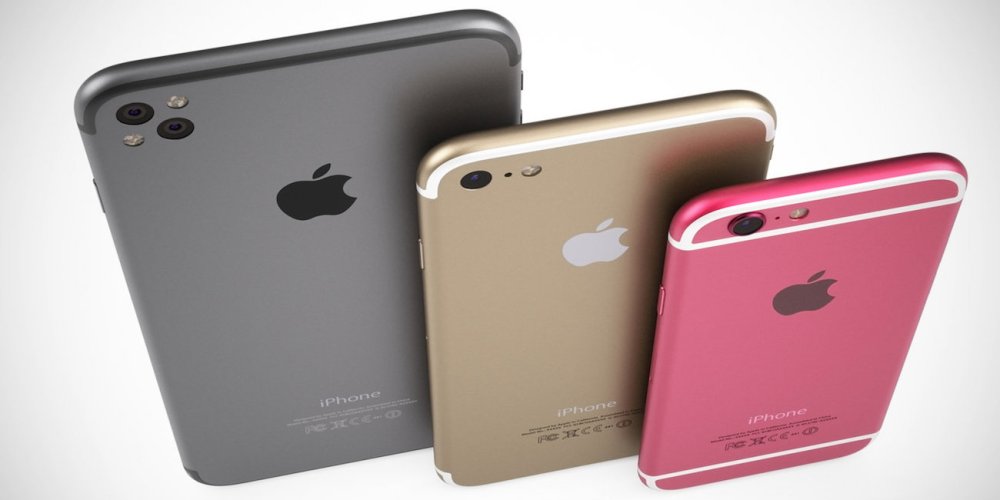
Following the mockups of the 4-inch iPhone 5 this morning, one of our awesome readers, Spencer Caldwell, made this beautiful mockup (above). Spencer took this morning’s idea and added more pixels vertically, while keeping the pixels the same horizontally as the iPhone 4S (640-by-1152 pixels). As for the home button on the device, Spencer took the Photo Stream leak from last summer (below) and implemented it on the device. On a larger iPhone like this, it definitely looks better over the circular version.
The mockup fits the sixth-row of apps nicely. So the question comes 9to5mac readers: What do you think of a larger 4-inch iPhone (keeping in mind most reports point to a redesign)?
Cheers, Spencer!
Stride brings fully customizable gesture unlock system to jailbroken iPhones
Popular jailbreak tweak and App Store developer Adam Bell released a new and unique tweak for jailbroken iPhones. It is called “Stride” and replaces your iPhone or iPod touch’s slide-to-unlock and passcode input screen with a fully customizable gesture unlock system.
As you can see in the promotional video above, you are not limited by a 9-point field like Android phones or by having to draw a specified pattern on top of an image. You can practically draw any shape, letter, or gesture that you want. You can even use a signature.
The gesture entry into your iPhone and iPod touch is built to act as a replacement for your PIN code, which appears after you “slide to unlock,” but the tweak was developed with two layers of security in mind.
The PIN unlock will appear after you draw your gesture, but it is completely optional for those who just want to rely on the gesture unlock. Skipping PIN entry is an easy-to-access option in Stride’s preferences. Additionally, there is a button to skip the gesture unlock and enter your PIN code when you suddenly find yourself unable to remember your gesture.
Stride costs $2.99 and is available from the Big Boss Repo in the Cydia Store.
Speed review: Replacing your car dashboard with an iPad
Developer Steven Troughton-Smith has re-written his acclaimed Speed for iPhone application for the iPad. The new iPad application takes full advantage of the iPad’s larger display, Retina graphics support, and the device’s GPS. The concept of Speed is simple: it uses the iPad’s sensors, including the GPS, to be able to process and inform users how fast their car is moving. The application has a beautifully embedded Google Map interface to show your car (as a blue dot) in motion, and also uses the device’s compass to which direction you are headed. The application also features a center dial (analog or digital) that allows users to setup a maximum speed. If a user goes above the set speed limit, the iPad will notify them that they are passing this limit. This is perfect for speed-limited driving environments, and pushes the iPad as a fully digital car dashboard replacement or complement.
The application will also tell you how long (in terms of distance) you have travelled, much like a car will tell you in the dashboard, when the application is running and even in the background. If you flick up on the Speed dashboard interface, you are presented with options such as true north and magnetic north for the compass feature, analog or digital presentation for the speed limiter, trip total resetting, and background tracking. The interface of the application is beautifully crafted and appears like a real car dashboard complete with a leather background and chromed-out toggles.
In our real life tests, the application is very accurate against our actual real-life car speeds measured by our actual car dashboards. For anyone living in this digital world, Speed for iPad is the future – we believe of car dashboards. On an iPad, it’s portable, can be held by anyone in the car, and can be your media center with the device’s built-in music player. iPad car dashboard mounts are even already appearing. Something important to note about Speed for iPad is the development process that went into the application. Speed started as one of the initial App Store applications, grew very popular (the app even was promoted by Apple), and has now been completely redesigned and re-written for the iPad with a host of new features. This circle will continue when Speed 2 launches later this year for the iPhone, complete with all the new innovations in this new iPad app.
Speed for iPad is available for $2.99 on the App Store today. You can read more about Speed at the official website. Press release:
Look! Siri speaks Hindi via proxy server
We already know Apple has confirmed Italian, Chinese, Korean, and Spanish as new languages to be supported by Siri in 2012, and the company rolled out Japanese support in iOS 5.1 earlier this year. We have not heard much on any additional languages other than rumors of Russian, but today we get a look at Siri speaking Hindi through a proxy server via @kunalkaul123. He explained it connects to “my Google API Server,” presumably for the translation, but there is “still lots of work to be done.”
How to add a USB Blu-ray player to your Mac for $42
With 1080P hitting the new iPad and Apple TV last month, some of you are perhaps now looking to send your Blu-ray collection over to iOS devices.
Here is the easy part: Buy a Toshiba Lightscribe Blu-ray Player for just $42 with free shipping (via 9to5Toys). It also burns DVDs, and Lightscribe media will even do some art on the cover. Oh, and it is USB bus-powered, so it is nice and portable.
Update: There is a white version!
Toshiba advertises it as “Mac compatible,” but we all knew that the late and great Steve Jobs viewed Blu-ray as a “bag of hurt” from the “mafia.”
So, the hard part is getting Blu-rays to your Mac….


Best Comments