
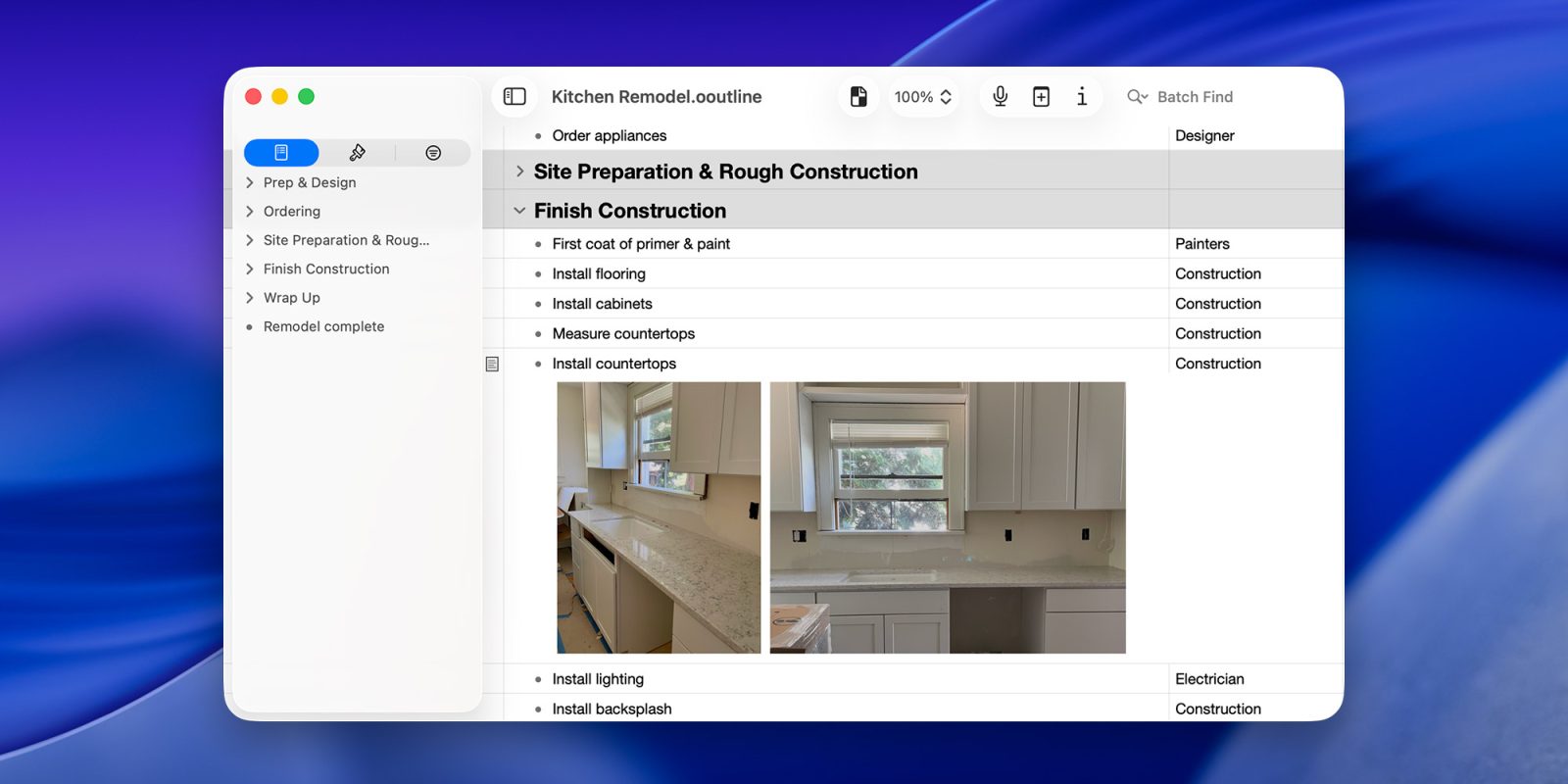
OmniGroup’s powerful outlining tool is about to get even better, and you can help test it out ahead of the official release. Here’s what’s coming.
A bit of context to the uninitiated
First released in 2000, OmniOutliner has been around for longer than many 9to5Mac readers have been alive. Yet, the folks at OmniGroup aren’t done adding tools, features, and integrations set to make it even more powerful.
In a nutshell, OmniOutliner offers a comprehensive set of features that lets users easily capture, organize, and structure their thoughts in hierarchical outlines through indentation, numbering, styling, attachments, and more.
From developers to designers to writers and beyond, OmniOutliner is the go-to application for users who have found outlining an essential part of their workflows, whether they’re working on a home renovation project, a book manuscript, an academic paper, or a complex software roadmap.
OmniOutliner 6
With OmniOutliner 6, OmniGroup is continuing its effort to make all its apps universal, as well as Liquid Glass-ready.
In practice, OmniOutliner 6 will have a consistent UI across the Mac, the iPhone, the iPad, and Apple Vision Pro (or, as Omni CEO Ken Case put it, “all of the Apple devices, except the Apple Watch”), with feature parity regardless of the device.
This means that the iPhone and iPad versions will now be able to edit advanced filters like on the Mac, and the Mac version will now be able to hide the bottom bar for a cleaner workspace.
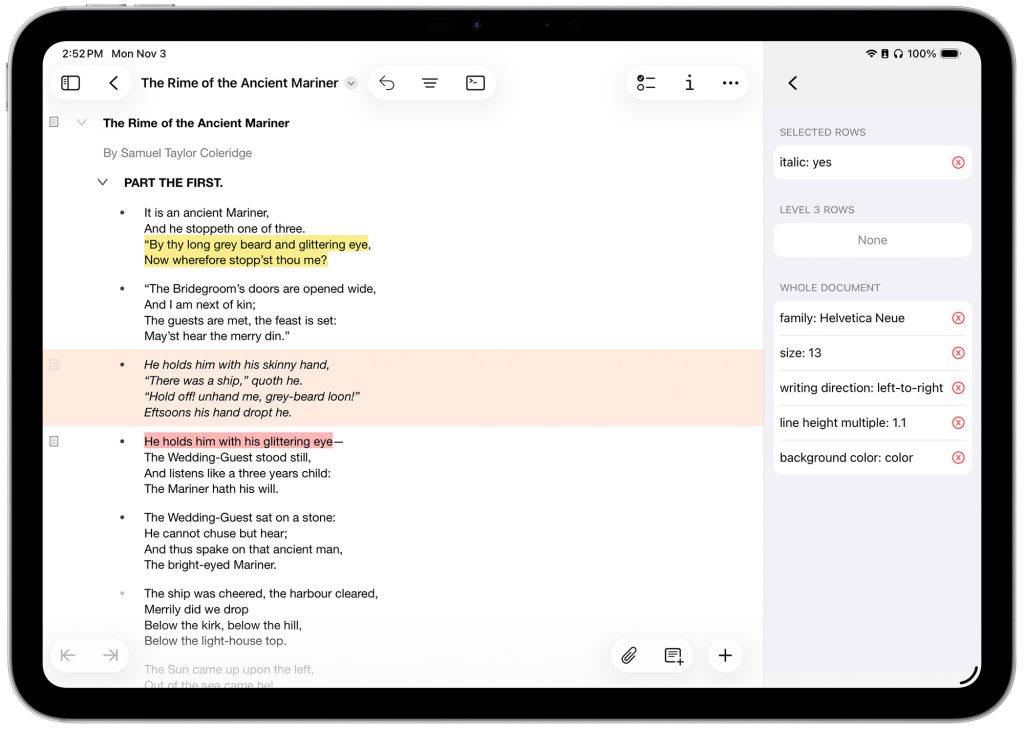
One of the biggest additions to OmniOutliner 6 is Omni Links, which will allow linking to local and remote documents, even across multiple devices, as well as regular web links.
They will rely on user-defined “Connected Folders” and are designed to… just work, whether you’re pulling files from iCloud Drive, Dropbox, Google Drive, even Google Docs, or a local server.
Another cool addition to OmniOutliner 6 is a new, highly customizable feature called AI Tools, which leverages Omni Automation plugins and Apple’s on-device AI model.
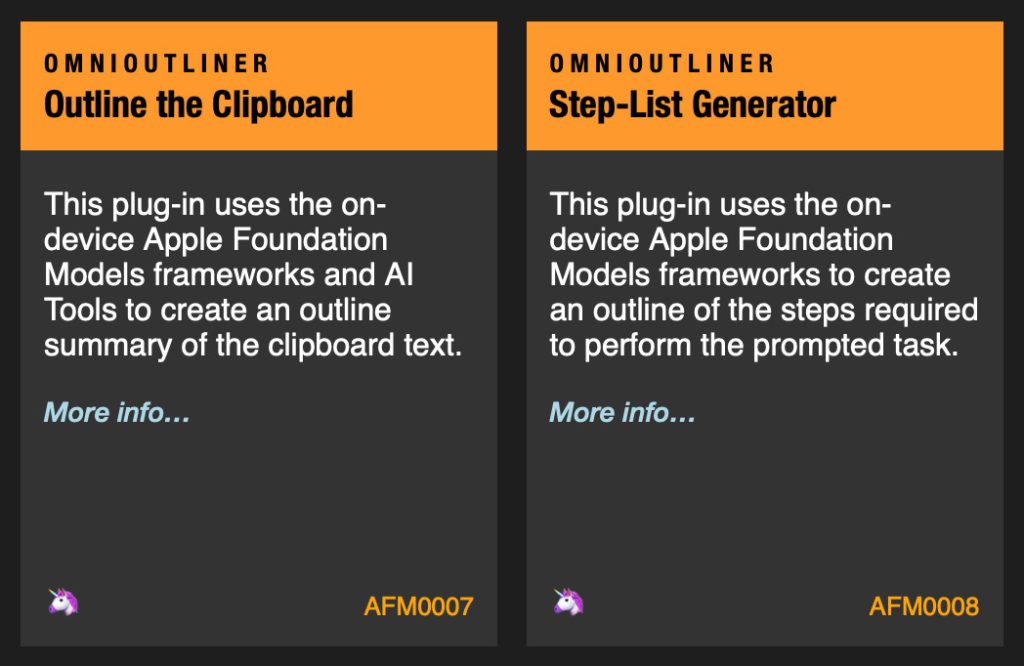
This lets you pull information from an email, a web page, a local document, or even your clipboard, turn that content into outlines, then export them however you choose, such as a Keynote presentation, a blog post, an Obsidian entry, and more.
As you would expect, OmniOutliner 6 is fully compatible with AppleScript, and it features multiple welcome tidbits, including an improved dark mode, the ability to have multiple open windows on the Mac (including for the same project, allowing you to drag and drop content between them), shareable custom styles, resizable inline attachments, advanced filtering, and more.
Stay tuned for our full review of OmniOutliner 6 in the coming weeks. Meanwhile, you can read the release notes or follow this link to join the TestFlight. But hurry, as there is limited availability.
Accessory deals on Amazon
- Apple AirTag 4 Pack
- Beats USB-C to USB-C Woven Short Cable
- Logitech MX Master 4
- AirPods Pro 3
- Wireless CarPlay adapter
- iPhone Air Ultraslim Magsafe Power Bank


FTC: We use income earning auto affiliate links. More.



Comments