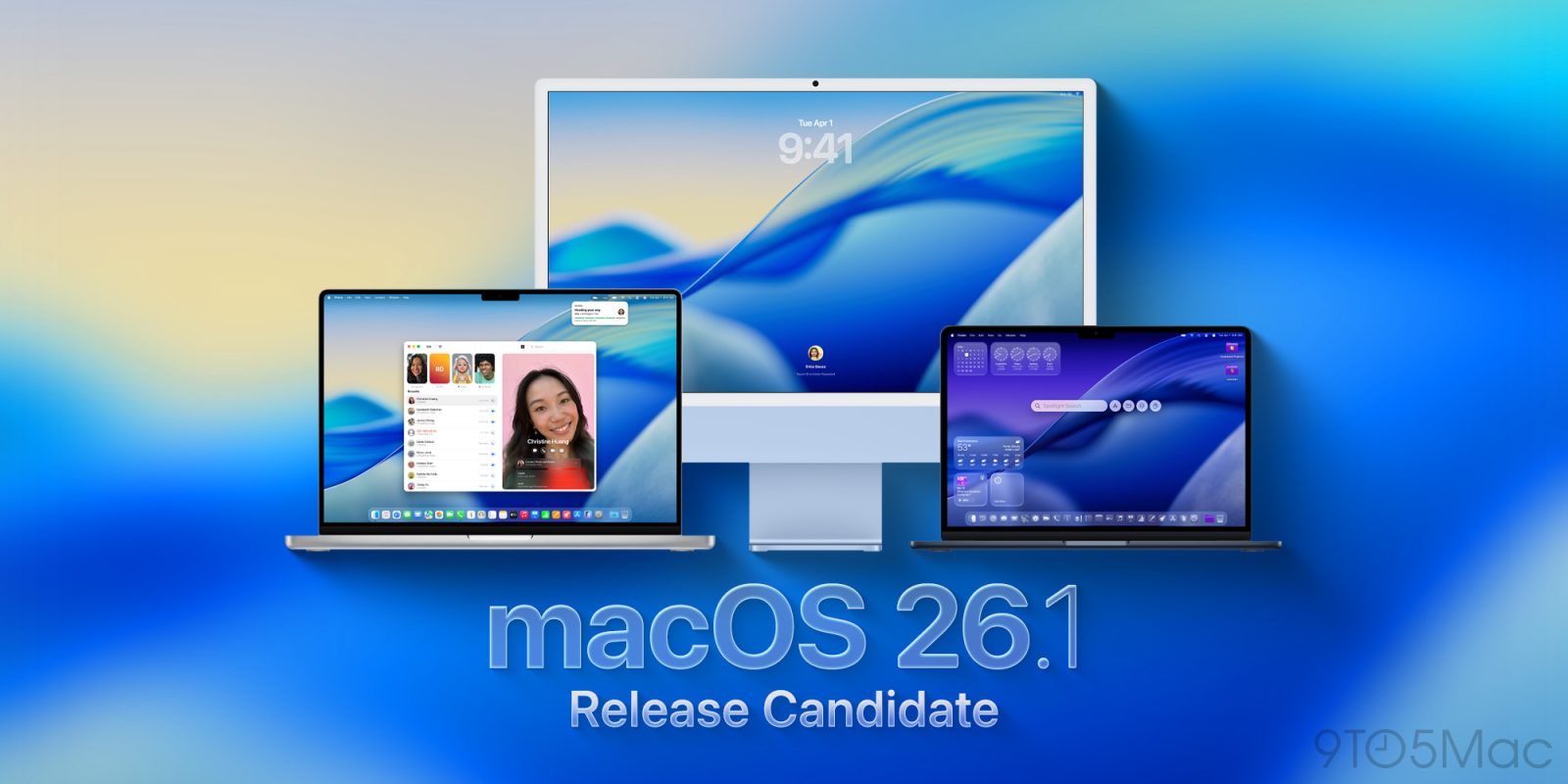
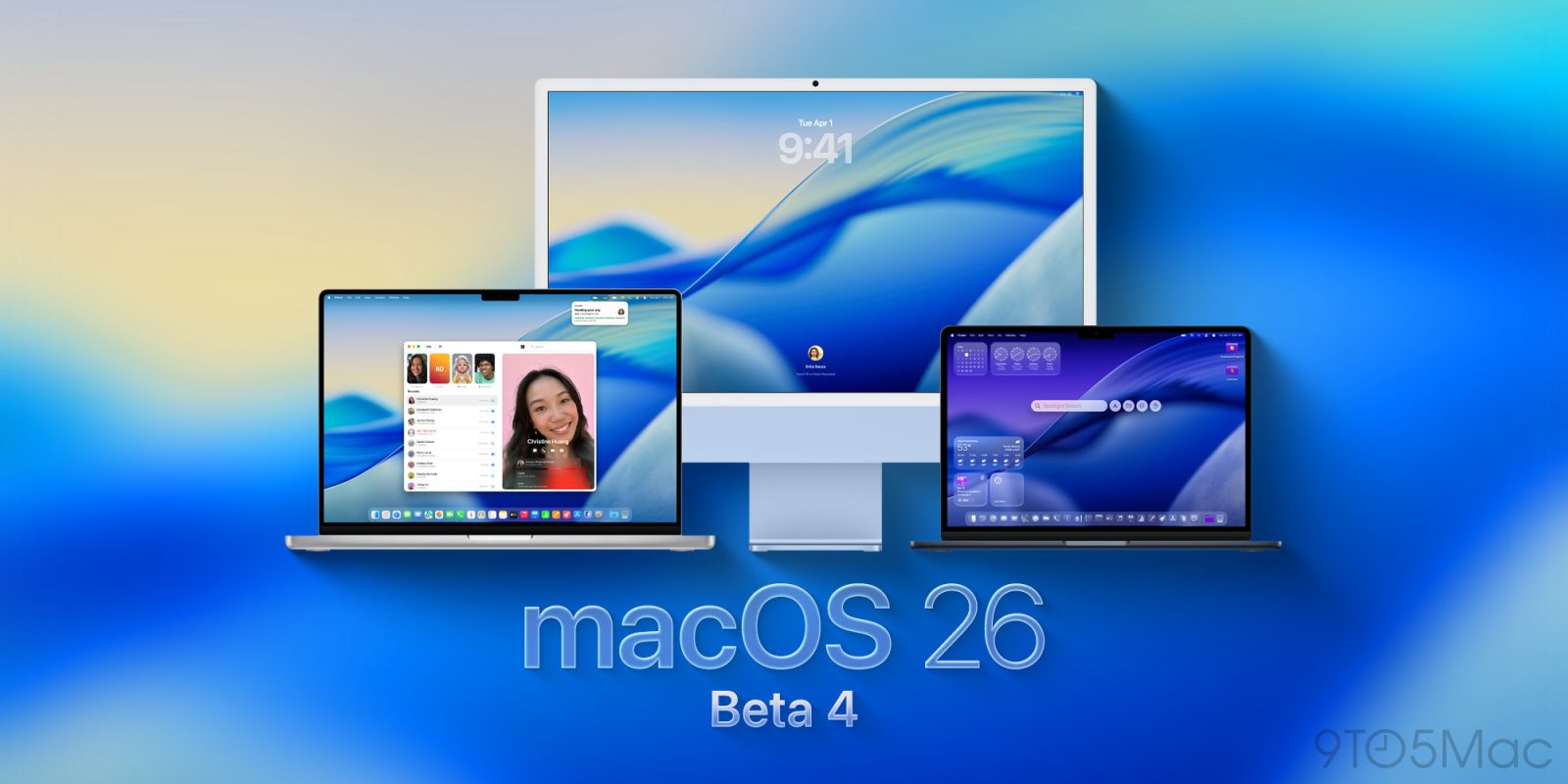
Apple is rolling out the release candidate version of macOS 26.1 for developers, as well as the public beta, ahead of the upcoming public launch. Here’s what to expect.
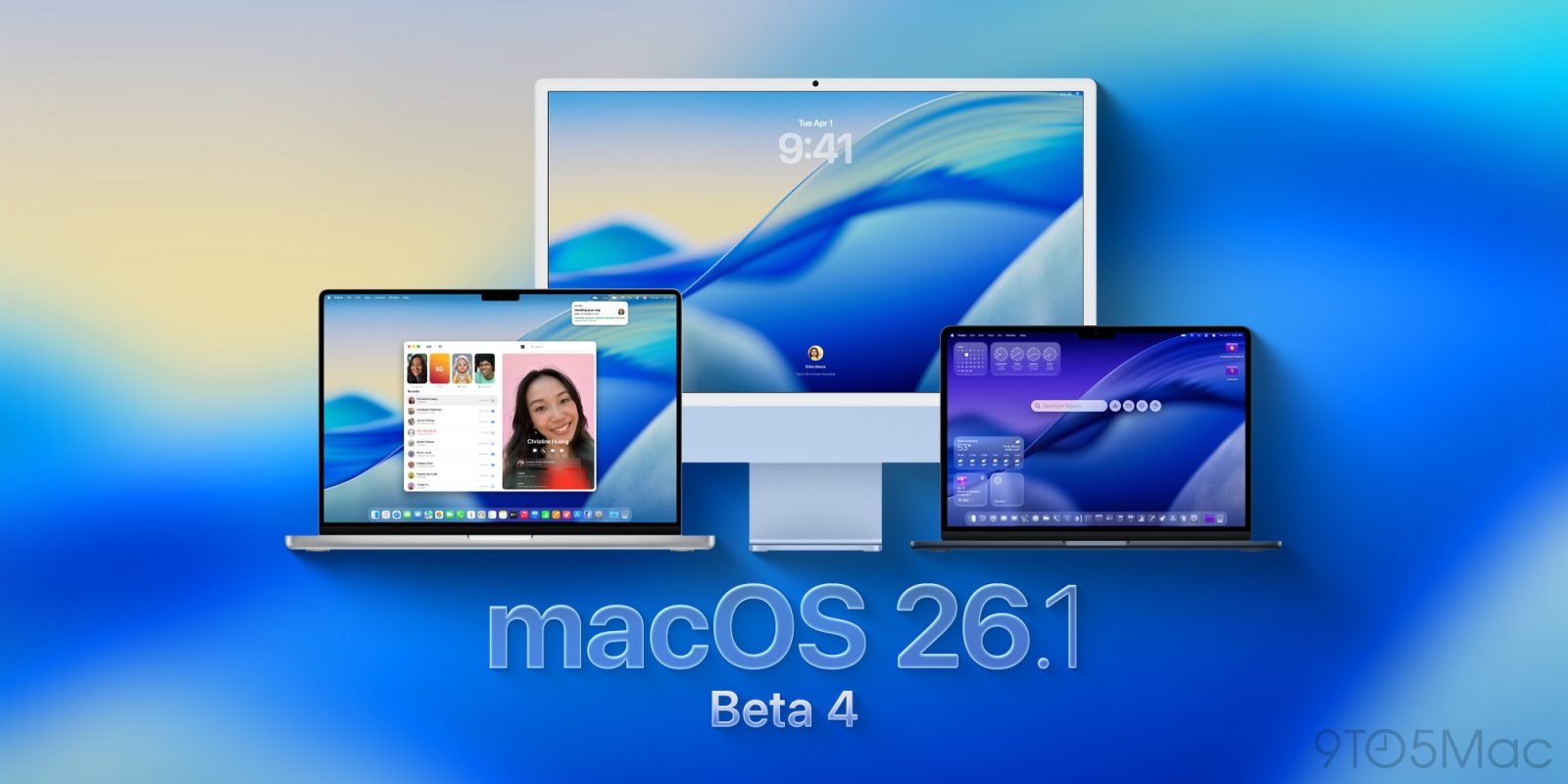
Following last week’s release, Apple is rolling out macOS 26.1 beta 4 for developers, as well as the public beta. Here’s what to expect from the update.
While I’m generally a fan of the Liquid Glass user interface, not everybody is. For some, it fails usability tests, while others are just not keen on the aesthetics.
Fortunately Apple allows a huge amount of control over the effects, and Adam Engst over at TidBITs has put together the ultimate guide for this …
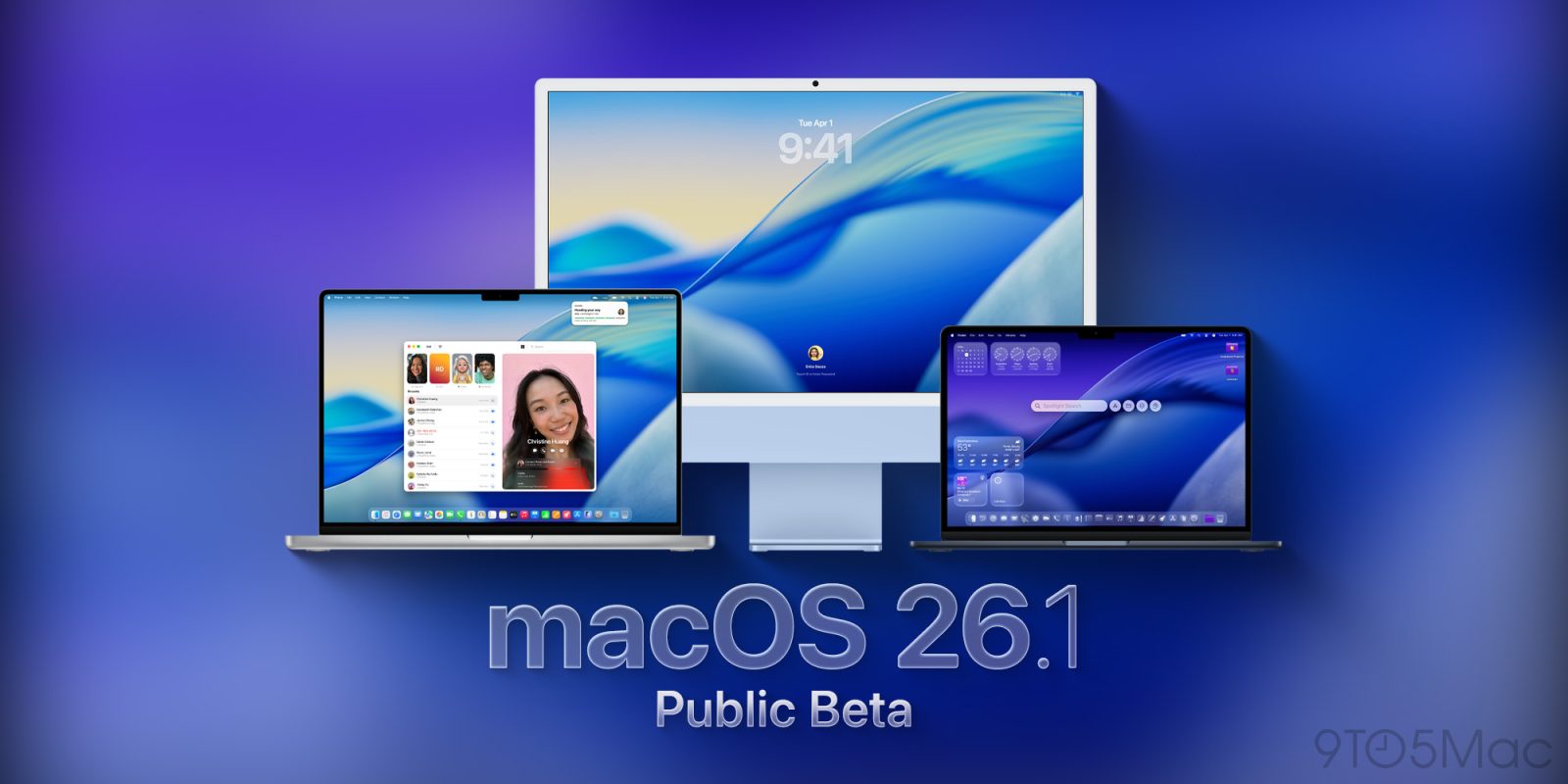
Following yesterday’s release of macOS Tahoe 26.1 developer beta 3, Apple has just released the equivalent public beta. Here’s what to expect from macOS Tahoe 26.1.
Two weeks after releasing the first developer beta of macOS 26.1, the company is now rolling out developer beta 2, ahead of its official launch in a fiew weeks. Here’s what to expect.
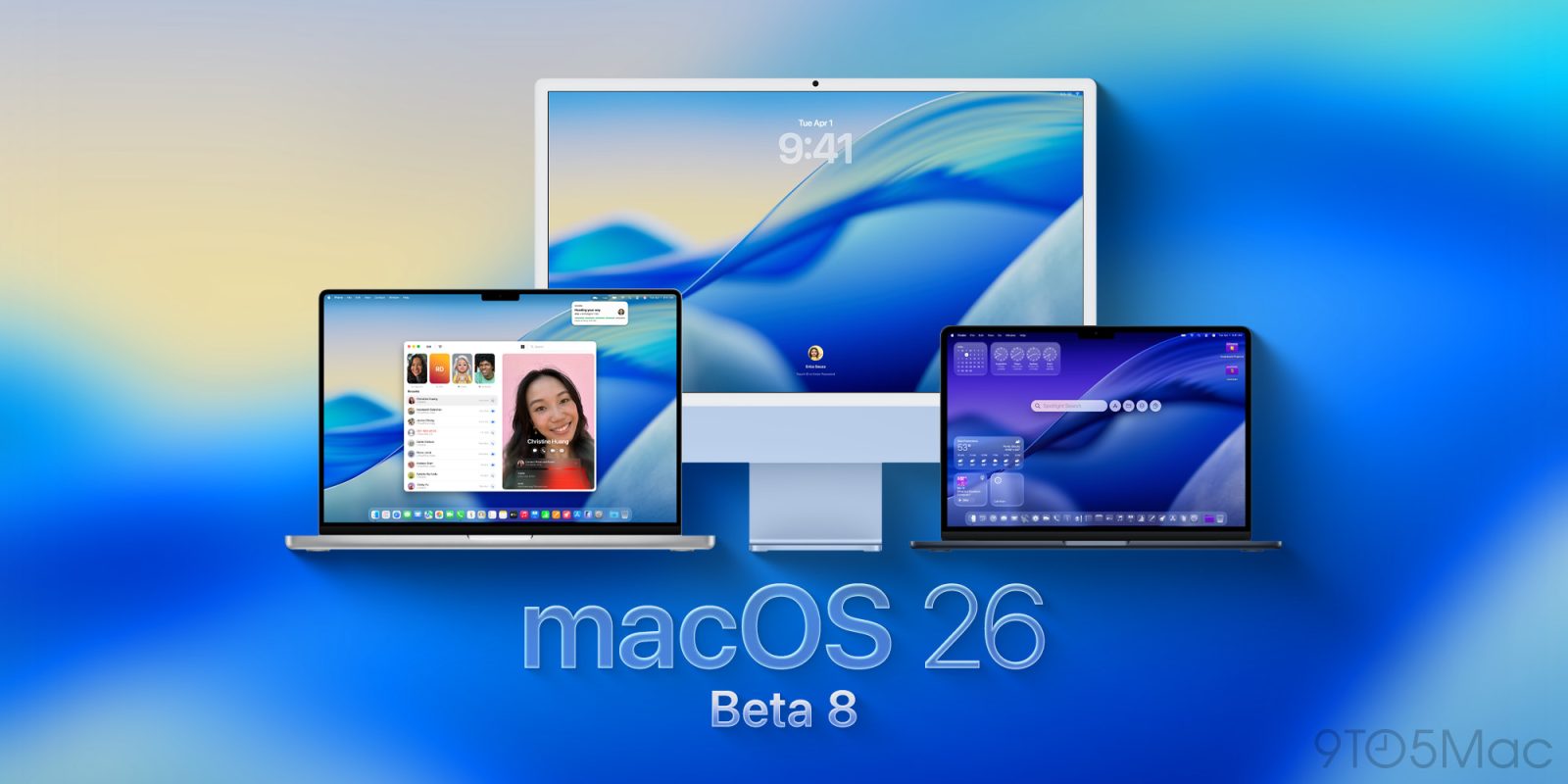
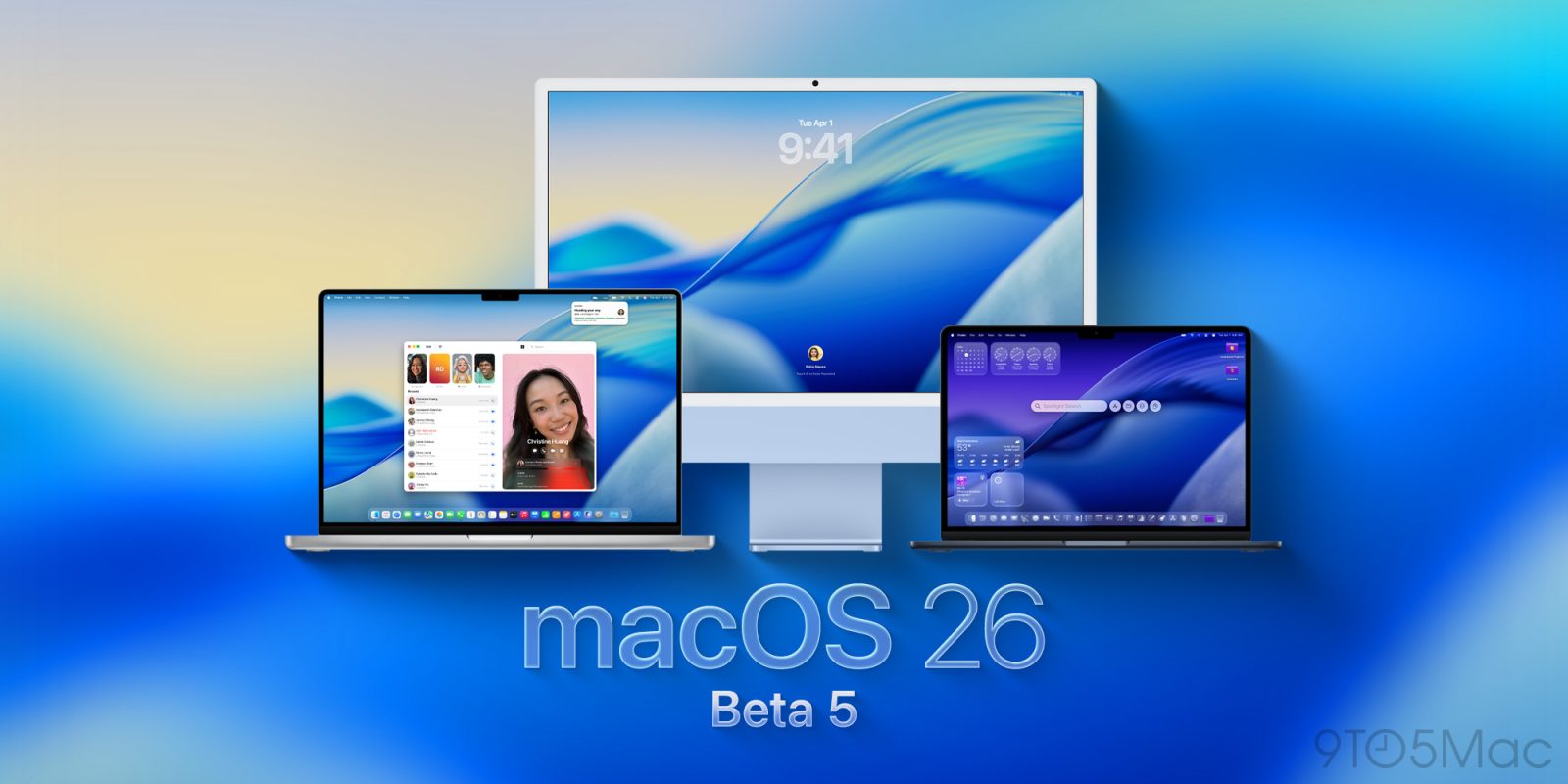
Apple is rolling out macOS Tahoe 26 developer beta 8, which could be the last release before we see a RC version ahead of the official release next month. Here’s what to expect.
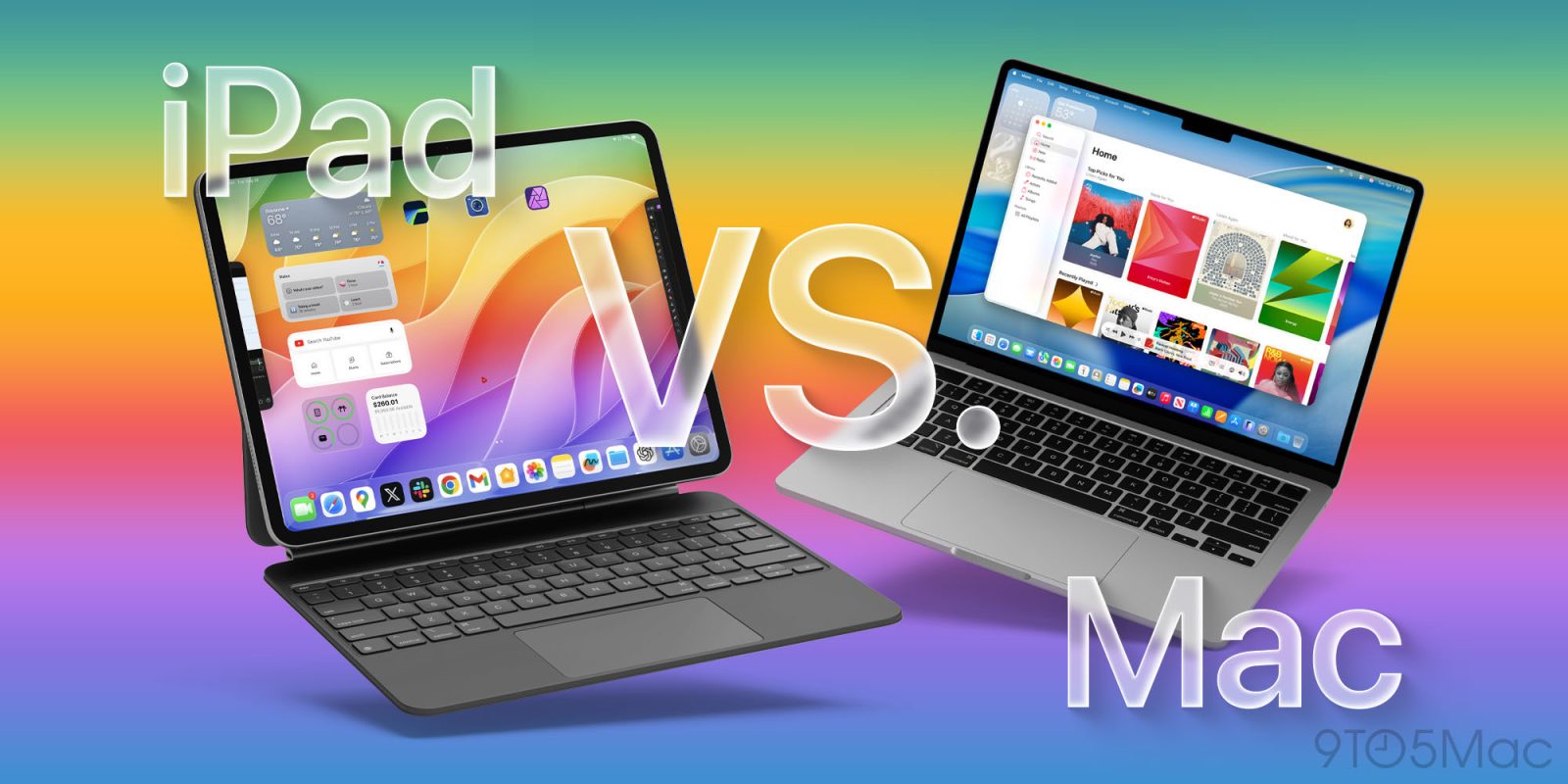
The moment Apple announced iPadOS 26, it felt like us iPad users have finally been heard. For years the iPad has always been “almost there”. It had the powerful hardware, but the software made the experience too limited for most people. But now with iPadOS 26, that gap is almost gone. The new windowing system, improved multitasking, and better file management make the iPad feel more like a computer than it ever has before.
So the next natural question is, can an iPad be your one and only computer? Let’s break this all down.
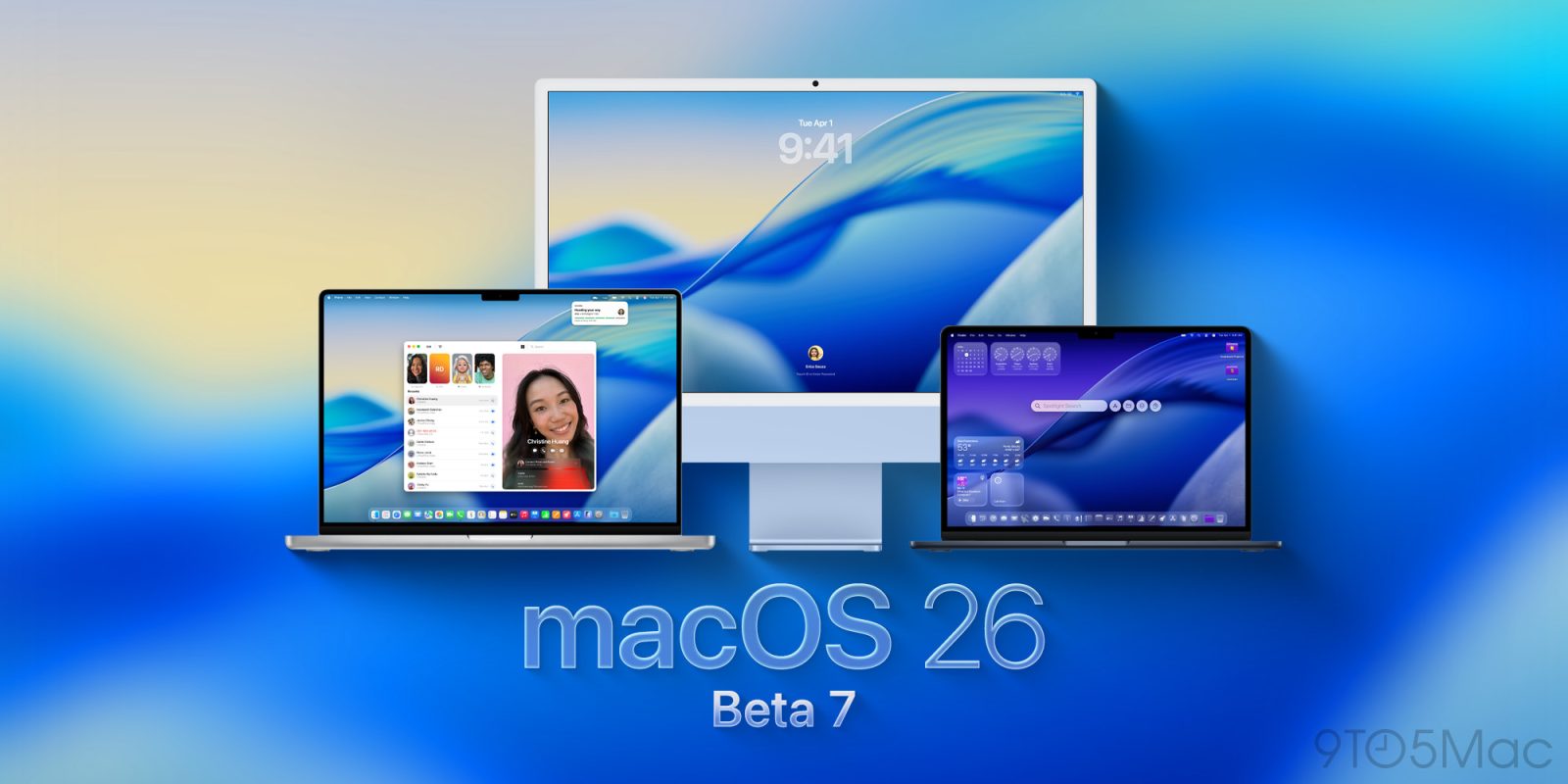
As Apple enters the final stretch of the post-WWDC beta season, it has moved now to the wekly schedule of developer releases. The seventh batch of betas is now rolling out. Here’s what to expect.
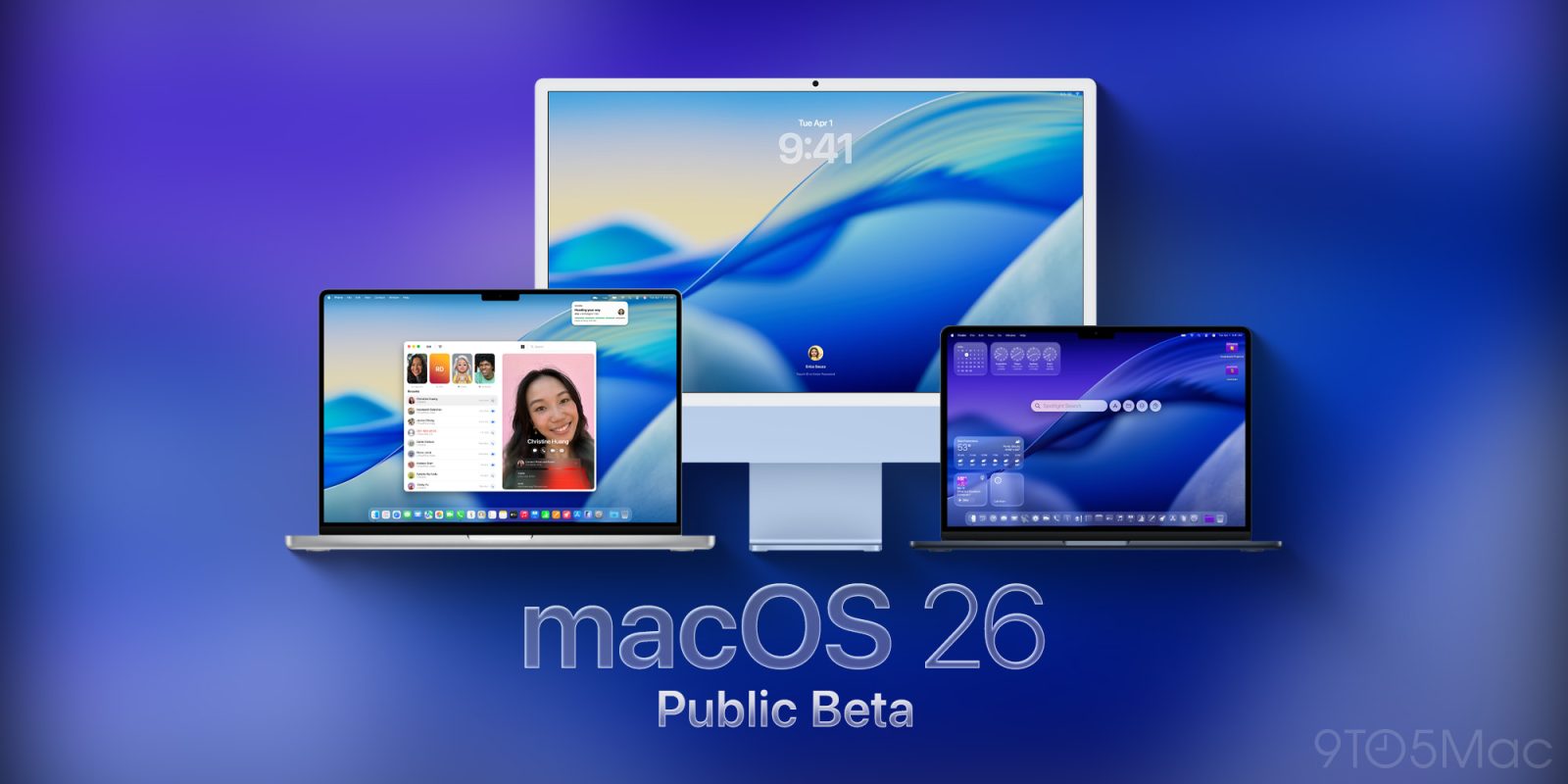
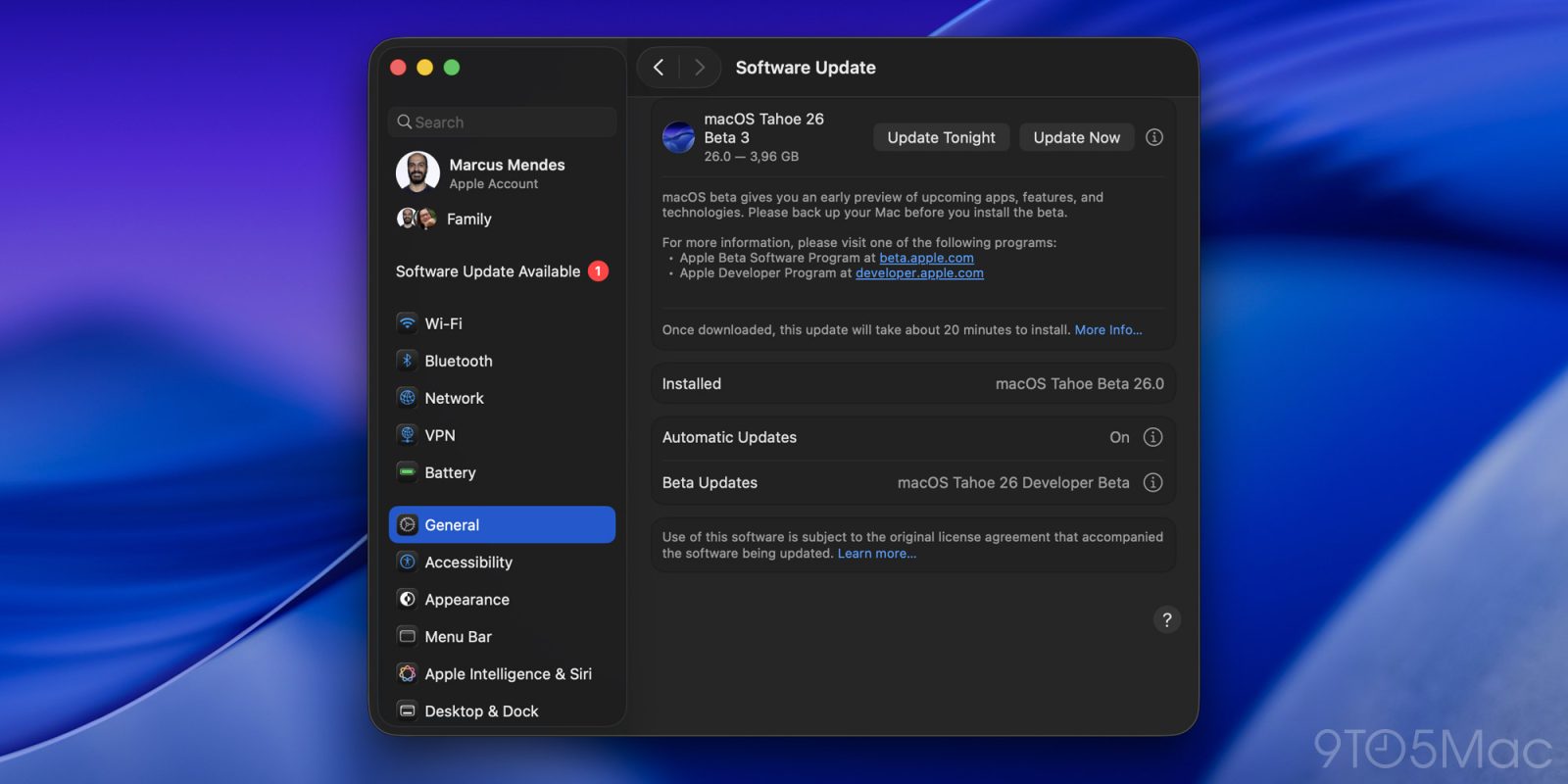
As it usually does towards the final stretch of the beta season, Apple is moving to the weekly schedule of beta releases. Following Monday’s release of a new developer beta batch, the third round of public betas is rolling out now, including macOS 26 Tahoe beta 3. Here’s how to install it.
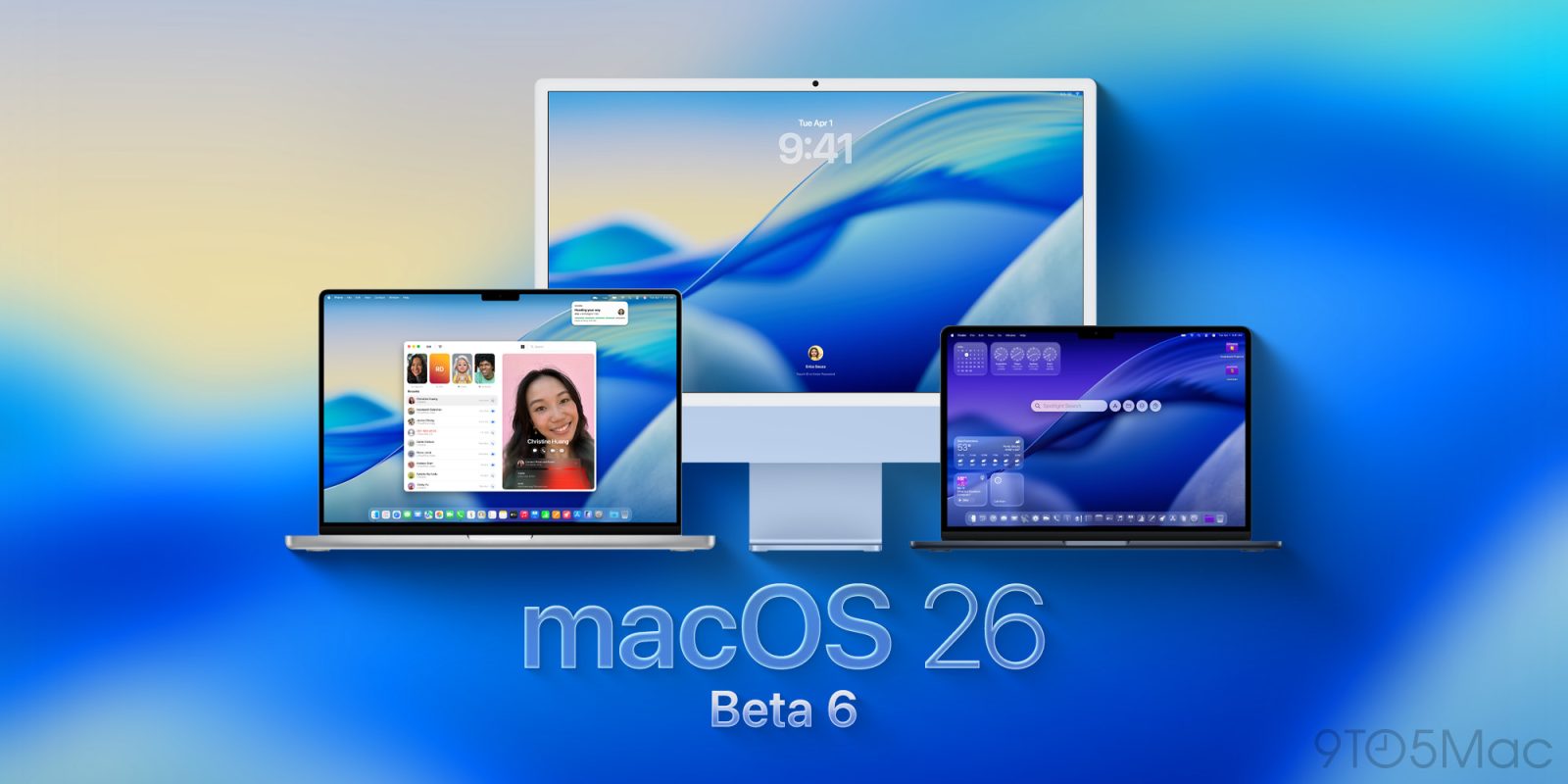
Less than a week after releasing the last batch, Apple is now rolling out developer beta 6 of macOS Tahoe 26 and its other systems. Here are the details.
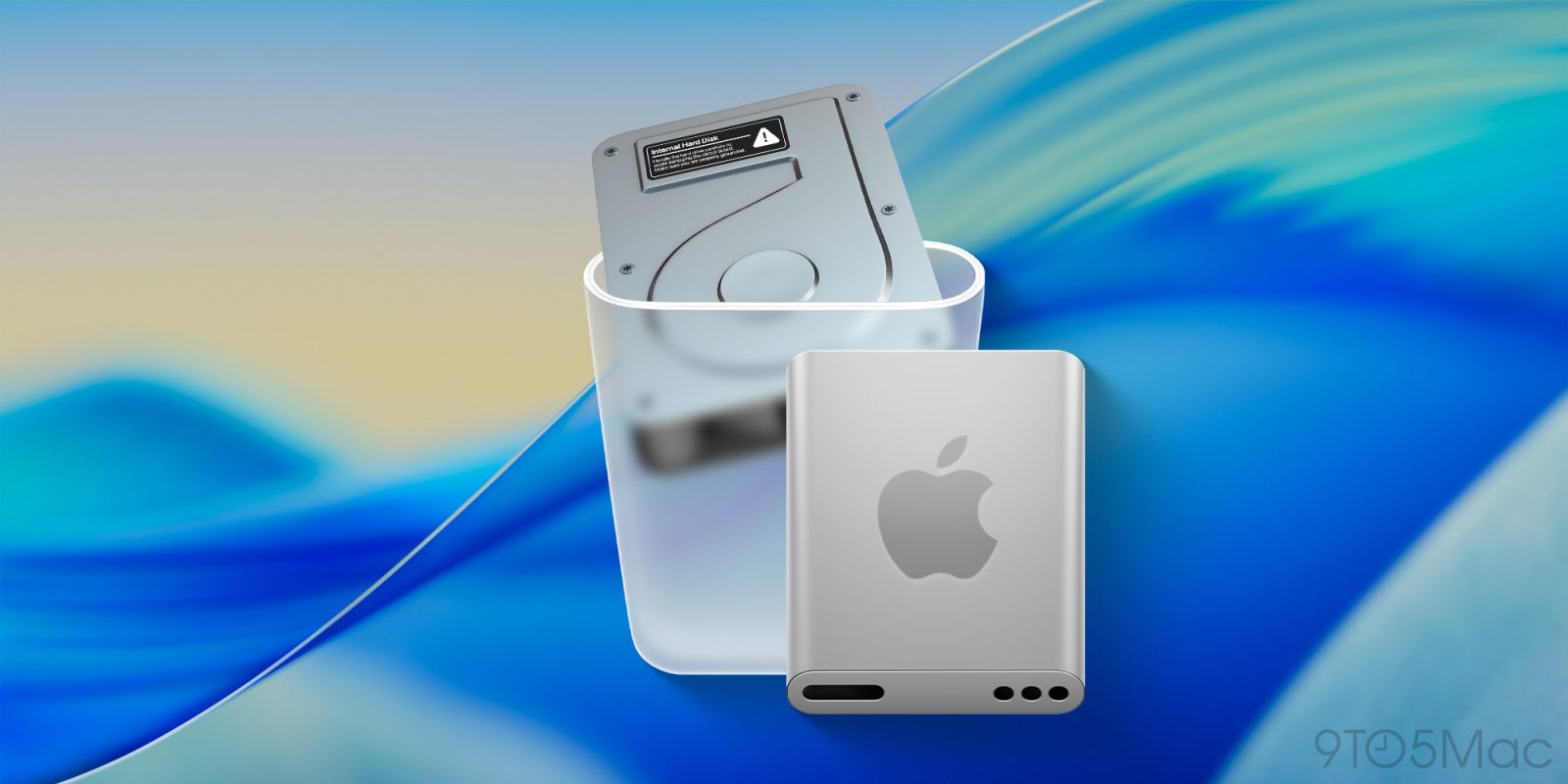
On today’s developer beta release of macOS Tahoe 26, Apple replaced the old Macintosh HD icon, which depicted an actual hard disk drive, with a new SSD-looking icon. Here’s what it looks like.
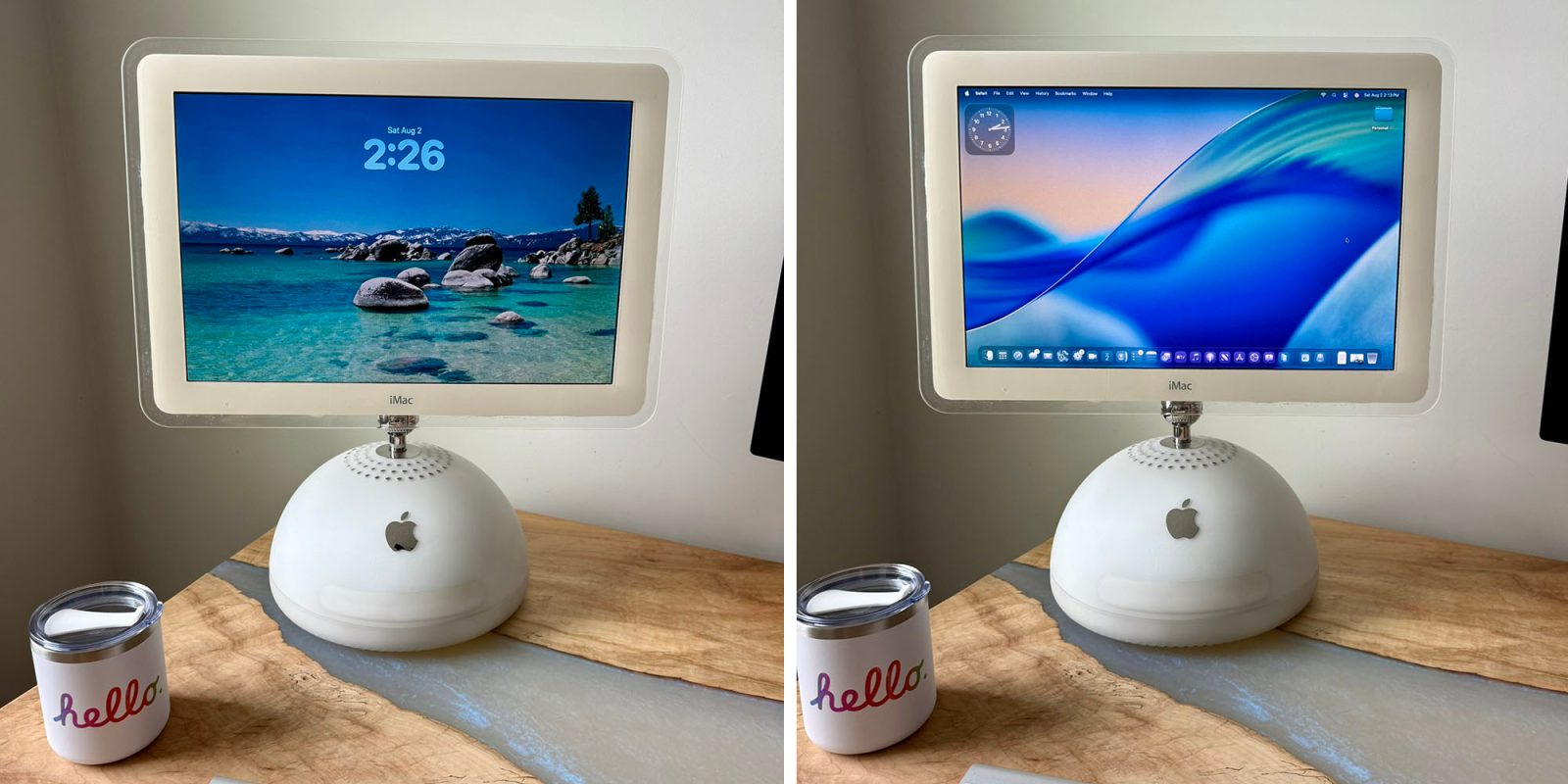
I’ve always thought that the iMac G4 was one of the most beautiful products Apple has ever made. It’s now more than two decades old, but I still think it looks as futuristic as it did on the day it launched.
I’d also say that Apple’s 2025 Mac operating system looks somehow just right on this 2002 machine, as ably achieved by self-described tinkerer Colby Sheets …
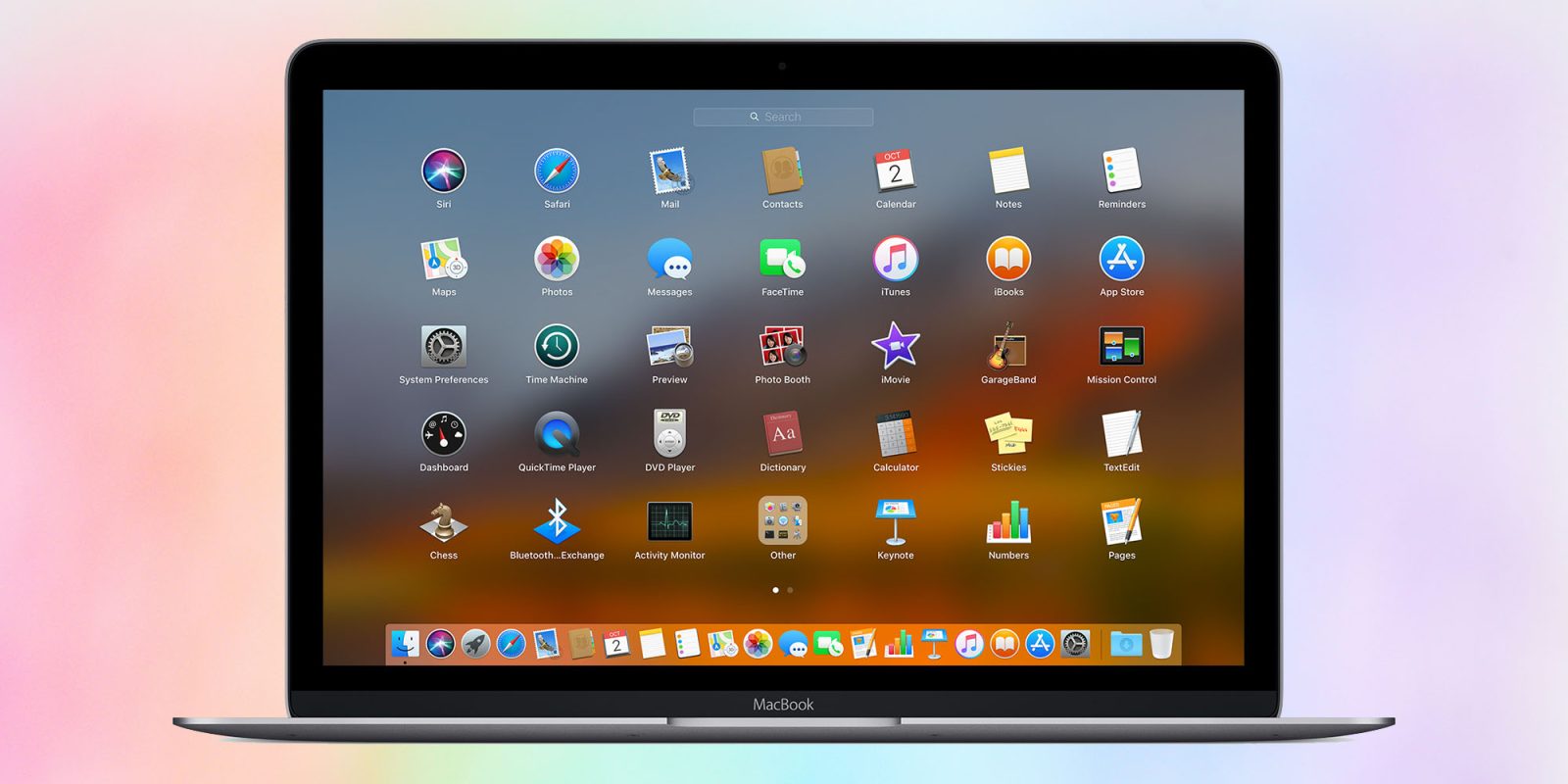
While macOS 26 is set to bring a whole new look and feel, three new apps, and a slew of new features, it does also remove a very old feature still loved by some: Launchpad.
Launchpad dates all the way back to 2010, and lets you see and organize all your Mac apps across a series of screens. There are two main reasons some people still use it today …
9to5Mac is brought to you by CleanMyMac: Tidy up your Mac and iPhone today! Try 7 days free and use our code 9TO5MAC15 for 15% off. Also check out CleanMyPhone for your iPhone!
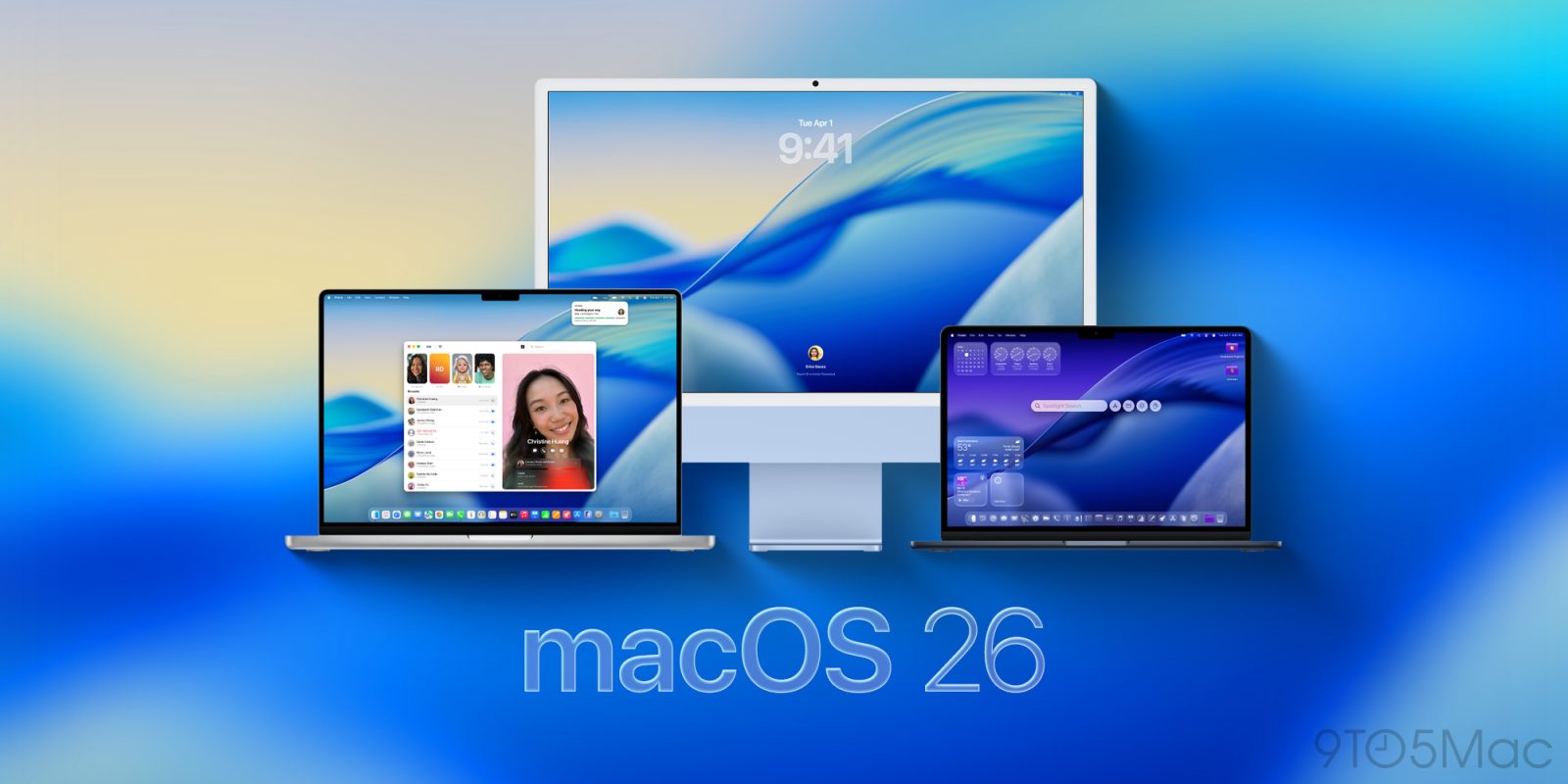
macOS 26 brings a major new user–interface to the Mac, as well as some powerful new functionality. Apple has also updated a lot of its own apps, in addition to bringing three apps to the Mac for the first time.
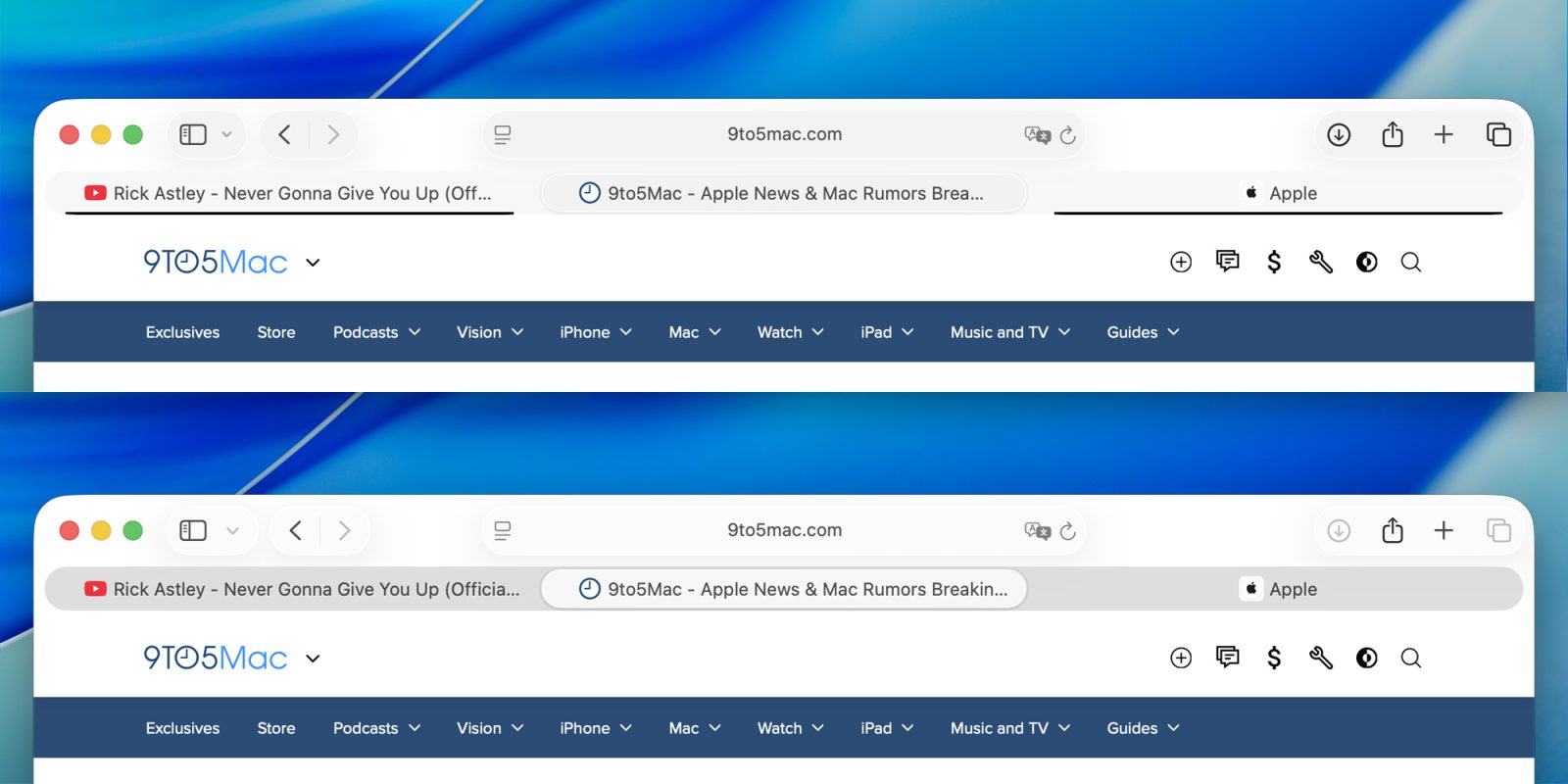
One of the most common complaints in macOS Tahoe 26 betas 1 and 2 was the new tab UI in apps like Safari and Terminal, which added a black bar to the bottom of inactive tabs. In beta 3, Apple seems to have reversed course.
Earlier today, Apple released its new set of developer betas, but a distribution issue affected the Apple Silicon version of macOS Tahoe 26 developer beta 3. Now, the issue seems to have been resolved, and the update is now available for all compatible Macs.