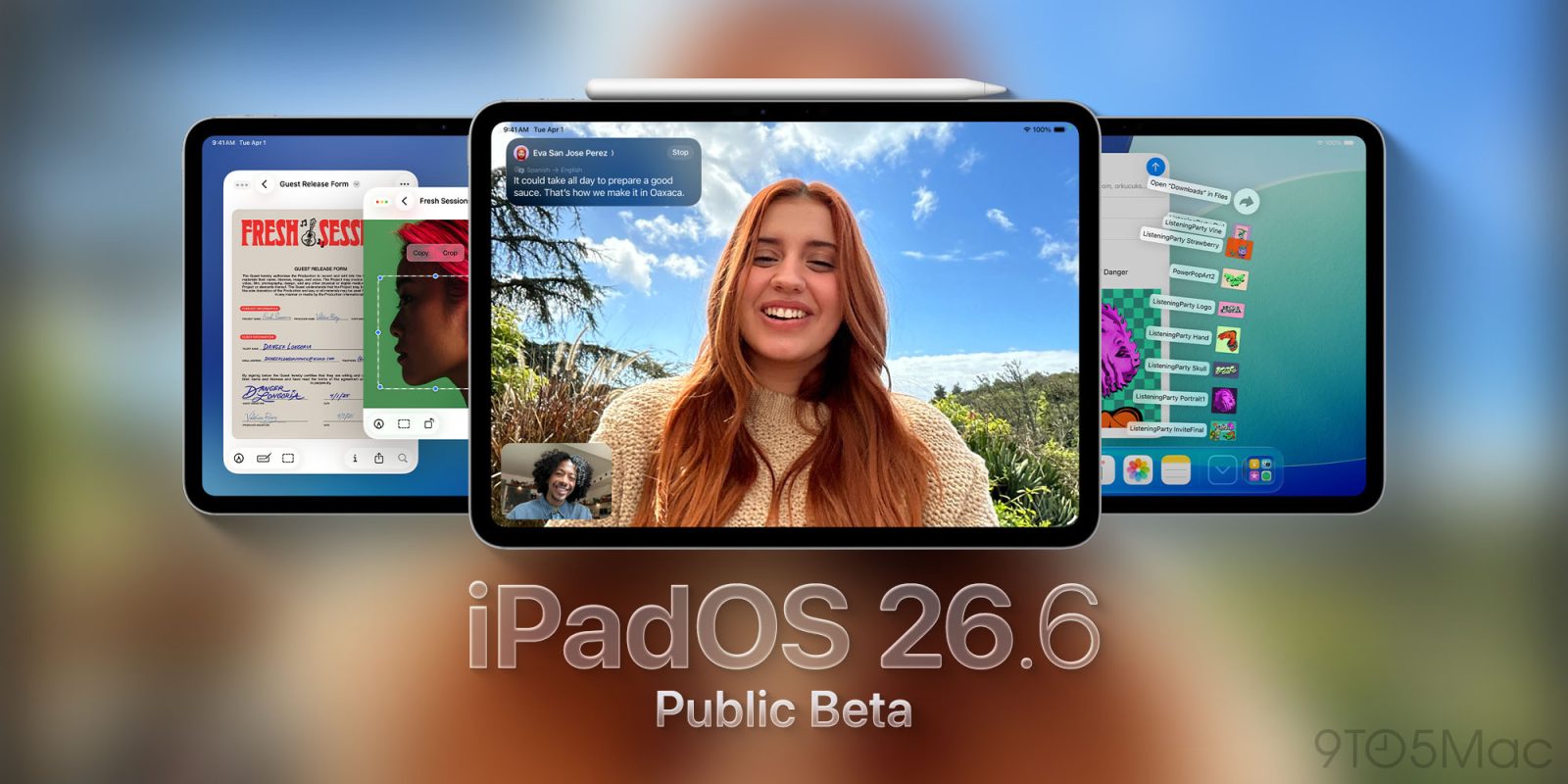
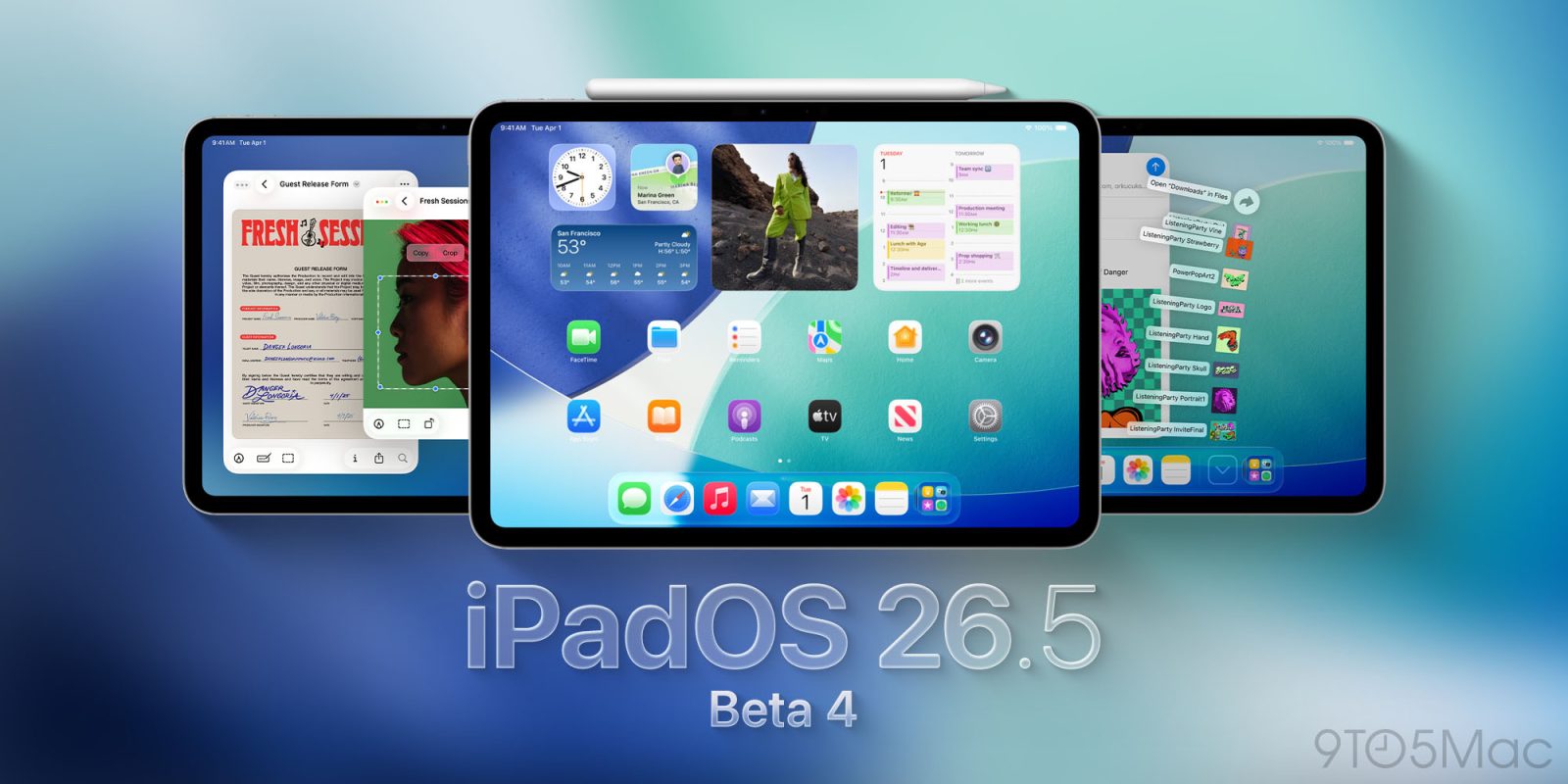
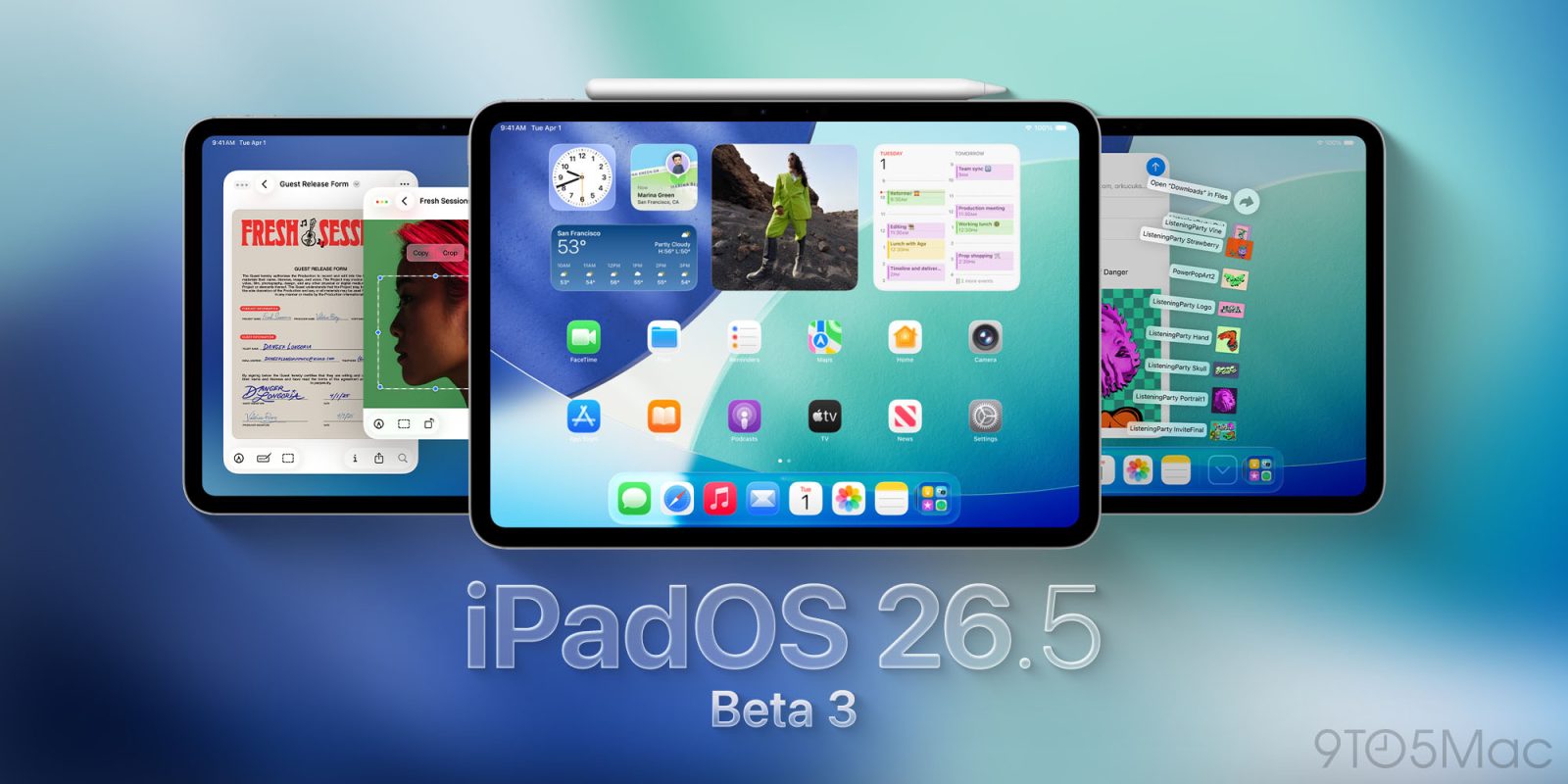
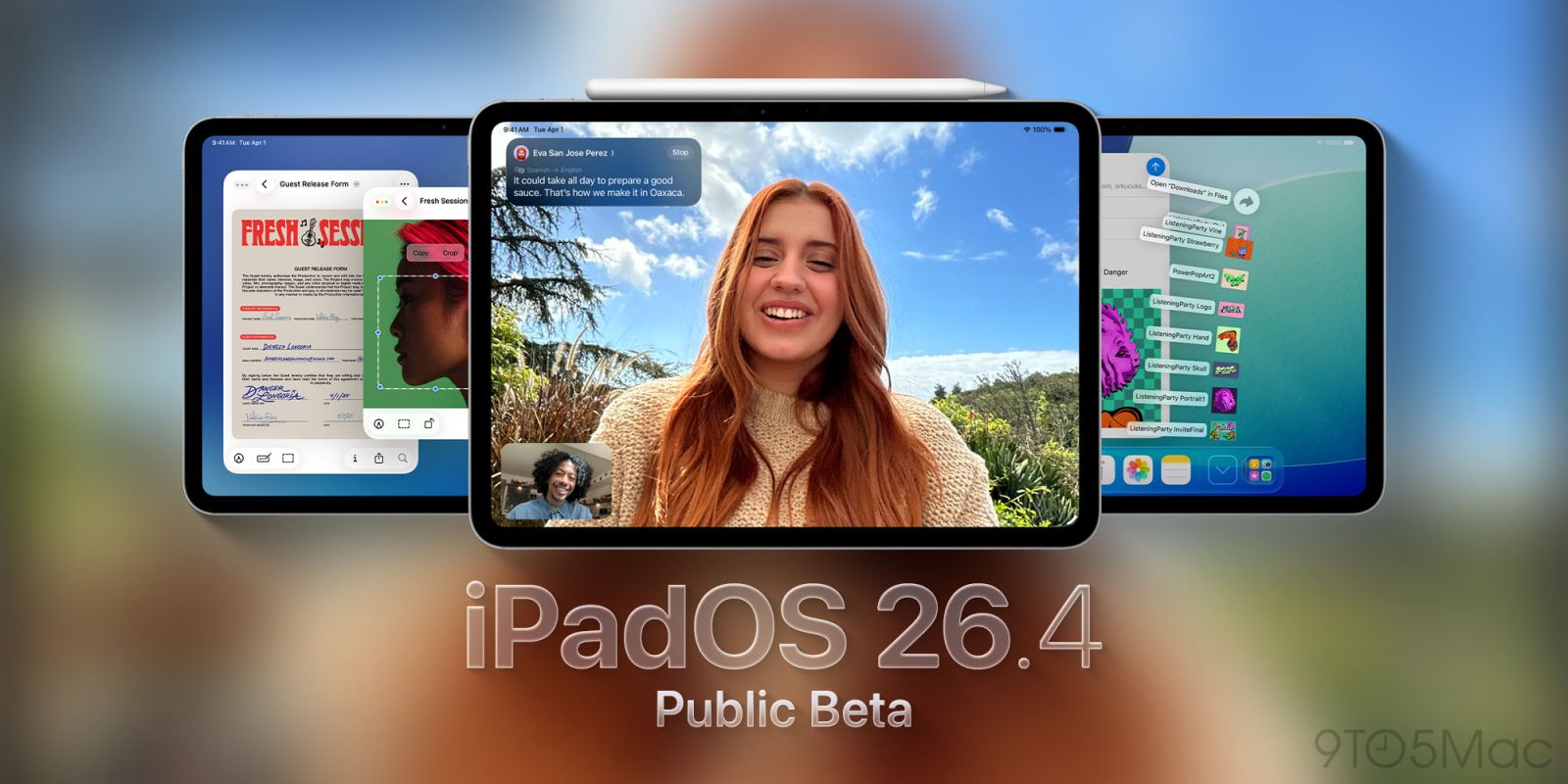
Public beta 3 for iPadOS 26.5, watchOS 26.5, and more available now
Apple has just released public beta 3 for iPadOS 26.5, watchOS 26.5, and more. Here’s what to expect from this latest beta wave.
Expand Expanding Close
Apple has just released public beta 3 for iPadOS 26.5, watchOS 26.5, and more. Here’s what to expect from this latest beta wave.
Expand Expanding Close
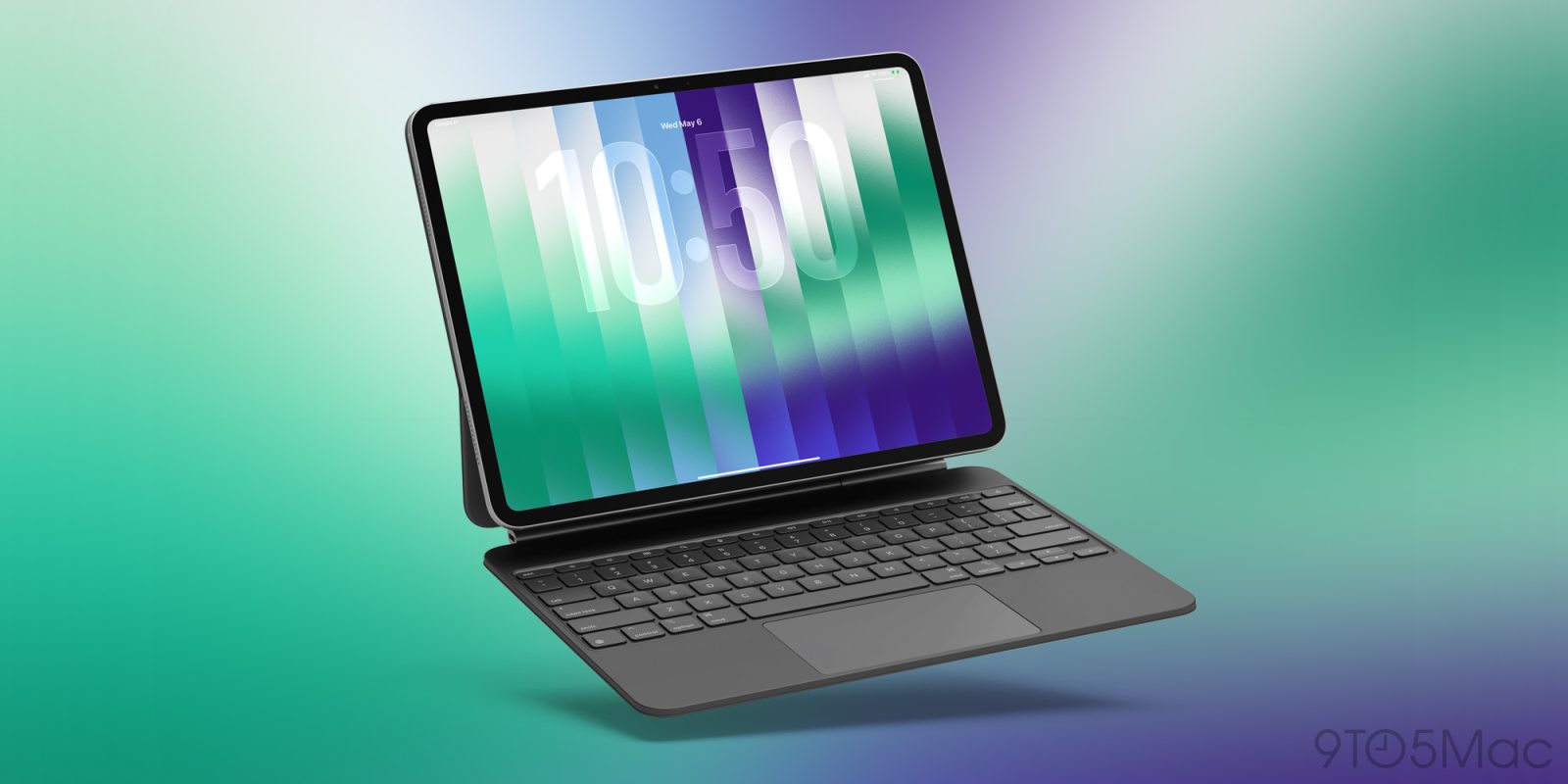
iOS and iPadOS 26.5 are still in beta testing, but one of their under-the-radar improvements involves using a Mac accessory—Magic Keyboard, Magic Trackpad, or Magic Mouse—with your iPhone or iPad. Here are the details.
Expand Expanding Close
Another round of betas has just arrived. Apple has released developer beta 3 for iPadOS 26.5, watchOS 26.5, tvOS 26.5, and more.
Expand Expanding Close
Yesterday Apple released beta 2 of iPadOS 26.5, tvOS 26.5, and more for developers, and now today the public beta version has arrived too.
Expand Expanding Close
Apple has just released new betas. Developer beta 2 is now available for iPadOS 26.5, watchOS 26.5, tvOS 26.5, and more.
Expand Expanding Close
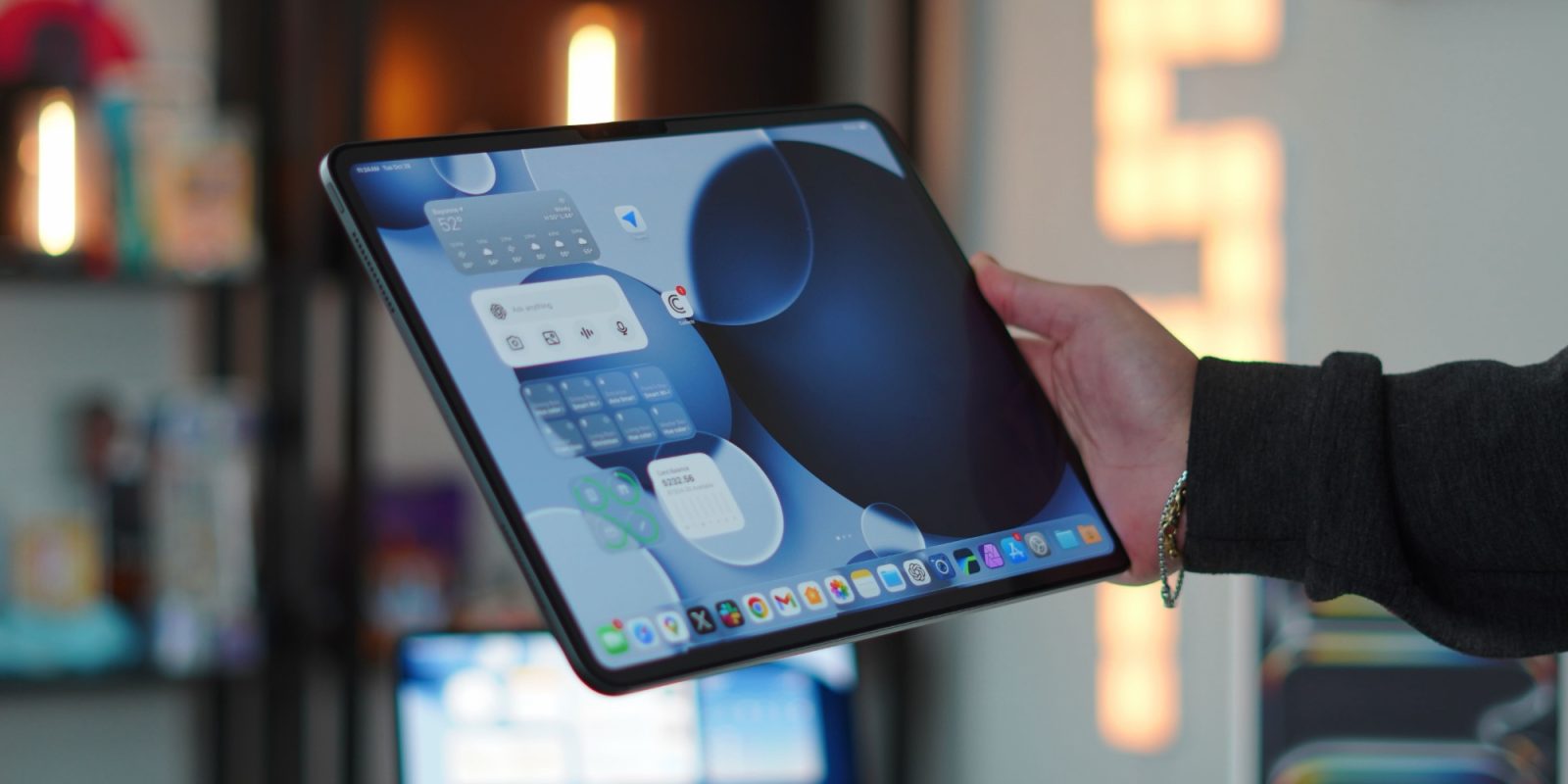
iPadOS 26 introduced a brand new windowing system for apps, and recently iPadOS 26.4 added a key enhancement that multi-window power users should appreciate.
Expand Expanding Close
iPadOS 26.4 is rolling out now to all users, bringing a variety of new features to the iPad. Here’s everything new.
Expand Expanding Close
Apple just shipped the RC (Release Candidate) version of iPadOS 26.4 for testing, which means the public launch is coming very soon. Here are the details.
Expand Expanding Close
iPadOS 26.4 is expected to launch in the coming weeks, packing lots of new iPad features—four of which are highlighted below.
Expand Expanding Close
I have been a hardcore iPad user for almost a decade now. I have used it as my main computer and dealt with all the ups and downs. But one of the biggest misconceptions about the iPad is that it is trying to compete with the MacBook when, in reality, they were built to work in tandem. It is not until you have them side by side that you start to see the magic and power that is the Apple walled garden. Features like Universal Control, Sidecar, Handoff, and continuity tools create “aha” moments that genuinely change how you work. So I wanted to put a list together of some of those amazing magic ecosystem moments that iPadOS and MacOS give you together.
Expand Expanding Close
iPadOS 26.4 beta 2 is now available, rolling out for developers via the Software Update screen in Settings.
Expand Expanding Close
The public beta for iPadOS 26.4 is now available for all iPad users. Here’s how to install it and an overview of every new feature.
Expand Expanding Close
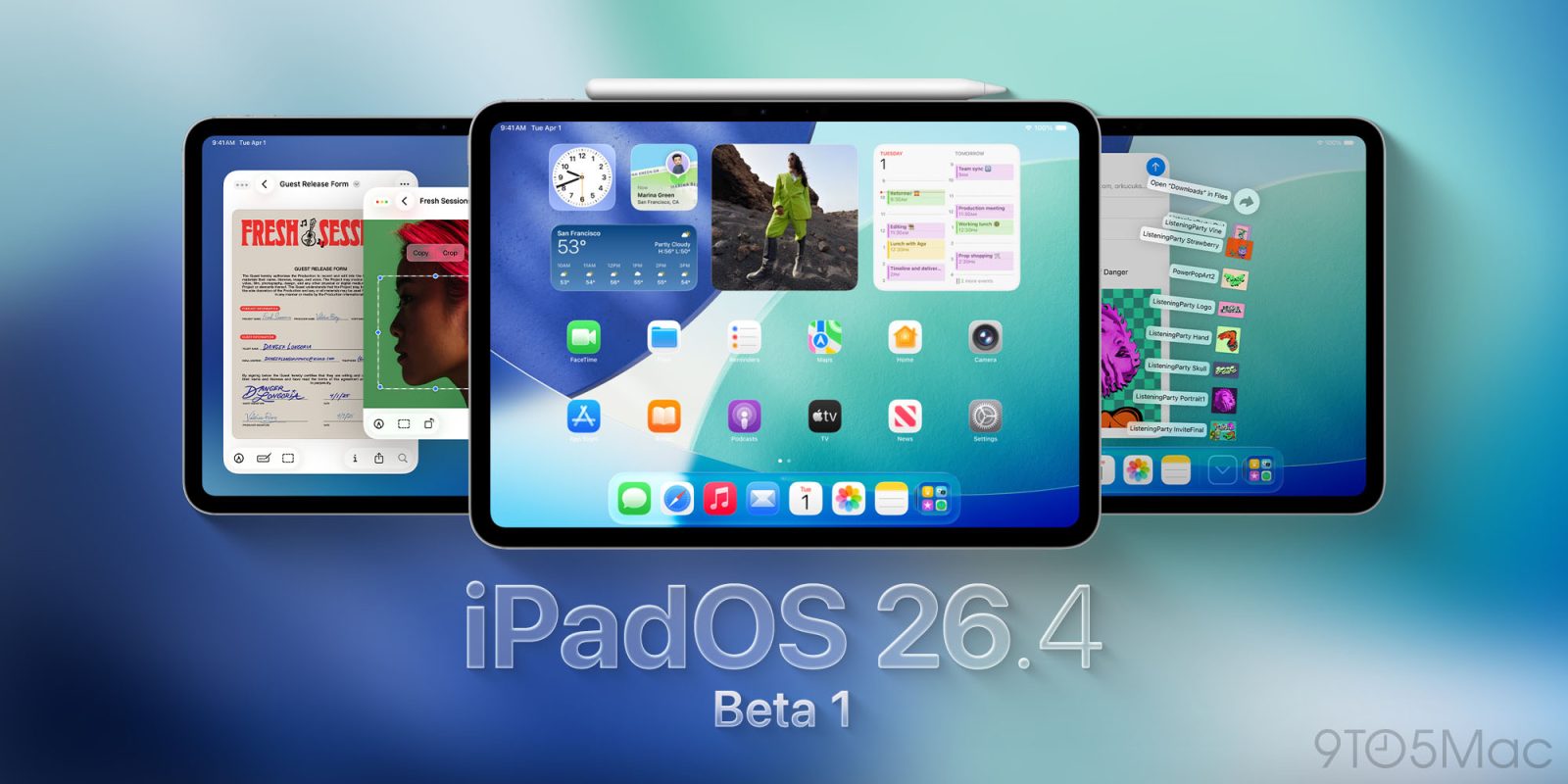
Apple has released iPadOS 26.4 beta 1 for developers, here’s what we’re expecting from the new beta software.
Expand Expanding Close
iPadOS 26 makes major changes to how multitasking works via a new app windowing system. And Apple’s new system got a lot better for me after I changed one key setting.
Expand Expanding Close
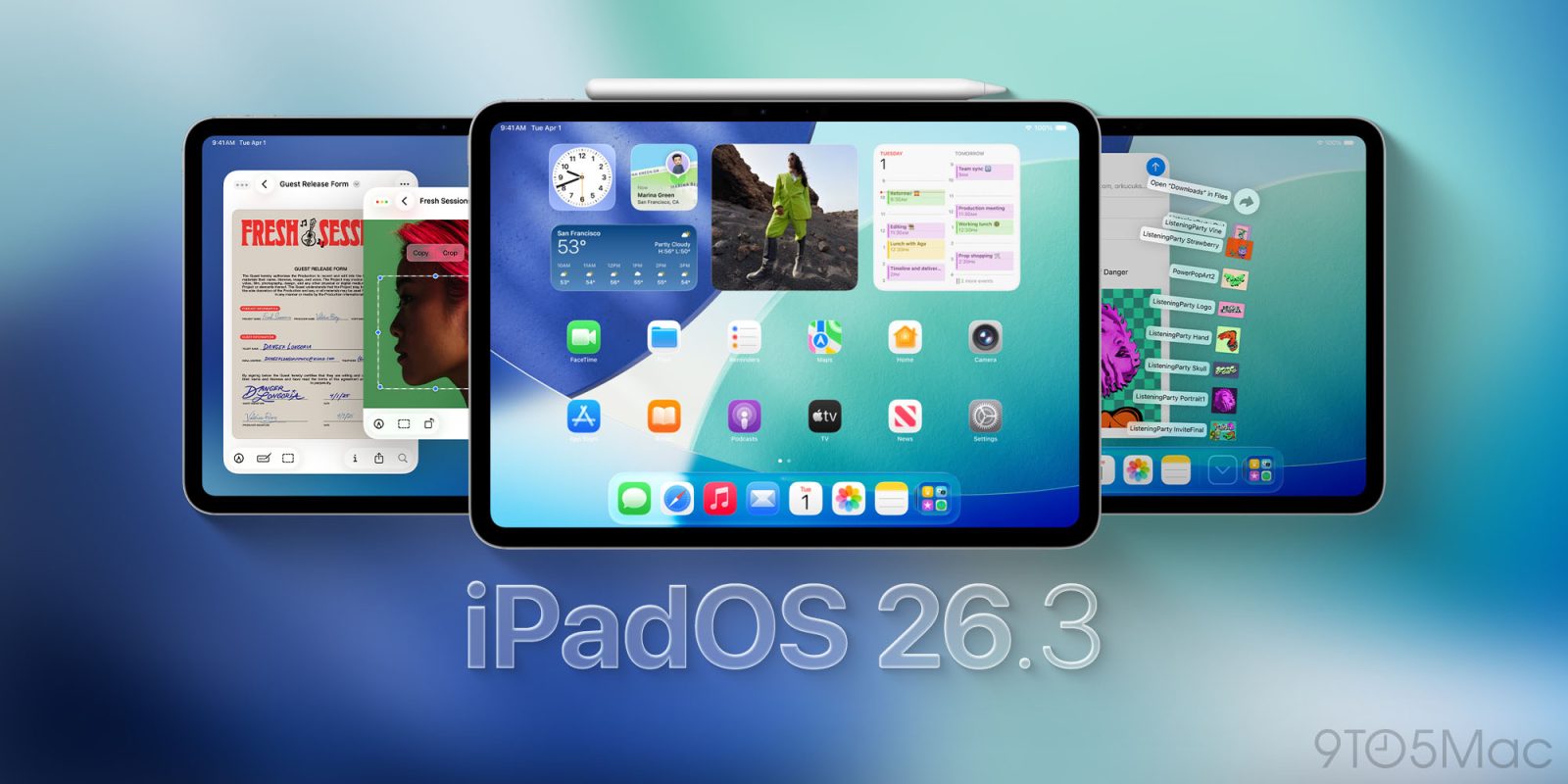
Apple has released its latest iPad software update: iPadOS 26.3 is available now, here’s what’s new for users.
Expand Expanding Close
Apple’s beta cycle for its 26.3 updates is officially wrapping up, as the iPadOS 26.3 RC (release candidate) is now available for testing. Here’s what that means.
Expand Expanding Close
Apple has released its latest wave of beta updates, with public beta 3 debuting for macOS Tahoe 26.3, iPadOS 26.3, and more. Here’s what to expect.
Expand Expanding Close
Two weeks after its last beta releases, Apple just debuted developer beta 3 for iPadOS 26.3, tvOS 26.3, watchOS 26.3, and more.
Expand Expanding Close
Following an extended software hiatus over the holidays, Apple has returned to shipping beta updates. Today the company has released public beta 2 for macOS Tahoe 26.3, iPadOS 26.3, tvOS 26.3, and more.
Expand Expanding Close
iPadOS 26.3 is the next iPad software update, and Apple has just released developer beta 2 of the forthcoming release. Here’s what to expect.
Expand Expanding Close
Getting a new iPad is one of the most exciting experiences. You get a beautiful pane of glass that just happens to be a tablet, capable of doing basically anything, if set up correctly. The most tedious part of an iPad is setting it up and learning how to navigate it. Especially now with the update to iPadOS 26, people quietly changed how the iPad works in some pretty meaningful ways. So before you start to set things up, and download a ton of apps, here are the things you should do right away to make your iPad feel faster, cleaner, and more intentional from day one.
Expand Expanding Close
iPadOS 26 is a major update for productivity, but it also introduces several new iPad apps for users, my favorite of which is Apple’s Journal app.
Expand Expanding Close
I’ve been using an iPad Pro as my primary computer since the big redesign in 2018. Back then, it was still running what was essentially an iPad version of iOS. But I loved the design and the raw power it offered so much that I decided to commit to the iPad full-time. Every year after that, Apple teased the idea that the iPad was becoming a more genuine computer replacement. And every year, the software fell just short.
Then Apple released iPadOS 26 in 2025, and for the first time, it genuinely changed what the iPad could be for a lot of people. It was transformative in many ways, but it also introduced a level of nuance that left some users hesitant. So the question is: was this update finally enough?
Expand Expanding Close
With iPadOS 26.2, Apple is bringing two major upgrades to the iPad: Split View has returned, and Slide Over has a new gesture. Now, you can just drag and drop apps from your dock, and they’ll snap into place – there’ll no longer be a need to manually resize your windows in the manner you need them.
This was already how things worked in iPadOS 18 and prior, and now it’s finally back.
Expand Expanding Close