
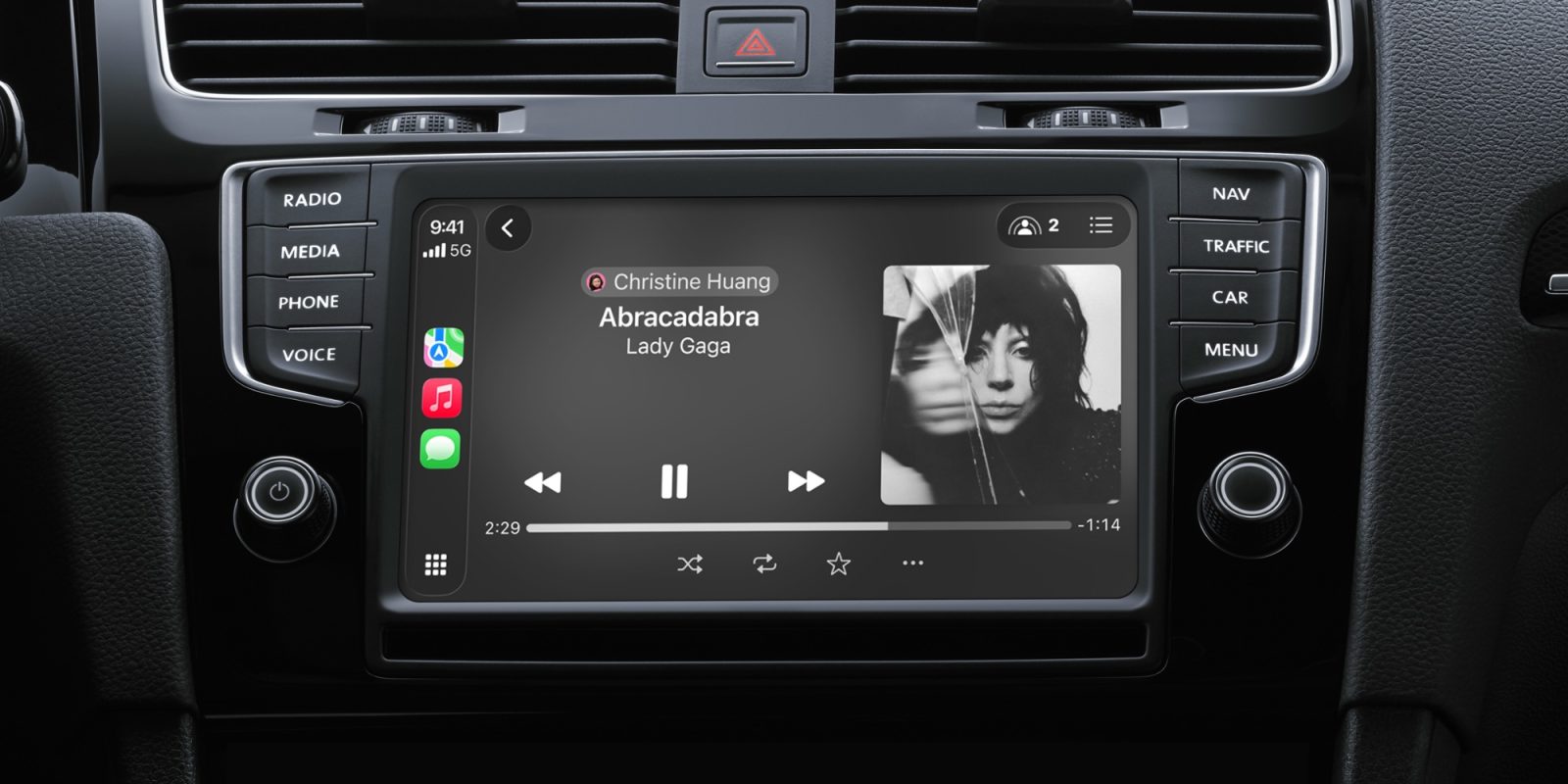
CarPlay in iOS 27 has a handful of new features and improvements, including two additions for some of Apple’s most popular apps, like Apple Music and Apple Podcasts.
CarPlay gives audio apps in iOS 27 new MiniPlayer and audio scrubbing features
Outside of navigation apps like Apple Maps, the most-used category of CarPlay apps is audio.
Audio apps like Apple Music, Apple Podcasts, Spotify, Overcast, and more are essentials when you’re on the go.
And in iOS 27, Apple has two improvements coming for your favorite audio apps:
- MiniPlayer
- Audio scrubbing
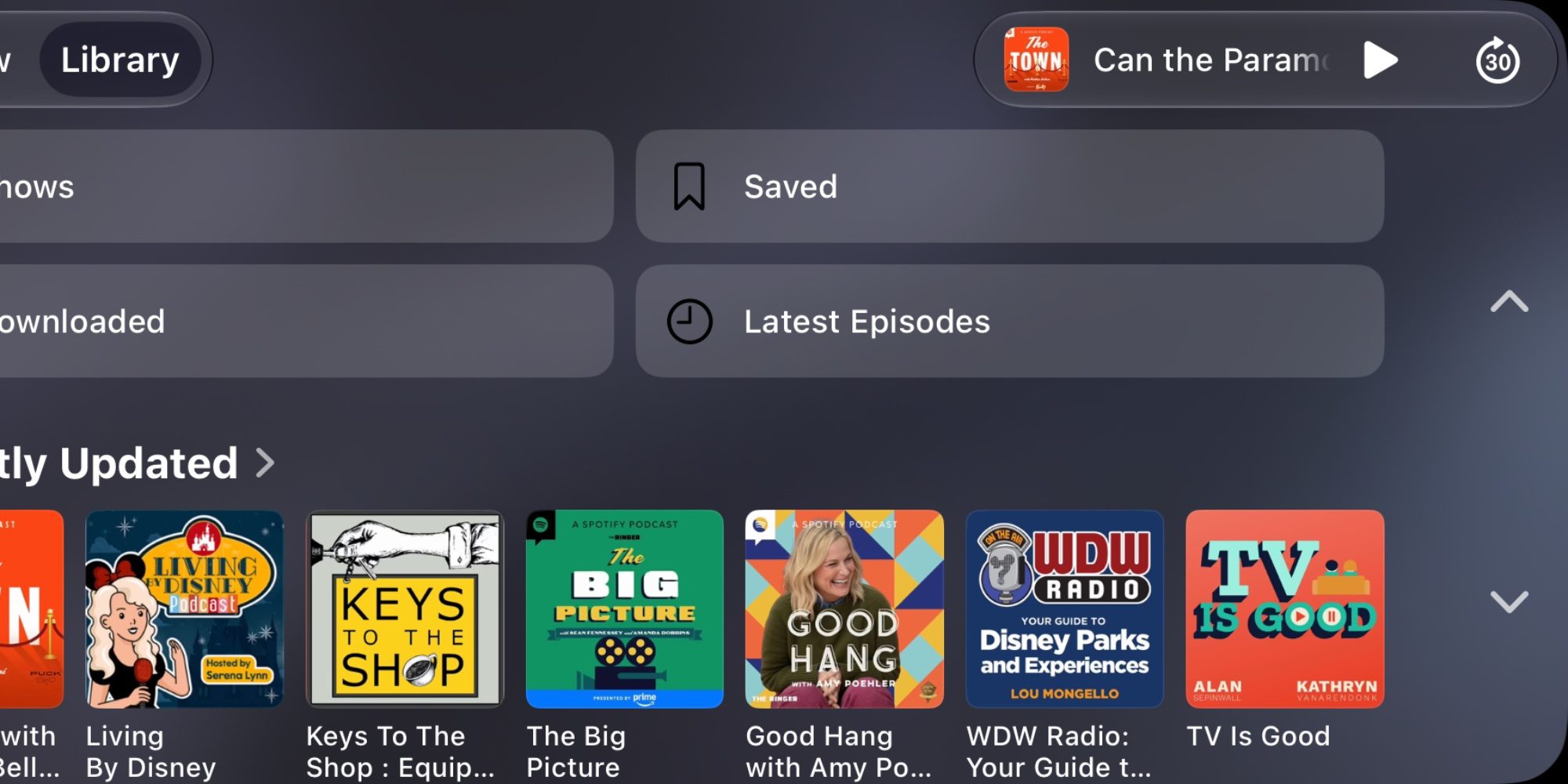
When using a CarPlay audio app, previously the top-right corner had a waveform icon you could tap to open the Now Playing screen. But in iOS 27, that waveform has been replaced by a new MiniPlayer.
The MiniPlayer features artwork for whatever’s currently playing and offers play/pause and skip controls. Thanks to this change, you can access basic playback controls while browsing other parts of the app outside of Now Playing.
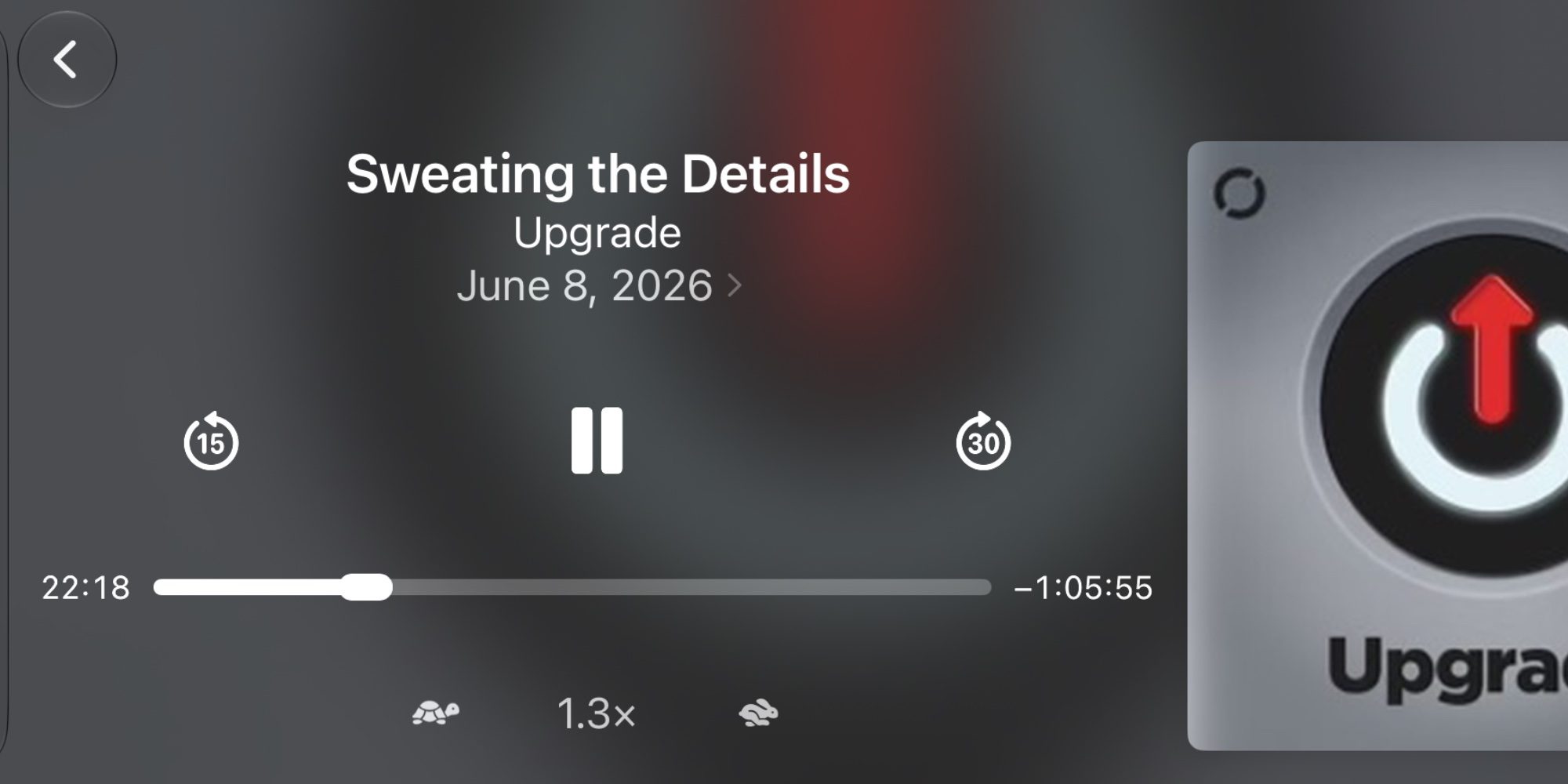
Audio scrubbing is new to CarPlay in iOS 27 too.
iPhone users are well accustomed to scrubbing through audio or video by tapping and dragging the playhead. But that’s never been supported in CarPlay before now.
In iOS 27 though, the playhead has increased in size and now supports scrubbing to quickly navigate through a podcast, audiobook, or song.
These changes apply to Apple’s own CarPlay apps, but they should also extend to most third-party audio apps once they’re updated for iOS 27 too.
What additional audio app changes do you hope to see in CarPlay? Let us know in the comments.
*Shop at Apple with 15% discount on certified refurbished
Best CarPlay accessories
- In-car charger with 2 USB-C and 2 USB-A ports
- MagSafe Car Mount for iPhone
- 10-foot iPhone cable USB-C to USB-A
- AirTag 2 for tracking your car (1-pack / 4-pack)


FTC: We use income earning auto affiliate links. More.



Comments