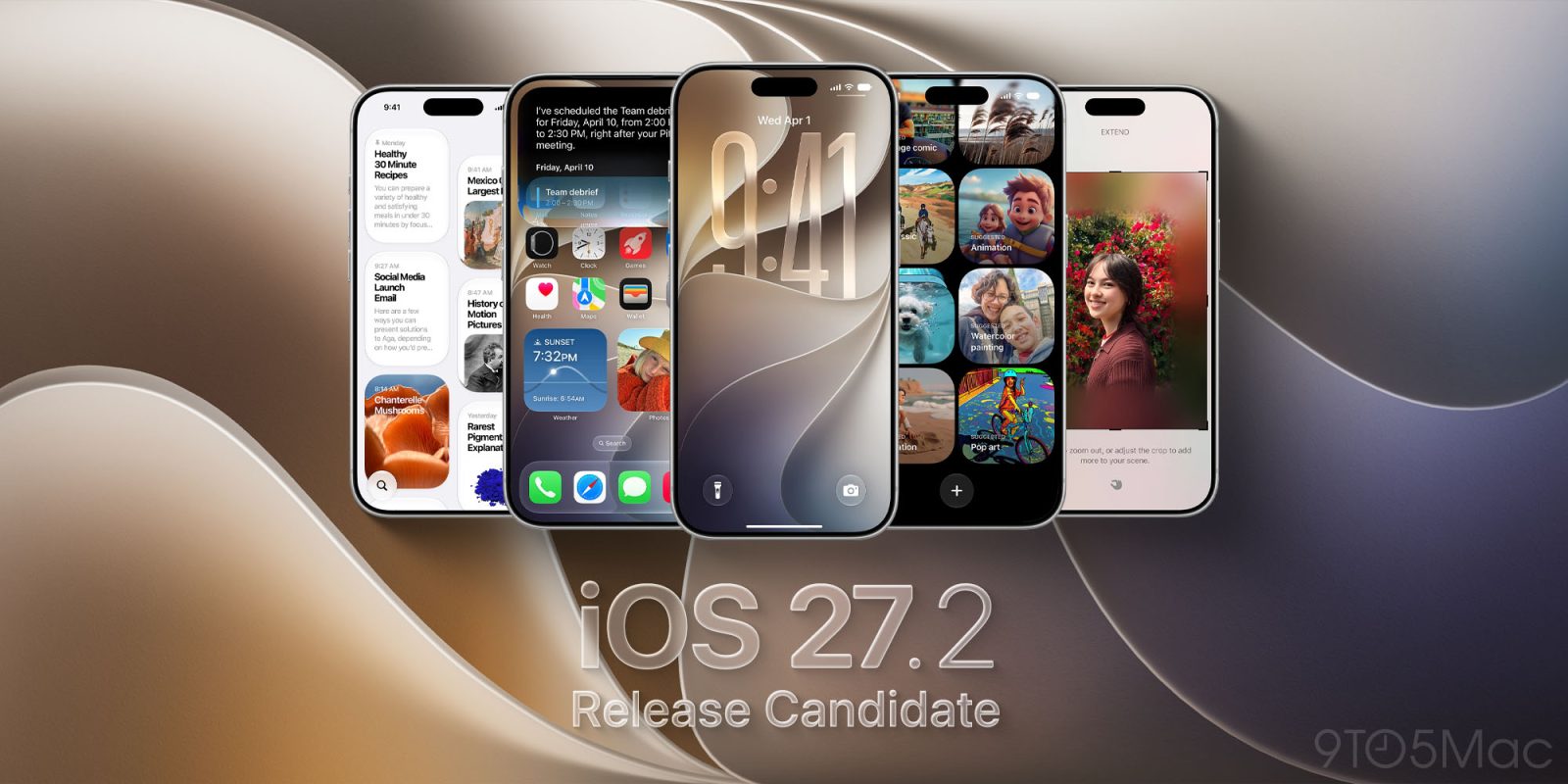
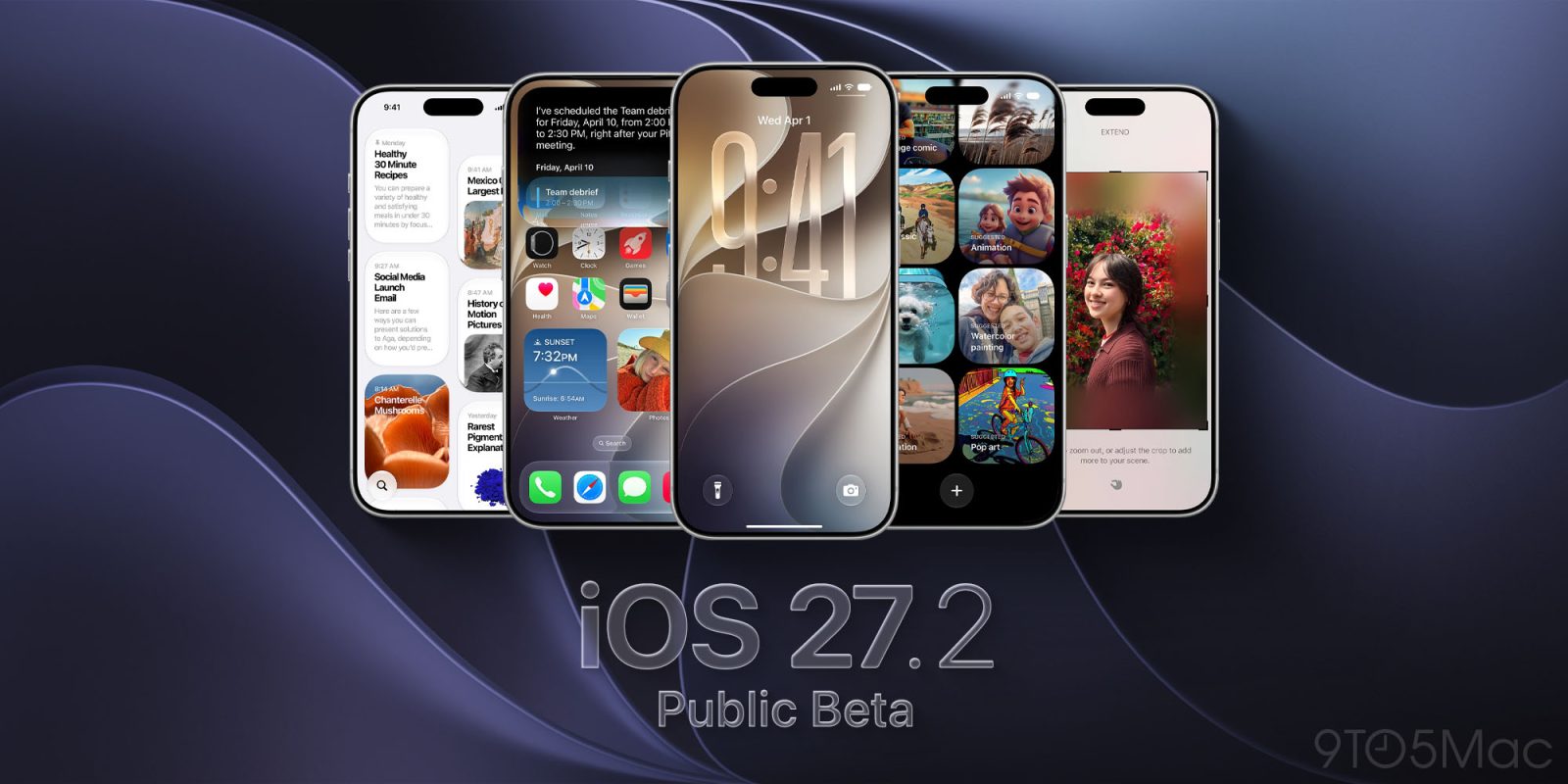
The iOS 27 public beta is now available, allowing iPhone users to try out the new features the update offers. Which iPhones are compatible with iOS 27? Here’s everything you need to know.
The iOS 27 public beta is now available, and it’s full of major new features. Should you install it on your iPhone? Here’s everything you need to know.
The first iOS 27 public beta is now available for iPhone. It gives users an early chance to try Apple’s biggest software update of the year.
Siri AI is the headline feature. The release also includes a redesigned Screen Time experience, Liquid Glass refinements, performance upgrades, and dozens of quality-of-life changes.
Here’s how to install the beta, what’s new, and which features you should try first.
If you were to just look at the Messages app in iOS 27, you might not think much has changed, but that is far from the truth. Under the hood, Apple has completely revamped the Messages experience, making it faster, smarter, and much less frustrating. From simple little setting toggles for dictation or voice memos to the amazing Siri integrations, the Messages app has gotten much more capable in every way. I wanted to share some of my favorite features that are both quality-of-life features and features I am still wowed by. Here are four of the best features that iOS 27 brought to the Messages app.
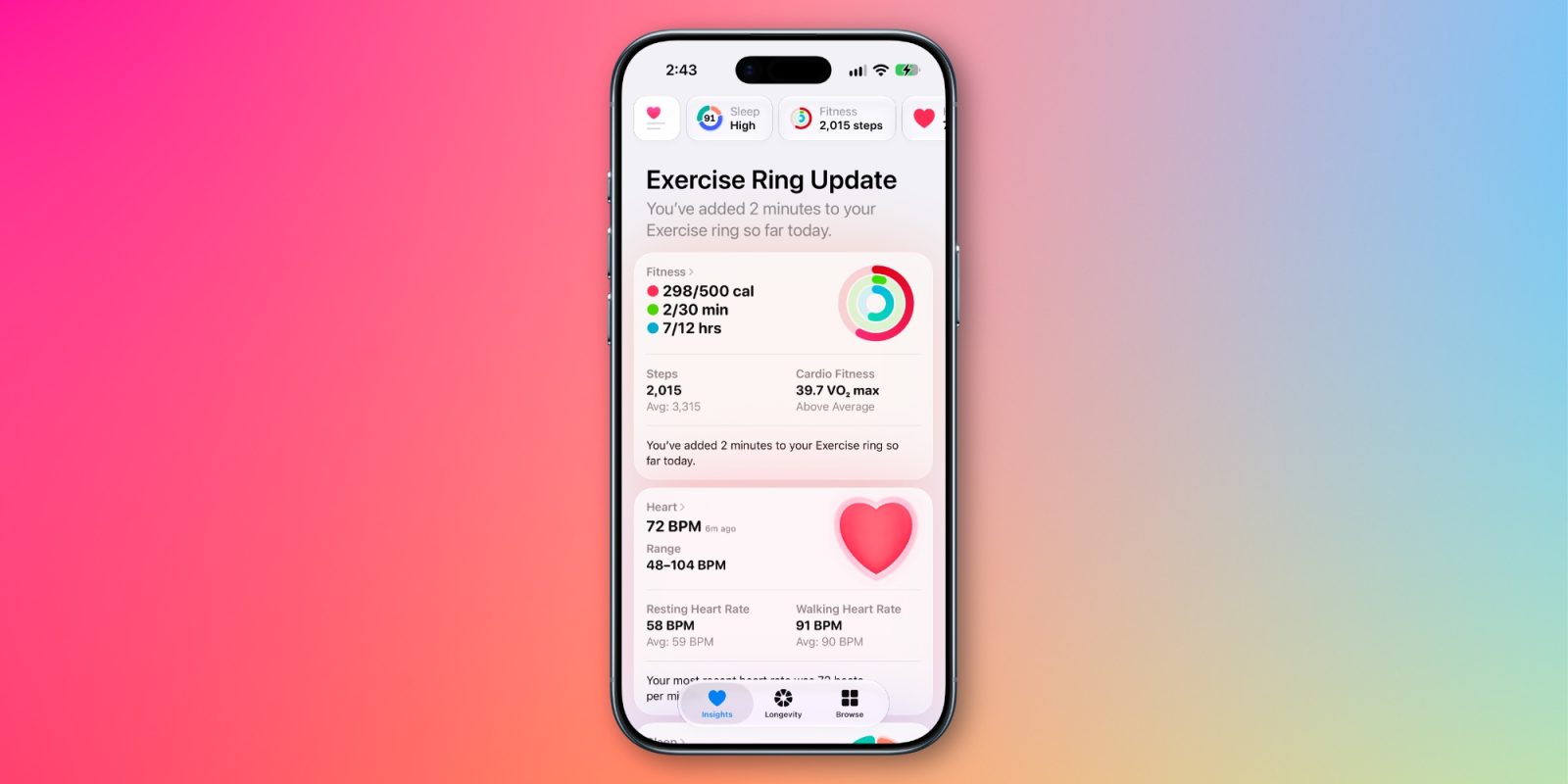
GymKit has been one of Apple Watch’s smartest fitness features since it launched in 2017. Tap your watch to compatible gym equipment, and Apple Watch shares your heart rate while the machine sends back metrics like distance, incline, pace, and calories.
With iOS 27, Apple is expanding that idea beyond Apple Watch. I tested the new GymKit on iPhone and AirPods Pro 3 experience with a GymKit-compatible treadmill. It basically gives you the Apple Watch GymKit workout tracking experience, just without the watch. This could be useful in a lot of scenarios.
One of the things tucked away in the small print of macOS 27 beta 3 is the news that you’ll need a 2TB iCloud+ subscription in order to use the new AI features for home security cameras in the Apple Home app.
While some are suggesting that we shouldn’t be too surprised by this, I do find it a somewhat disappointing move by Apple …
We’ve been looking out for new features in iOS 27 beta 3, and we’ve now found an additional one: the latest developer beta allows Siri AI to access information from third-party apps.
The only examples seen so far are pulling in the remaining battery from electric car apps, but it’s likely that other capabilities will be found …
A new Listening Mode setting lets users more easily adjust how much ambient noise their AirPods can allow through in Adaptive mode. Here are the details.
With iOS 27 and its companion systems, Apple is introducing a new version of its system-level RAW image processing engine. It uses machine learning to greatly improve detail and reduce noise, including when reprocessing older RAW photos. Here are the details.
Apple now uses Google servers to power some of its new and upcoming AI features, and the company is using a popup to notify and request user permission in both iOS 27 and iOS 26. Here are the details.
Apple released iOS 27 beta 3 today, giving developers the second follow-up update since iOS 27 debuted at WWDC. Developers can download the new beta now, ahead of this month’s expected public beta release.
iOS 27 is a major iPhone update centered around Siri AI, Apple Intelligence, Liquid Glass refinements, and a long list of quality-of-life changes. Here’s what we’ve found so far in iOS 27 beta 3.
Apple has released the third iOS 27 beta for developer testing. iOS 27 beta 3 replaces the second iOS 27 beta and continues Apple’s summer beta cycle ahead of a public release this fall. We’ll update our devices and share what we discover.
Spotted by developer Sam Henri Gold on Twitter, iOS 27 beta 2 includes references to an upcoming Apple product codenamed B790, likely to be the rumored AirPods with cameras.
A new iOS 27 framework will help apps fight back against social engineering scams as they unfold via voice calls, text messages, emails, and more. Here are the details.
iOS 27 has been available in developer beta for almost a month, but there’s a public beta version coming soon. Here’s when the iOS 27 public beta is expected to release.
Since iOS 5 in 2011, the iPhone and iPad have included Notification Center, a central place to find alerts from various apps in chronological order.
Starting with iOS 27, Apple is making a major change to how users open Notification Center on iPhone and iPad. iOS 27 is currently in beta, and the behavior has changed slightly between the first two releases.
iOS 27 brings new features to Apple Wallet, Maps, Notes, Messages, and more—and it packs key upgrades for the Mail app too. Here’s everything new for Apple Mail in iOS 27.
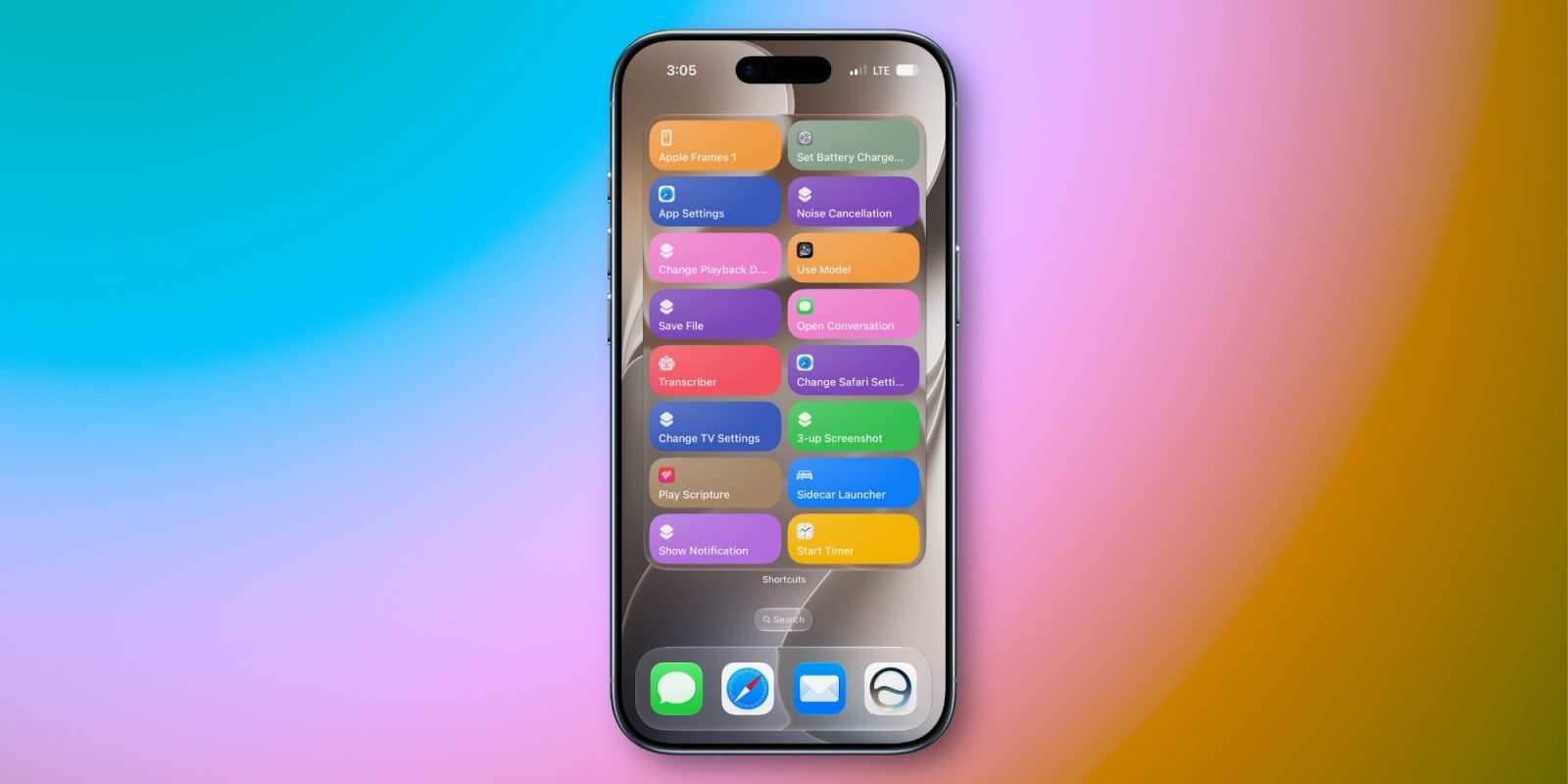
iOS 27 is packed with new Apple Intelligence features, with Siri AI chief among them. But the Shortcuts app offers another standout AI upgrade in iOS 27 thanks to a new ‘describe a shortcut’ feature.
I recently explored and tested over 200 new features in the iOS 27 beta, but in this post, I’ve distilled that list down to 10 of my favorite new features for iPhone. From Journal app writing prompts and section links in Notes, to much-improved 3D buildings in Apple Maps, iOS 27 is packed with awesome new enhancements.
A new rule added to Siri AI’s system prompt in iOS 27 beta 2 changes how it should handle requests involving extracting or summarizing content behind a URL. Here are the details.