macOS 27

See All Stories

macOS 27 just fixed the most annoying problem for third-party HDR displays

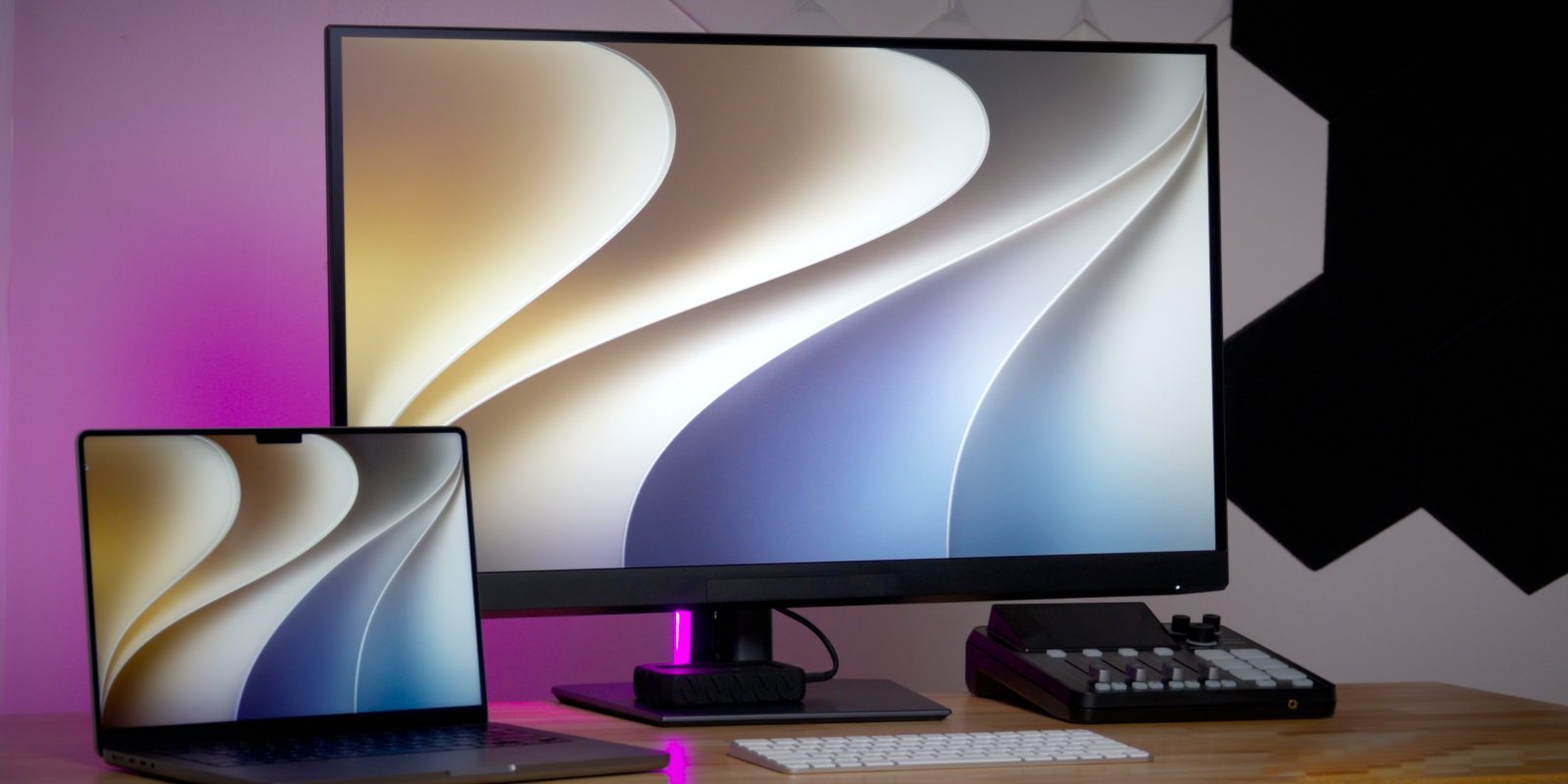
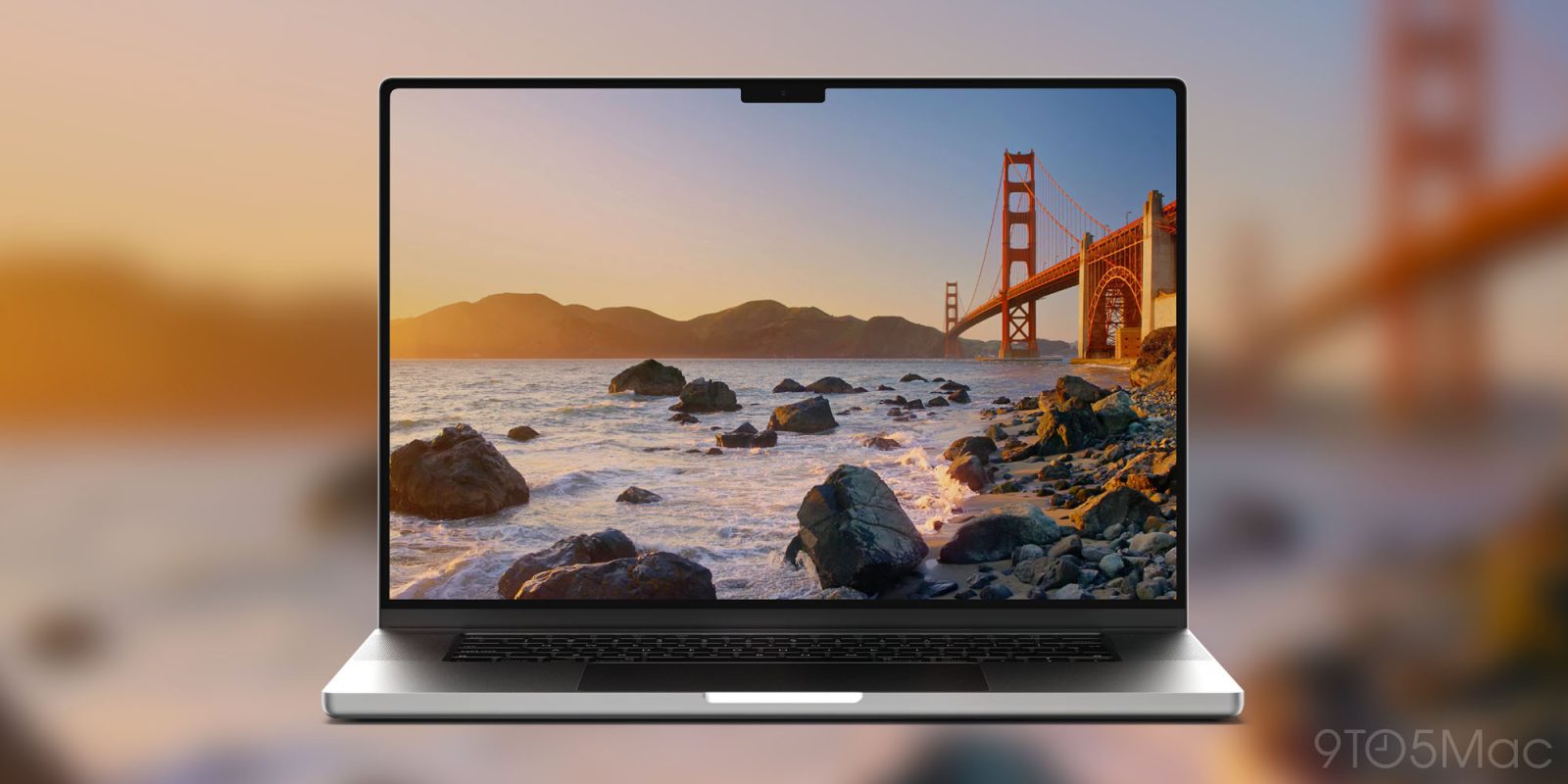
I’m in the middle of testing Dell’s 32-inch UltraSharp U3226Q, and my thoughts so far are extremely positive. The picture quality of this OLED panel is impressive, especially when HDR is enabled in macOS. I’ll have a full hands-on review of the UltraSharp on our YouTube channel.

Meanwhile, I wanted to note a key improvement Apple introduced in macOS 27 regarding HDR support. A drawback of using an HDR-ready third-party monitor on macOS 26 Tahoe was the inability to activate High Dynamic Range at the common 2560 x 1440 scaled resolution. Fortunately, the newest macOS release resolves this problem.

Expand Expanding Close

Feature Request: One change for the most important use of Notify Me

Feature Request: One change for the most important use of Notify Me (screengrab shown)

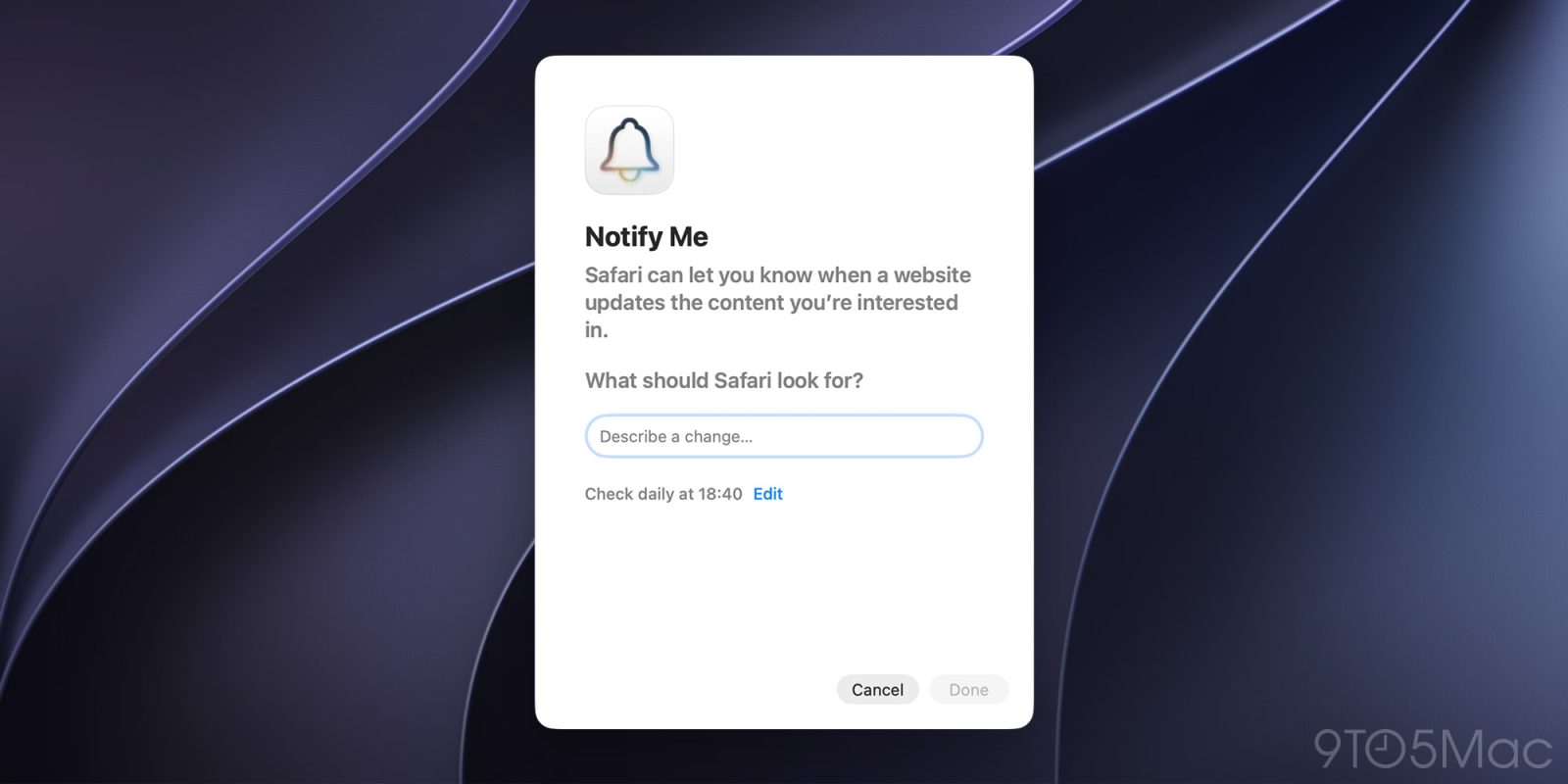
A key new feature in macOS 27 is Safari’s Notify Me function. This has the Apple Intelligence automatically monitor a web page for updates and send a notification when it occurs.

This feature can be useful in a wide variety of ways, with price drops being one of the most obvious. Unfortunately, a limitation means that it doesn’t yet support what I would consider the most important use case for Notify Me …

Expand Expanding Close

macOS 27: Siri AI top features – Apple’s assistant finally comes to life [Video]

Wait a minute… Is Siri on the Mac good now?

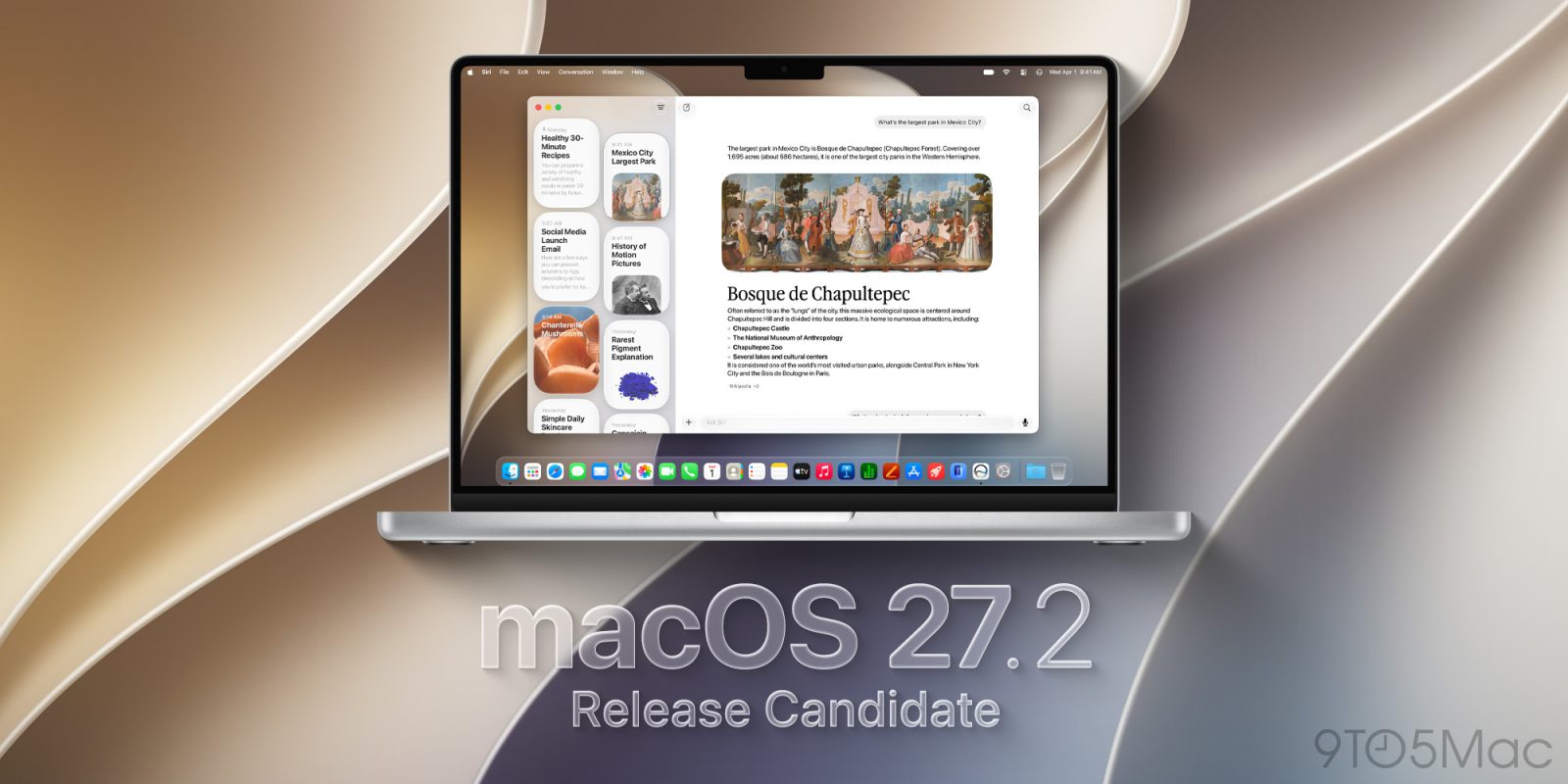
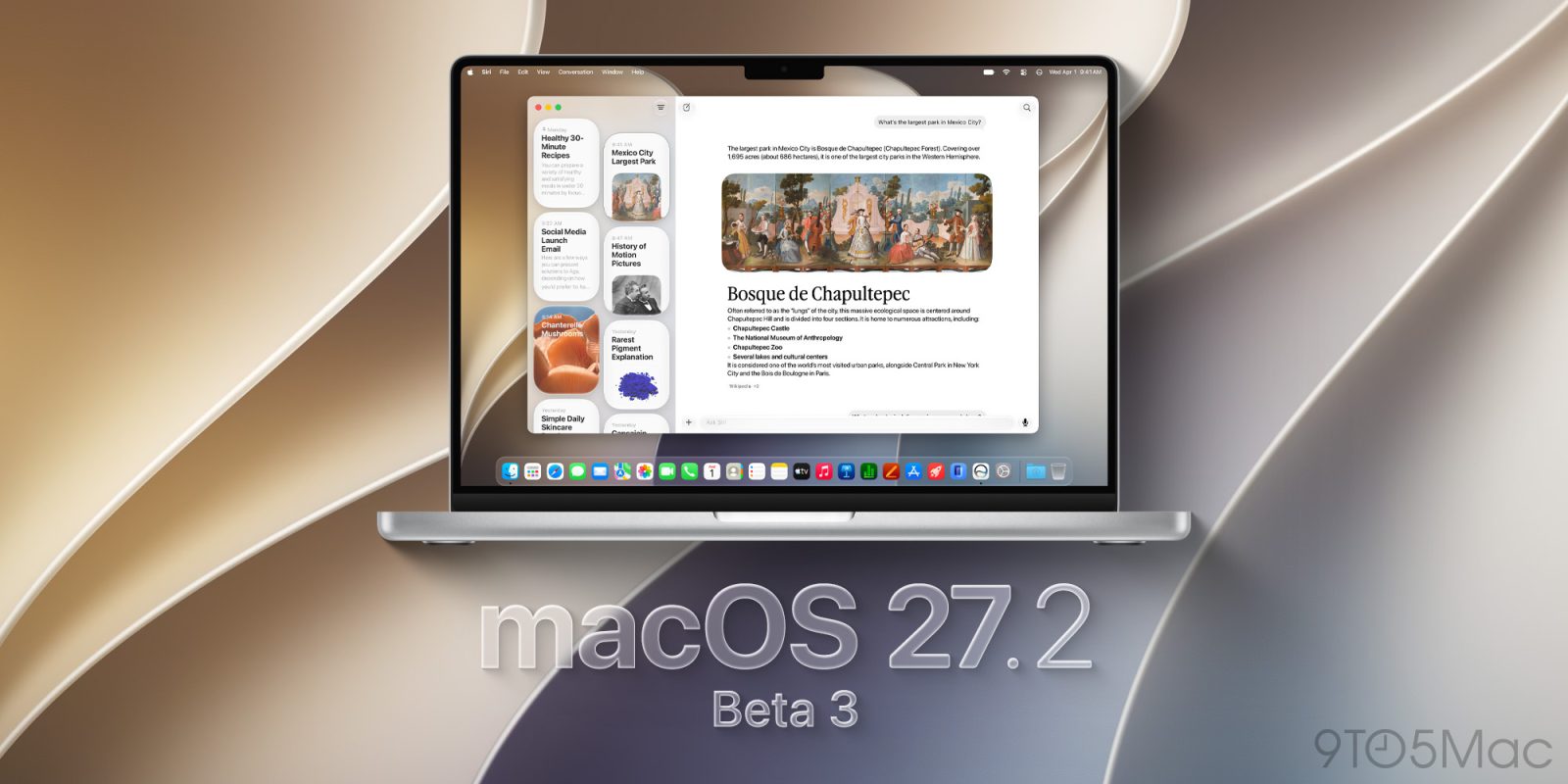
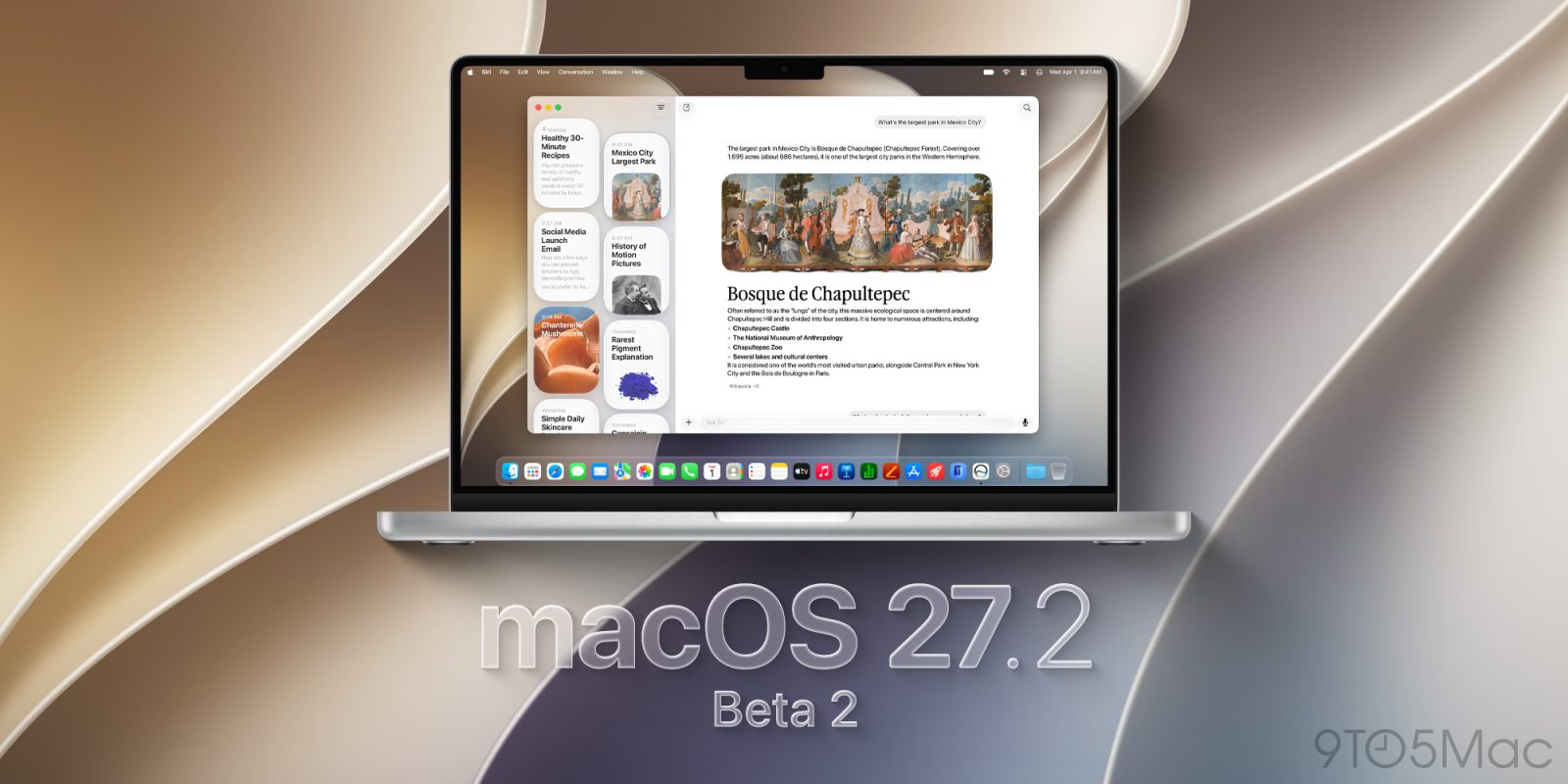
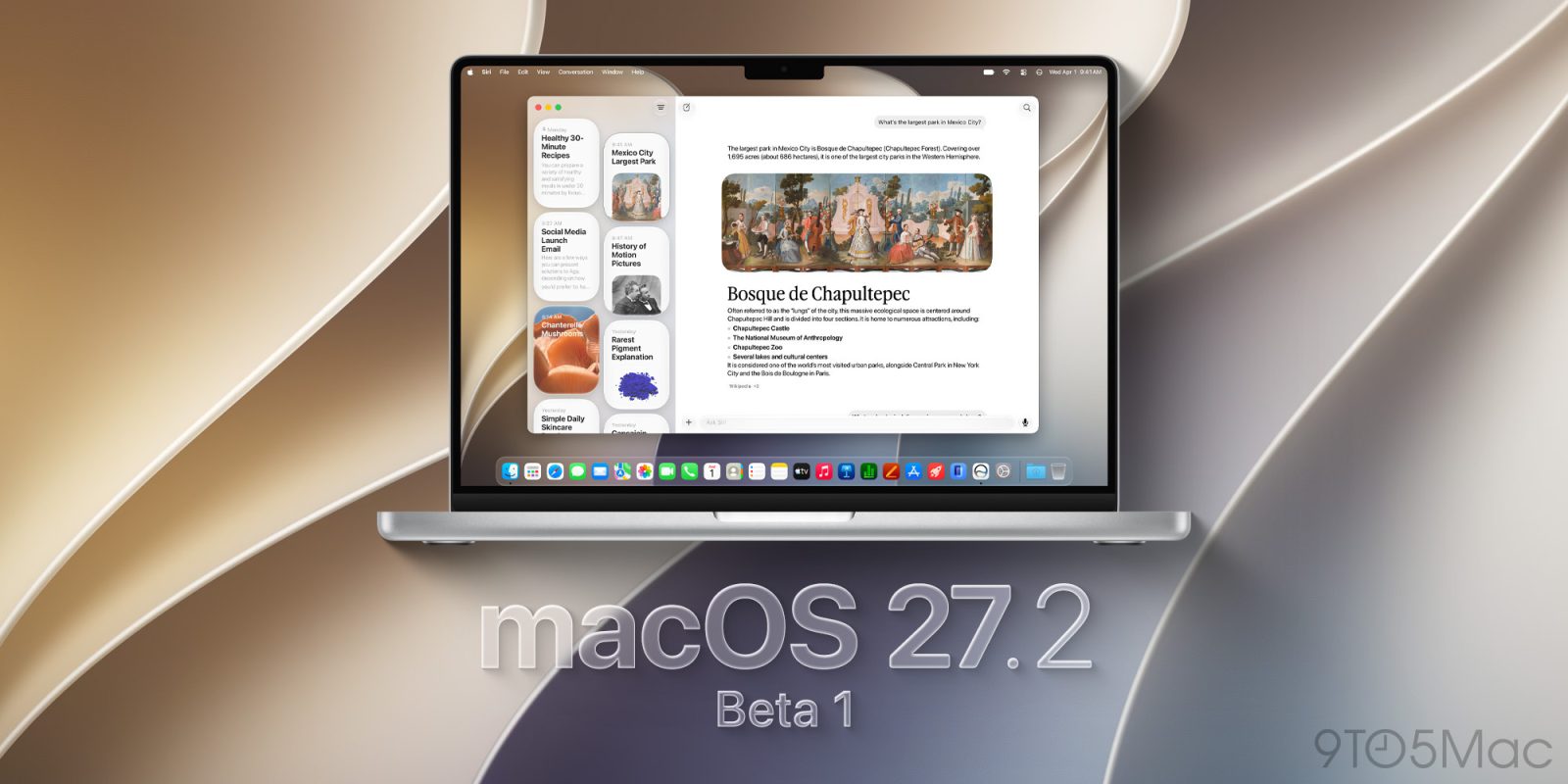
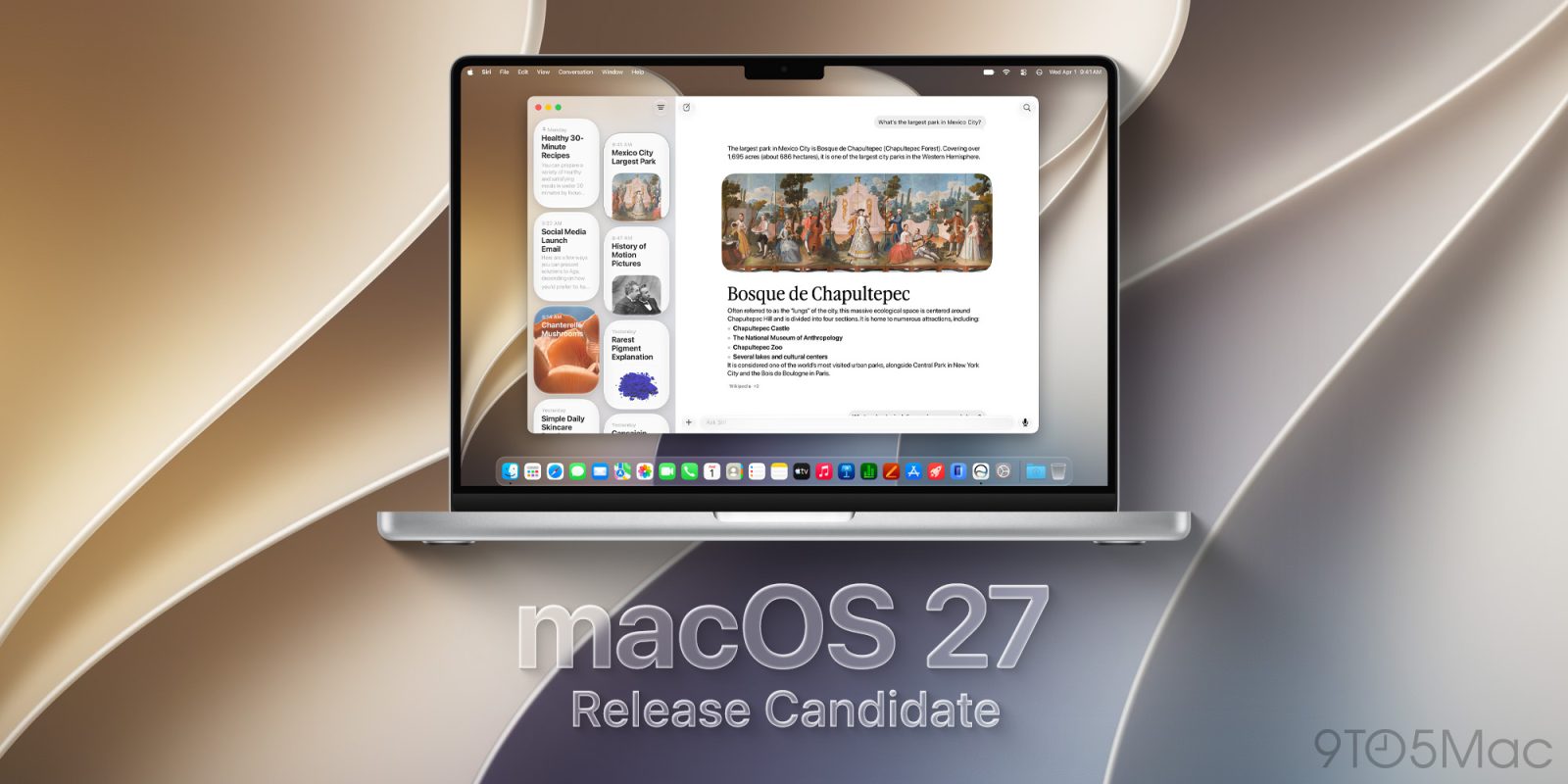
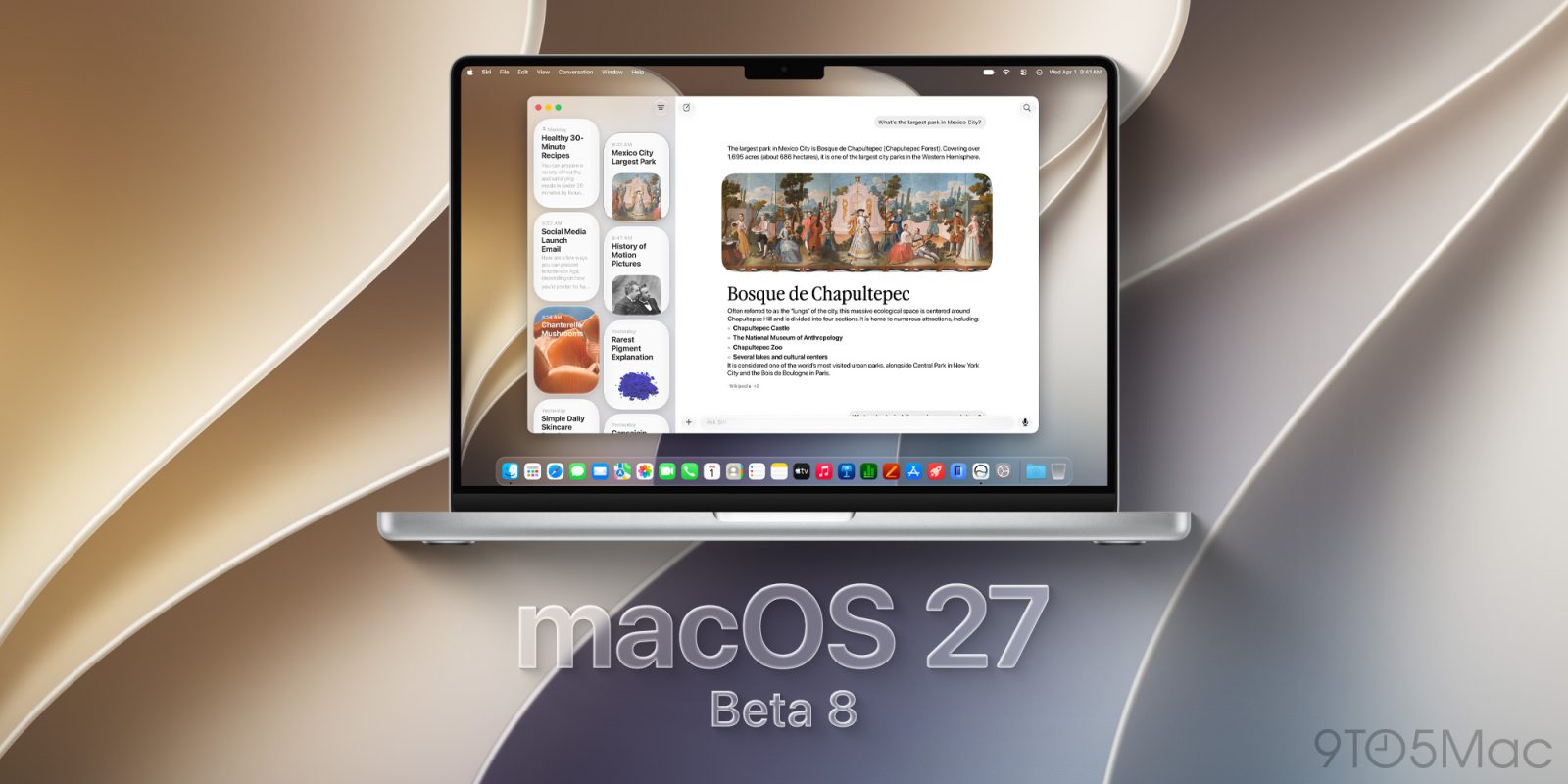
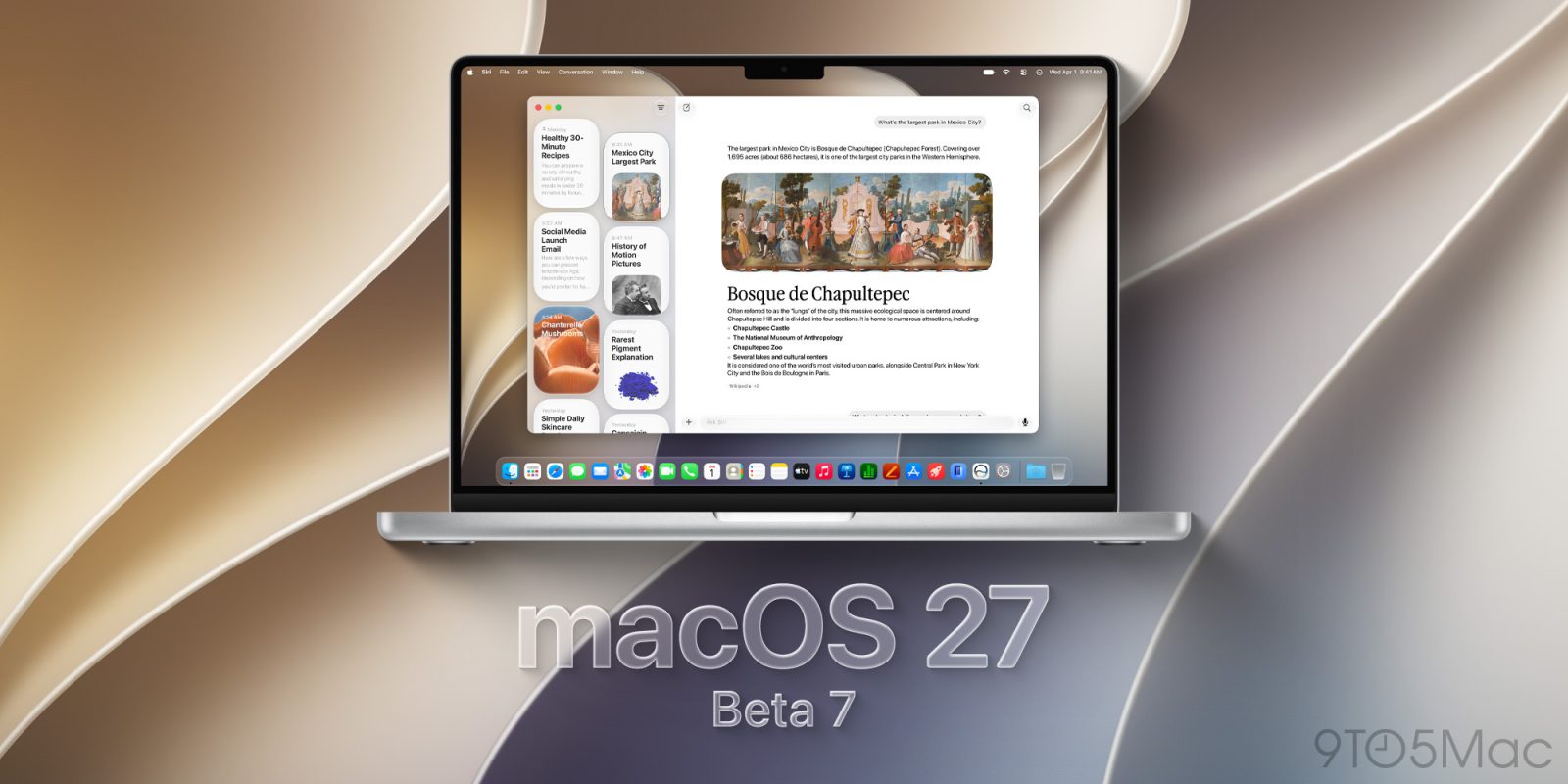
It only took a decade, but with this week’s launch of macOS 27 Golden Gate, Siri has finally come to life on the Mac. It’s still in beta, and it’s not perfect, but the update represents a much improved and highly integrated experience that takes into account personal context while prioritizing privacy.

Watch my full video as I walk through the top macOS 27 features: Siri AI edition, and be sure to subscribe to 9to5Mac on YouTube for more videos.

Expand Expanding Close