
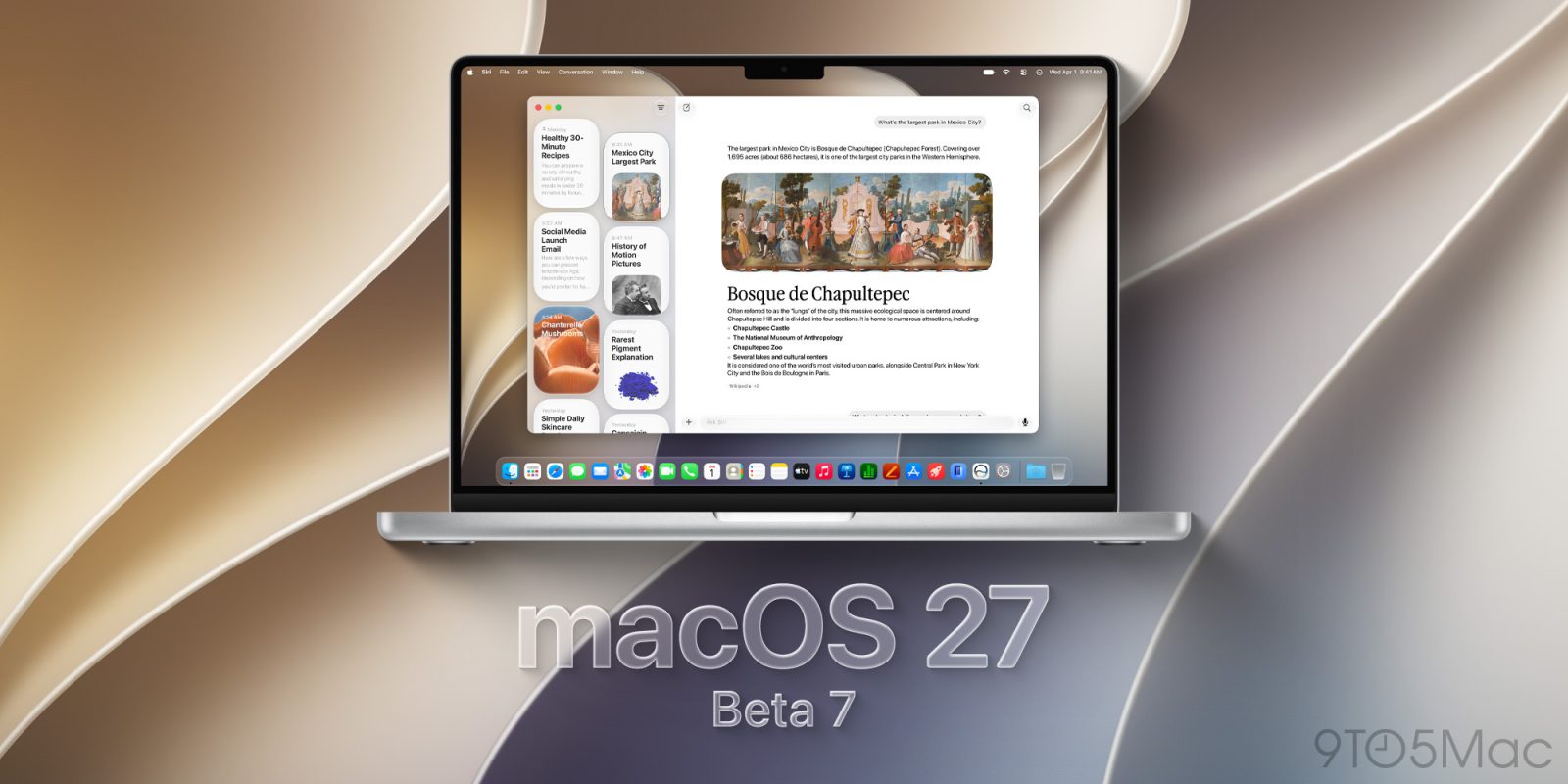
Developers can now install macOS 27 Golden Gate beta 7, just a week after the rollout of beta 6. Here are the details.
Apple rolls out macOS 27 beta 7
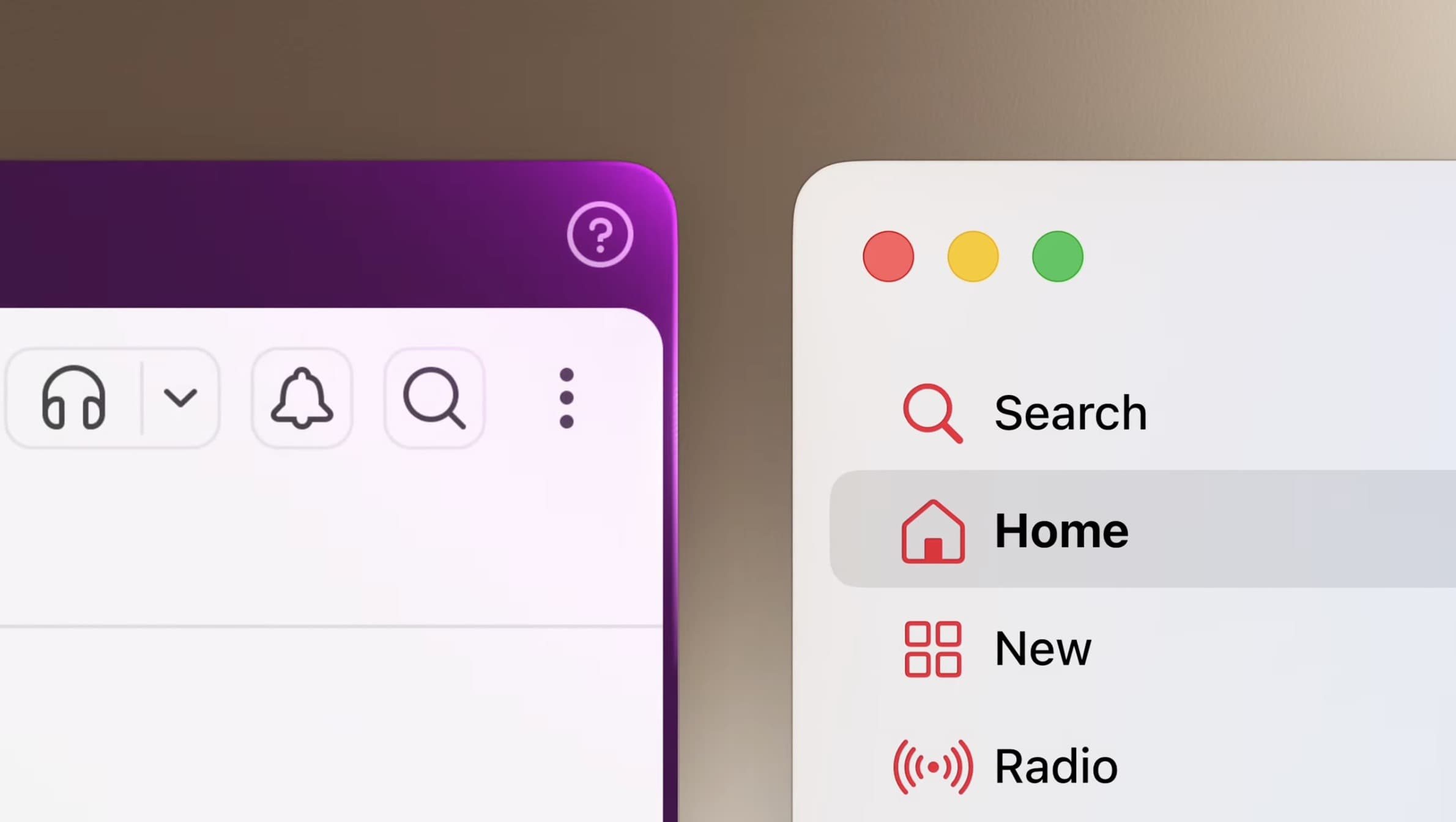
Last Monday, Apple ended a three-week beta hiatus with macOS 27 Golden Gate beta 6, which introduced redesigned traffic light window controls. Instead of the flat red, yellow, and green circles, macOS 27 beta 6 added Liquid Glass-like (almost Aqua-like, really) effects to the minimize, maximize, and close buttons.
Aside from that, macOS 27 Golden Gate beta 6 did not include any other user-facing new features or improvements, which suggests that Apple might be using these last few beta releases to squish bugs and work on performance and security improvements ahead of the official rollout.
macOS 27 Golden Gate introduces the new Siri app, alongside the revamped Siri AI. It also features the new AI-powered Shortcuts app, which accepts natural-language prompts to create shortcuts, as well as a prompt-based Safari extension builder.
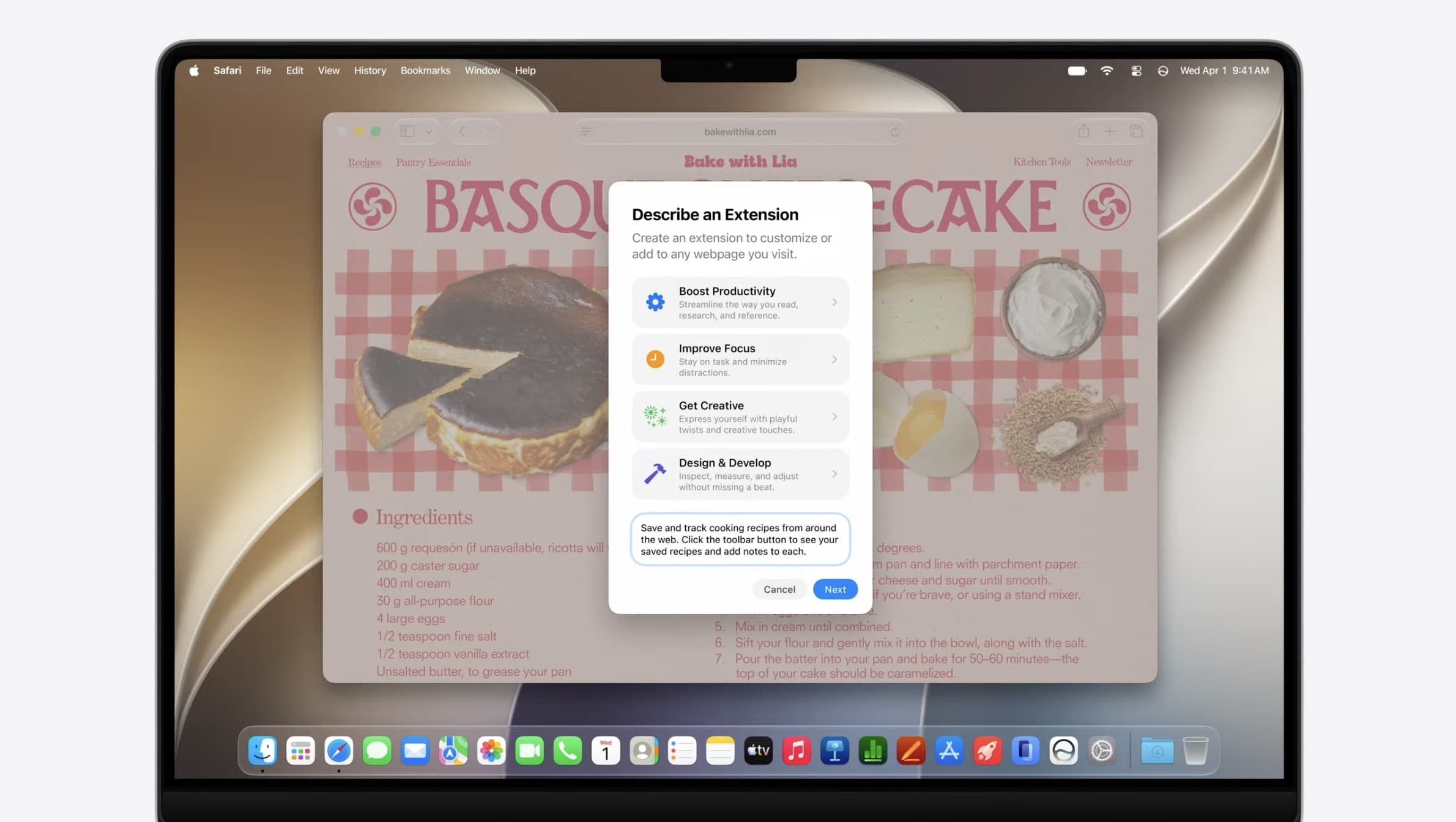
Additionally, macOS 27 Golden Gate introduces new Golden Gate-themed wallpapers and screensavers, while reverting to fixed-radius corners for windows and apps. That reverses a change made in macOS 26, which adjusted corner radii based on the contents of each window’s or app’s menu bar.
The build version for macOS 27 Golden Gate beta 7 is 26A5421a. We are digging through the new beta and will report back with what we find.
Installing the macOS 27 Golden Gate beta
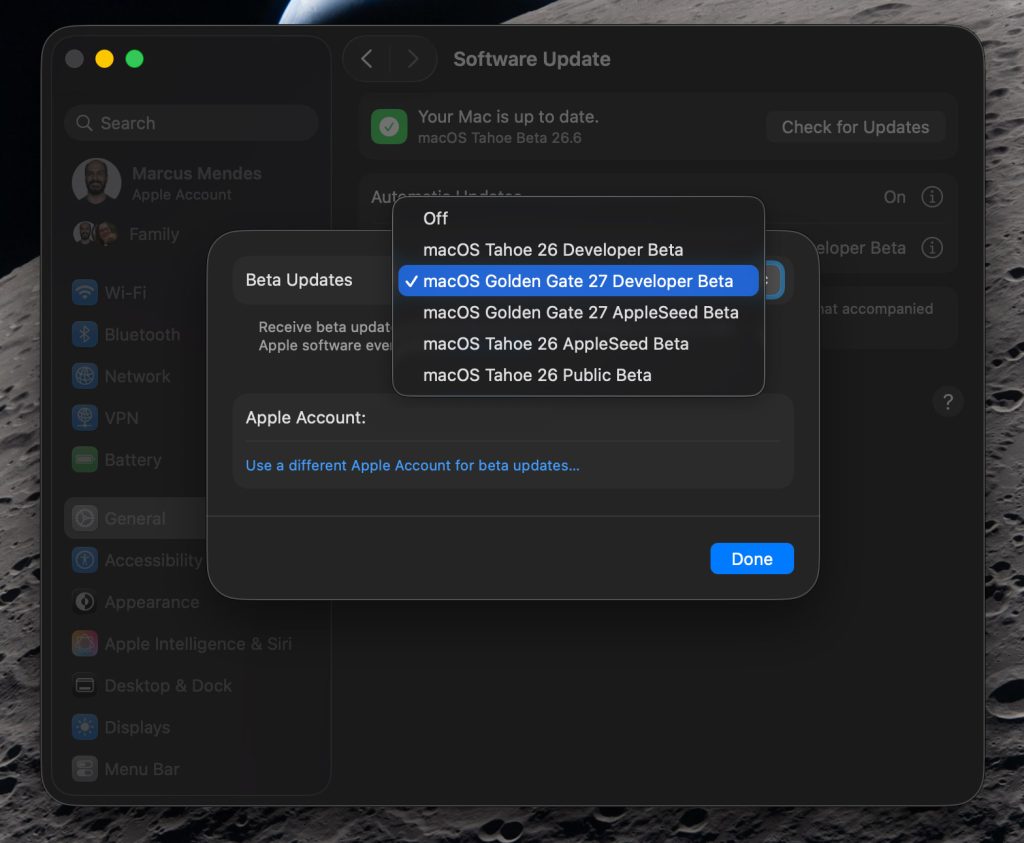
Here’s how to install the macOS 27 Golden Gate developer beta 7:
- Back up your Mac
- Open System Settings
- Go to General ⇾ Software Update
- Click the ‘i’ icon next to Beta Updates
- From the dropdown menu in the top-right, select the macOS Developer Golden Gate Beta
- Hit ‘Done’
Did you spot anything new in today’s macOS 27 Golden Gate beta? Let us know in the comments.
Worth checking out on Amazon
- Geoffrey Cain – ‘Steve Jobs in Exile’
- David Pogue – ’Apple: The First 50 Years’
- MacBook Neo
- Logitech MX Master 4
- AirPods Pro 3
- AirTag (2nd Generation) – 4 Pack
- Apple Watch Series 11
- Wireless CarPlay adapter


FTC: We use income earning auto affiliate links. More.


Comments