
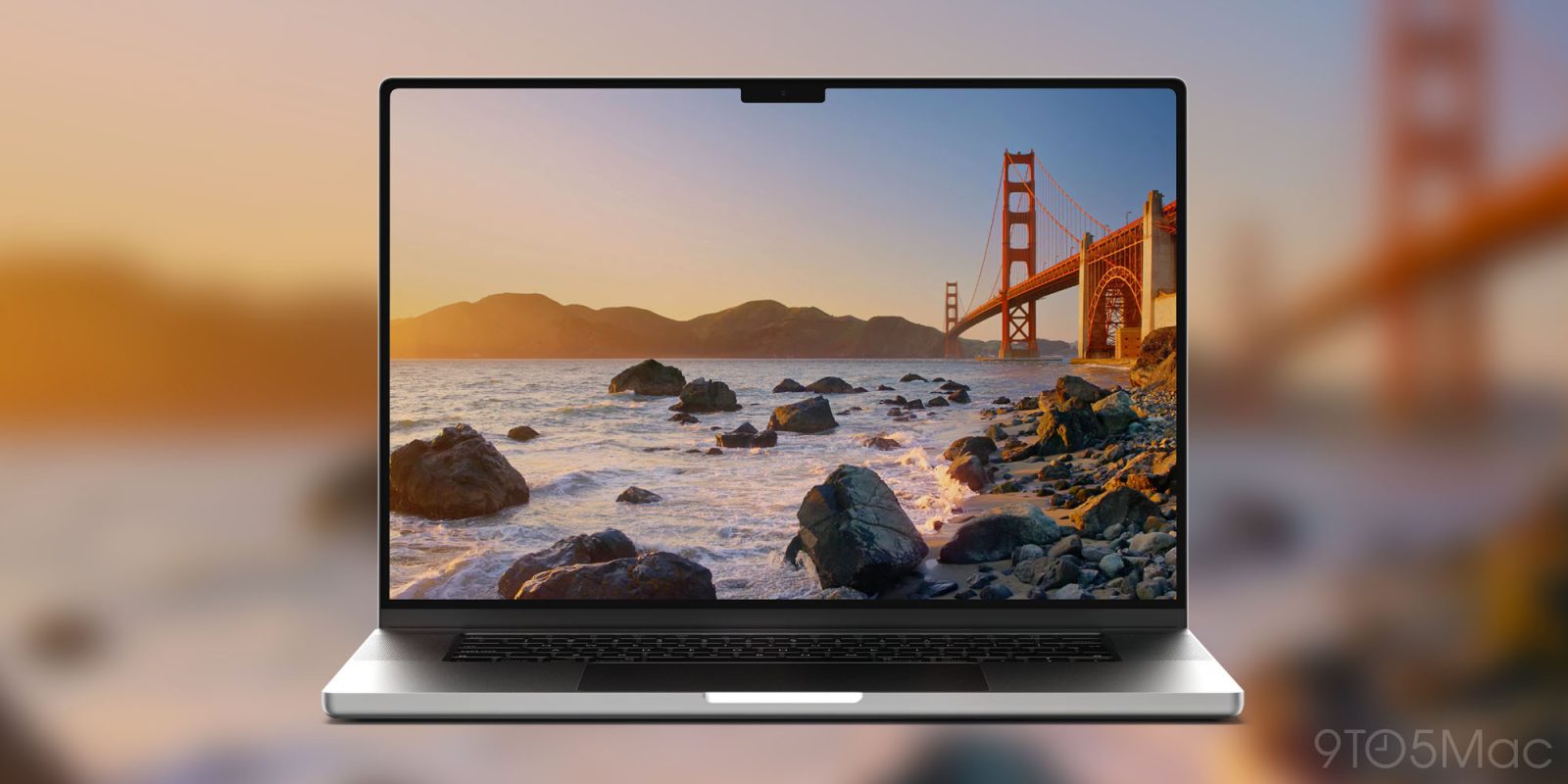
macOS 27 Golden Gate beta 6 introduces redesigned traffic light window controls. The new look resembles older Mac OS X systems with more detail in each button.
On the Mac, the three stoplight buttons are iconic to managing windows. Red, yellow, and green circles manage closing, hiding, and maximizing window size.
macOS 27 Golden Gate includes a lot of little changes, including recent app icon redesigns.
The stop light button change, though, touches every app window. It also looks a bit more like the classic Aqua design days from early OS X system versions.
For me, some of the best parts of Liquid Glass in both iOS 27 and macOS 27 come when those Aqua-like moments happen.
Top comment by HastaLaMac
“Now we just need a metal Dock option… just me?”. Yep, just you
Here’s an example of the new stop light window control design in action:
macOS 27 Golden Gate also fixes window shape consistency. macOS 26 Tahoe based the shape of app windows on wind speed or water temperature or something. Now we just need a metal Dock option… just me?
macOS 27 Golden Gate is available as a developer and public beta for now. An official release is likely coming in September.
Today’s release also updates the Preview app icon to match the redesigned version introduced in iOS 27 beta 5 last week.
Do more with your Apple products
AirPods 5 | Apple’s newest wireless headphones
Apple AirTag 2 | Add Find My tracking to keys, bags, bikes, more
AirPods Pro 3 | Apple’s best wireless headphones


FTC: We use income earning auto affiliate links. More.



Comments