macOS Golden Gate

See All Stories

The best way to run macOS Tahoe and Golden Gate on the same Mac [Video]

macOS Tahoe and Golden Gate APFS volumes

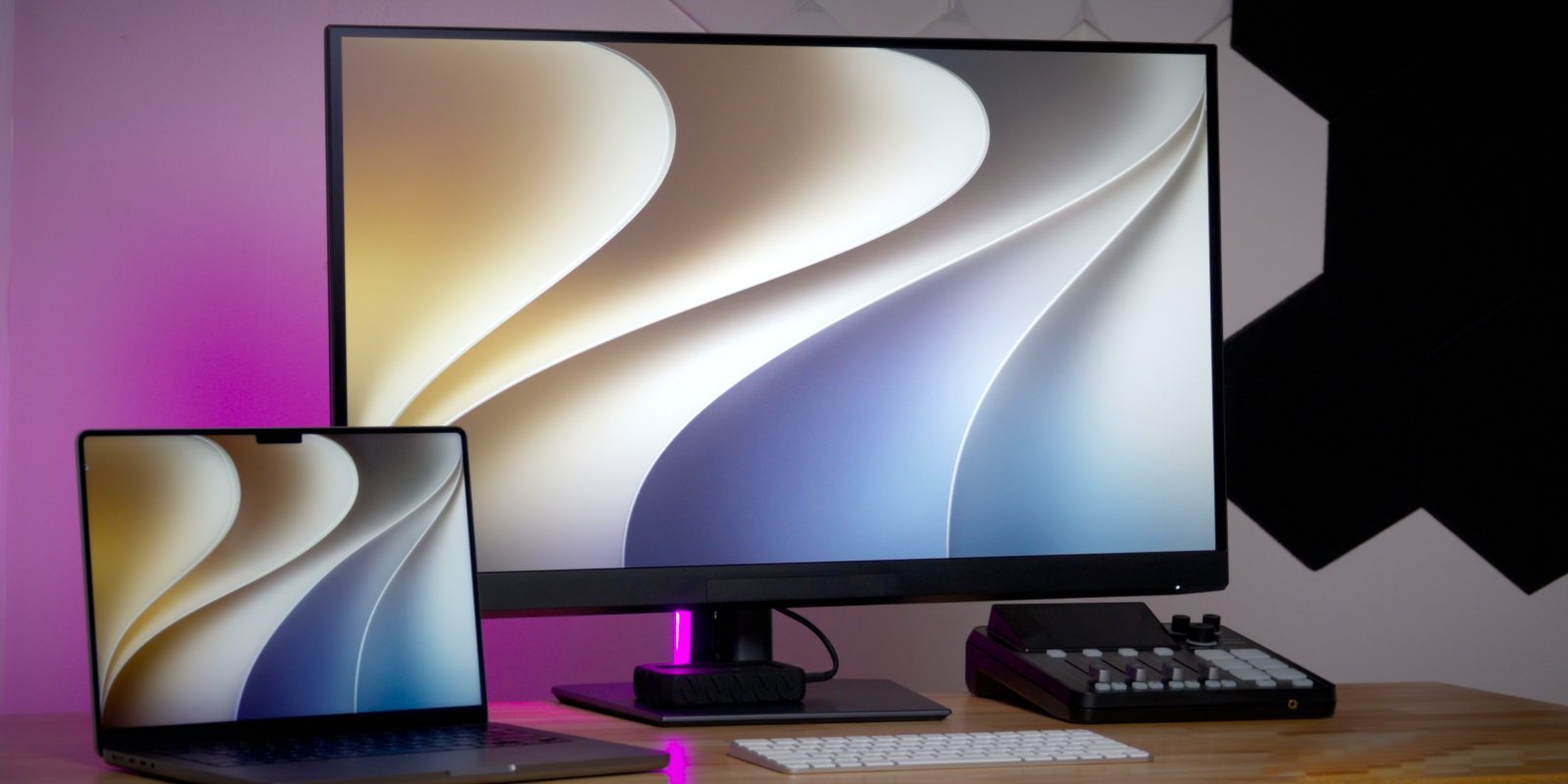
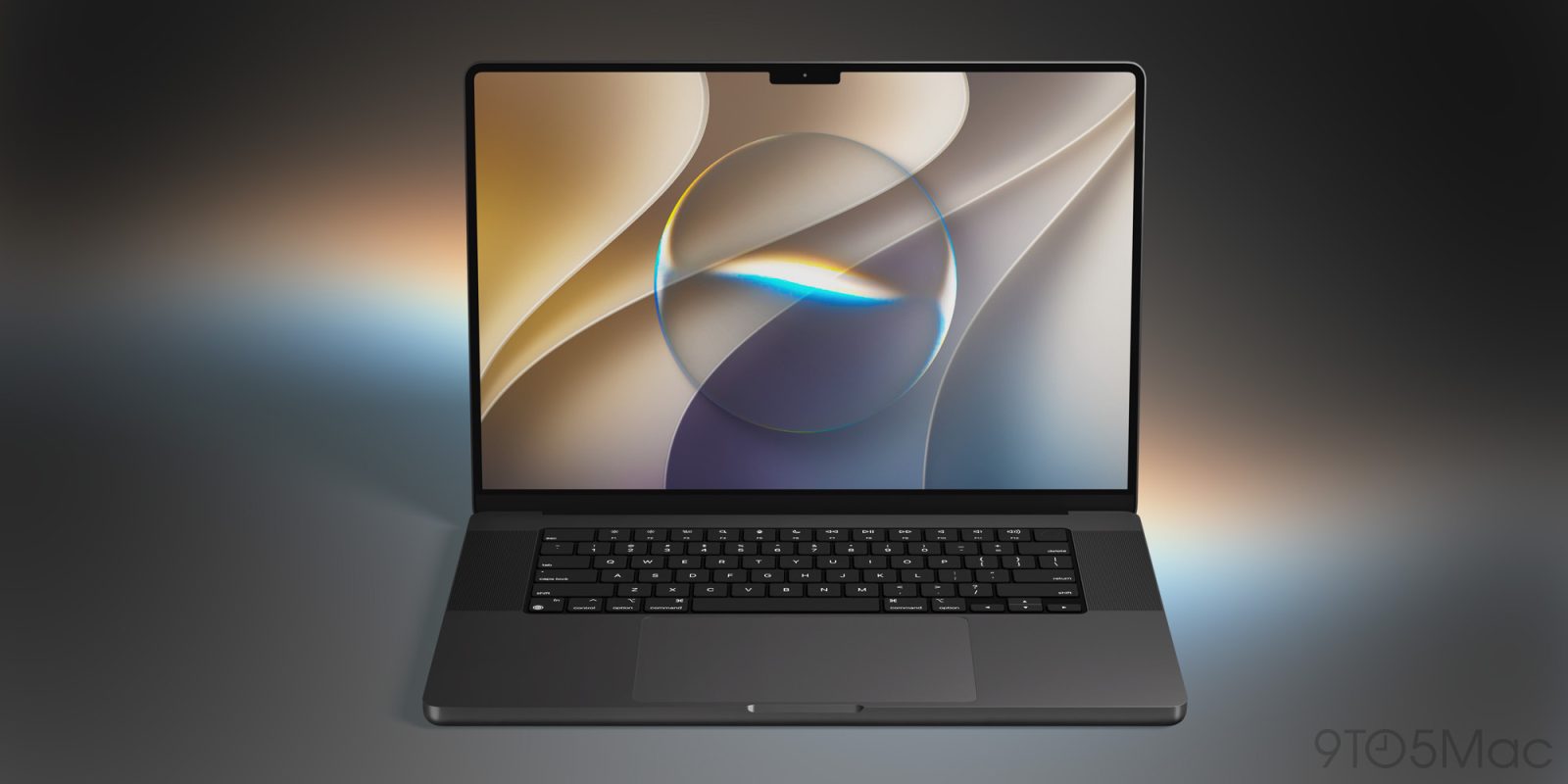
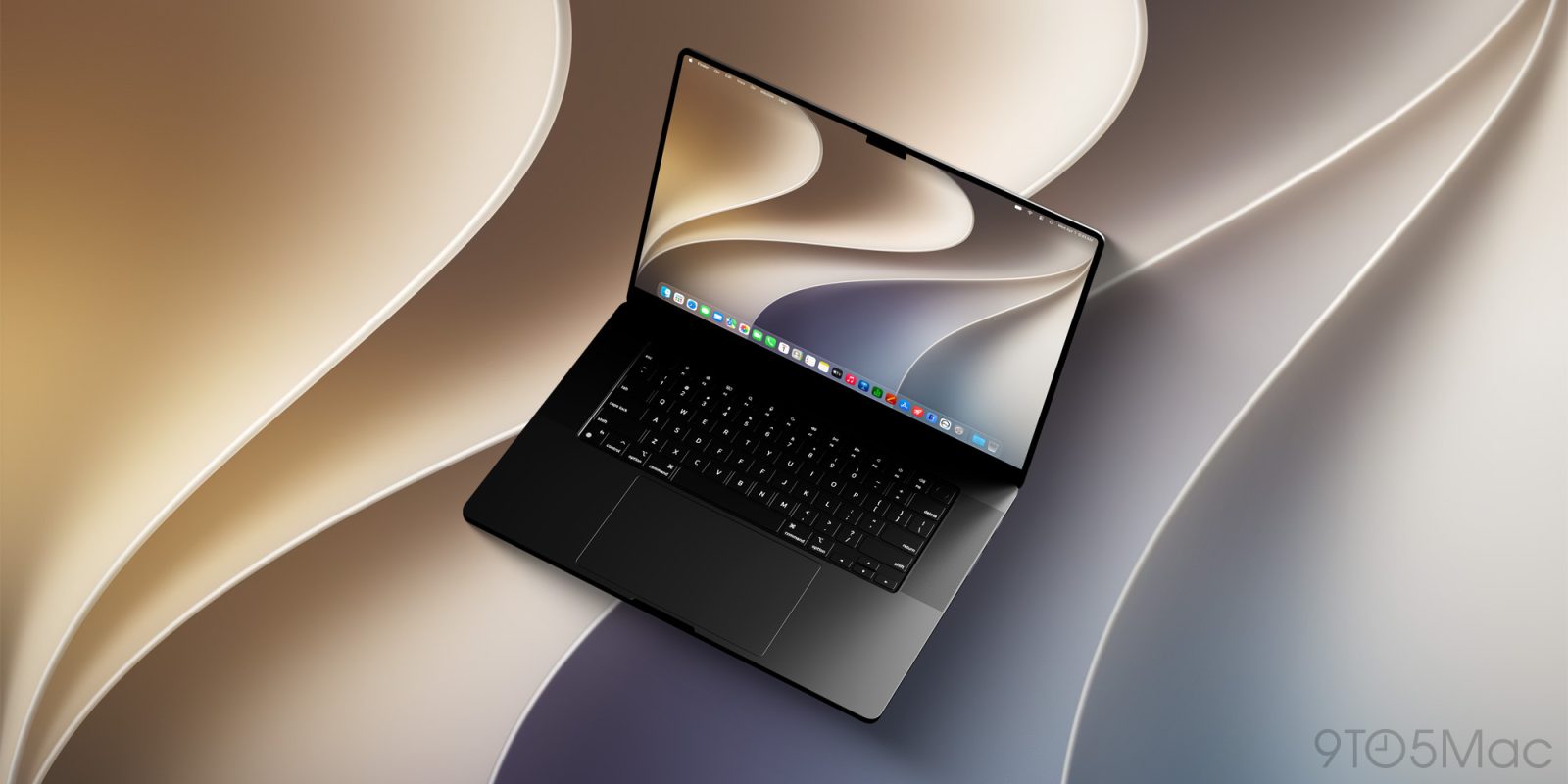
If you’re curious to try macOS Golden Gate while it’s still in beta, I highly recommend installing it on a separate APFS volume instead of your main volume. Installing macOS 27 on your main volume would replace macOS Tahoe, leaving you at the mercy of any bugs or compatibility issues that arise with the software and hardware you use.

Unlike iOS and iPadOS betas, macOS betas can pose a greater risk due to the complexity of macOS, which includes support for legacy software and hardware. I’ve been burned too many times in the past with hardware and software that didn’t work properly for months until the inevitable updates came after the public version was released later that fall. In my opinion, it’s just not worth it.

The good news is, thanks to APFS, you can easily create a separate volume and silo the macOS Golden Gate beta installation away from your production Tahoe volume. This allows you to test the macOS beta in full while retaining the stability and reliability of the current public release. Watch our full hands-on video walkthrough for a complete step-by-step guide, and be sure to subscribe to 9to5Mac on YouTube for more macOS tutorials.

Expand Expanding Close

How to create a macOS Golden Gate USB install drive [Video]

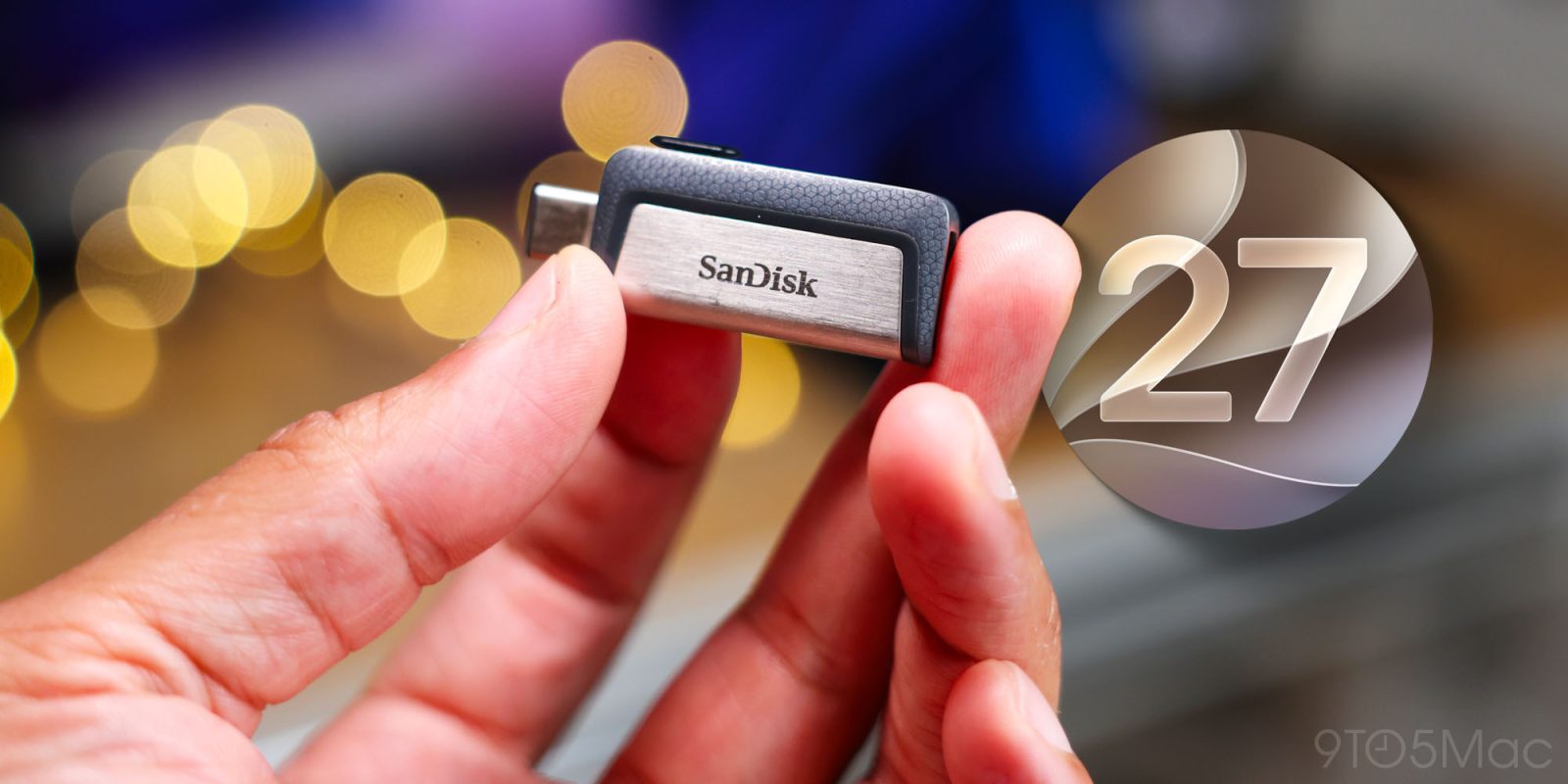
In this hands-on guide, I’ll show you how to transform a USB drive into a macOS Golden Gate USB installer. Having access to a macOS Golden Gate USB installer is useful for upgrading from macOS Tahoe or earlier versions of macOS across multiple Macs, among other use cases. Have a look at my full hands-on video walkthrough, and be sure to subscribe to 9to5Mac on YouTube for more Mac guides and tutorials.

Expand Expanding Close

Here’s everything new in iOS 27 and more, per Apple’s keynote list

Apple’s WWDC keynote revealed a lot of new features in iOS 27, macOS Golden Gate, and more—most of which were displayed on a single slide for just a moment. Here are all of those listed features in a more accessible, organized format. There are even more changes coming in iOS 27, but this is everything Apple listed on that big keynote slide.

Expand Expanding Close