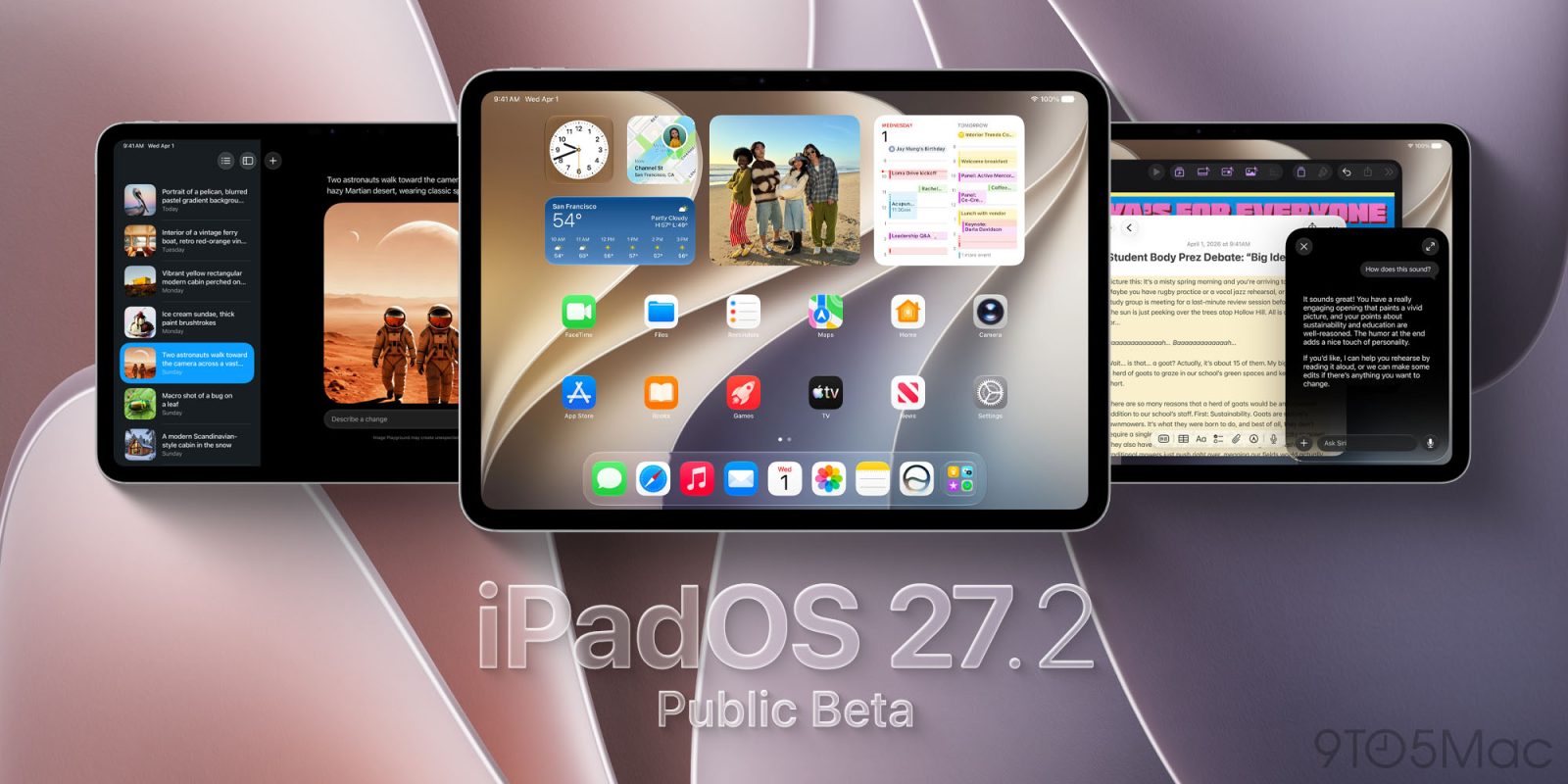
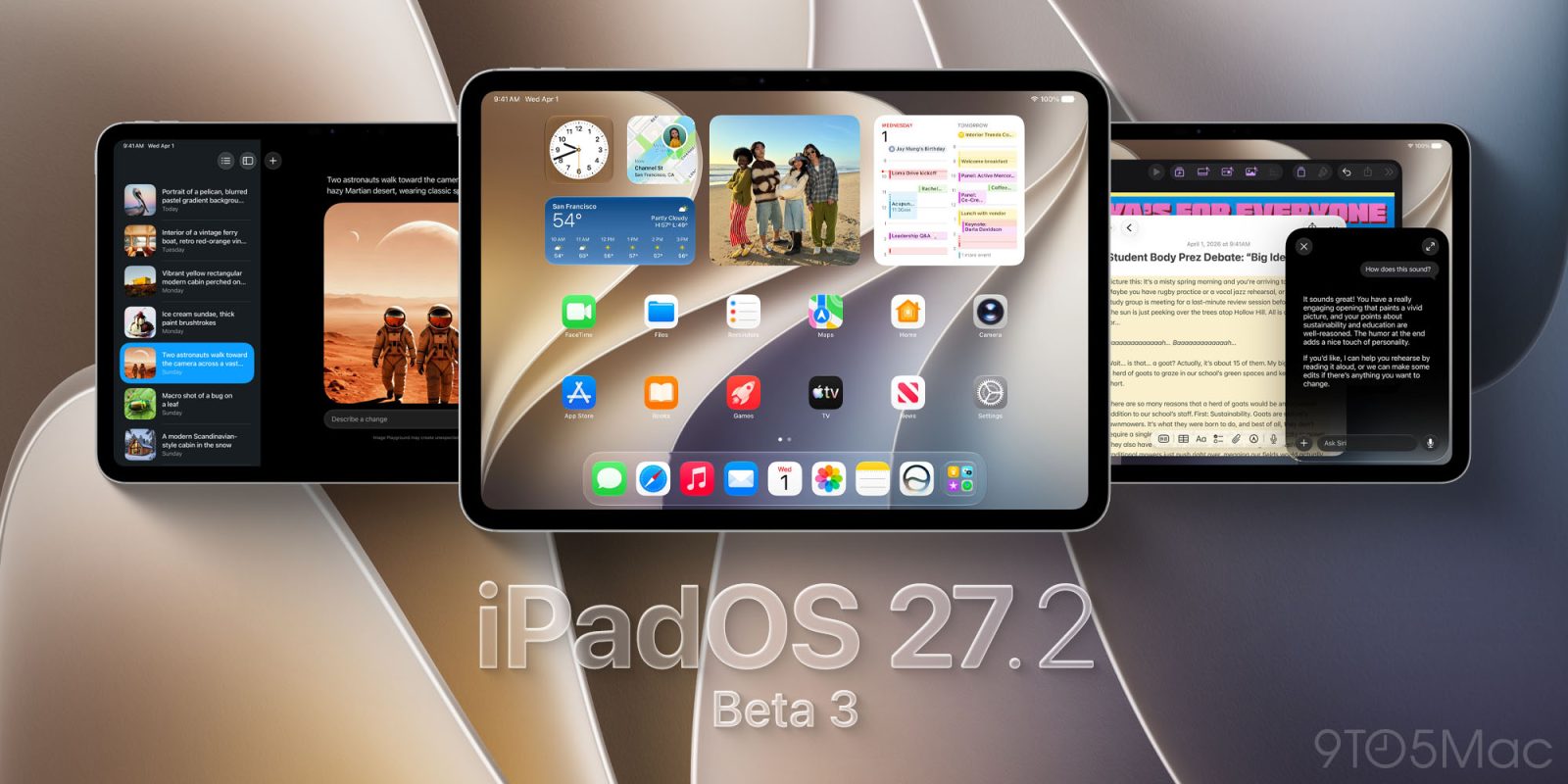
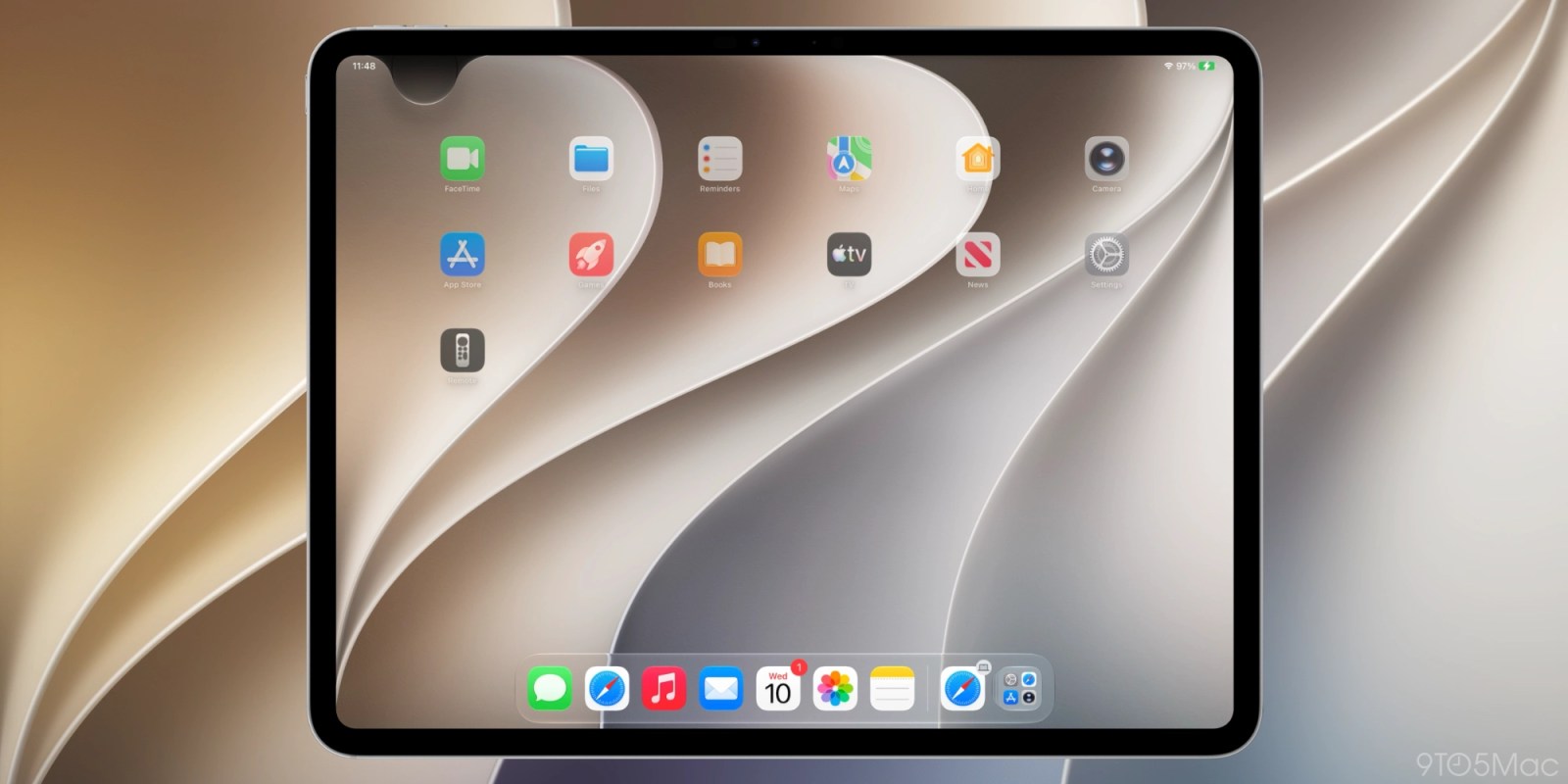
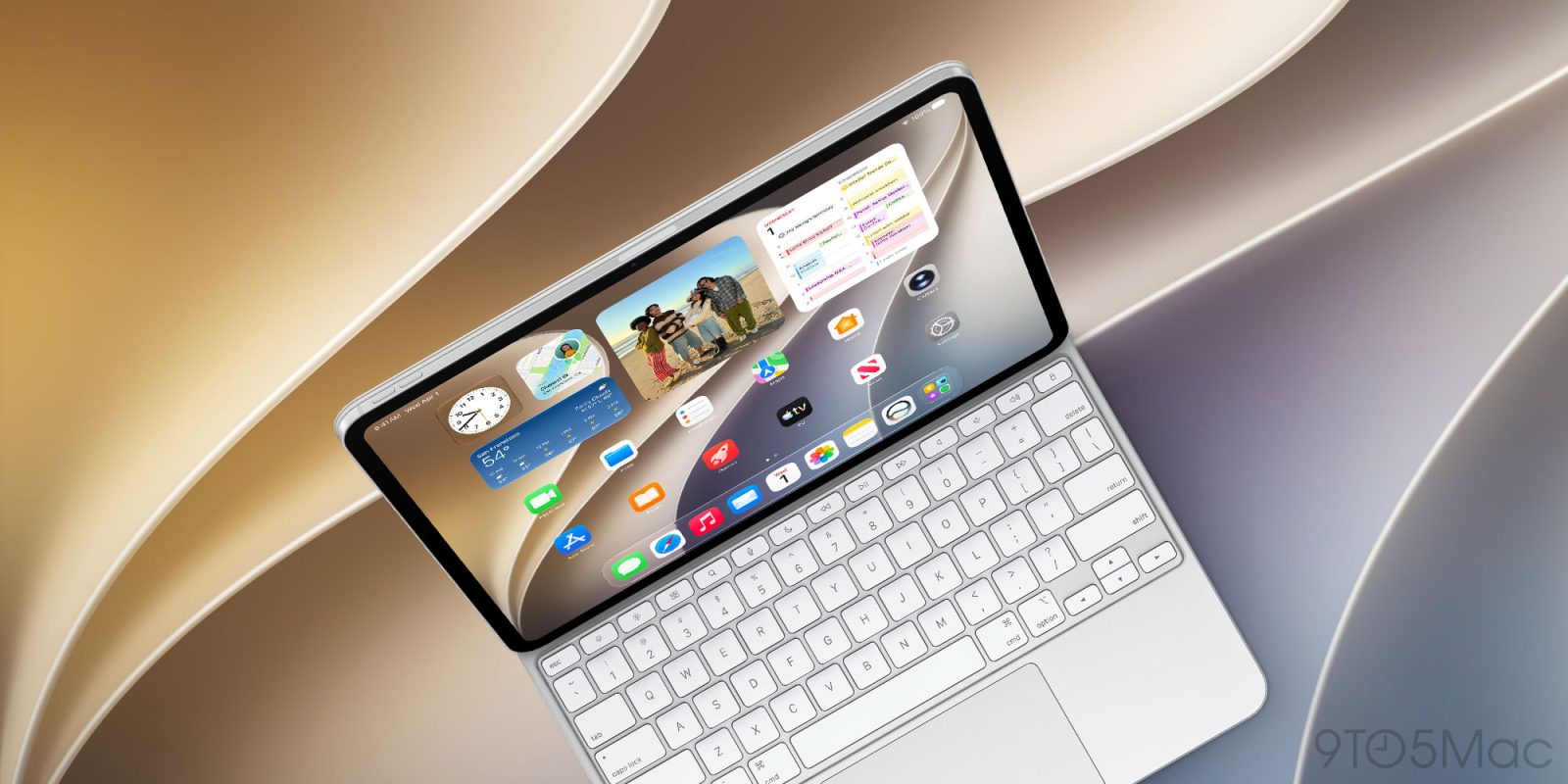
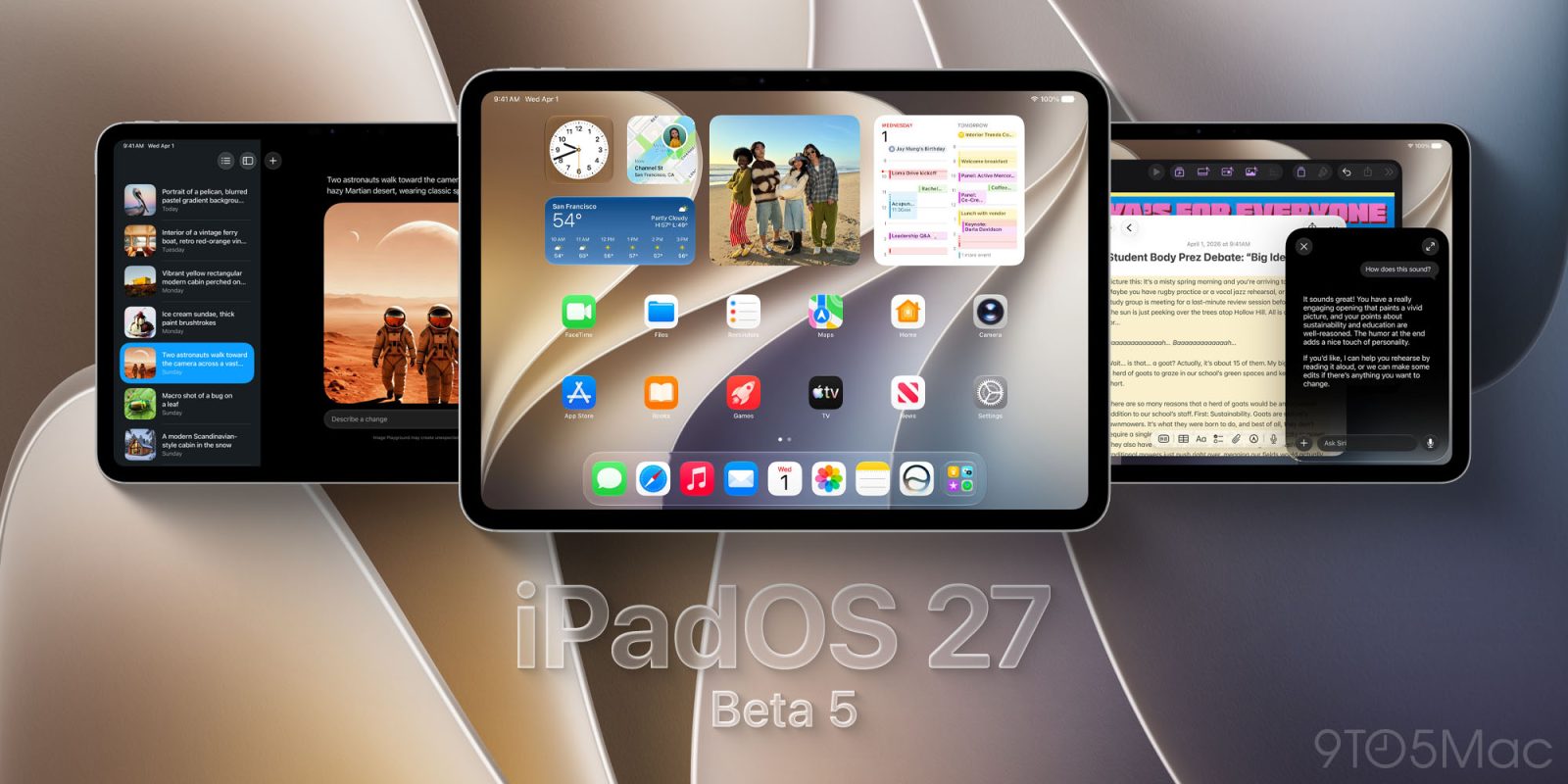
iPadOS 27

See All Stories

These are the best iPadOS 27 features you should try [Video]

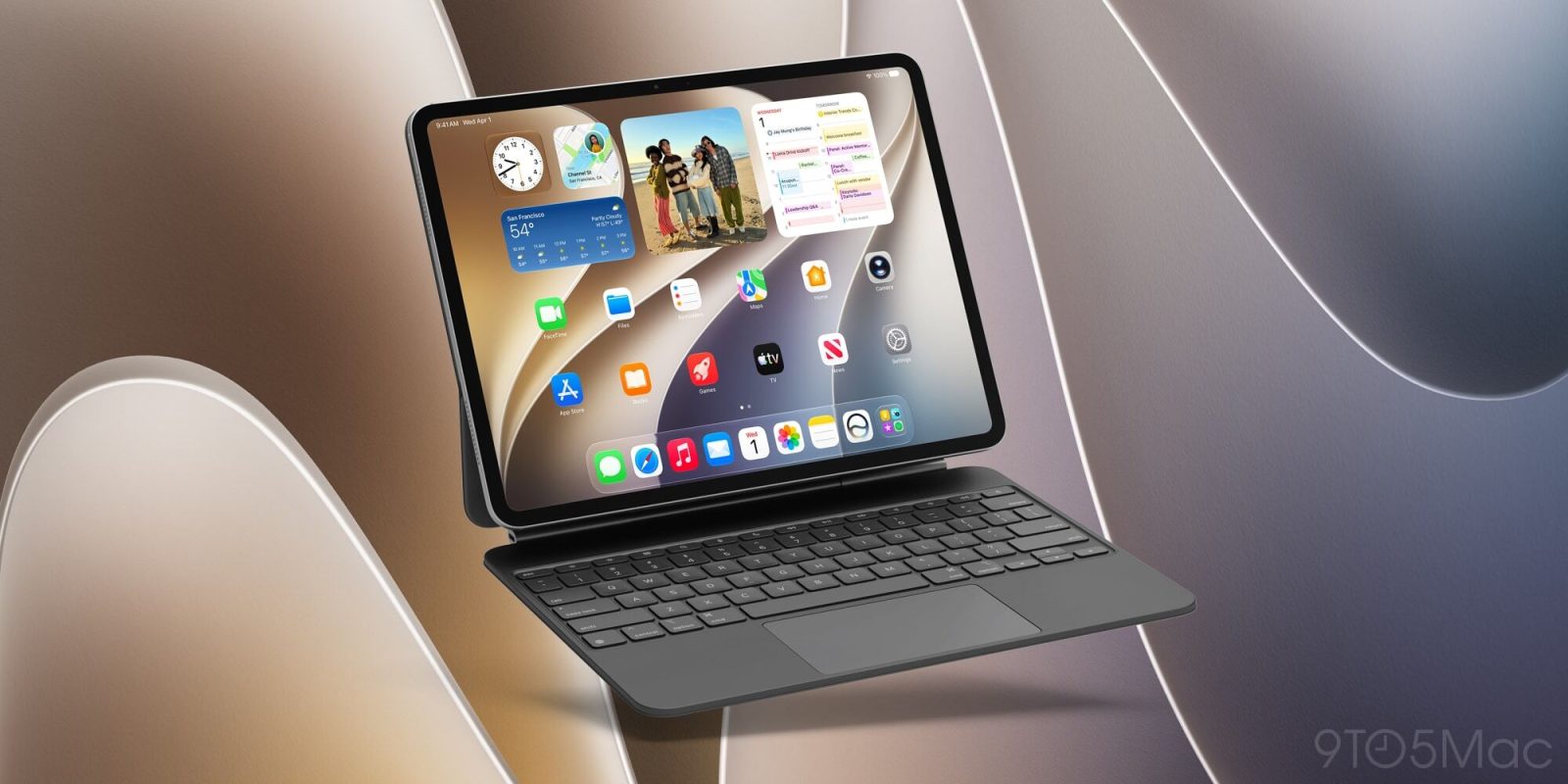
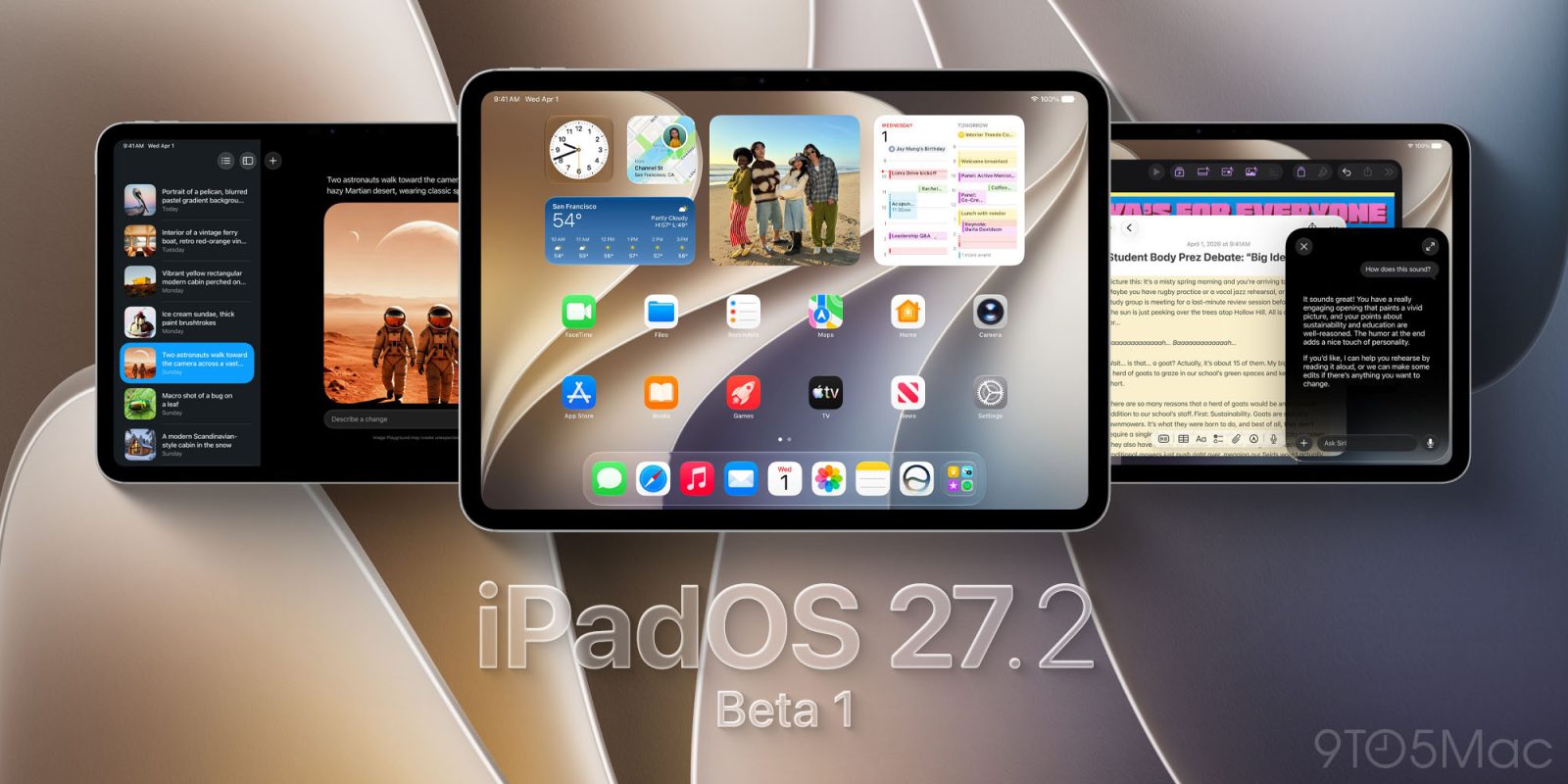
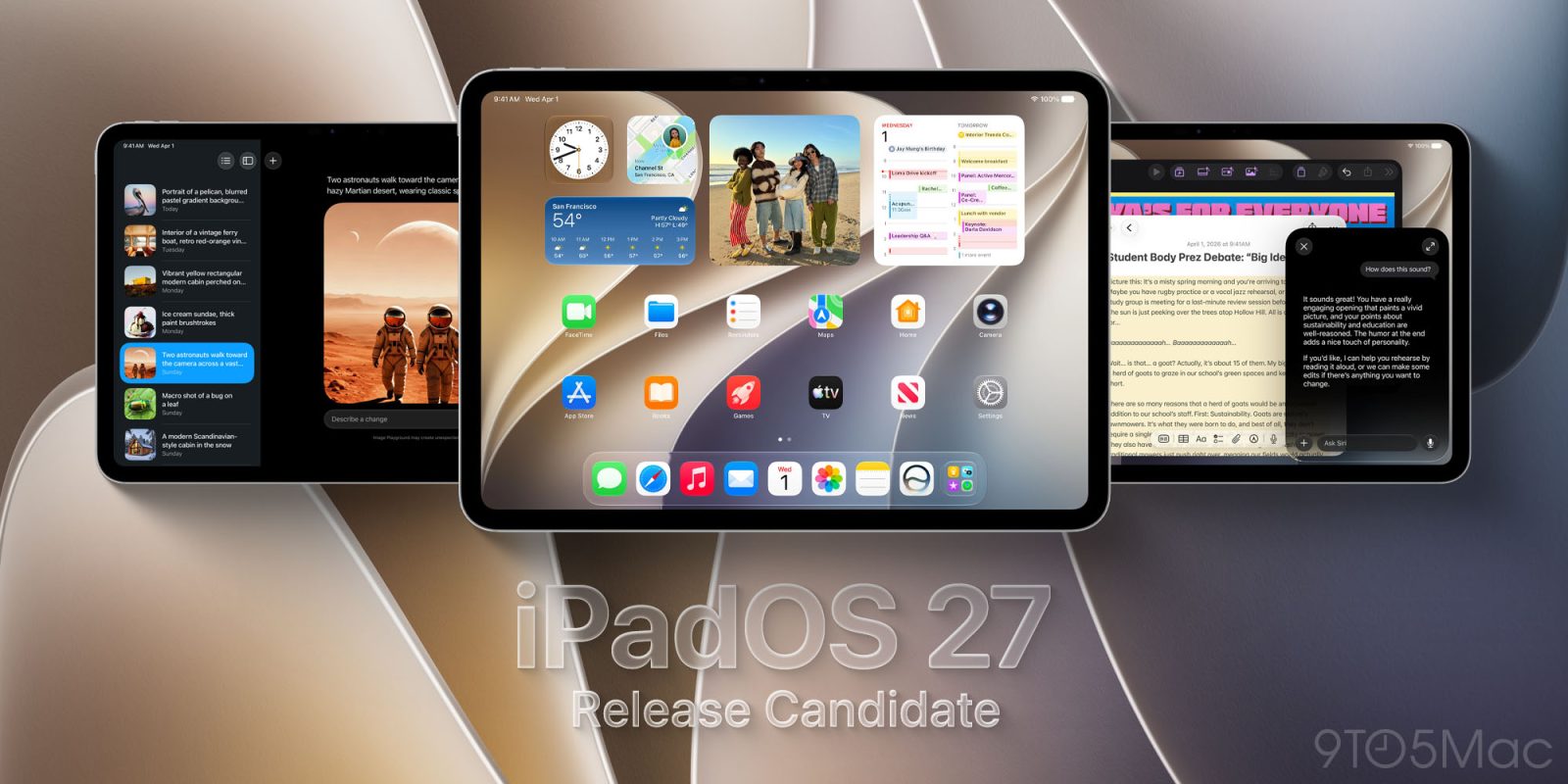
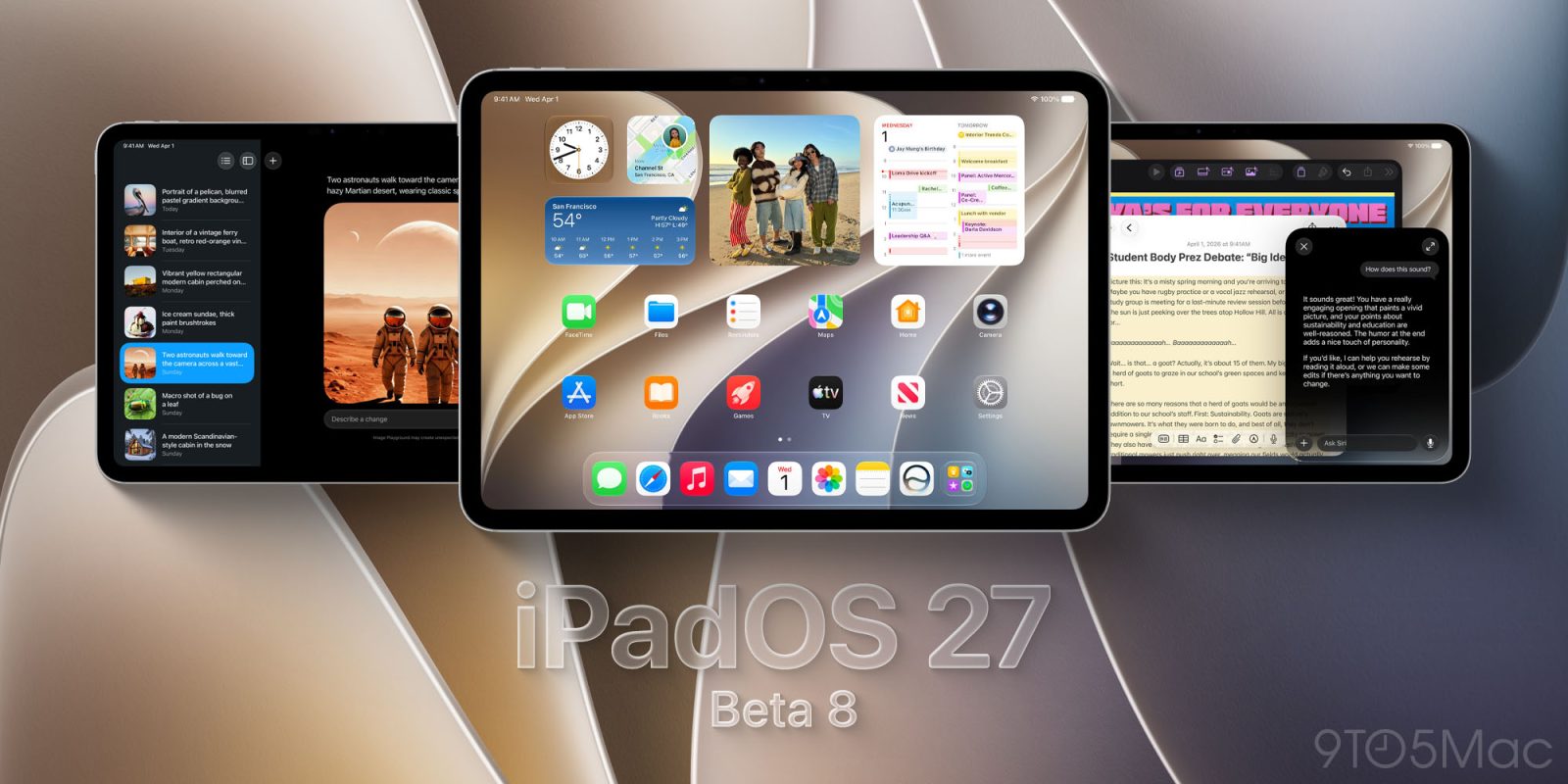
Last year, Apple blew me away with the new multitasking features in iPadOS 26. It felt like a true step forward, giving us a more Mac-like experience. This year, iPadOS 27 aimed to tighten everything up and give us the best version of iPadOS we have ever seen. The update might not have been as flashy as last year’s, but it has made my iPad smarter, faster, more capable, and the performance now feels drastically improved. There are 100s of new small tweaks and changes, but I wanted to share my five favorite features you need to try.

Expand Expanding Close

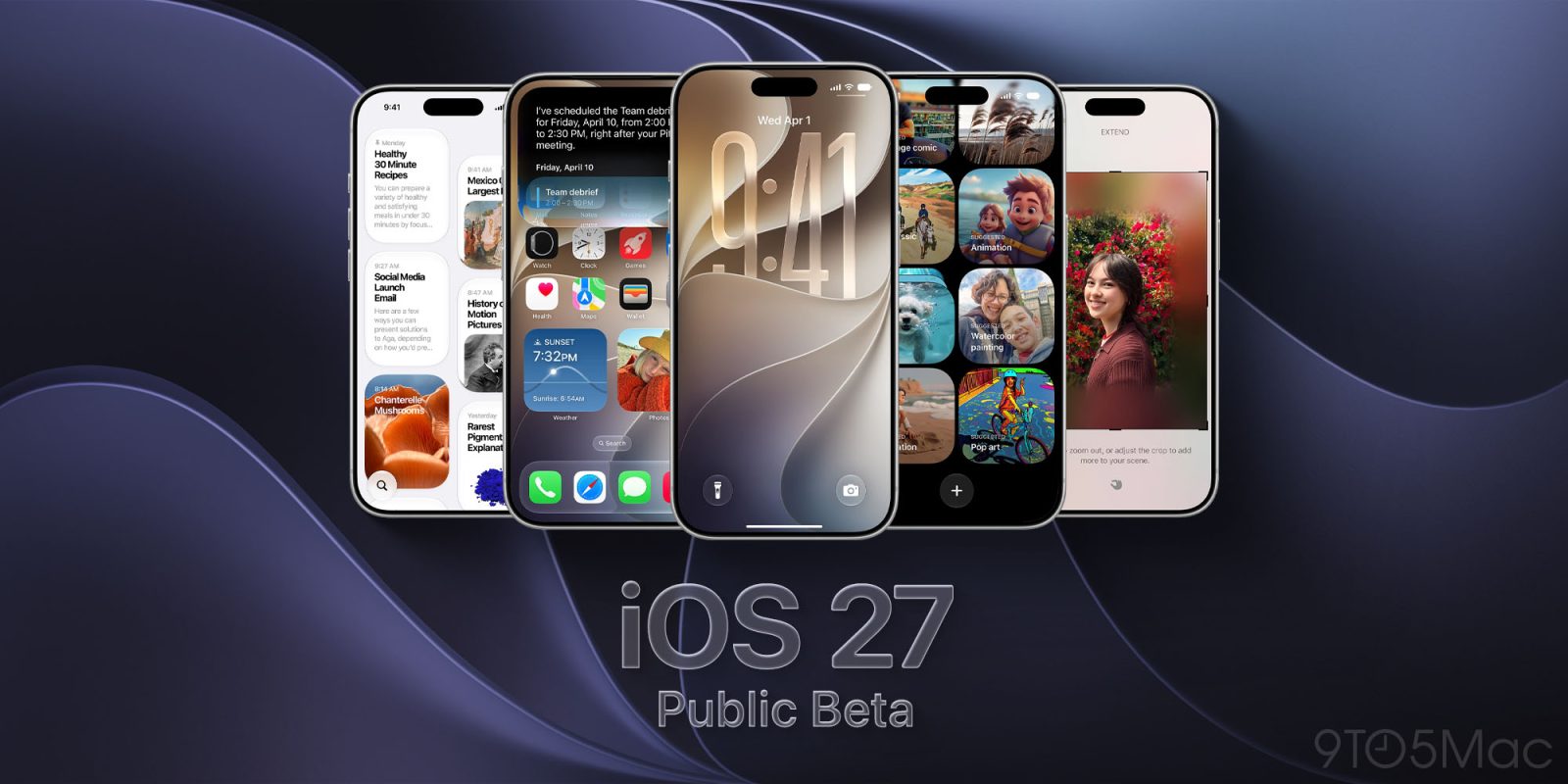
Here’s everything new in iOS 27 and more, per Apple’s keynote list

Apple’s WWDC keynote revealed a lot of new features in iOS 27, macOS Golden Gate, and more—most of which were displayed on a single slide for just a moment. Here are all of those listed features in a more accessible, organized format. There are even more changes coming in iOS 27, but this is everything Apple listed on that big keynote slide.

Expand Expanding Close
Can your iPad run iPadOS 27? Check here …

Can your iPad run iPadOS 27 and the new Siri? Check here ...

If Apple truly does deliver on its new Siri and other Apple Intelligence features, then you’re very likely to want to upgrade to iPadOS 27 if your device supports it.

Apple does aim to provide OS updates for each of its devices for as long as possible, but the demands of the new features mean that only the most recent models will support the upcoming update …

Expand Expanding Close