
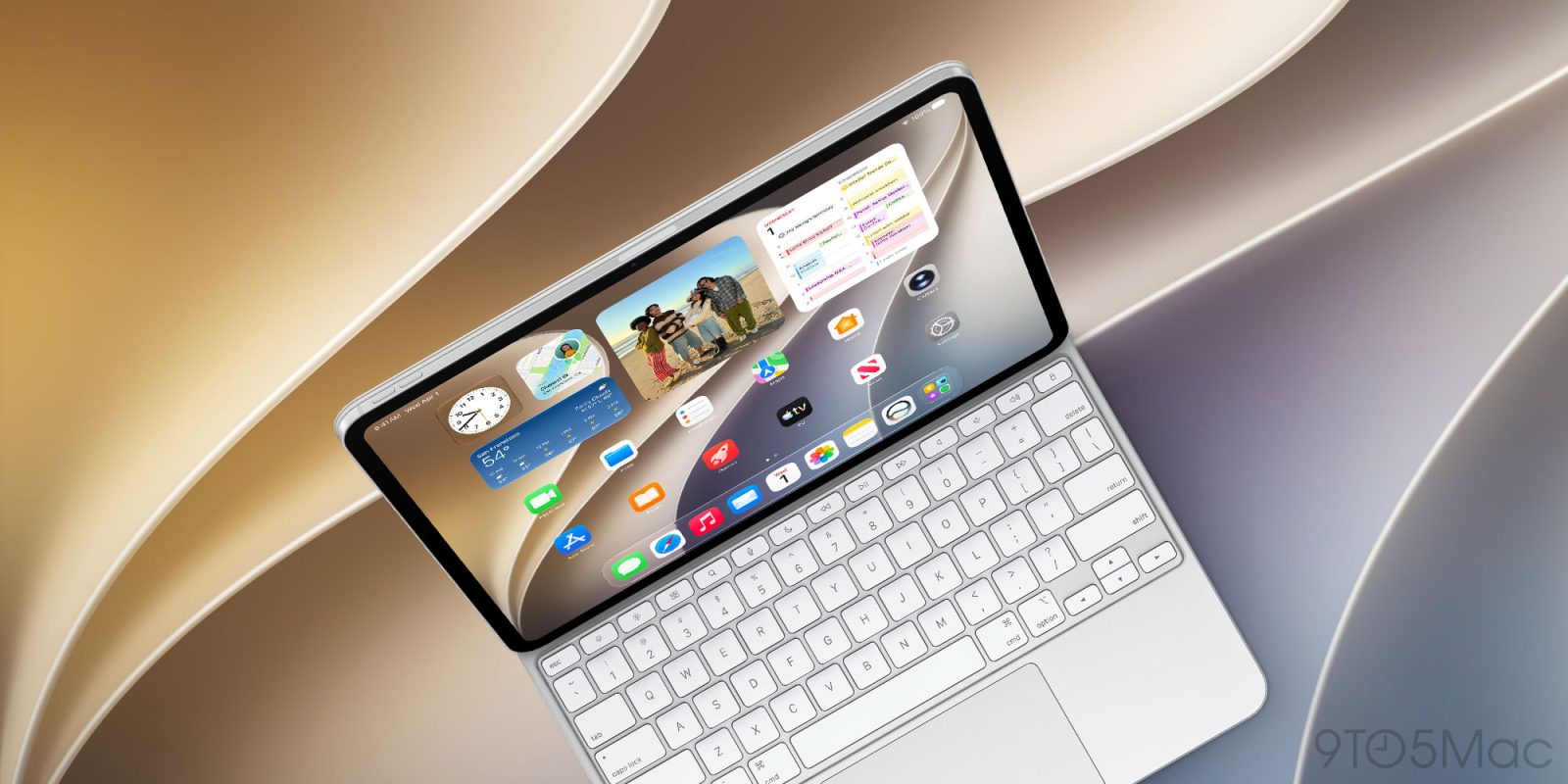
iPadOS and macOS used to be very different software platforms. But especially since iPadOS 26, the two have become a lot more alike. And that’s even more true this year, with iPadOS 27 adding three features that make the iPad more Mac-like than ever.
#1: App names in status bar
I work on an M5 iPad Pro that‘s attached to a Magic Keyboard all the time. And one issue the iPad has long had for keyboard users is the lack of a clear ‘active app’ indicator.
If you only have one app on-screen, this isn’t a problem. But if you have several apps visible at once, keyboard shortcuts become tricky. I can’t count the number of times I’ve tried a keyboard shortcut thinking it would trigger in one app, only to be surprised that a different app was targeted instead.
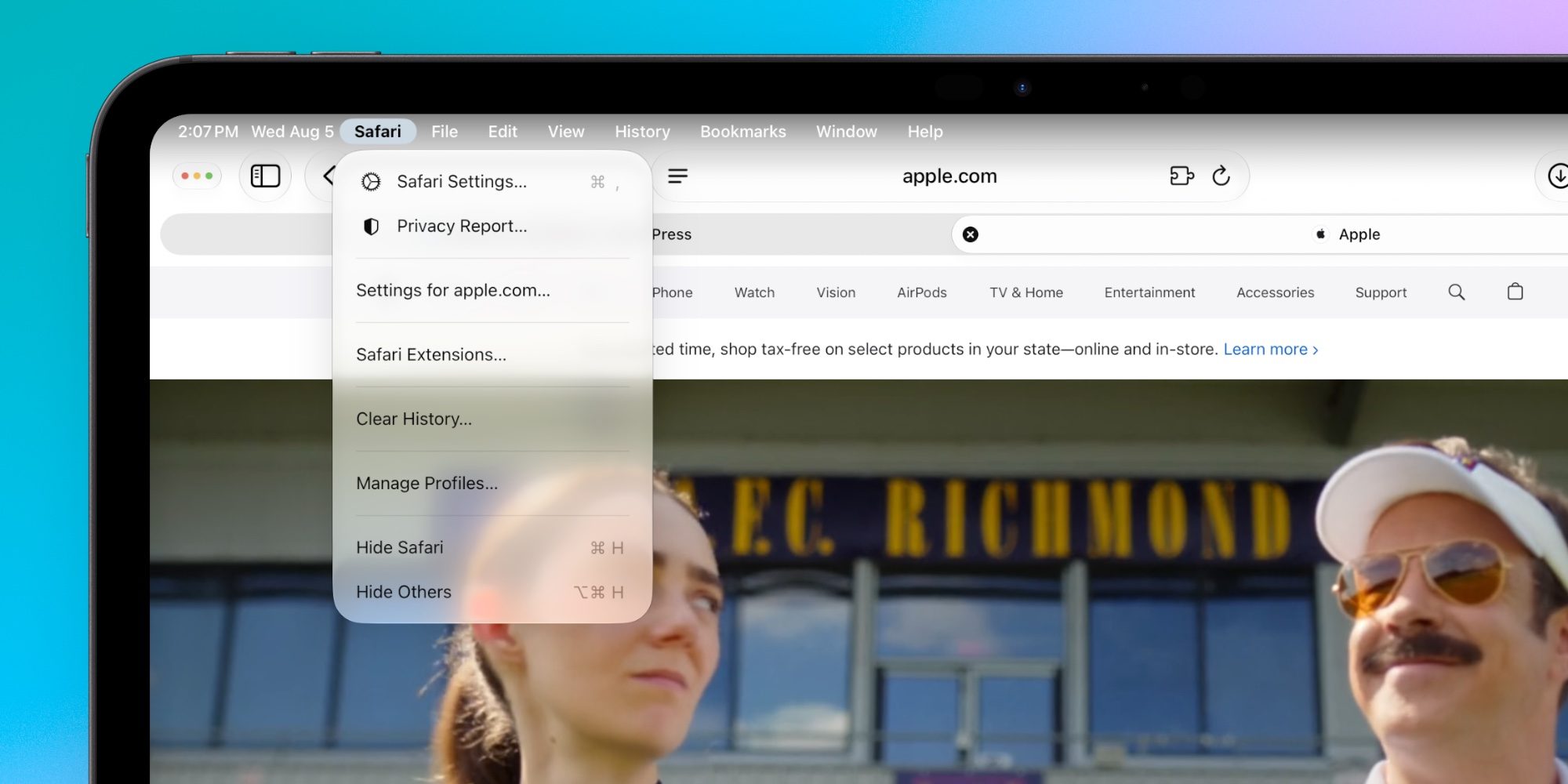
The Mac solved this problem long ago by putting the active app’s name in the top-left corner of the screen. And now, iPadOS 27 does this too.
iPadOS 27 users will find the active app’s name right next to other status bar elements like the time and date. It’s a small, but welcome change that makes using an iPad with a keyboard a far more pleasant experience.
#2: Always-on menu bar
Another welcome iPadOS 27 change is the option for an always-on menu bar.
Last year Apple brought the menu bar to iPad for the first time. But unlike the Mac, iPadOS 26’s menu bar would only appear onscreen when explicitly summoned.
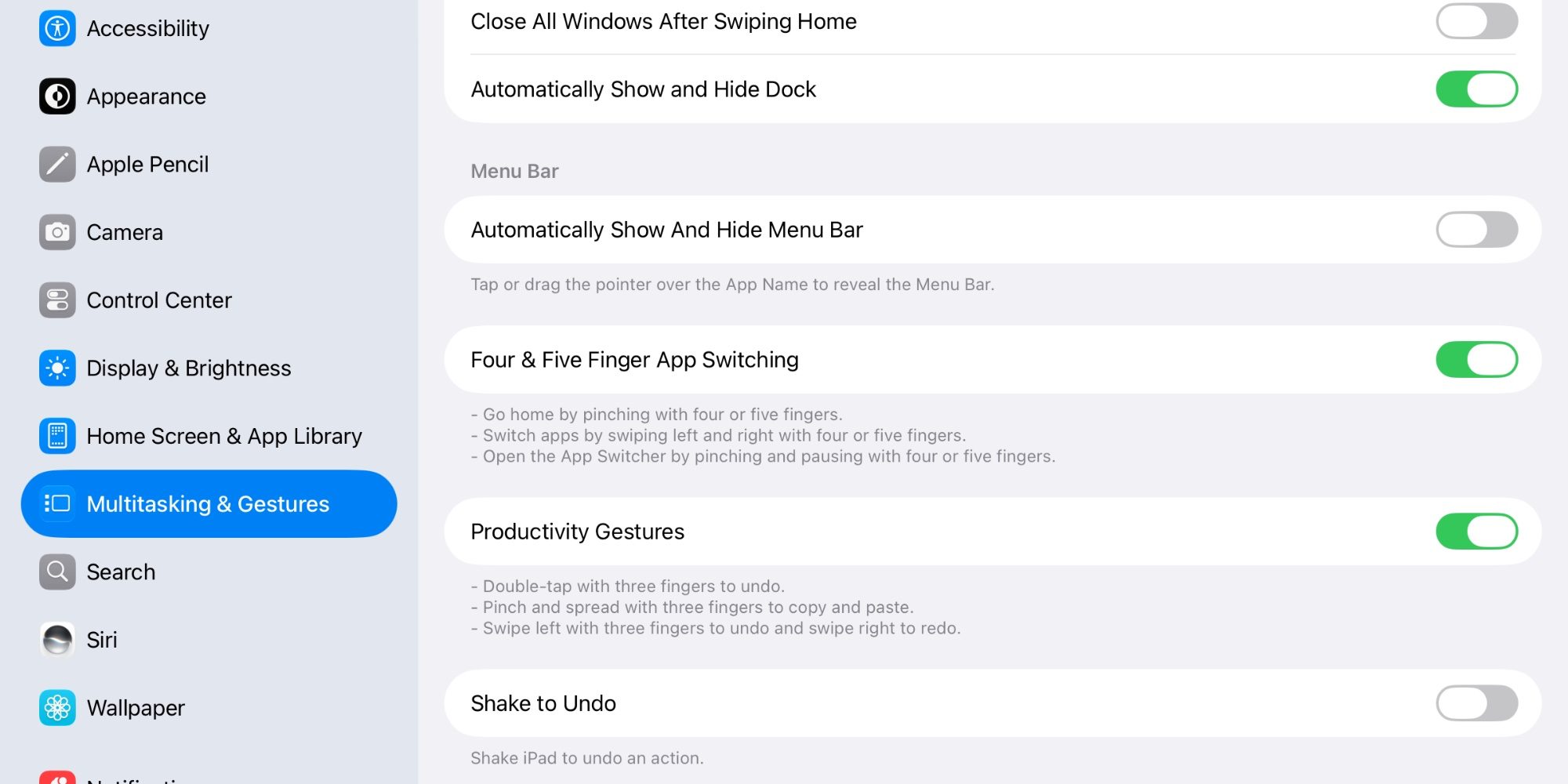
In iPadOS 27, the Settings app has a new toggle under Multitasking & Gestures. It reads: ‘Automatically Show and Hide Menu Bar.’
With this toggle turned off, the menu bar will stay visible all the time. I’ve been using my iPad this way during the iPadOS beta and it’s one of my favorite changes this year.
#3: Mac-like speed for everyday tasks
As much as I love my iPad, and appreciate its new powers in iPadOS 26 and 27, I also get frustrated at times by how slow some basic tasks can be. For example, earlier this year I wrote: “Right-clicking in iPadOS often feels slow and laggy, while on a Mac it’s just instant.”
Thanks to Apple’s focus on bug fixes this year, I’m happy to report that iPadOS 27 offers speed improvements for everyday tasks like this.
Top comment by OrangeApple
Here's a novel idea, have the iPad Pro run MacOS and the other iPads run iPadOS. There's no reason to not turn the "Pros" into more usable and pro-like devices.
Apple says context menus now open faster when using a cursor, and I’ve definitely noticed. Browsing files and transferring them to an external drive is now “up to 5x faster,” which Apple says makes it just as fast as Finder on the Mac. Apps now launch more responsively, and window management gets faster too when closing, switching, or dragging windows.
There are still areas where the Mac is quicker and the iPad can feel sluggish. But overall, iPadOS 27’s speed upgrades are a great step in the right direction.
Which new iPadOS 27 features and changes are your favorites? Let us know in the comments.
*Buy iPad from Apple with 15% discount refurbished
Best iPad accessories
- AirPods Pro 3 (now only $189, down from $249)
- 100W USB-C fast charging power adapter
- tomtoc Tablet sleeve bag for protection and style
- Baseus 10ft USB-C cable for extended reach
- Apple Pencil Pro


FTC: We use income earning auto affiliate links. More.



Comments