
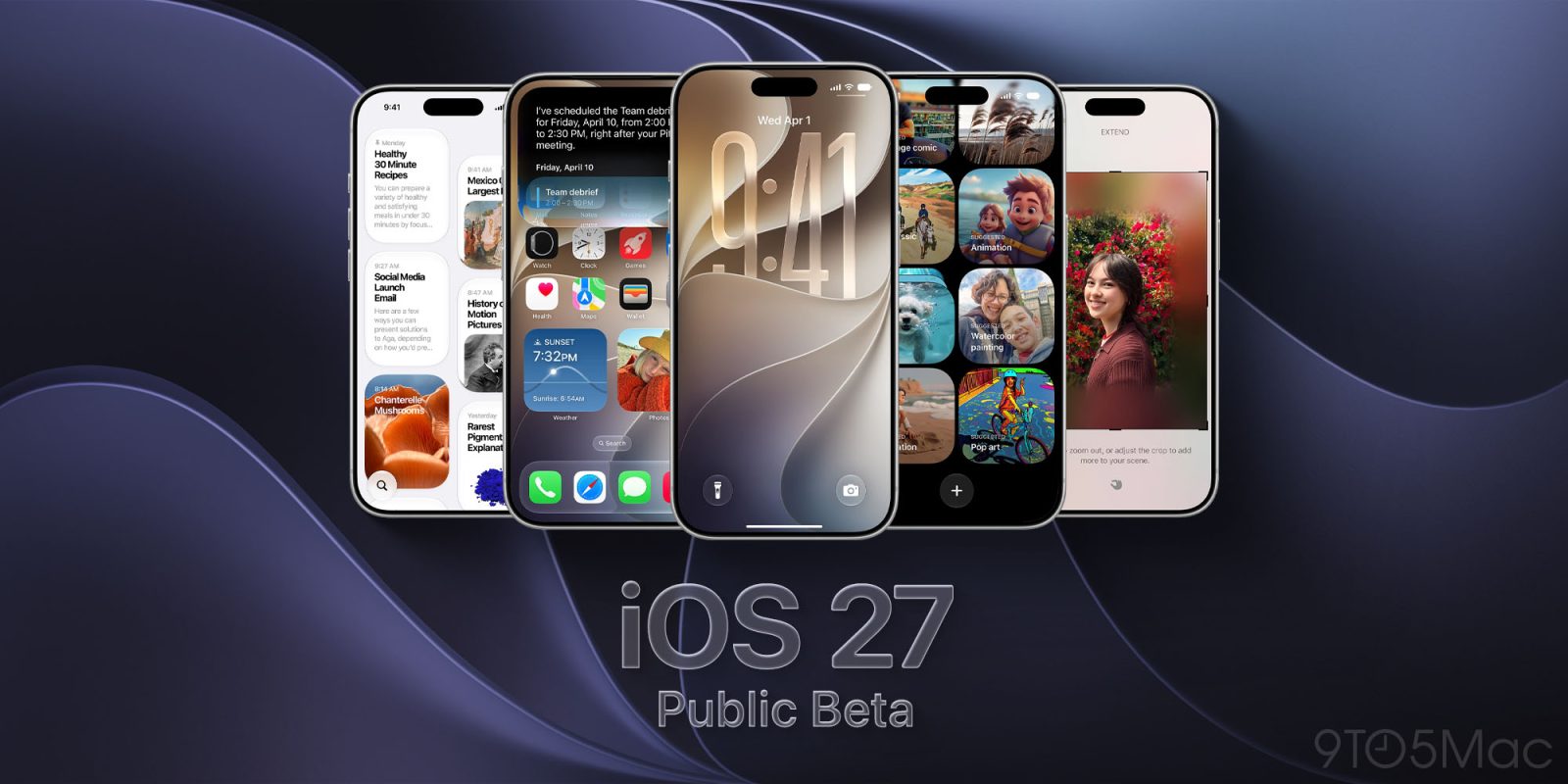
Following the release of the seventh developer betas for iOS 27, iPadOS 27, macOS 27 Golden Gate, and Apple’s other upcoming software updates, the company is now rolling out the corresponding public betas. Here are the details.
Apple rolls out new public betas
Earlier today, Apple rolled out:
- iOS 27 developer beta 7 (Build: 24A5424a)
- iPadOS 27 developer beta 7 (Build: 24A5424a)
- macOS 27 Golden Gate developer beta 7 (Build: 26A5421a)
- tvOS 27 developer beta 7 (Build: 24J5358a)
- visionOS 27 developer beta 7 (Build: 24M5359a)
- watchOS 27 developer beta 7 (Build: 24R5358a)
Now, Apple is rolling out their equivalents to the public beta, marking the fifth public beta rollout. So far, Apple has released new public betas for iOS 27, tvOS 27, iPadOS 27, macOS 27 Golden Gate, and HomePod 27.
Today’s releases do not include any particularly notable changes, as Apple is now focused primarily on bug fixes and stability improvements ahead of the official release expected in a few weeks.
Additionally, Apple also rolled out the second public RC for macOS Sequoia 15.8 (24H20), following the release of the corresponding developer RC earlier today. The second RC for macOS Tahoe 26.7 (25G224) is expected to drop soon. also available as of 7:42 p.m. ET.
Top comment by james kallas
This one finally fixed the bugs for me. At times I could not the cursor in a text box and safari would always show thumbnails of a non-opened tab.
Across all of today’s releases, the public beta builds carry the same build numbers as their developer counterparts.
Enrolling in Apple’s Public Beta program
To enroll your device in the Public Beta program, visit https://beta.apple.com, and follow the steps for each corresponding device. Here is how to install the public beta on the iPhone:
- Visit the Apple Beta Software Program website and choose Sign Up or Sign In.
- Sign in with the same Apple Account you use on your iPhone. Then accept the program terms and enroll your account.
- Open Settings on your iPhone.
- Go to General > Software Update > Beta Updates.
- Select iOS 27 Public Beta.
- Return to the Software Update screen, then tap Update Now when the beta appears.
Apple recommends installing beta software on a secondary device. If you use your primary iPhone, make sure you have a recent backup first.
Did you spot any changes in today’s betas? Let us know in the comments.
Worth checking out on Amazon
- Geoffrey Cain – ‘Steve Jobs in Exile’
- David Pogue – ’Apple: The First 50 Years’
- MacBook Neo
- Logitech MX Master 4
- AirPods Pro 3
- AirTag (2nd Generation) – 4 Pack
- Apple Watch Series 11
- Wireless CarPlay adapter


FTC: We use income earning auto affiliate links. More.


Comments