
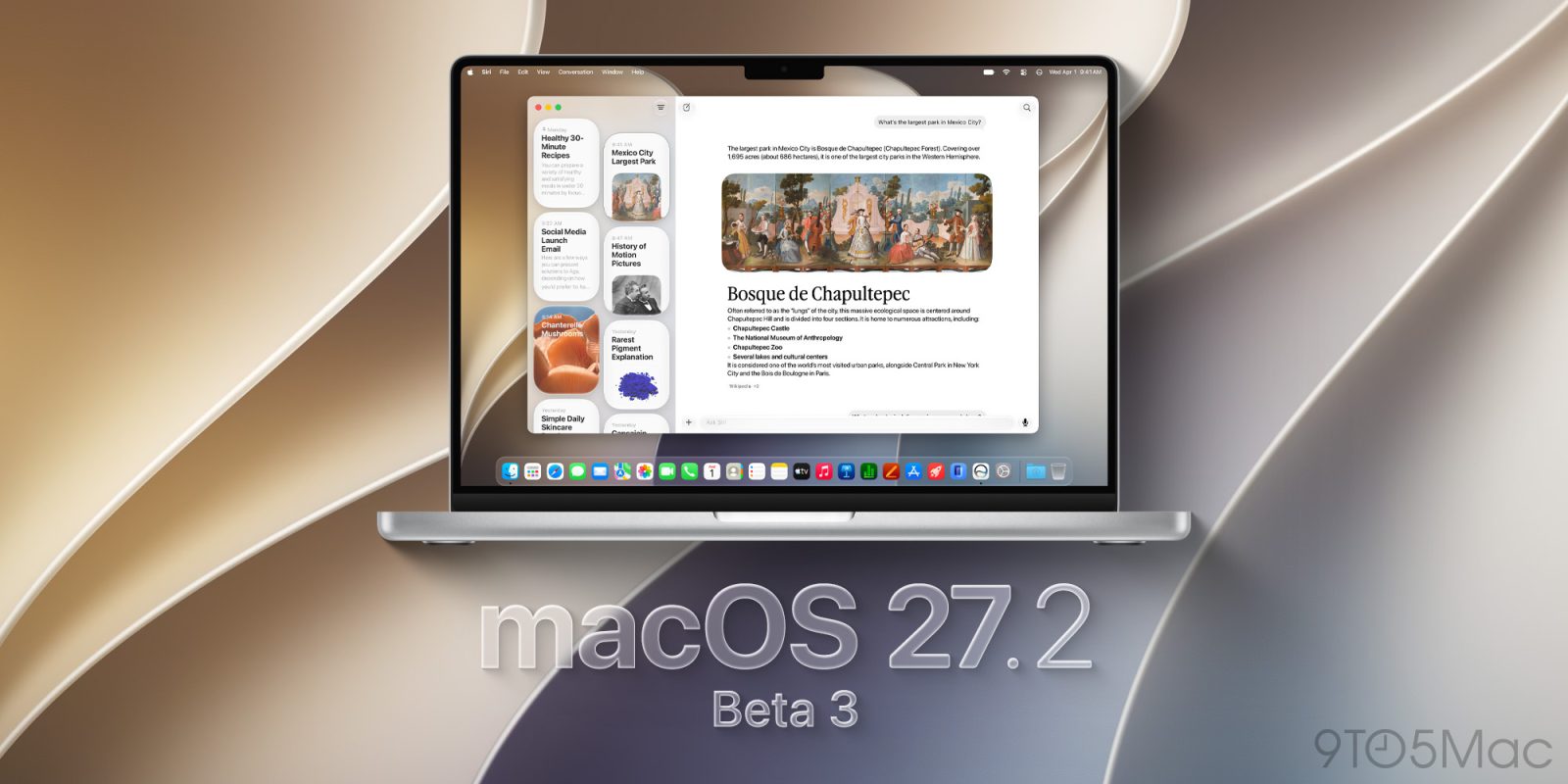
Apple is rolling out the third developer beta of macOS 27.2 Golden Gate, ahead of its official rollout in the coming weeks. Here’s what’s coming.
macOS 27.2 beta 3 rolls out to developers
Two weeks ago, Apple rolled out the second developer beta of macOS 27.2 Golden Gate and, soon after that, the first public beta with the same build.
The biggest user-facing new feature included in the macOS 27.2 Golden Gate beta cycle so far is Siri AI’s support for five additional languages, after its English-only initial rollout last month with macOS 27 Golden Gate.
Siri AI in macOS 27.2 Golden Gate will add support for French, Japanese, Korean, Portuguese, and Spanish, as Apple promised during the Surprise and Shine event.
Apple has yet to release a macOS 27.1 Golden Gate beta, having instead gone straight to macOS 27.2. Presumably, the unusual sequencing is related to iPhone Duo-related work that Apple wanted to keep under wraps ahead of the device’s announcement earlier this month.
We are digging through today’s new betas and will report back if we find noteworthy tidbits.
Installing macOS 27.2 beta 3
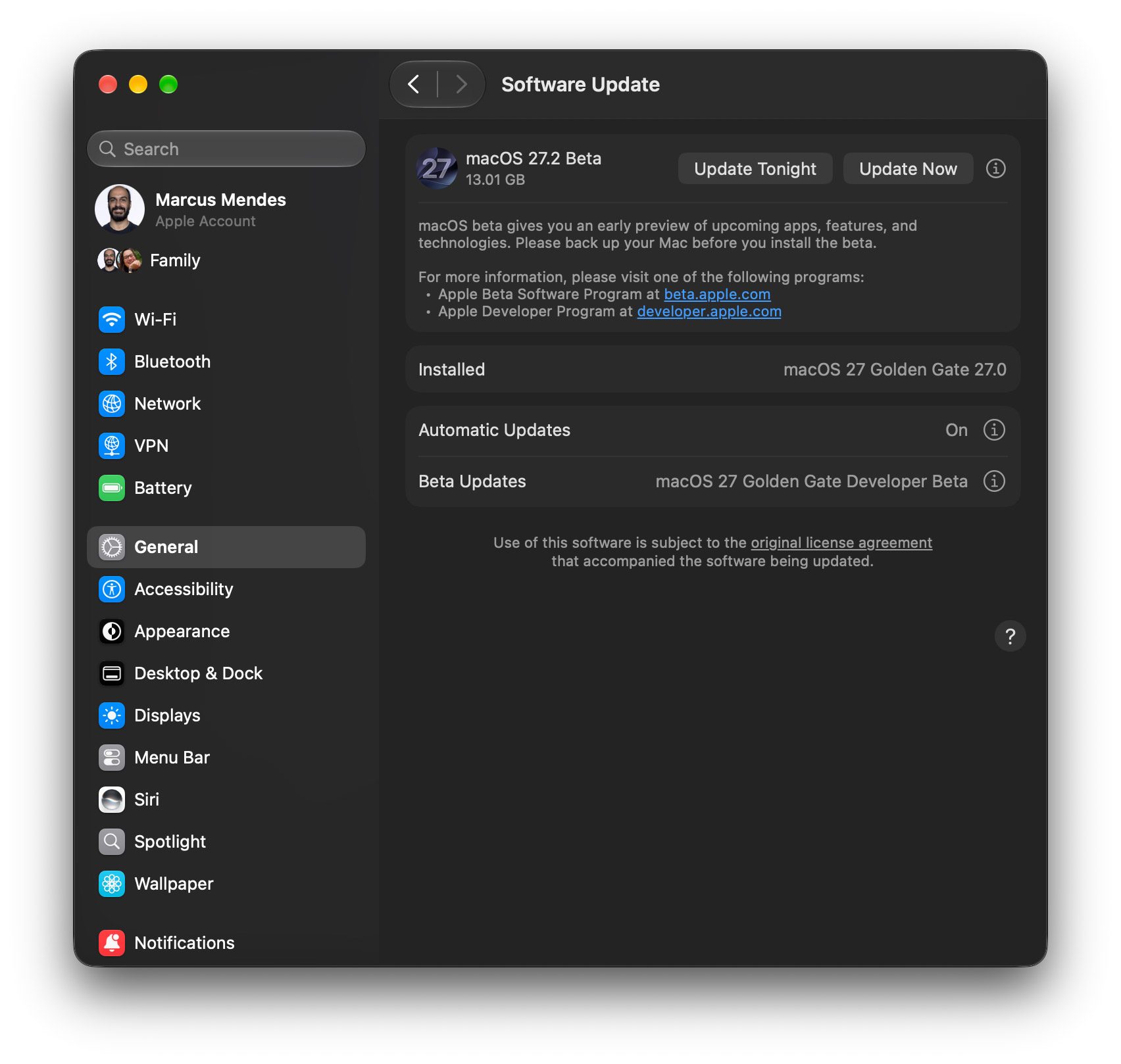
Here’s how to install the first macOS 27.2 beta 3:
- Back up your Mac
- Open System Settings
- Go to General ⇾ Software Update
- Click the ‘i’ icon next to Beta Updates
- From the dropdown menu in the top-right, select the macOS Developer Golden Gate Beta
- Hit ‘Done’
Did you spot anything new in macOS 27.2 Golden Gate developer beta 3? Let us know in the comments.
- Apple Watch Series 12
- Apple Watch Ultra 4
- AirPods Pro 3
- AirPods 5
- AirTag (2nd Generation) – 4 Pack
- MacBook Neo
- Logitech MX Master 4


FTC: We use income earning auto affiliate links. More.



Comments