
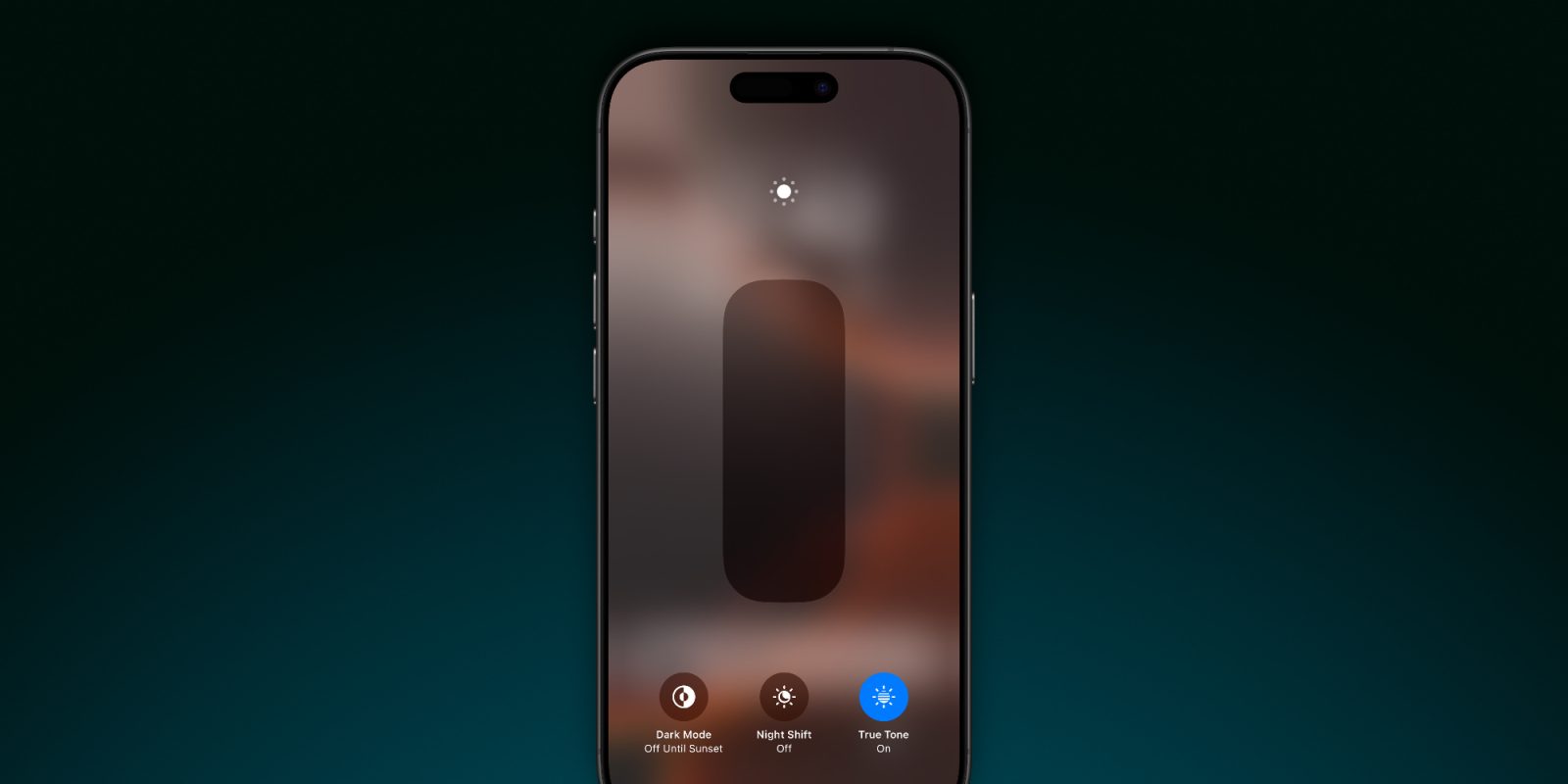
If you were asked to list off the iPhone 16 Pro’s changes, what would come to mind? Likely Camera Control, better battery, improved cameras, the forthcoming Apple Intelligence, and so on. These are clearly the headliners. But there’s one tiny upgrade that’s consistently surprised me: the new iPhone 16 display’s minimum brightness.
Minimum brightness is a new published spec
Until this year, whenever Apple would talk about iPhone screen brightness, it always focused on maximums, not minimums.
Max brightness is an important spec for iPhones. You want to be able to use your device outside, in the sun, on the go.
But many of us also find ourselves using the iPhone inside, in a dark room, while lying in bed.
That’s where minimum brightness gets really important.
The iPhone 16 and 16 Pro have the first published ‘minimum brightness’ spec for the iPhone.
Each device features 1 nit of minimum brightness.
Why reduced brightness matters
Why does this matter, you ask?
Because it means you can use the iPhone in the dark without disturbing any sleepers around you.
Most of the time, this will look like using your phone in bed while your significant other sleeps beside you.
For me this week, I was in a hotel room after evacuating Florida and my 1-year-old was sleeping nearby. The iPhone 16 Pro’s new minimum brightness made it possible for me to use my phone without disturbing him.
Since Apple doesn’t publish minimum brightness for past iPhones, it’s hard to know exactly how much darker the iPhone 16 Pro is than previous models. But doing a side-by-side with my old iPhone 15 Pro definitely revealed a notable difference.
Wrap-up: iPhone 16 display brightness
Top comment by Ricardo Couto
I've just switched to the 16 Pro Max from the 14 Pro Max and was unable to even notice a difference regarding minimum brightness. I was really hoping this would be a game changer using the phone at night close to a sleeping SO, but it wasn't the case, the amount of brightness is apparently identical.
UPDATE: Turns out there is a hidden accessibility setting called “reduce white point” and that will in fact render a very noticeable difference in minimum brightness, using that feature and showing it as a control center widget is the way to go.
Minimum brightness wins my sleeper hit feature of the year. It’s barely getting any attention, but for me it’s been a big value add already.
Is it a reason to upgrade? Of course not. But it’s a surprisingly nice addition to the iPhone 16 display that helps more than you might think.
What do you think of the iPhone 16’s new minimum brightness? Let us know in the comments.
Best iPhone 16 Pro accessories
- Anker 100W charging brick for fast charging
- Apple’s AirPods Pro 2
- CarPlay-friendly USB-A to USB-C cable
- LONLI Leather case for 16 Pro (or 16 Pro Max)
- New MagSafe charger with faster speeds


FTC: We use income earning auto affiliate links. More.



Comments