
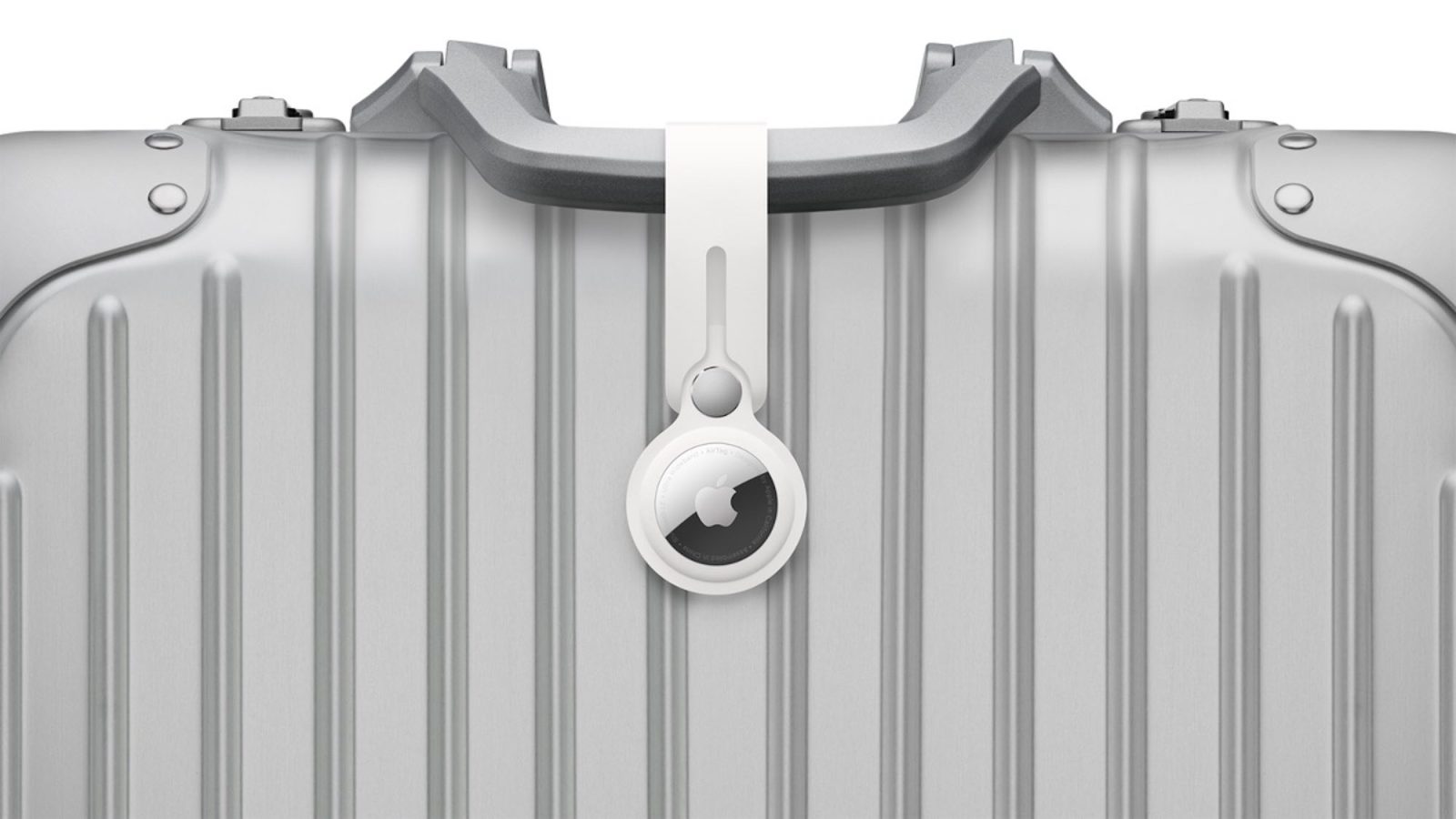
Lost luggage can be a nightmare, but AirTags make the process of finding that luggage much simpler. And thanks to the new Find My feature introduced in iOS 18.2, you can now share your luggage’s location with airlines. Today, Virgin Atlantic has announced it now supports the new AirTag feature. Here’s how that works.
AirTag sharing now supported by another airline
In iOS 18.2, Apple made changes to the Find My app that allow you to temporarily share a lost AirTag’s location with others—including airlines.
The company worked directly with airlines to build support into their customer service systems. But the rollout of airline support has been gradual. We’ve been tracking supported airlines here, and there was a new one that just arrived.
Virgin Atlantic now lets you share your AirTag’s location with its customer service team to recover your lost luggage faster.
The process is outlined on this support page and includes the following instructions:
- Go to the ‘Find My’ app on your iPhone
- Tap ‘Items’
- Tap the name of the AirTag you want to share
- Tap ‘Share Item Location’ and follow the onscreen instructions
- Copy the location link
- Head to the WorldTracer Customer Portal and choose ‘Manage an Existing Report’
- Enter your surname and the 10-digit reference number from your missing bag report
- Select ‘Find My Item Location’ and paste your URL into the text box
- Then, click ‘Add a Find My Location link’
- Paste the location link obtained from the Find My app and click ‘Add’
Despite many of these basic steps being the same no matter who you fly with, each airline offers their own specific implementation for how you share a lost AirTag’s link.
In the US, we’re still waiting on AirTag support from several major airlines including American Airlines, Southwest, JetBlue, Spirit, and more. Currently, Delta and United both offer support.
Have you used AirTag’s new iOS 18.2 feature yet? How did it work for you? Let us know in the comments.
Best AirTag deals and accessories
- AirTag 1-pack for only $23 (down from $30)
- AirTag 4-pack for only $70 (down from $100)
- TimeCapsule AirTag 10-year battery case
- TimeCapsule AirTag 10-year battery case (2-pack)


FTC: We use income earning auto affiliate links. More.


Comments