
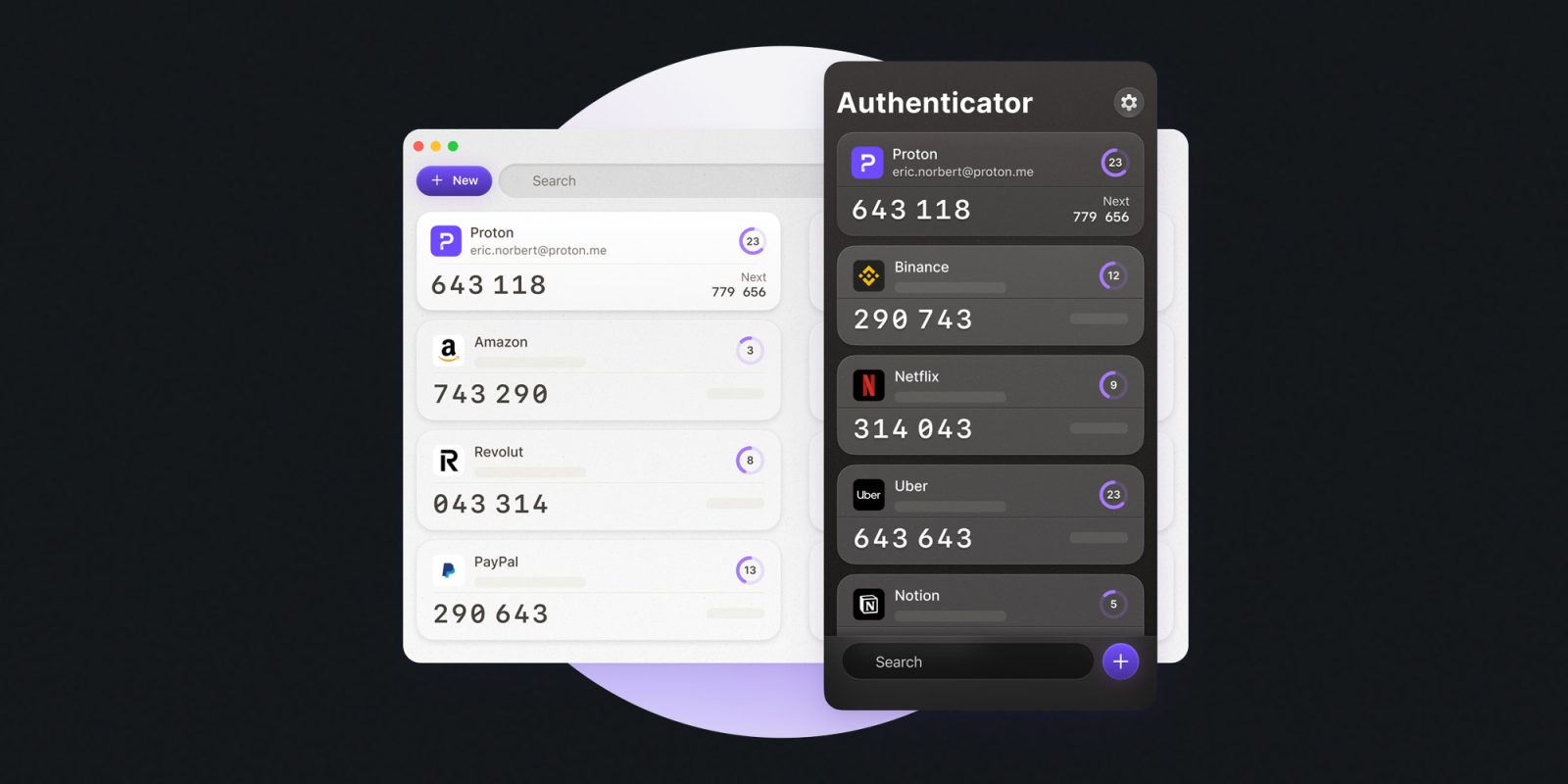
Things have been busy for the privacy-first company, Proton. Just last week, they released the AI chatbot Lumo, and today, the company rolled out Proton Authenticator, its open-source and multiplatform 2FA app.
What’s 2FA again?
Two-factor authentication is a login method that adds an extra layer of security to further make sure that you are the legitimate owner of the account you’re trying to access. With 2FA activated, you’re usually asked for a code from a 2FA app after entering your password.
This means that even if an attacker obtains your password, they can’t log in unless they also have access to your phone and can open the (usually) password-protected 2FA app.
There are many 2FA apps out there, and now, Proton is getting into the game with Proton Authenticator, available for iOS, macOS, Android, Windows, and Linux.
How to set up Proton Authenticator
Here are Proton’s official instructions on how to install and set up the app:
- Download the authenticator app: Get Proton Authenticator for your device. You can sign in to your Proton Account if you want to sync 2FA codes across your devices, but login isn’t required.
- Enable 2FA on your accounts: When you enable 2FA on an account, the website or app will provide you with a QR code or a secret key. Scan the QR code or enter the key into Proton Authenticator. You can also import tokens from another authenticator.
- Use codes to securely log in: Proton Authenticator will generate a new 6-digit code every few seconds. When logging in to an account, enter the code as an extra layer of security.
Proton Authenticator is free, it is an open-source project, and end-to-end encrypted. It offers sync and backup of 2FA codes, and you can find out more about it on the app on Proton’s website.
Apple Watch deals on Amazon
- 40mm Apple Watch SE 2: $169 (was $249)
- 42mm Apple Watch Series 10: $299 (was $399)
- 46mm Apple Watch Series 10: $359 (was $429)
- 49mm Apple Watch Ultra 2: $649.99 (limited time deal)


FTC: We use income earning auto affiliate links. More.



Comments