
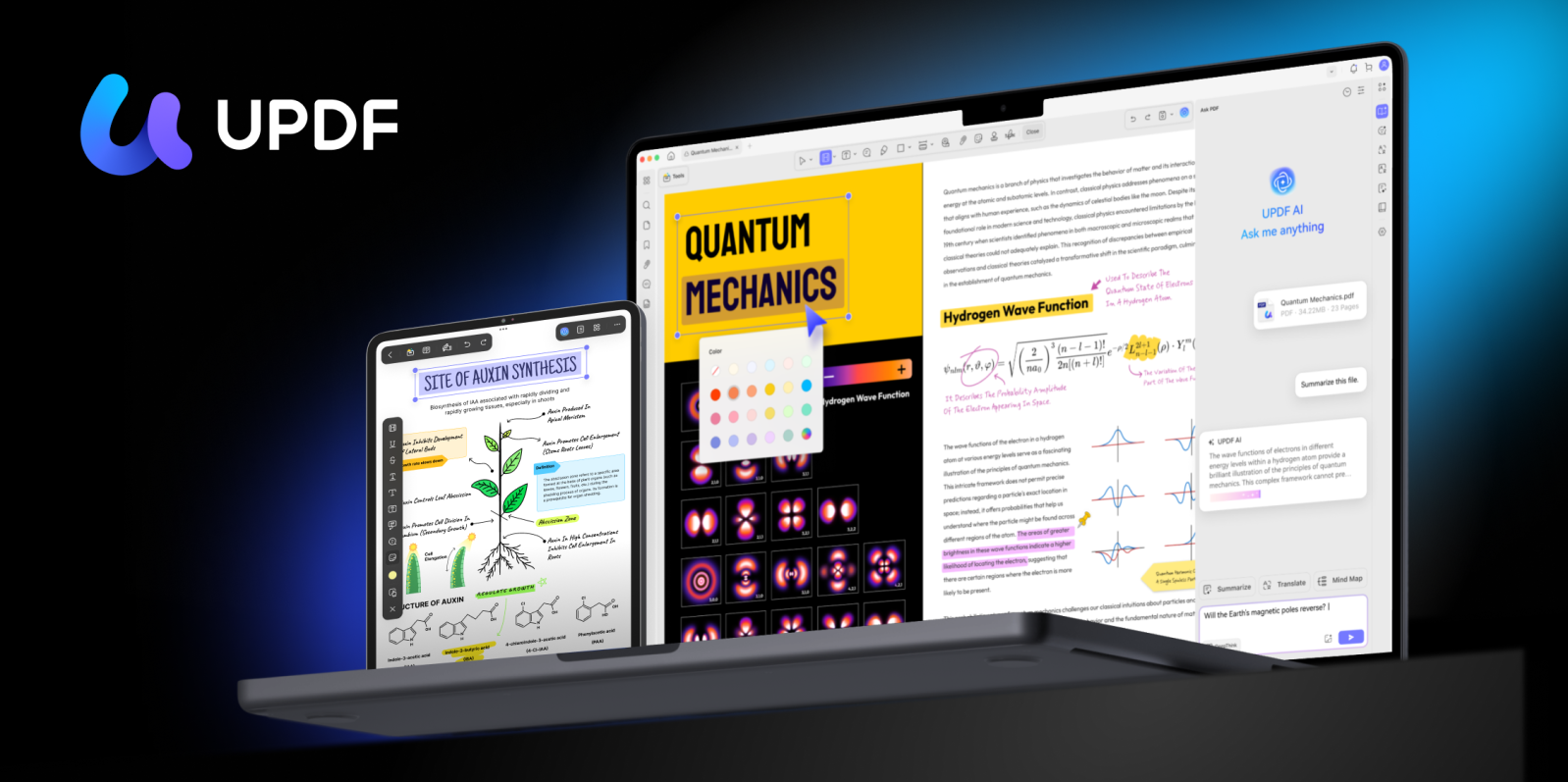
Superace’s PFD editor UPDF brings AI superpowers to all your Apple devices – iPhone, iPad, and Mac – whether or not it supports Apple Intelligence.
UPDF already costs 1/6th as much as Adobe Acrobat, but right now 9to5Mac readers can benefit from a special dual-pronged discount: 43% off a 1-year subscription, with an additional two months thrown in free.
UPDF aims to be the best PDF editor for personal and educational use. It offers all of the features you’d expect, including OCR and document organization in a single tool.
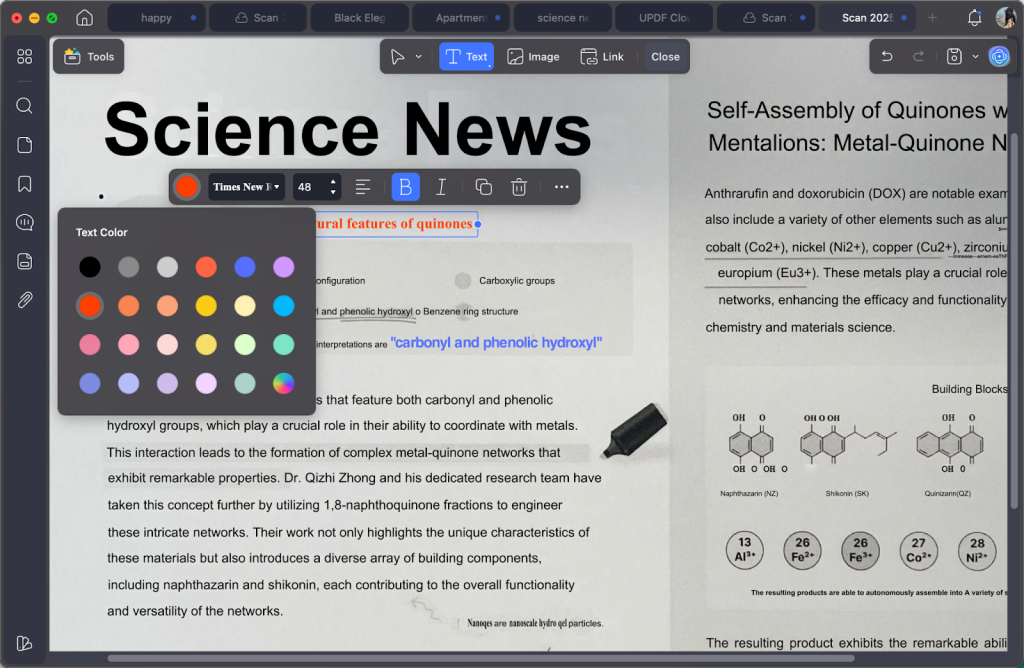
And UPDF 2.0 for iOS and UPDF 2.0 for Mac also offer a built-in AI assistant, intended to help individuals quickly identify relevant academic papers and credible references and very much more.
Key PDF editing features
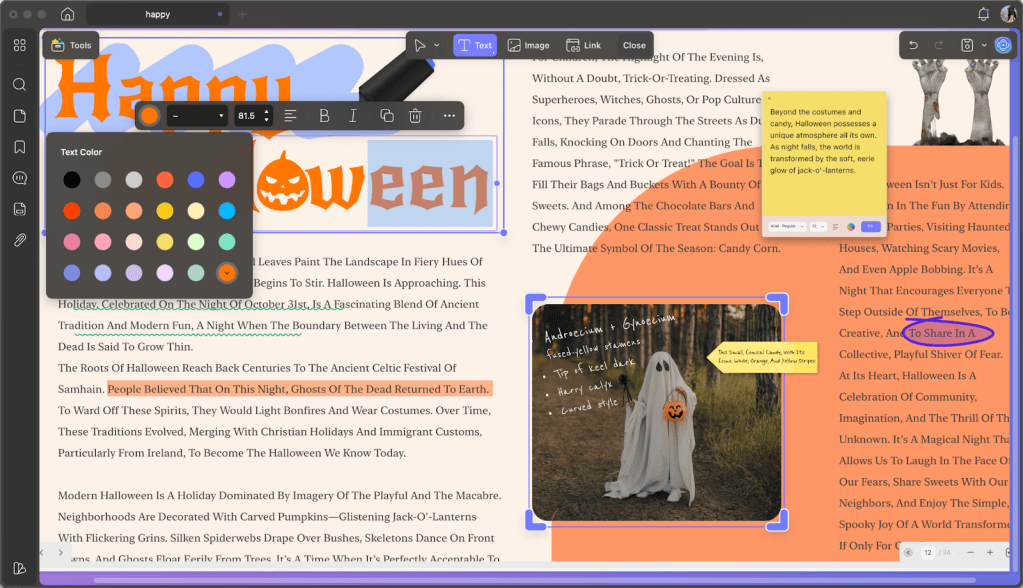
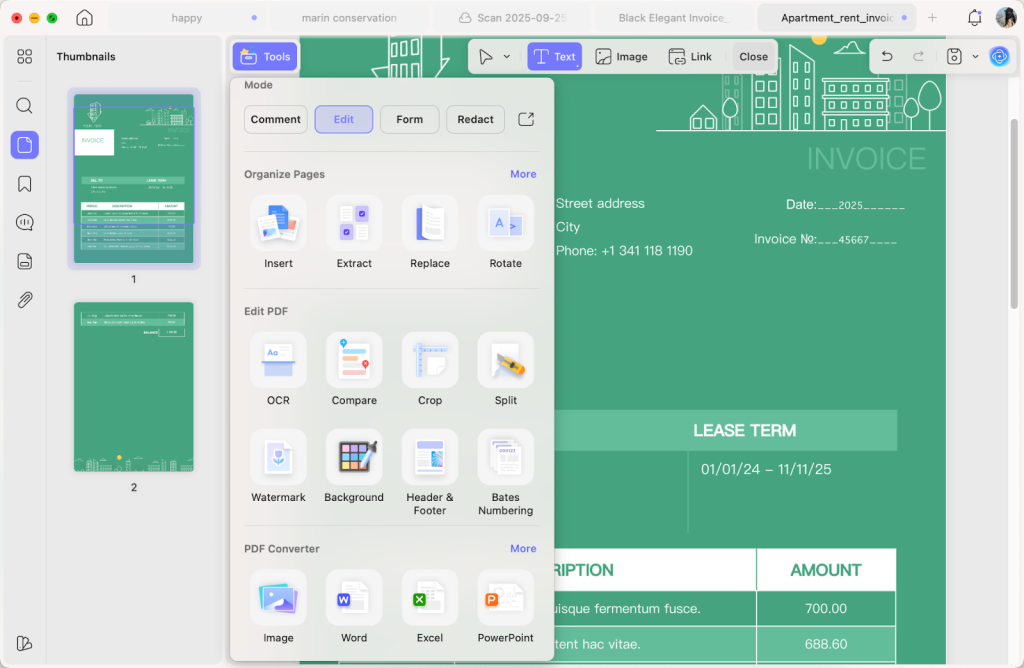
Whether you’re working on personal documents, study assignments, CVs, application forms, research papers, homework or contracts, UPDF supports all the features you would expect from a powerful PDF editor:
- Edit text, images, and layouts
- OCR and edit text from ebooks
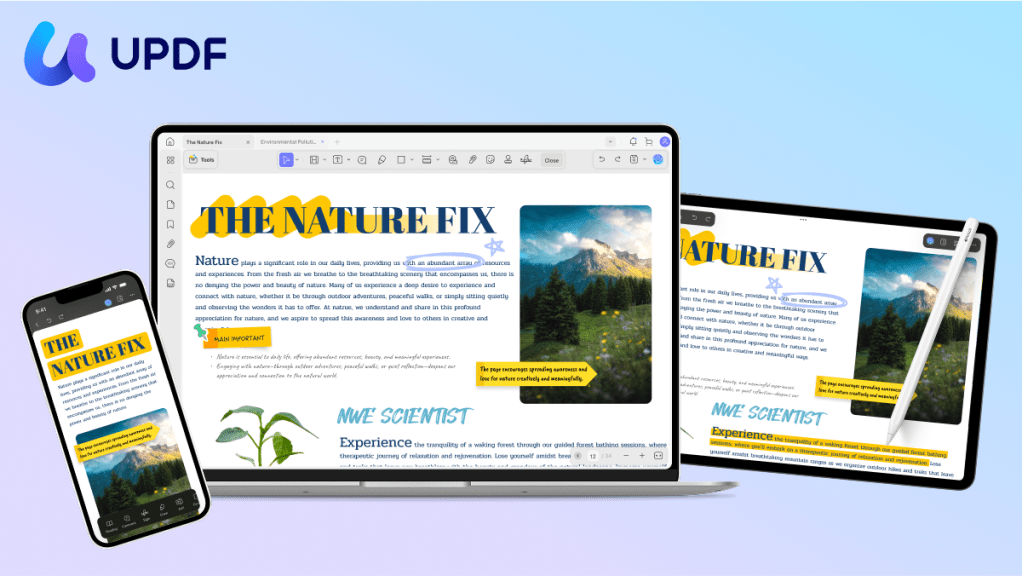
- Annotate, highlight, comment, and mark-up study notes
- Complete forms, with automatic detection of fields
- Convert between PDF and Word, Excel, PowerPoint, and images
- Split or combine PDFs and ebooks
- Encrypt, digitally sign, and share files
If you’re looking for a powerful document solution, UPDF could be your perfect match.
More than just a PDF editor, UPDF comes with advanced AI capabilities — including the newly launched AI Deep Research feature — designed to help you work smarter, analyze faster, and create with confidence.
UPDF AI assistant
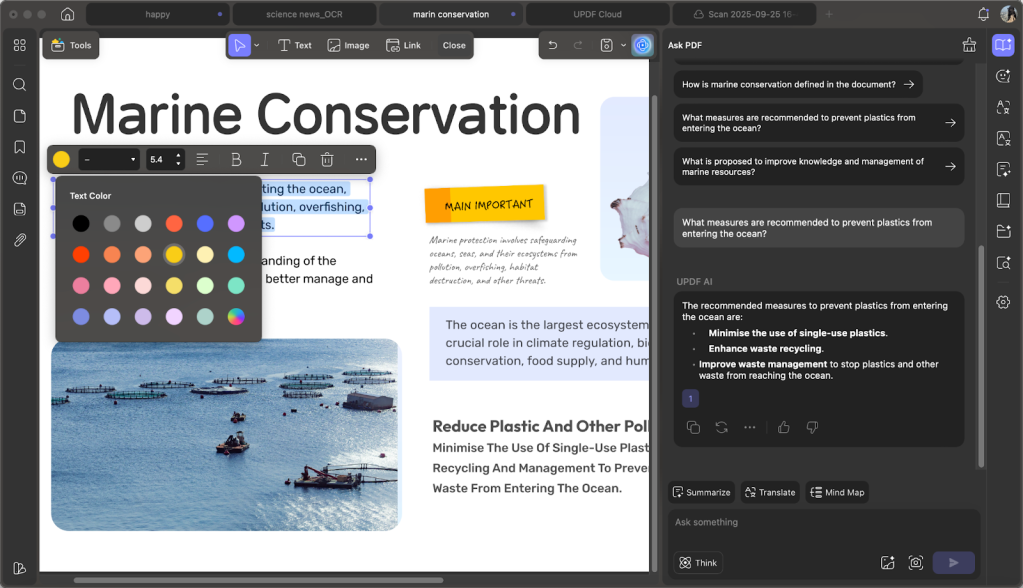
There are plenty of AI tools out there — and yes, ChatGPT can analyze certain documents. But UPDF AI takes it further.
With a deep understanding of PDF content, it delivers advanced analysis and AI Paper Search for truly deep research . You can work with multiple PDFs at once, compare and cross-reference, and ask complex questions across your documents.
Its powerful knowledge base helps you research faster, generate instant analysis reports, refine papers, and even assist in writing. Think of it as your always-on academic search agent — built right into your PDF workflow.
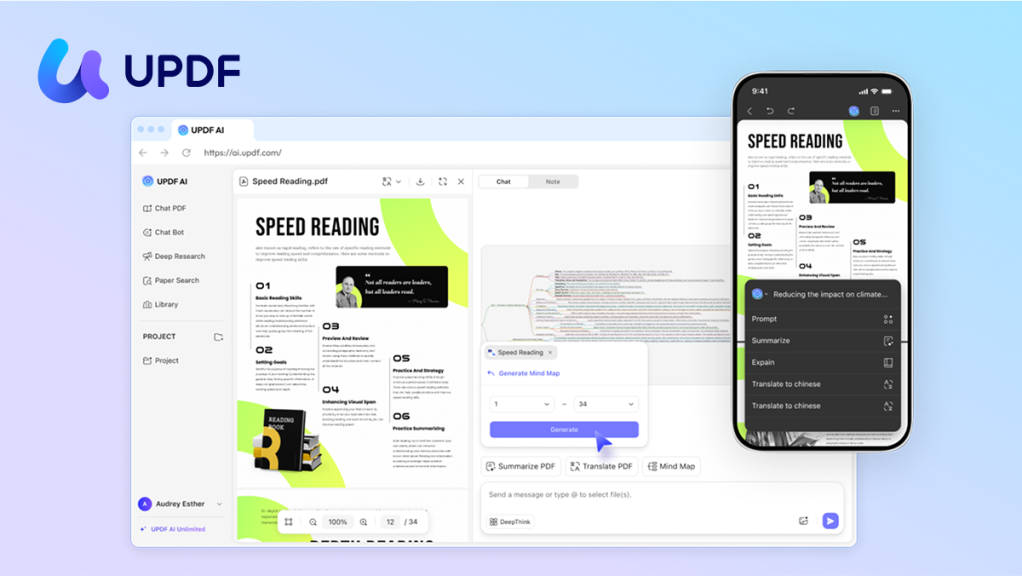
UPDF also includes a powerful AI assistant powered by ChatGPT-5 + DeepSeek R1 which is designed specifically for learning and productivity:
- Quickly and easily find academic papers and credible references
- Automatically add links to reports, relevant sources, and notes to your AI knowledge base
- Summarize key points from lectures, articles, or reports in seconds
- Use AI chats to brainstorm, clarify, and refine any written content
- Work with multiple PDFs, including textbooks and research papers
- Instantly translate study materials and travel documents
- Turn notes into mind maps for faster learning
- Chat with images to better understand data from charts and diagrams
- Get writing assistance to improve your grammar, style and clarity
UPDF works on iOS, Mac, Windows, and Android with a single account. You can use it across up to four devices for literally a sixth of the cost of Adobe Acrobat. It offers free lifetime upgrades and a 30-day money-back guarantee.
Which PDF editors are worth considering?
There are plenty of PDF editors available, but the most popular options include UPDF, Adobe Acrobat and PDF Expert.
Adobe Acrobat remains the most well-known PDF editor on the market — and also the most expensive at US$239.88/yr. For businesses and professionals who need advanced PDF capabilities, it’s still a solid choice.
PDF Expert is designed specifically for the Apple ecosystem, making it an excellent choice for Mac, iOS, and iPadOS users. It delivers robust functionality, but it’s only available on Apple devices.
Special offer for 9to5Mac readers
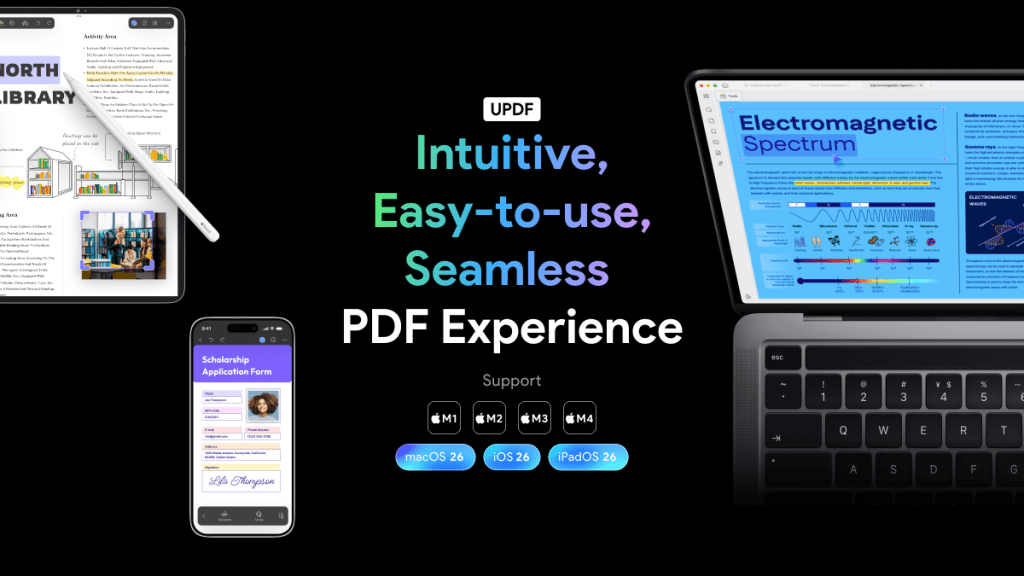
For a limited time, 9to5Mac readers can benefit from a very special deal:
- Up to 43% off a 1-year subscription
- An additional two months free of charge
- Lifetime upgrades
- Unlock an extra 10% off here
- Get a chance of winning one year of UPDF AI for free by writing and publishing a review during the campaign period (winners will be announced after the event ends)
Check out the video below, then head here for your free trial and special reader offer.


FTC: We use income earning auto affiliate links. More.

Comments