
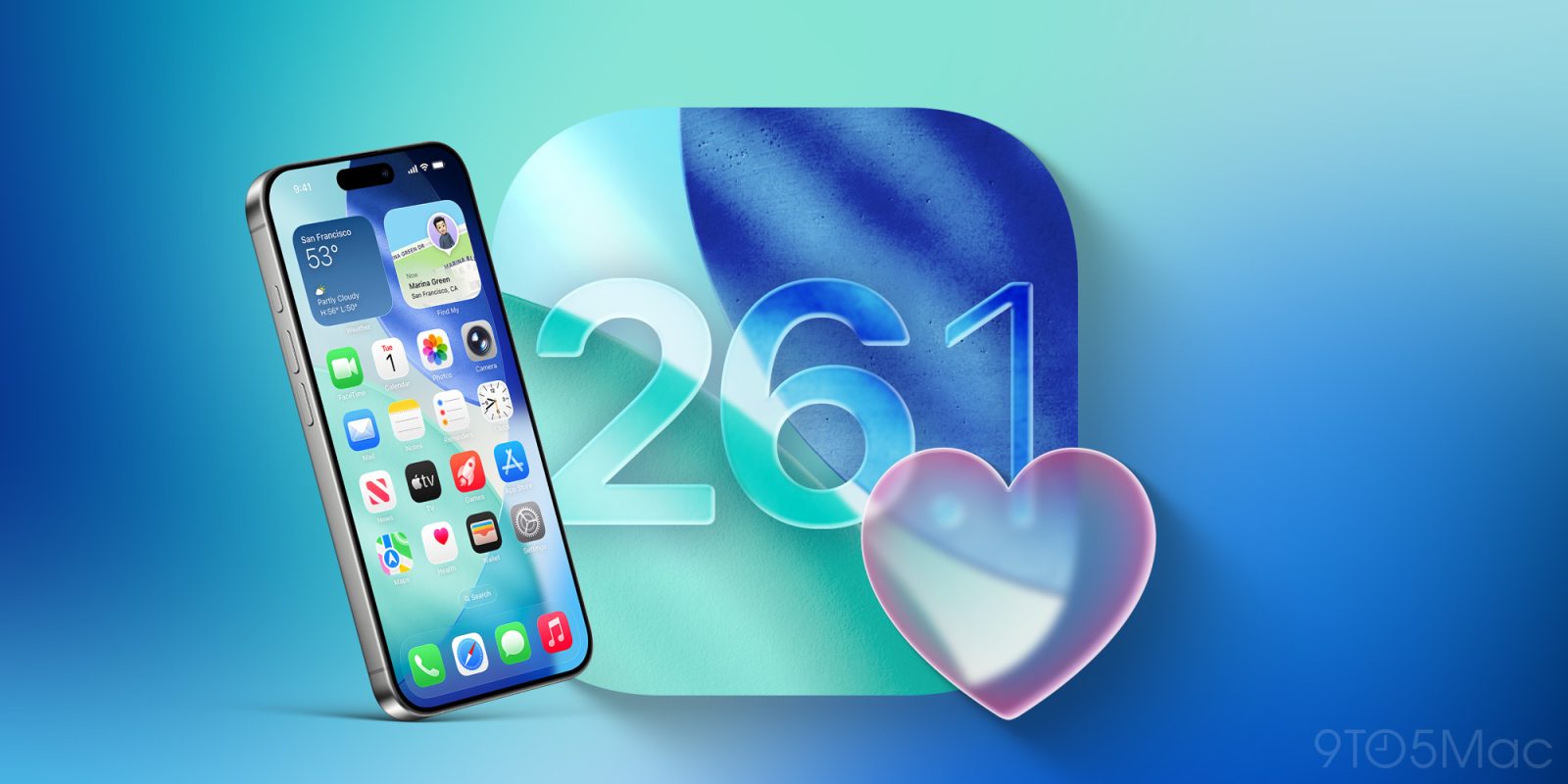
iOS 26.1 is the next major update coming to the iPhone, and it’s expected to launch very soon. Here are three of my favorite new iOS 26.1 features so far based on the beta release.
#1: Swipe to change tracks in Apple Music
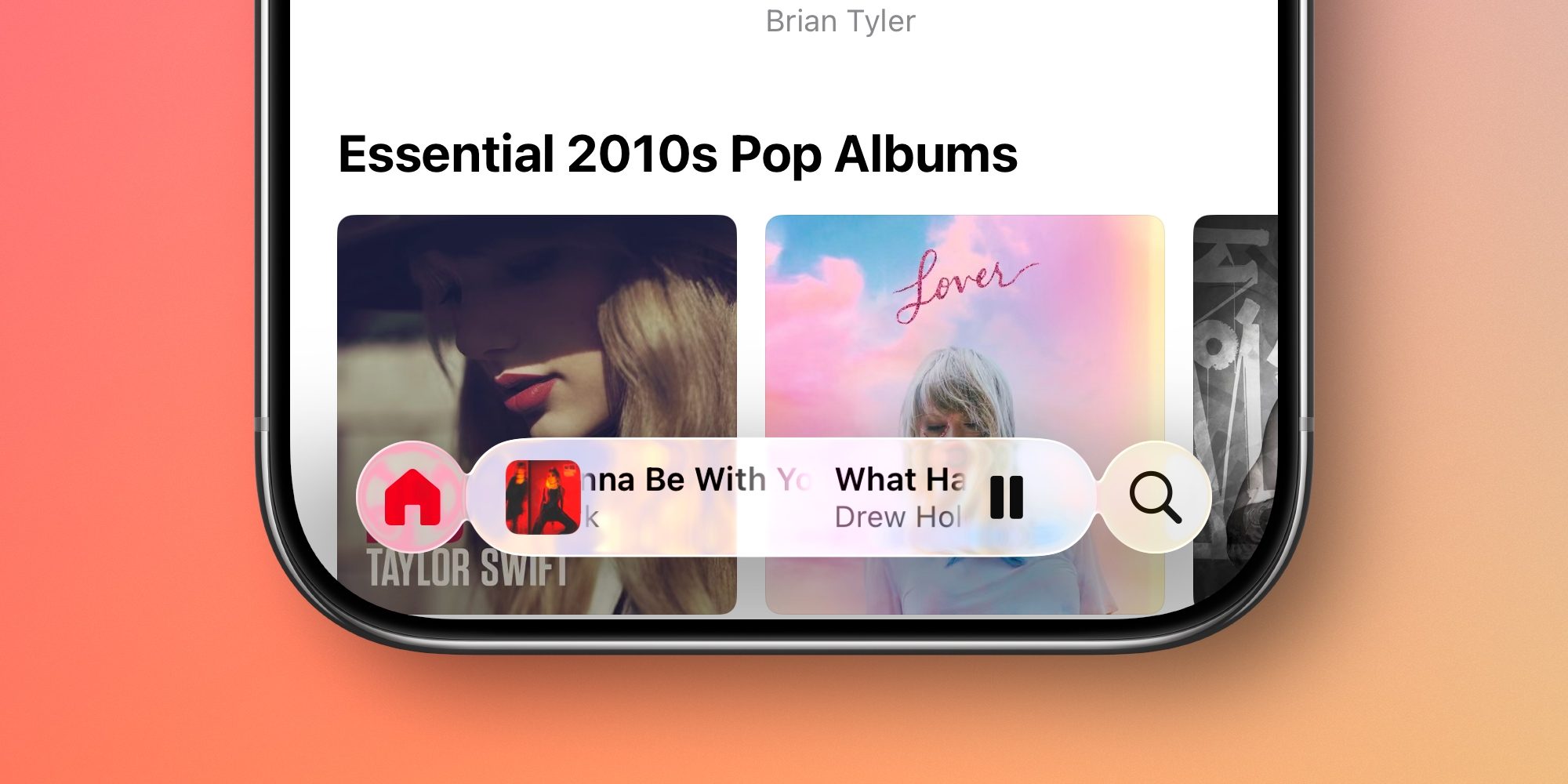
Apple Music got a ton of new features in iOS 26, but there’s one more coming soon.
iOS 26.1 adds a new swipe gesture in the Music app for quickly changing tracks.
Whenever you’re browsing the Music app, you can now swipe on the MiniPlayer at the bottom of the screen to move to the next or previous song.
Swiping left takes you to the next song in your queue, while swiping right takes you back to the previous song.
It’s a small feature, but I’ve quickly found it an excellent addition.
#2: More languages for AirPods Live Translation
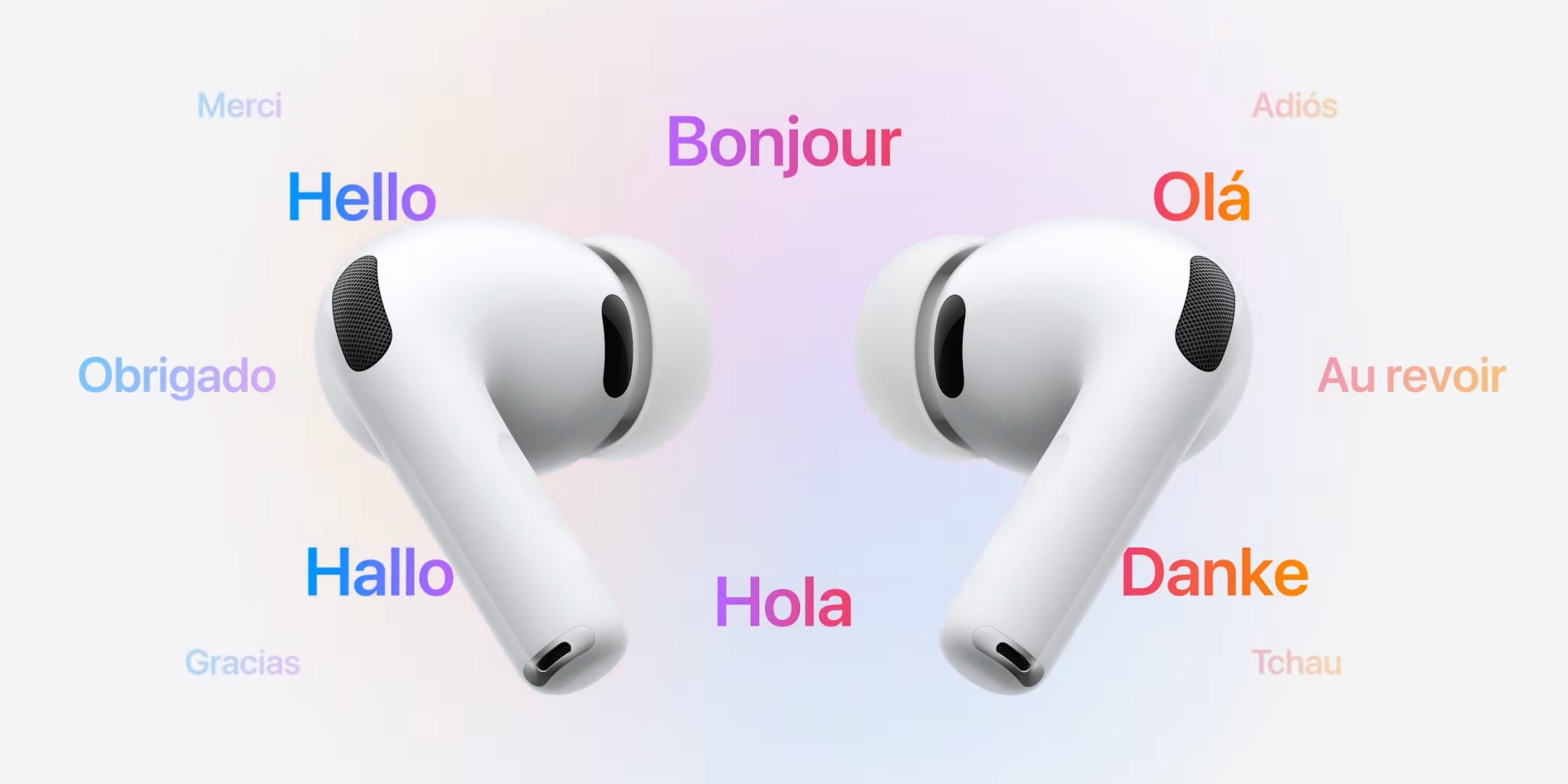
When Apple unveiled AirPods Pro 3, it showed off a powerful new feature: Live Translation.
Live Translation allows you to communicate with someone who speaks a different language, as your AirPods will listen to what’s spoken and automatically translate it in your ears.
In iOS 26.1, AirPods Live Translation is expanding to five new languages, for a total of 11:
- Chinese (Mandarin, Simplified)
- Chinese (Mandarin, Traditional)
- English (US)
- English (UK)
- French
- German
- Italian
- Korean
- Japanese
- Portuguese (Brazil)
- Spanish (Spain)
Also, in case you didn’t know, Live Translation is supported not only by AirPods Pro 3, but also AirPods Pro 2 and AirPods 4 (ANC model) too.
#3: Alarms and timers revive a classic feature
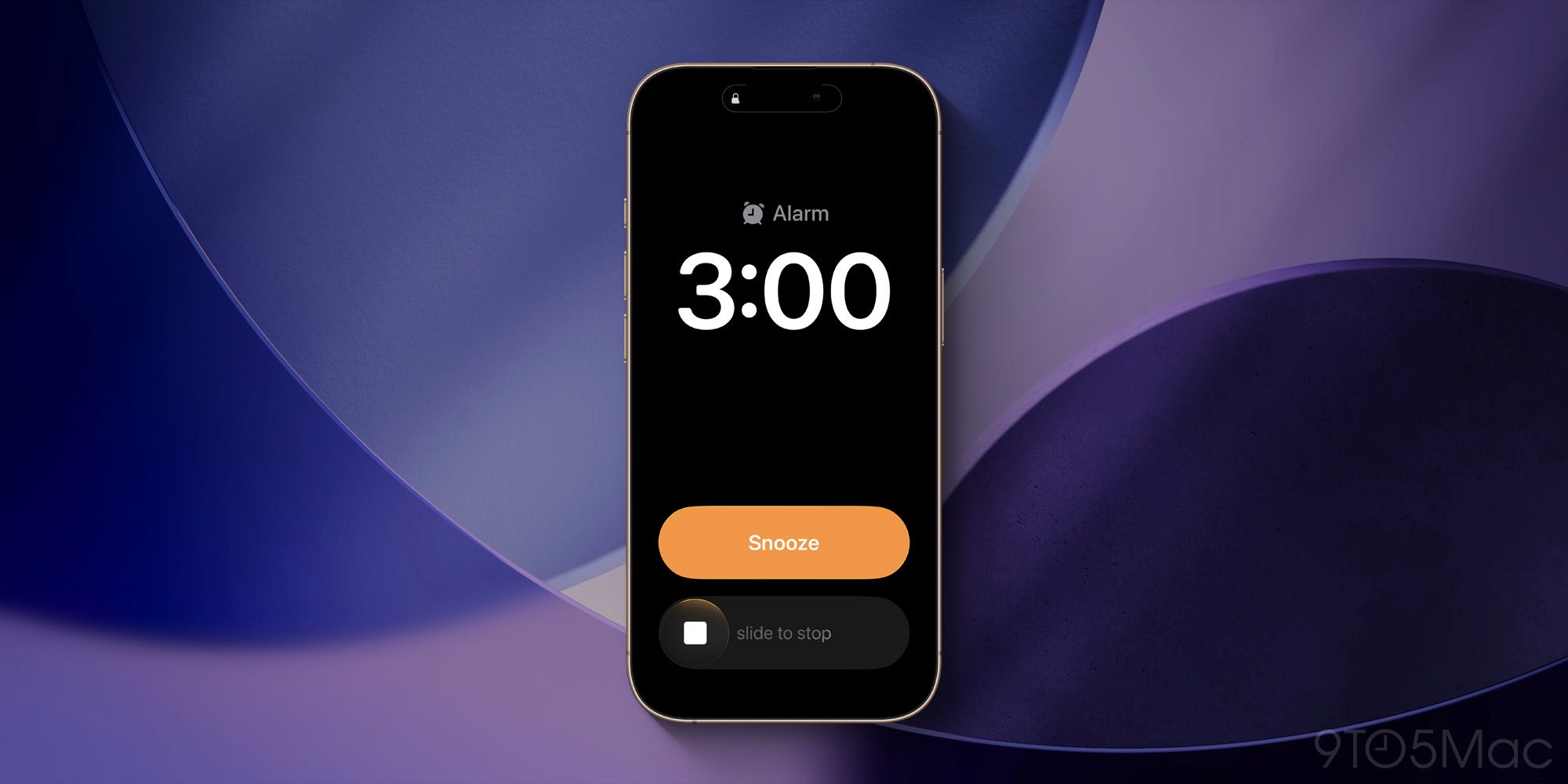
When iOS 26 launched, it revamped the lock screen design for alarms and timers. The change was pretty hard to miss, as it made buttons like Stop and Snooze way bigger than before.
For some users, these very large buttons made it easier to accidentally dismiss an alarm and keep sleeping.
In iOS 26.1, a fix is coming: the ‘Stop’ button has been replaced by a new ‘Swipe to stop’ feature.
If you remember the days of swiping to answer a phone call, or swiping to unlock your iPhone, this gesture will feel very familiar.
Though it may be more valuable for alarms than timers, Apple has brought ‘Swipe to stop’ to both features for the sake of consistency.
Which iOS 26.1 features have you been enjoying most in the beta? Let us know in the comments.
Best iPhone accessories
- AirPods Pro 3
- AirTag 4-pack (now only $65, down from $99)
- MagSafe Car Mount for iPhone
- 10-year AirTag battery case 2-pack
- 100W USB-C fast charging power adapter


FTC: We use income earning auto affiliate links. More.



Comments