
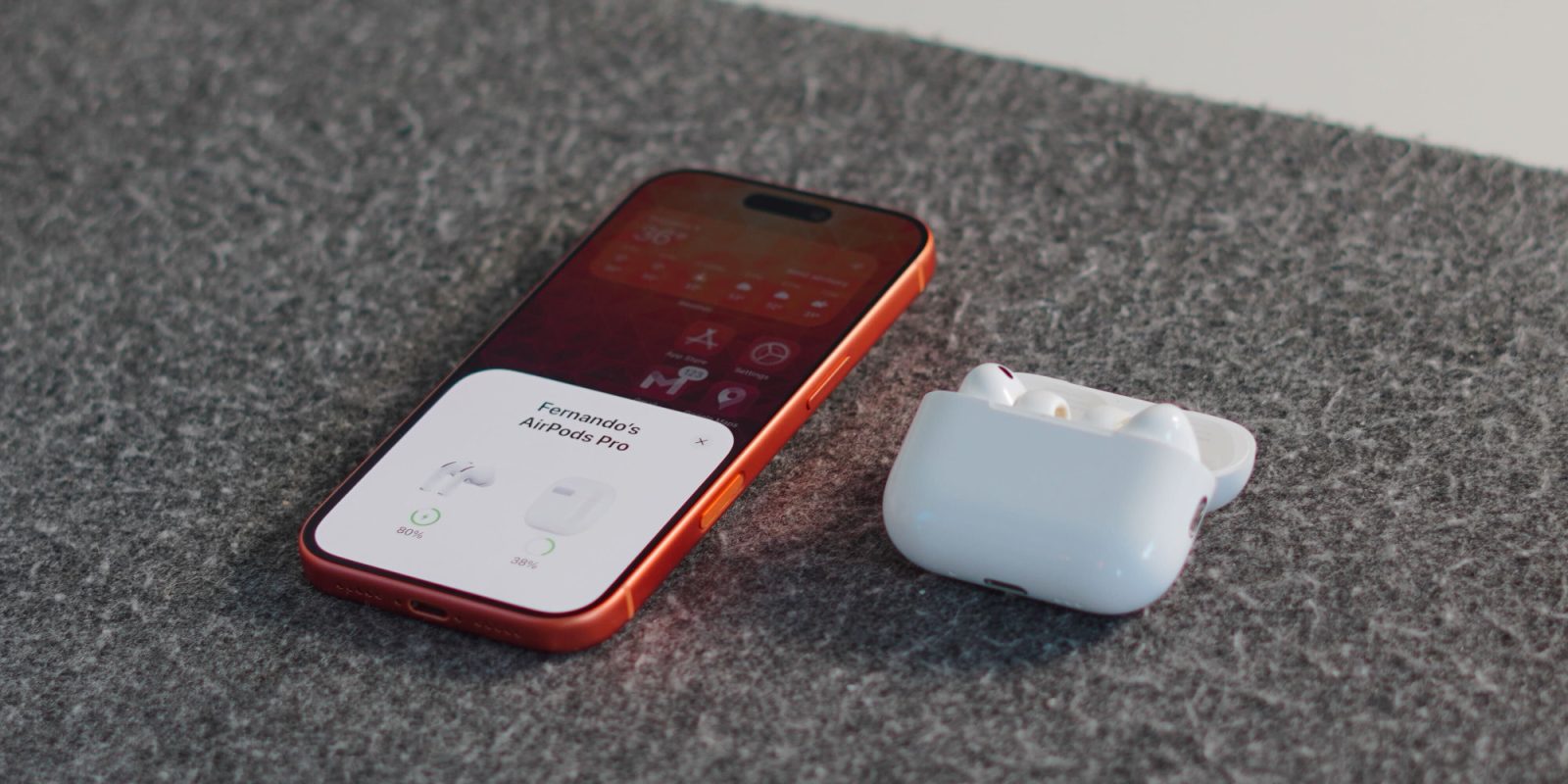
Apple just released new firmware for AirPods Pro 3 and AirPods Pro 2, but the installation process isn’t as straightforward as with other products. Here’s how to know when new AirPods firmware is actively updating on your iPhone.
iPhone offers key hint when AirPods firmware is being downloaded and installed
When you want to update your iPhone, iPad, or Mac to the latest software, the process is simple. Just go to the Software Update screen, trigger an update, and wait until it’s done.
With new AirPods firmware, things aren’t quite so easy.
For starters, there’s a long list of conditions to be met before new firmware will be downloaded and installed.
You can find the full list here, but it generally involves making sure your charging case is connected to power, that Wi-Fi and Bluetooth are on, and following a key sequence of events.
Even if you follow the process though, Apple doesn’t offer an explicit indication that firmware is actually being installed. It just says, “Wait at least 30 minutes for the firmware to update.”
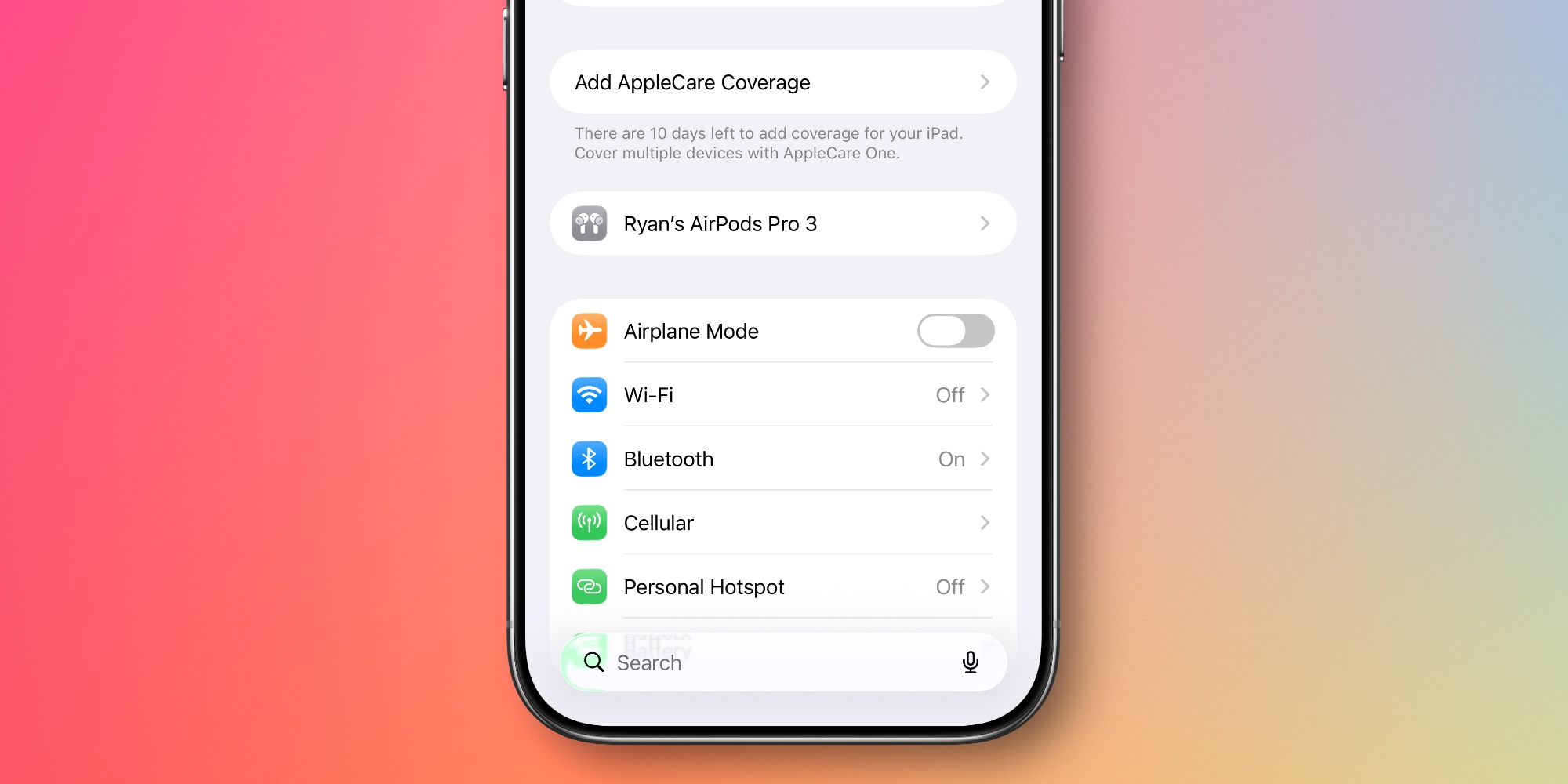
But according to a new report at Macworld, there actually is a hidden trick to know when an update is happening. It involves the AirPods settings panel inside iOS’ Settings app. Mahmoud Itani writes:
When you return your AirPods to their charging case and close its lid, the AirPods panel disappears from the Settings app’s main page within a few seconds. However, I’ve discovered a deviation in this behavior that appears to occur only when an AirPods firmware update is in progress. On two separate occasions, the AirPods panel persisted in my Settings app even after I returned my AirPods Pro 3 to their case and closed the lid. The panel stuck around for a few minutes (as opposed to seconds) until the firmware installation completed. Both instances occurred right after Apple had released new AirPods firmware, and I verified the change in build numbers immediately after.
Itani explains further that the presence of the AirPods menu inside Settings “signifies an active connection between your iPhone and AirPods.” So it makes sense that the menu would remain available while a firmware update is happening, then disappear after it’s done.
Have you noticed this behavior in the Settings app yourself? Let us know in the comments.
Best AirPods deals and accessories
- AirPods Pro 3 (now only $199, down from $249)
- AirFly SE for connecting AirPods to in-flight headphone jacks
- Belemay leather case for AirPods Pro
- Memory foam AirPods Pro eartips for a more comfortable fit
- Magnetic strap neckband for preventing lost AirPods


FTC: We use income earning auto affiliate links. More.



Comments