
Apple’s Wallet app received a variety of great features in iOS 26, but one of my favorites is a convenient new way to manage and access credit cards. Here’s how to use it.
iOS 26 expands systemwide AutoFill to support credit cards
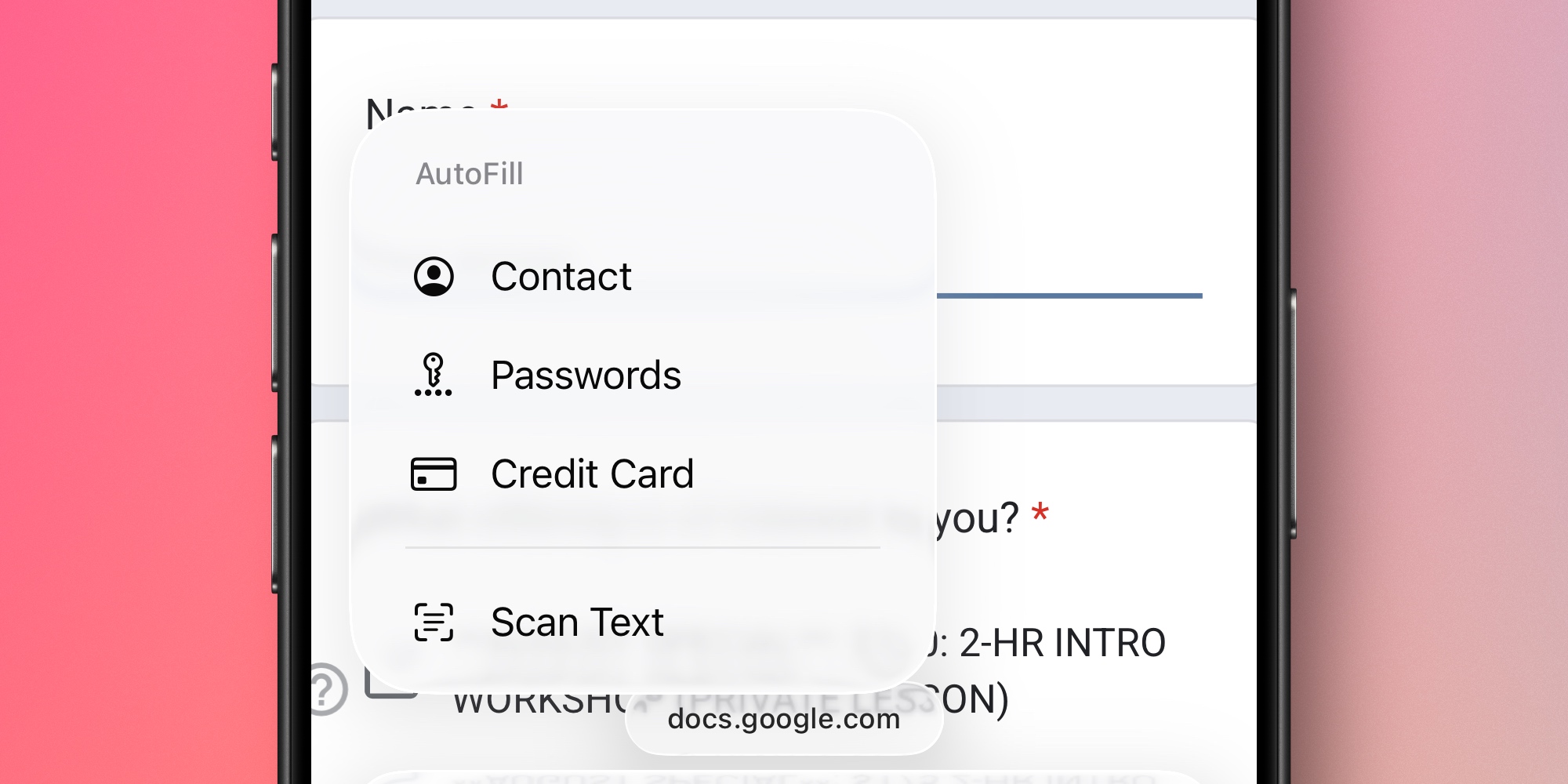
I try to avoid manually typing in credit cards details as much as possible. And in iOS 26, that goal has become far easier to accomplish.
That’s because iOS 26 expands the systemwide AutoFill feature to now include credit cards.
So the next time you need to enter credit card details on your iPhone, you can follow a few simple steps:
- Tap anywhere in a text field to invoke the copy/paste menu
- Choose the ‘AutoFill’ menu option
- Tap ‘Credit Card’
- Then find and tap the card you want
No matter what app you’re using or website you’re on, this provides a convenient way to automatically fill in your credit card number and other details.
But how do you set up the feature in the first place?
AutoFill support for credit cards is essentially a carryover of a longtime Safari feature. But now that Apple has expanded it systemwide, it’s available in more places and for more users than ever.
There’s also a new home for managing these AutoFill credit cards: the Apple Wallet app.
Adding new AutoFill cards to the Wallet app
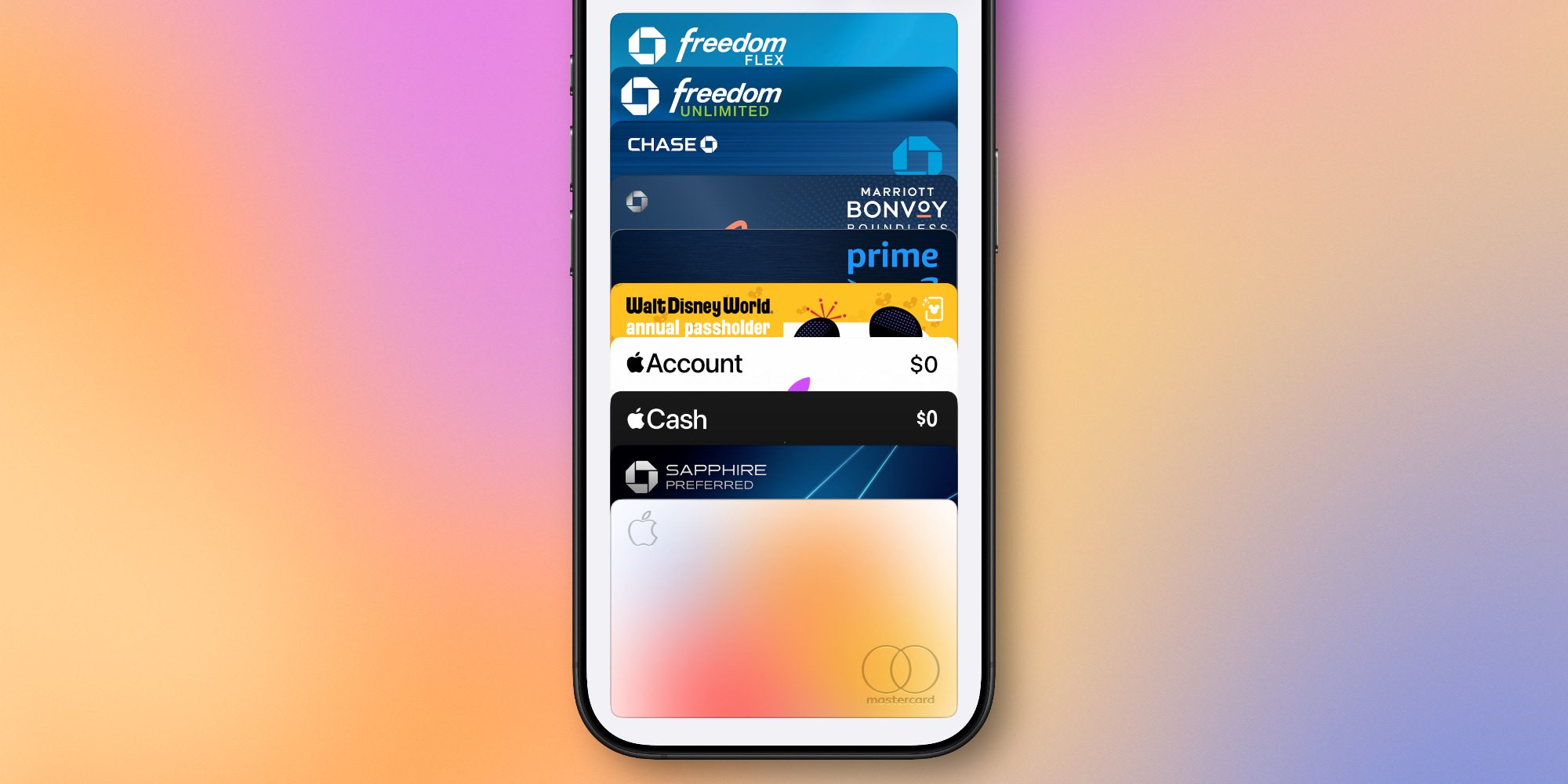
Open the Wallet app in iOS 26 and tap the three dots in the top-right corner, then select ‘AutoFill.’
After your iPhone authenticates with Face ID or Touch ID, you’ll be able to see all the current AutoFill cards your device has saved.
If you already have several cards here, that’s likely because they’ve been imported from the old Safari feature or Apple Pay.
But no matter your browser of choice, this new iOS 26 menu lets you add new AutoFill cards with ease.
Just tap the ‘Add Card’ button and your iPhone can import card details using the camera, or provide the option of entering details manually.
Once your cards are all added to the Wallet app’s AutoFill menu, you’ll be able to access them systemwide in iOS 26 and avoid needing to manually type card details again.
Have you been using AutoFill for credit cards in iOS 26? Why or why not? Let us know in the comments.
Best iPhone accessories
- AirPods Pro 3 (limited-time $219 price)
- 10-year AirTag battery case 2-pack
- AirTag 2 (1-pack / 4-pack)
- MagSafe Car Mount for iPhone
- 100W USB-C fast charging power adapter


FTC: We use income earning auto affiliate links. More.



Comments