
We’re getting close to the launch of iOS 26.3, but one of my favorite Apple features of late is a new Reminders addition in iOS 26.2 that has proven exactly what I’ve wanted for years.
Reminders adds new ‘Urgent’ alarms in iOS 26.2
I’m one of those people who has tried more task managers than I can count.
I’ve bounced between so many different apps over the years, but more recently I’ve settled contentedly into using Reminders.
There have always been advantages to using the built-in Reminders app over third-party alternatives. But in the last few years Apple has also consistently improved the app, offering feature parity with the competition that it once lacked.
And iOS 26.2 added a killer new option: alarms for reminders.
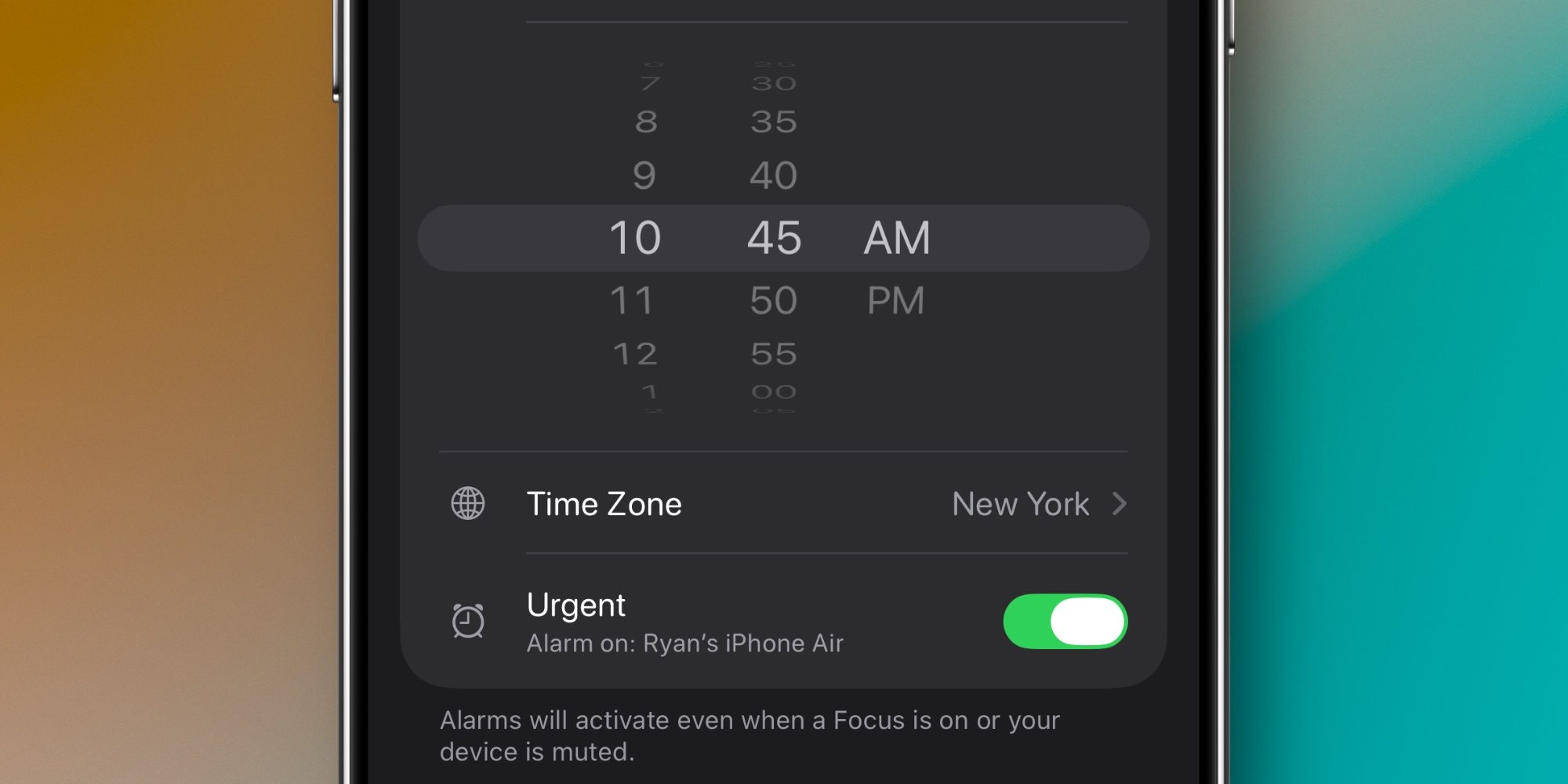
Whenever you create a task with a due time, Reminders now offers the option of marking it as ‘Urgent.’
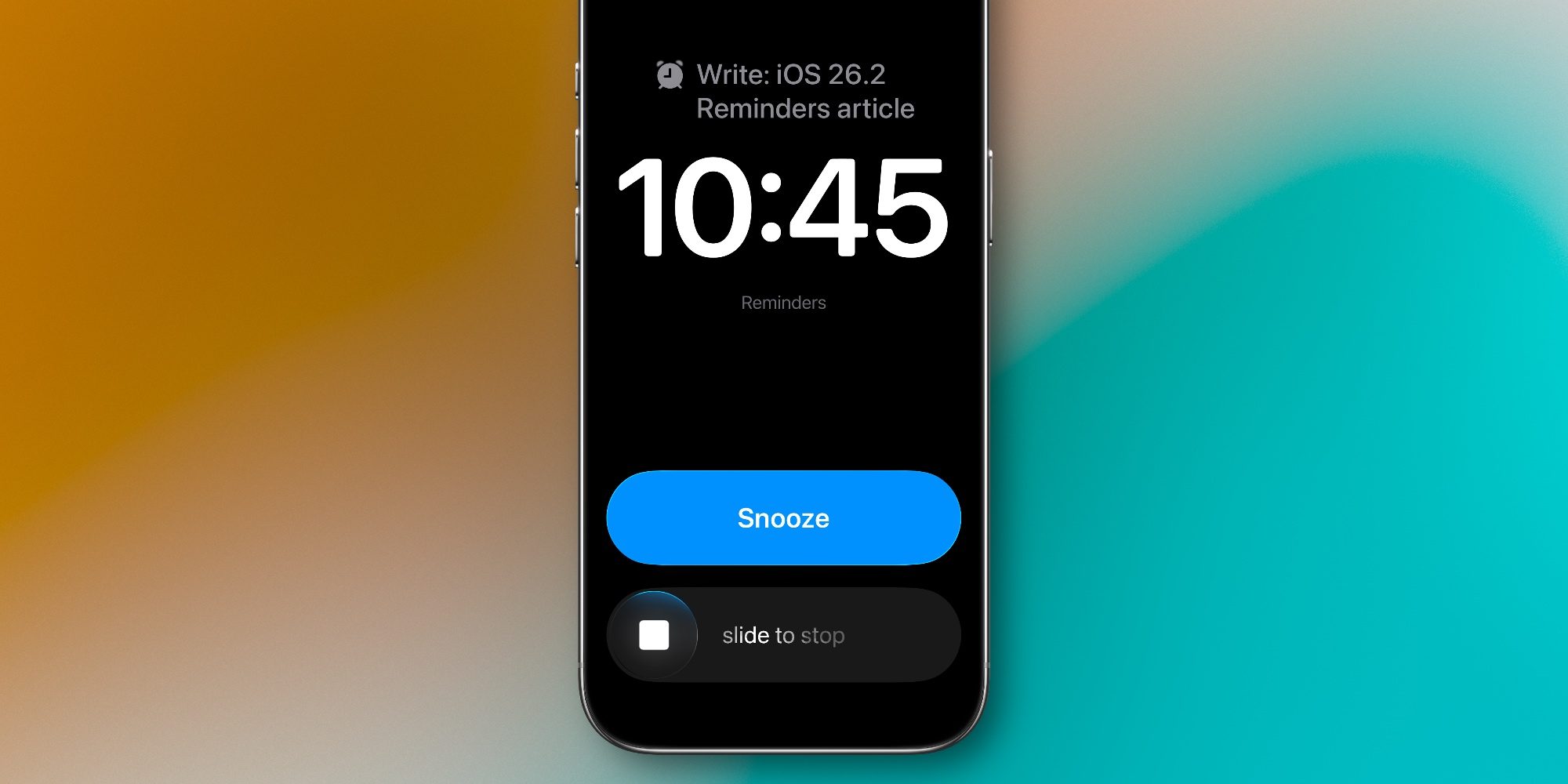
If you mark it Urgent, your iPhone will trigger an alarm when that due time arrives.
The alarm screen will show an option to either Snooze for 9 minutes, or stop the alarm. In Settings, you can alternately choose to replace the Snooze option with a ‘Complete’ button to quickly mark the task finished.
Snooze feature ensures reminders don’t get forgotten
Getting a more ‘severe’ form of alert when a reminder comes due is great. But what I especially love about iOS 26.2’s new feature is the snooze option.
Sometimes I have tasks that need to be completed at an exact time, and the urgency of the alarm is perfect for those occasions.
Fairly often though, I have a bit more flexibility in my day and can snooze a task as needed.
Before iOS 26.2, if I saw a Reminders alert but didn’t take action right away, it was easy to forget about the to-do. Having a persistent Lock Screen notification is helpful, but I often need a more forceful prompt.
With the new snoozing option, I can make sure that I never forget about a task for more than the 9-minute snooze duration.
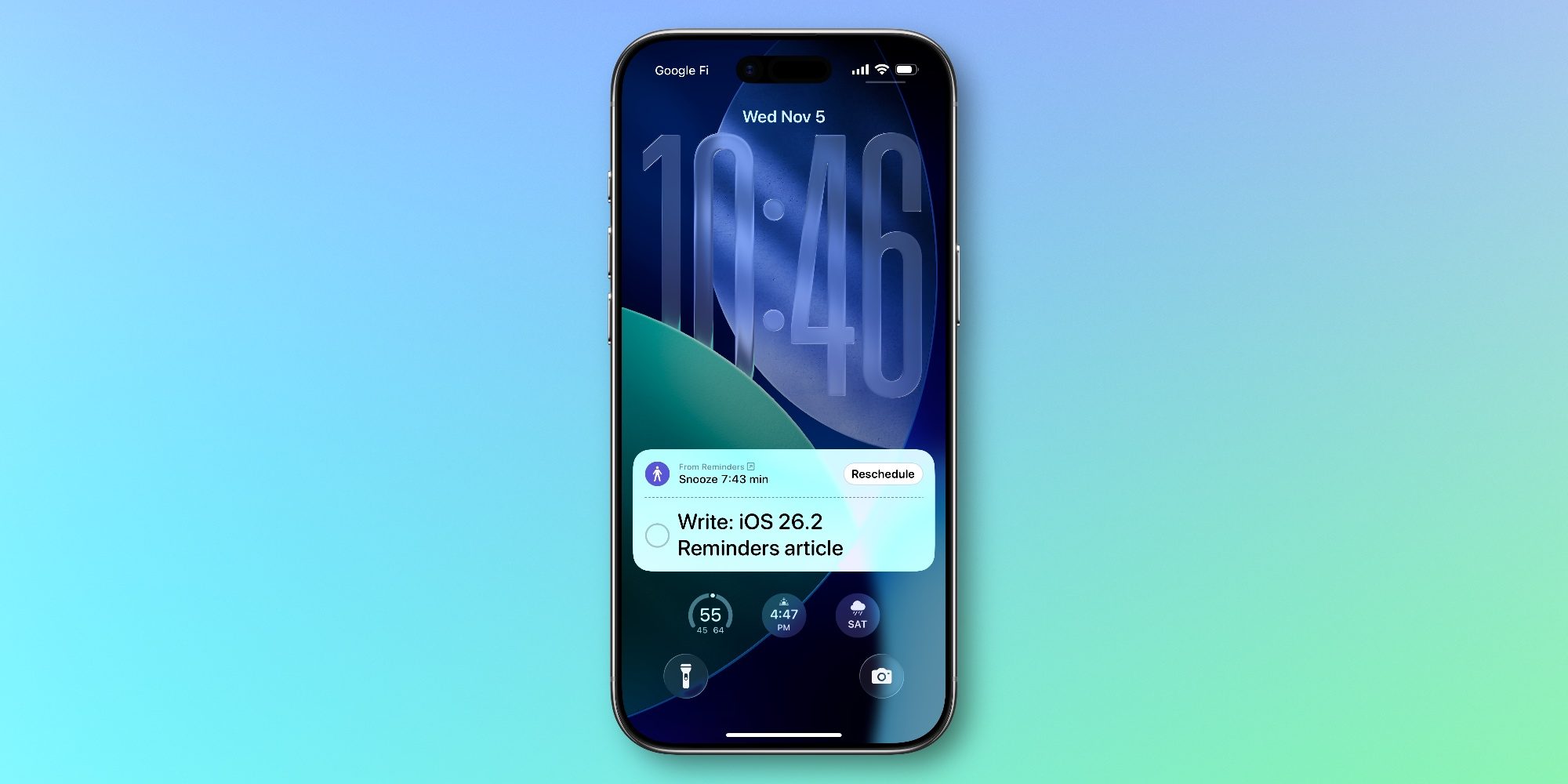
When a task is snoozed, you’ll see its countdown on the Lock Screen in a special notification type that stands out from the norm. It’s a nice touch to signify the importance of the alert. There’s also a Live Activity that activates.
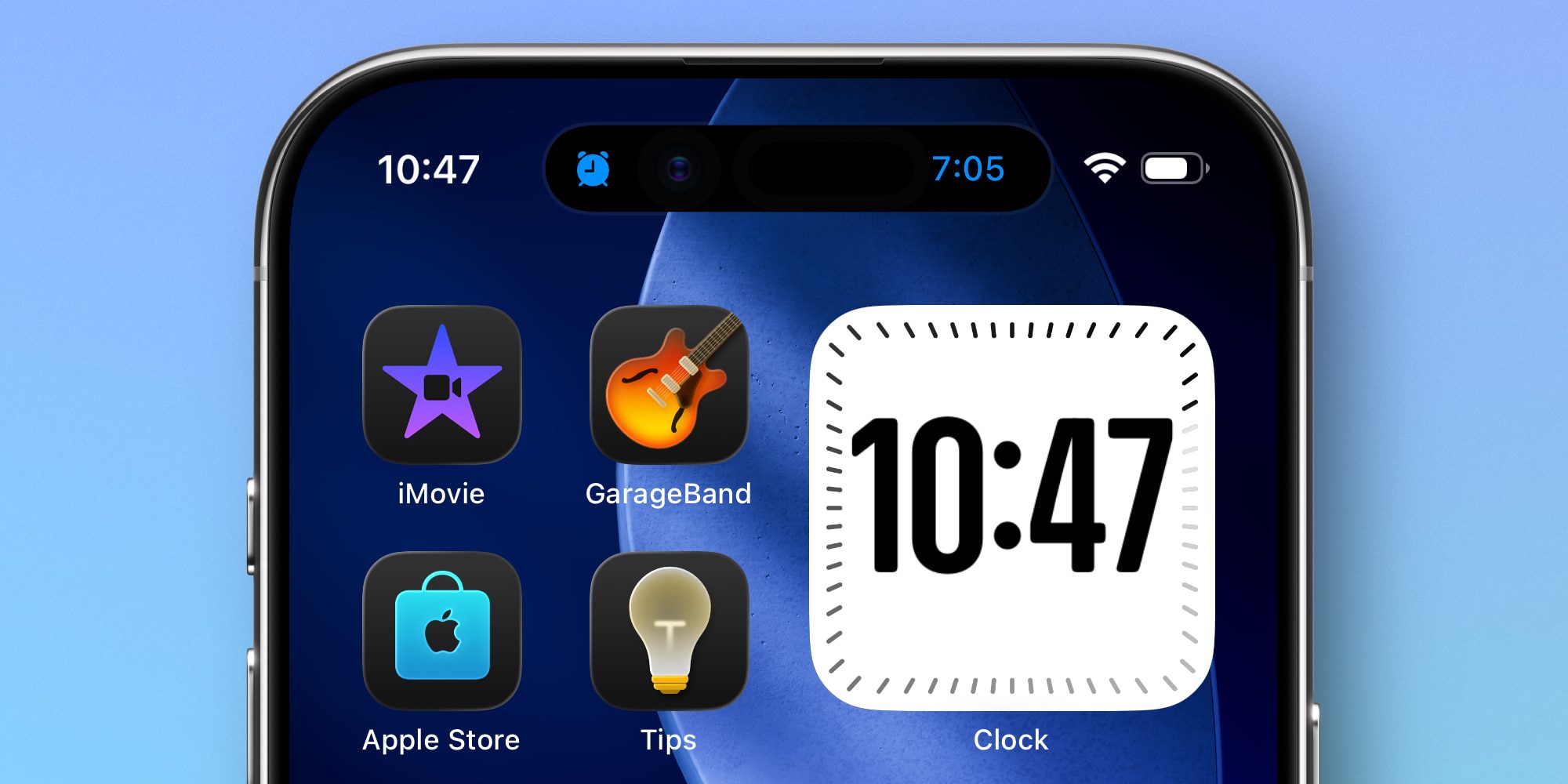
Standard reminders have long let you choose a ‘Remind Me in an Hour’ option, but that’s far too long for me. It also dismisses the reminder from the Lock Screen, which makes it even easier to forget about.
iOS 26 brought several solid upgrades to Reminders, but alarms in iOS 26.2 are easily my favorite recent feature for the app.
Have you been using iOS 26.2’s ‘Urgent’ feature for Reminders? Let us know in the comments.
Best iPhone accessories
- AirPods Pro 3 (now only $199, down from $249)
- 10-year AirTag battery case 2-pack
- MagSafe Car Mount for iPhone
- HomeKit Garage Door Opener
- 100W USB-C fast charging power adapter


FTC: We use income earning auto affiliate links. More.



Comments