
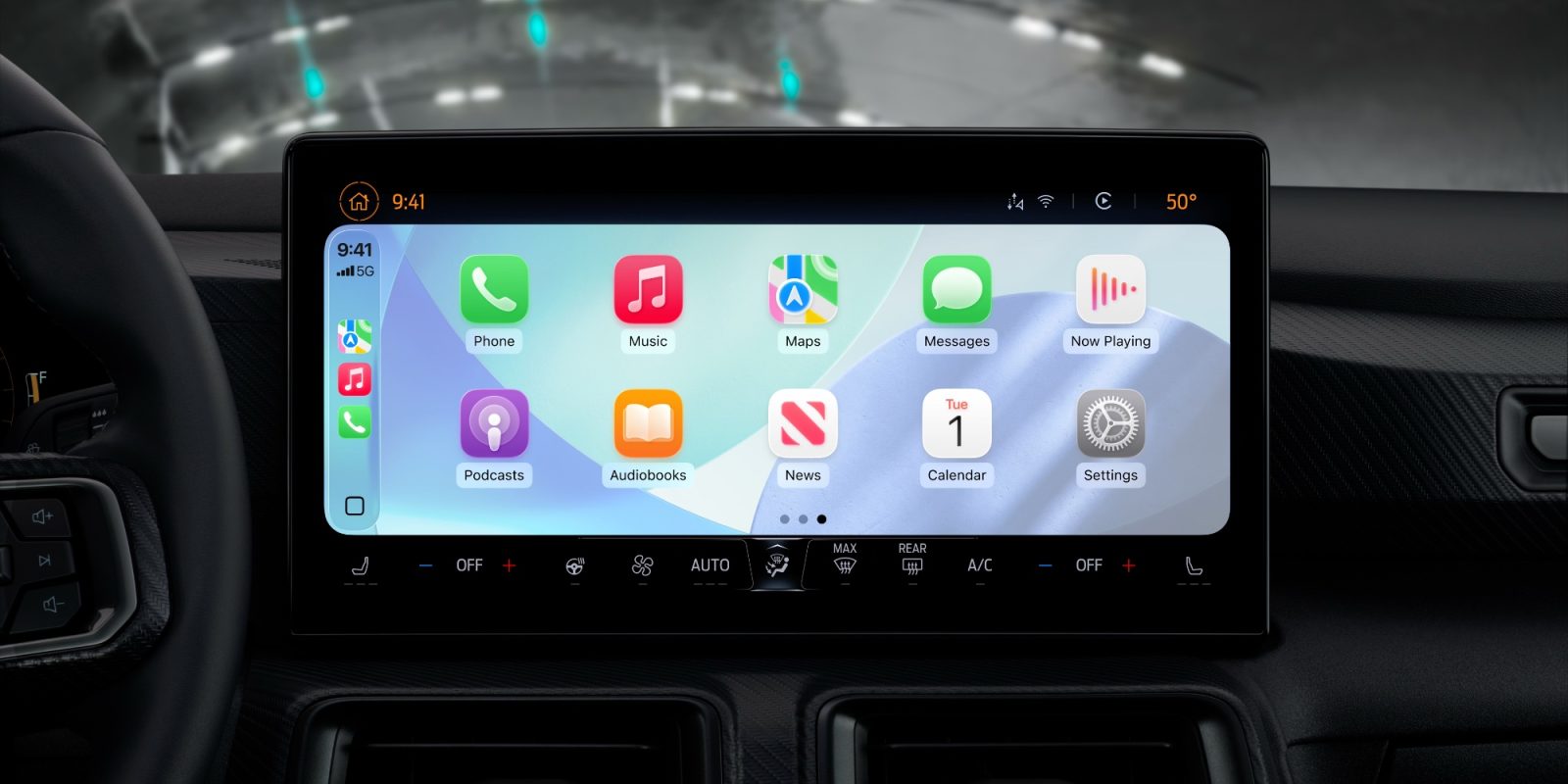
CarPlay has improved a lot lately, and following two major new app debuts a few weeks ago, there have been three more exciting app updates very recently. Here’s what’s new.
#1: Apple Sports widgets
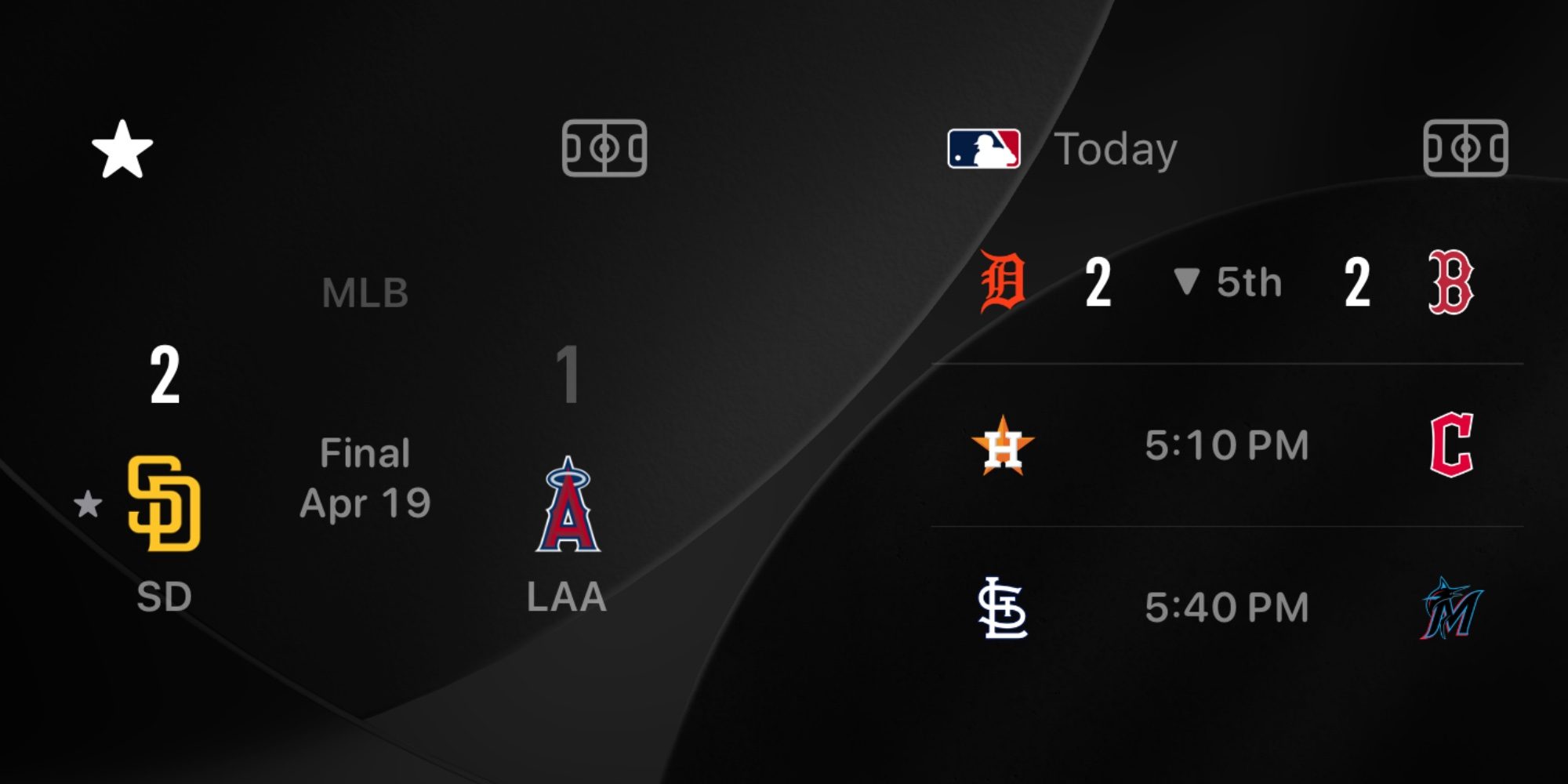
Apple Sports was updated this week with a great addition for CarPlay users: widgets are now supported.
Even though there’s not yet an official CarPlay app for Apple Sports, you can now use widgets from Sports inside the CarPlay interface.
Widgets for ‘My Teams’ and ‘Leagues’ can be configured on your iPhone via Settings ⇾ General ⇾ CarPlay.
Each lets you check on current scores and see the schedule for upcoming games while on the go.
Apple added widgets to CarPlay for the first time in iOS 26—you’ll find them to the left of the main Home Screen.
#2: Perplexity AI chatbot
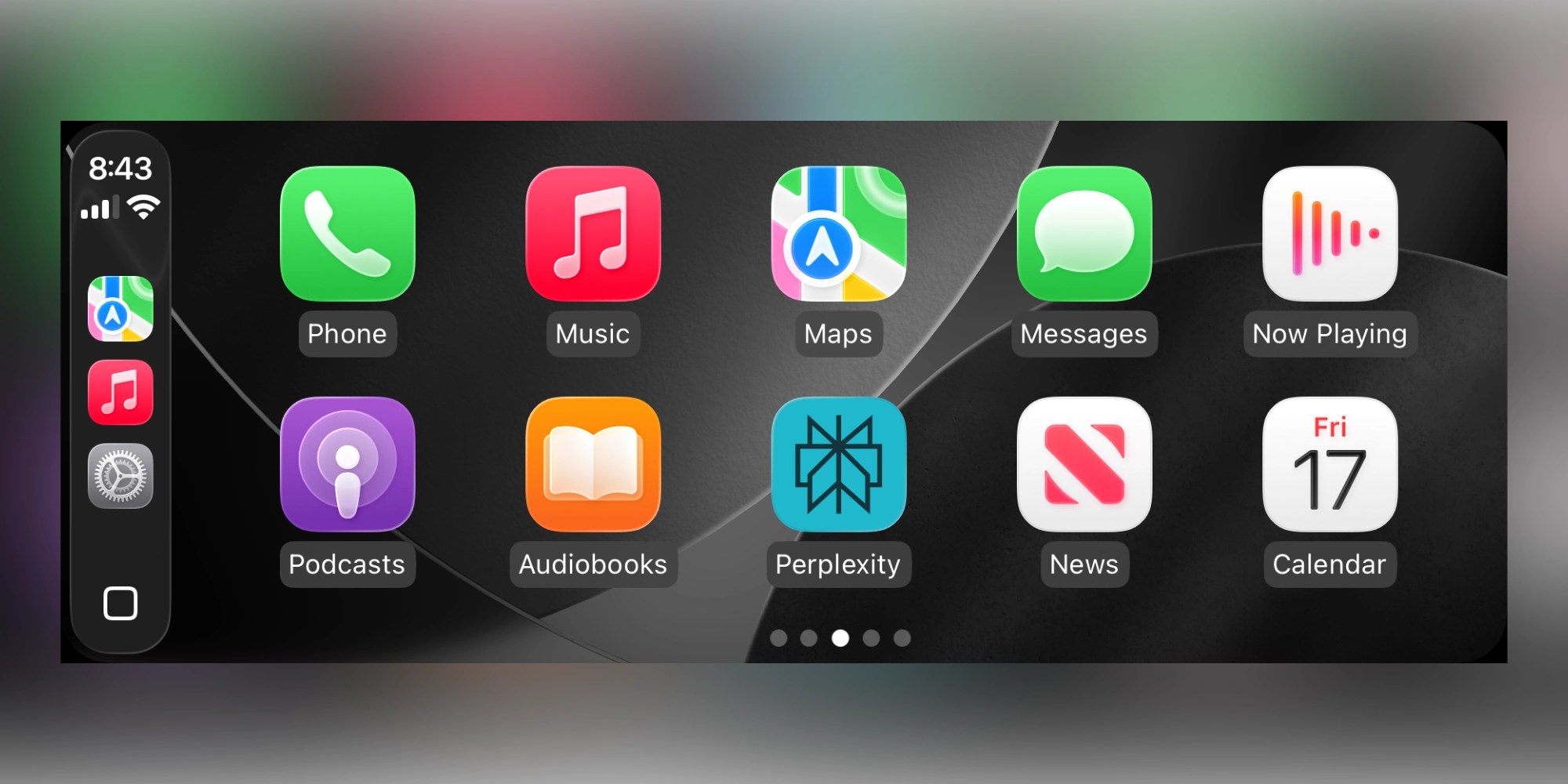
Brand new in iOS 26.4, CarPlay now lets you use third-party AI chatbots while on the go.
ChatGPT was the first to launch support, and a few days ago Perplexity became the second.
Perplexity’s CarPlay app lets you use the AI tool for voice-only interactions.
Apple has enforced very specific restrictions on voice-based conversational apps like Perplexity’s, so as to ensure vehicle safety. That means you won’t see much text on your CarPlay screen, instead the app revolves entirely around voice.
While we all wait for iOS 27’s major Siri overhaul, it’s great to have more options for AI in the car.
#3: WhatsApp overhaul
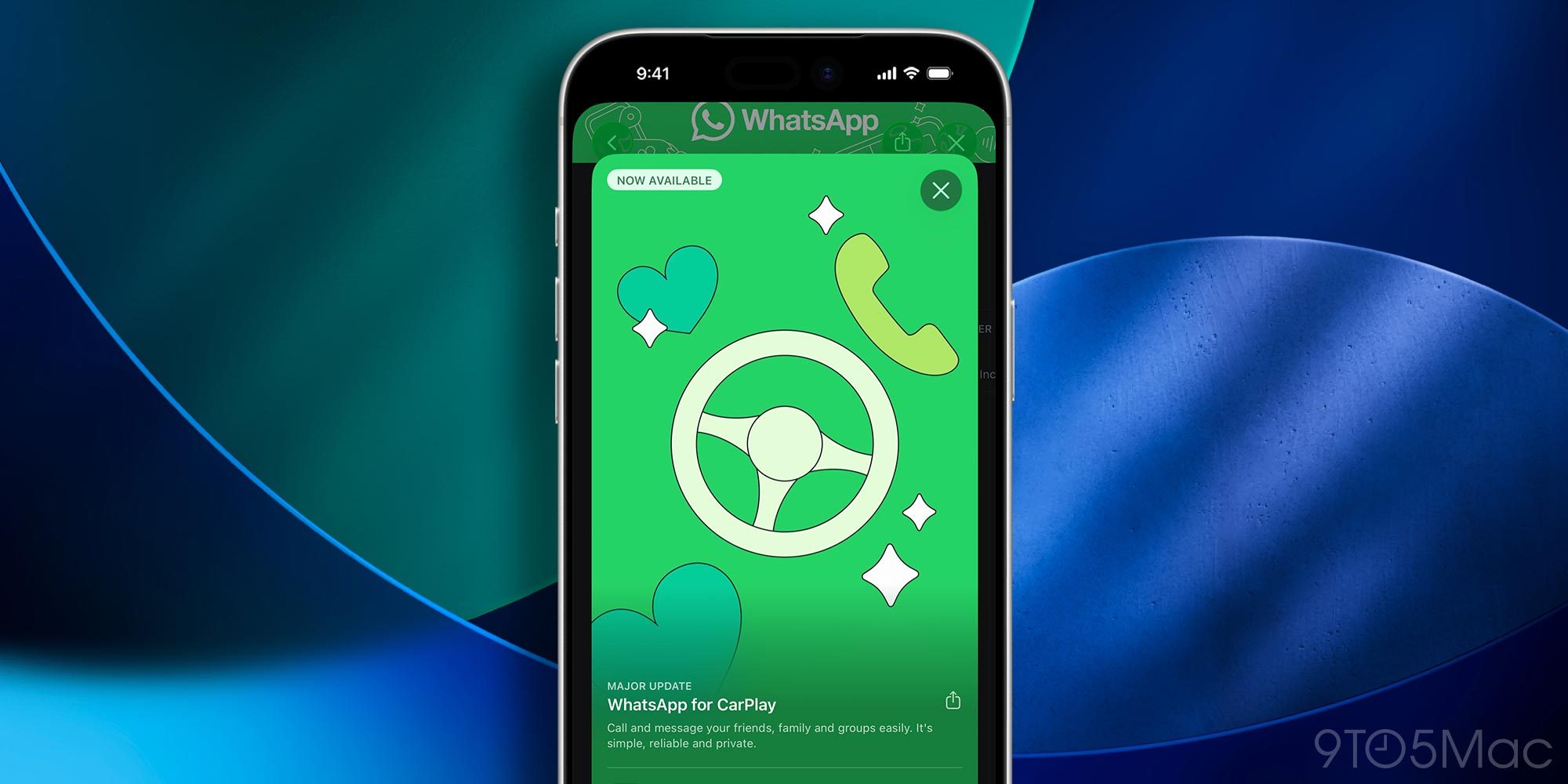
WhatsApp rolled out a major overhaul for its CarPlay app earlier in April.
The new CarPlay app for WhatsApp is no longer limited to invoking Siri for messages. Now you can browse contacts, see your call history, pin favorites, and more.
WhatsApp updated its CarPlay experience with a redesigned, fully native interface that makes it easier to listen to messages, view chats and calls, and stay connected on the go.
Don’t miss: The new interface gives you a clearer view of call history and lets you quickly access incoming, outgoing, or missed calls. In addition to using Siri, you can browse recent chats and favorites at a glance and tap to message or call.
Have you been using any of CarPlay’s new and improved apps and widgets lately? Let us know in the comments.
Best CarPlay accessories
- AirTag 2 for tracking your car (1-pack / 4-pack)
- MagSafe Car Mount for iPhone
- 10-foot iPhone cable USB-C to USB-A
- FLYLEAD car charger with 2 USB-C and 2 USB-A ports


FTC: We use income earning auto affiliate links. More.



Comments