
Each time we buy a phone, we have to decide which storage tier to go for, and that requires a judgment call – not just about how much storage we need today, but how much we are likely to need for however long we end up keeping the phone.
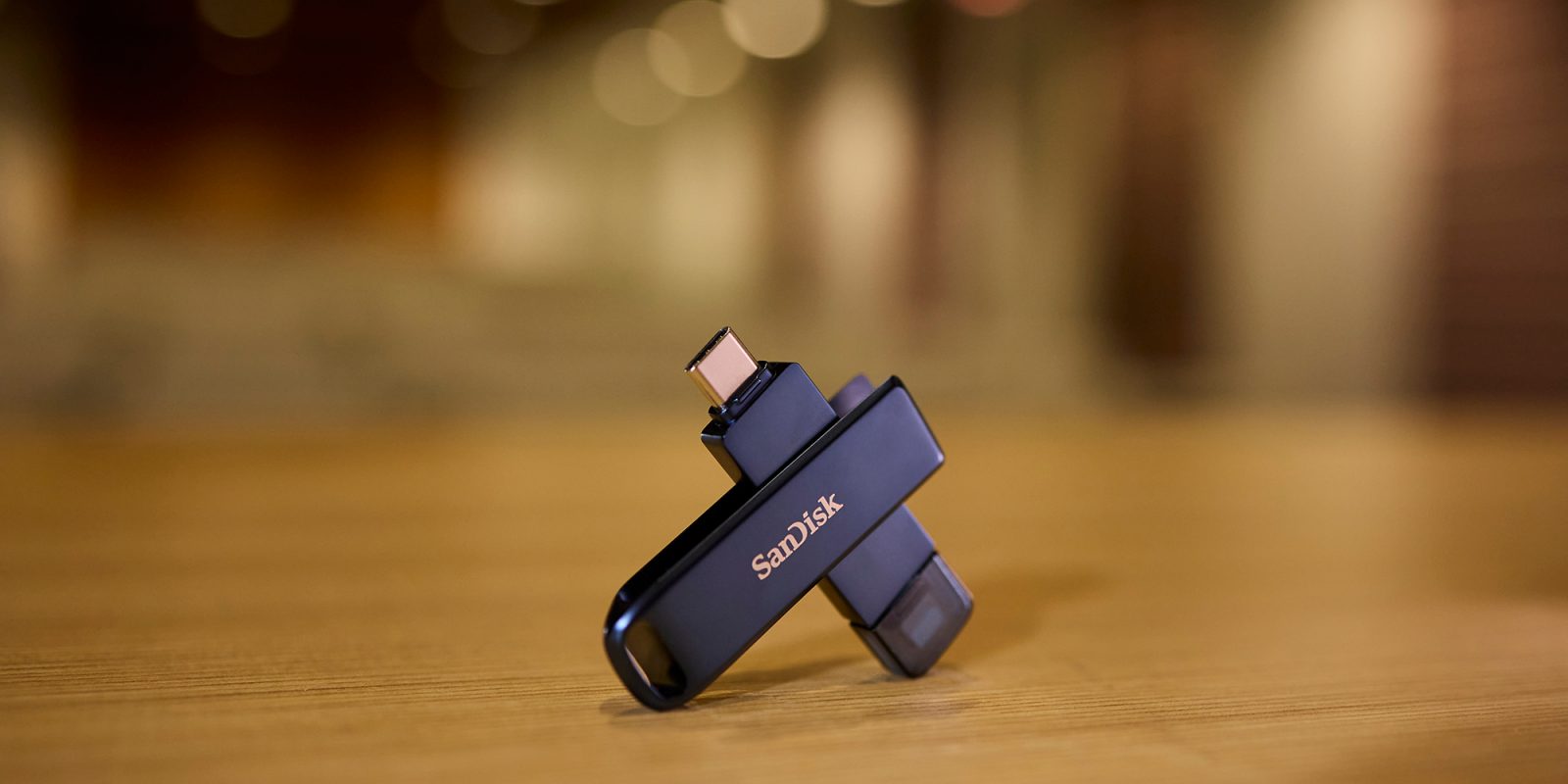
There are times when we’ll get this wrong, but fortunately there’s a simple solution to your storage woes: the SANDISK® Phone Drive for iPhone.
Simply plug the device into your iPhone, transfer photos, videos and other files onto it and then connect it to your Mac to easily access and move your content. That frees up more space on your iPhone to shoot more photos and videos and to download additional games and other apps.
If you’re shooting a lot of video, you can save footage directly onto a SANDISK Phone Drive for iPhone, giving you plenty of space no matter how low the built-in storage is on your phone.

The SANDISK Phone Drive for iPhone is also a great solution if you need to frequently copy videos and other large files from your iPhone device to your Mac. The USB 3.2 Gen 1 interface offers dramatically faster transfer speeds than AirDrop, that means less waiting, and fewer interruptions.
The SANDISK App adds automatic backup, allowing you to store your precious moments and work with low effort. Additionally, built-in encryption helps protect your files and privacy. This not only offers peace of mind but keeps your files accessible without monthly cloud storage fees.
Top comment by Phillip
So they took an existing product they’ve already been selling for years and just replaced the USB-A port with a lightning port and then write a whole lot of ad copy acting like needing a flash drive for an iPhone is at all a common thing and for anyone that does need one on the rare occasion they won’t already have a pile of USB-C flash drives ready to use.
The dual USB-C™ and Lightning connectors mean that the drive is compatible with both older and newer devices – no adapters needed.

The SANDISK Phone Drive for iPhone offers a choice of three capacities:
- 64GB
- 128GB
- 256GB
It’s available now from the Sandisk website, check this link for specials and pricing. Pricing starts at just $51.99.


FTC: We use income earning auto affiliate links. More.

Comments