
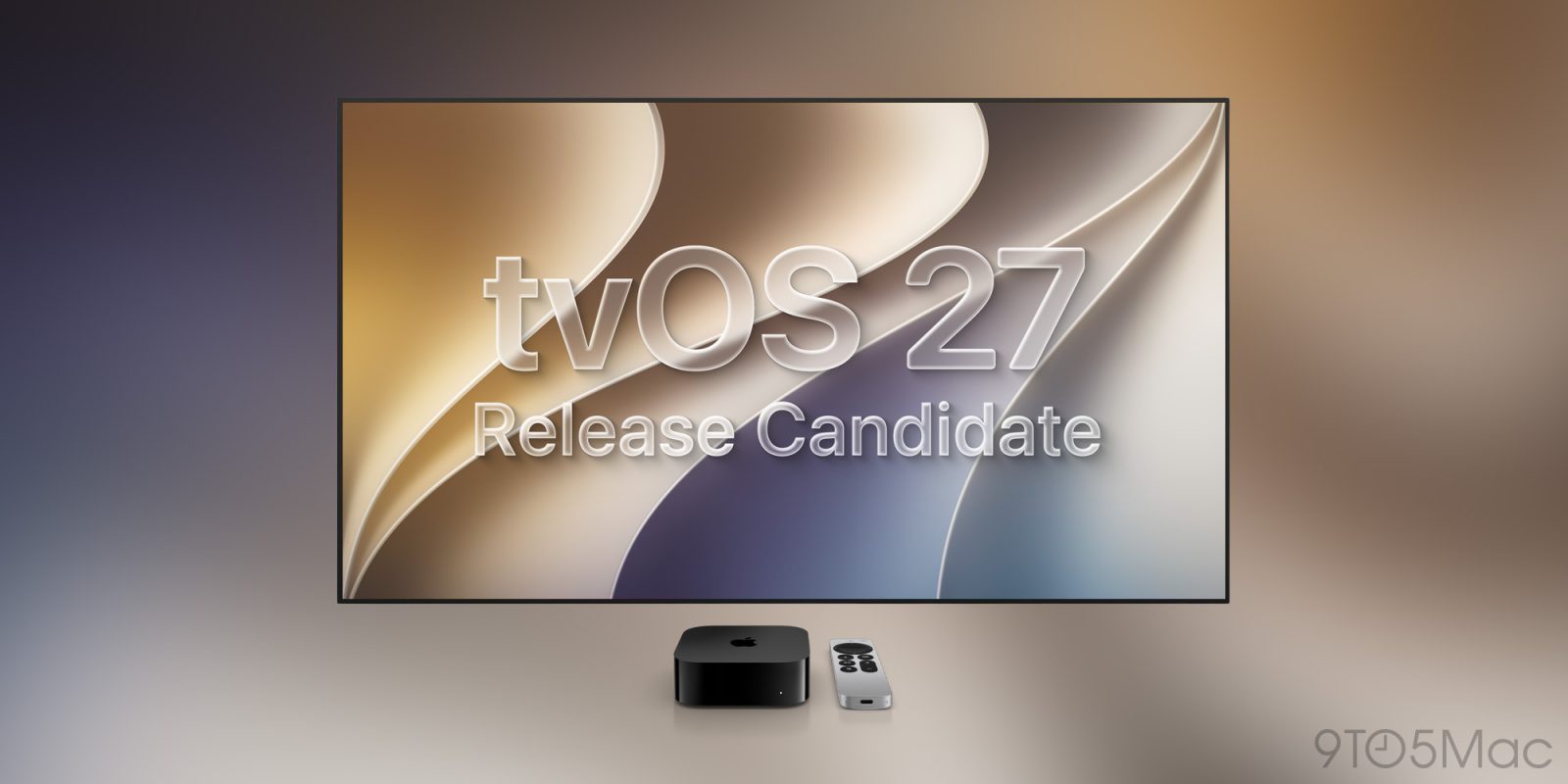
We didn’t get the new Apple TV 4K model some had predicted in today’s fast-paced ‘Surprise and shine’ event, but the developer and public Release Candidate (RC) of tvOS 27 is now rolling out …
As is usual for tvOS Apple hasn’t provided any release notes, but the RC is the version the company expects to be the final one before the official release next week.
You’ll be able to install it by opening the Settings app on your Apple TV and navigating to System > Software Update.
- Certified refurbished Apple products 15% off at apple.com
- Official Apple Store on Amazon
- Discounted AirPods Pro 3
- Wireless CarPlay adapter
- 10-year AirTag battery case
- Logitech MX Master 4 for Mac


FTC: We use income earning auto affiliate links. More.

You’re reading 9to5Mac — experts who break news about Apple and its surrounding ecosystem, day after day. Be sure to check out our homepage for all the latest news, and follow 9to5Mac on Twitter, Facebook, and LinkedIn to stay in the loop. Don’t know where to start? Check out our exclusive stories, reviews, how-tos, and subscribe to our YouTube channel



Comments