
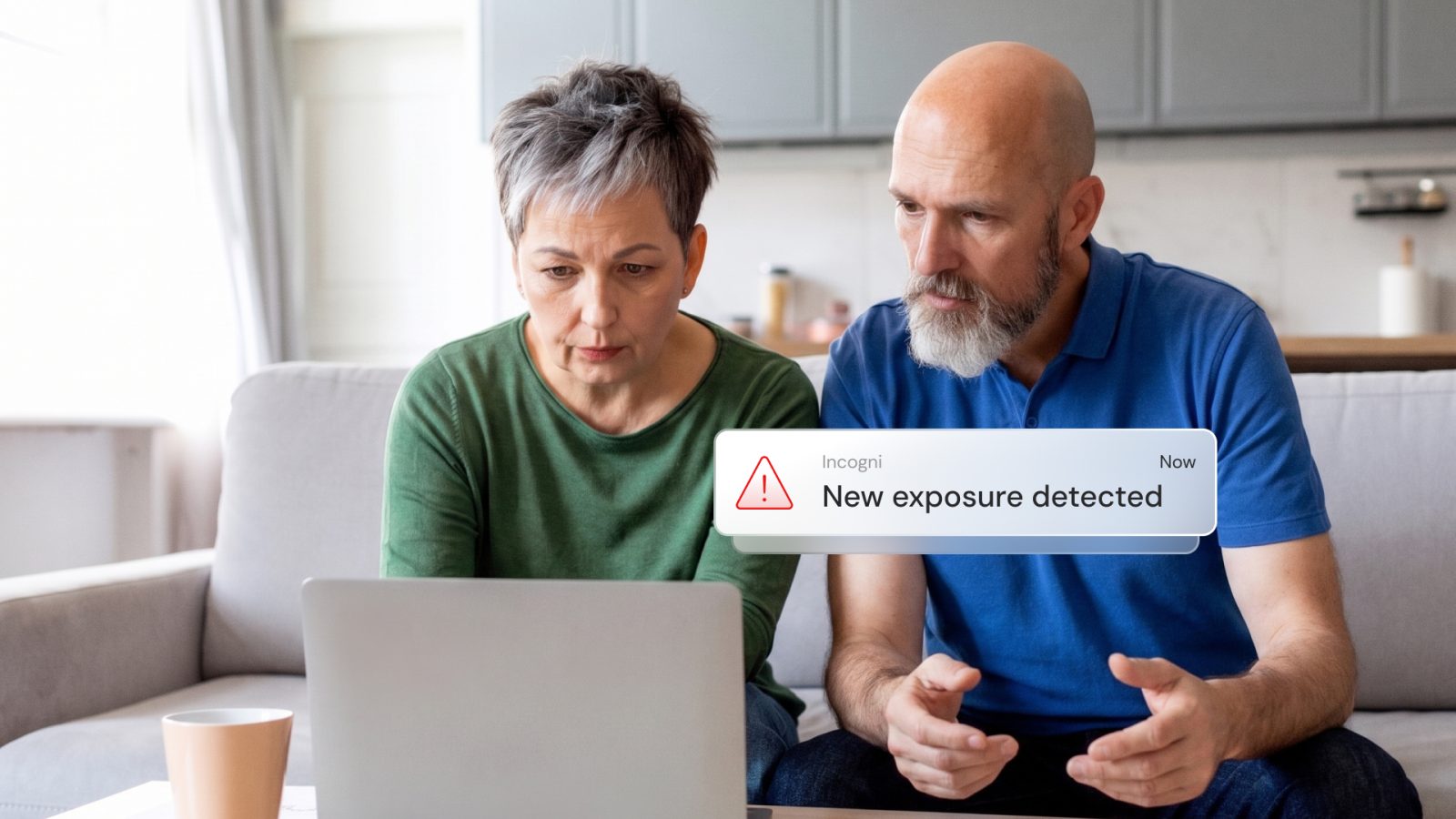
Elder fraud – where seniors are deliberately targeted due to this demographic having lower rates of tech literacy – is becoming a growing problem in the US.
According to Incogni’s analysis of FBI data, 72% of elder fraud cases in 2024 were enabled by victims’ personal data being exposed online, accounting for $4.2 billion in losses.
How these scams work
Family chat groups can be a goldmine for scammers. Everyday updates ranging from doctor visits to travel plans provide personalized information scammers can use to make it much easier to convincingly impersonate family members in trouble.
Given that iMessage, WhatsApp, and most other messaging apps use end-to-end encryption, you might assume this information is completely safe, but that isn’t always true. One of the most dangerous tools employed by scammers is what’s known as SIM swaps.
With this, they’ll use whatever personal information they can find from public sources in order to convince a mobile carrier that they are the person they are targeting. They claim the phone has been lost or damaged and ask the carrier to switch the mobile number to a new SIM card they have purchased.
If the carrier is fooled, then all texts sent to the victim will instead be received by the scammer. This includes SMS-based two-factor authentication codes to reset passwords, access bank accounts, and more. It is this capability that can give the scammer access to family chat groups.
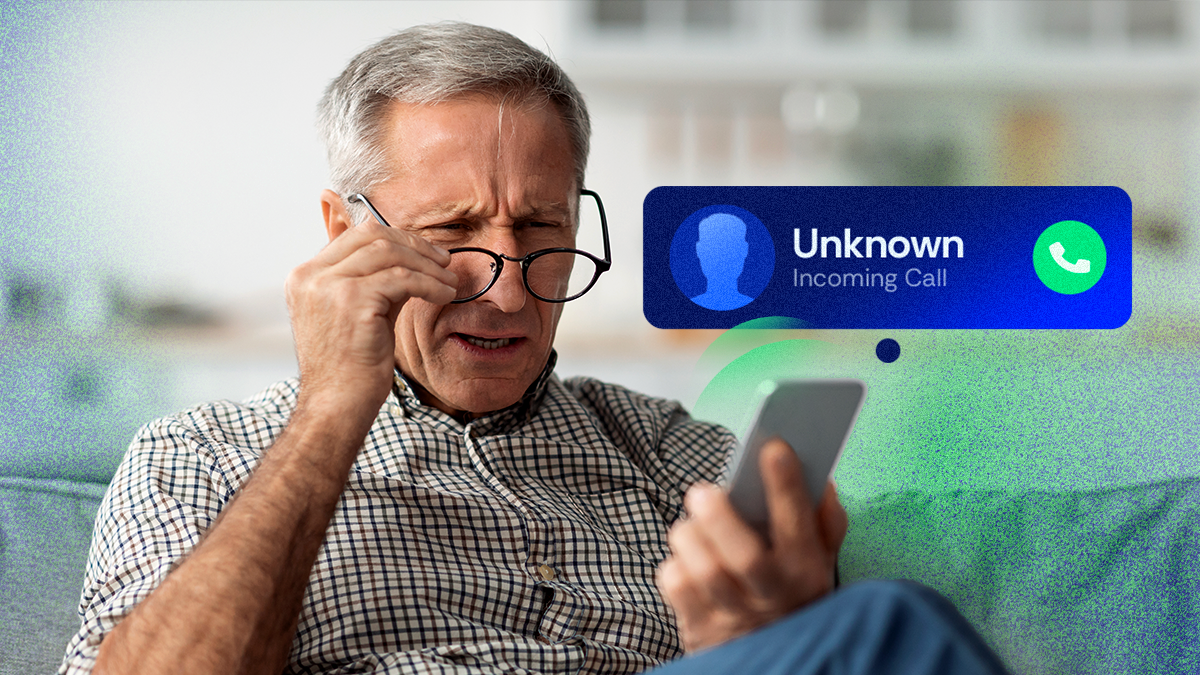
The combination of the personal data they’ve already found online with the additional details they can glean from the chats gives them everything they need to convincingly persuade their victim that they are a family member in need of urgent assistance. This includes voice notes providing the audio required to create deepfake speech that appears to be the voice of the family member.
How to protect your family
There are three main steps you can take to protect your family members against this type of attack.
First, minimize the personal data a scammer can find online. Scammers use data broker sites to obtain information like family names and phone numbers, as well as information like hobbies and travel history. There are literally hundreds of different data brokers, and getting personal data removed from all of them is a mammoth task. Fortunately, Incogni can do it for you.
Second, ensure that two-factor authentication (2FA) is switched on for all messaging apps, social media, and more. The bottom line is that any time you are offered the opportunity to use 2FA, you should accept it. If you’re offered the choice between text message and authenticator app to receive the codes, always choose the app. This is your best protection against SIM swap attacks.
Third, always contact the family member by a different method in order to verify that it really is them. If you get a text message, for example, then email them in response. If you get an email, then phone them. The more communications channels a scammer has to compromise, the lower the chance of them succeeding.
Finally, agree a secret family password which will be used to verify identity during emergency calls. If you receive a call claiming to be a family member in need of urgent assistance, always ask them for the password, even if you think you recognize their voice and they know seem to know lots of personal things. This is the final layer of protection against a scammer who has access to a family member’s phone number, email account, and more.
Incogni deal for 9to5Mac readers
For a limited time, 9to5Mac readers can get 55% off Incogni subscriptions using the exclusive checkout code 9TO5MAC. Use this link to access the deal.


FTC: We use income earning auto affiliate links. More.

Comments