
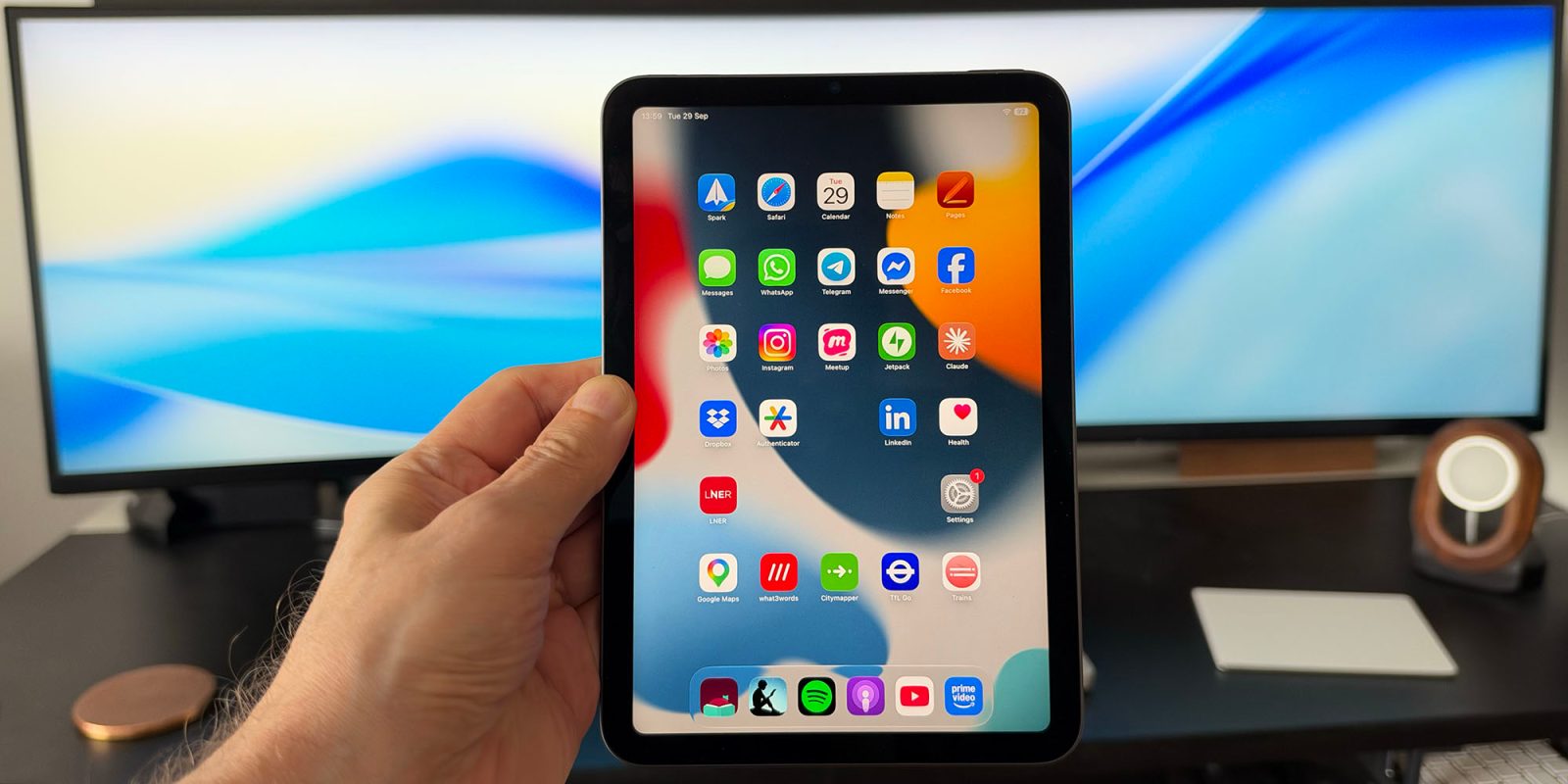
Alongside using the iPhone 18 Pro, I’ve also been carrying out a little experiment as we await the launch of the iPhone Duo.
To get a sense of what it might be like to use the large screen of the upcoming device, I’ve been using my iPad mini as a substitute phone some of the time. Given that the screen is a similar size and shape, I’m hoping that it gives me something of a preview of the experience …
I’ll be the first to admit that I really have no business owning an iPad mini. Most of the time it’s only used as an ebook reader for library books borrowed via the Libby app, as you can’t read these on a Kindle here in the UK. (Don’t get me started on that bizarre omission …)
Given the number of ebooks I read, it’s not totally unreasonable to have a second device more or less devoted to this, but I do feel a slight twinge of guilt that such a capable device has such a limited role. I’ve now, however, found at least a temporary additional task for it: getting some sense of the experience we might expect from an iPhone Duo.
As my colleague Ryan Christoffel recently noted, the interior display of the iPhone Duo is a bit smaller than that of the iPad mini, but the difference isn’t, uh, huge.
Due to the much smaller bezels on iPhone Duo, the difference in screen size isn’t as notable as you might expect:
iPhone Duo: 7.6‑inch display
iPad mini: 8.3-inch display
What I did was to install all of the same apps I have on my iPhone with a similar layout in order to mirror the experience as closely as possible. iPhone Wi-Fi hotspot provides the connectivity needed to allow me to use the iPad on a wide variety of occasions when I would otherwise have been using my iPhone.
In one way, the iPad mini delivers a better experience than the Duo as it runs iPadOS rather than iOS, giving a more flexible multitasking experience. However, I’m not a fan of windowing on such a small screen, so I primarily use apps either full screen or split screen, making it very similar to the Duo interface.
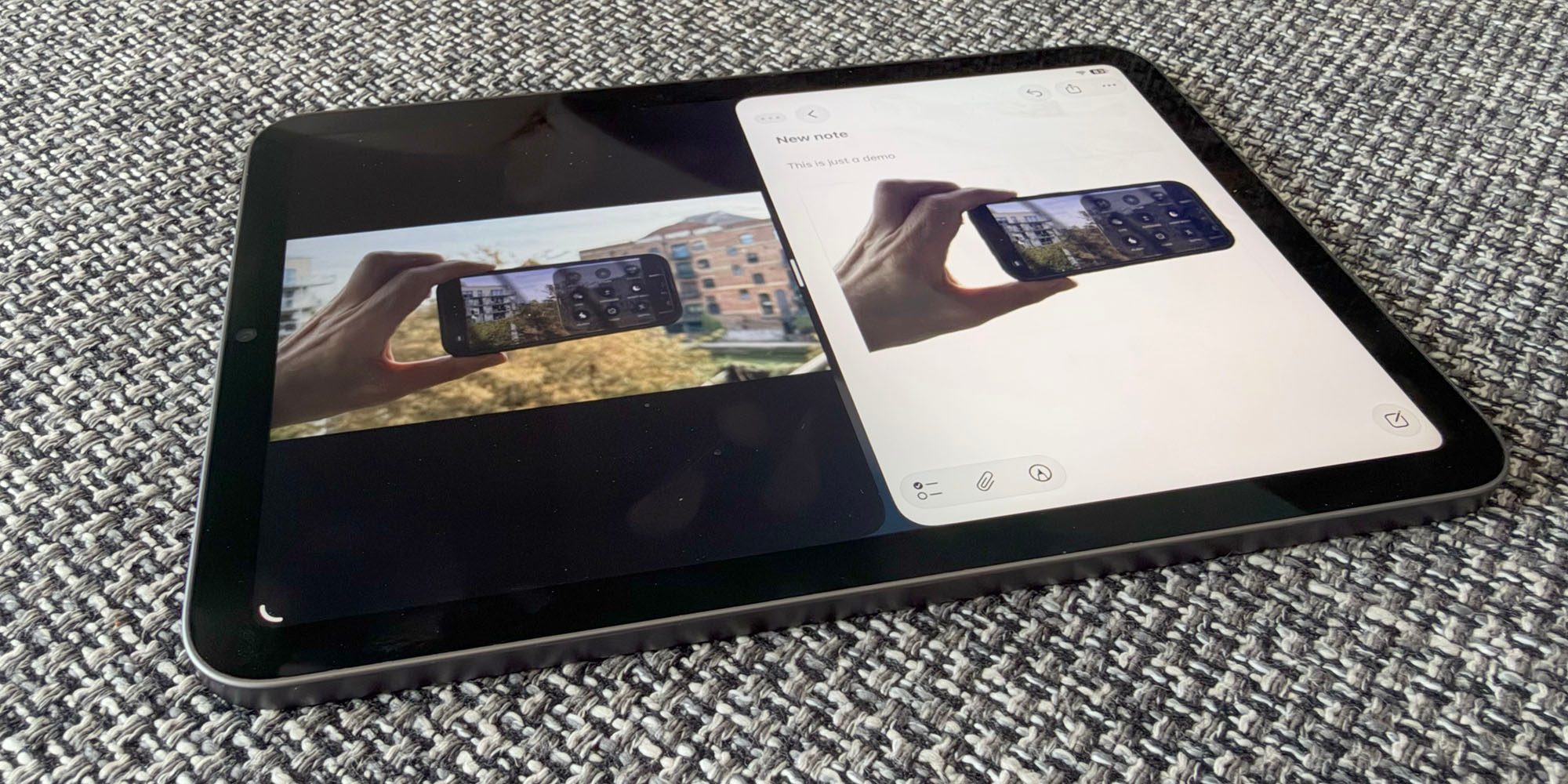
To counter the lack of pocketability, I’ve only taken it with me when I have a backpack, but that’s about half the time when I’m out and about.
Of course, the iPad doesn’t support all the Duo features, so it’s only a very rough and ready approximation of the experience, but it has provided a good sense of what it’s like to have access to this sort of size screen in a phone – and I have very much enjoyed it.
As with many such comparisons, the greatest impact is not when switching to something new, but switching back to the previous product. Whenever I switch from using the iPad mini back to the iPhone 18 Pro, the screen does seem extremely small. This experiment has done absolutely nothing to reduce my technolust for the upcoming device.
- Dark Cherry charger & color-matched cable for iPhone 18 Pro
- iPhone 18 Pro and iPhone 18 Pro Max cases
- Beats Woven USB-C cables
- Certified refurbished Apple products 15% off at apple.com
- Discounted AirPods Pro 3
- Wireless CarPlay adapter
- 10-year AirTag battery case
- Logitech MX Master 4 for Mac


FTC: We use income earning auto affiliate links. More.




Comments