
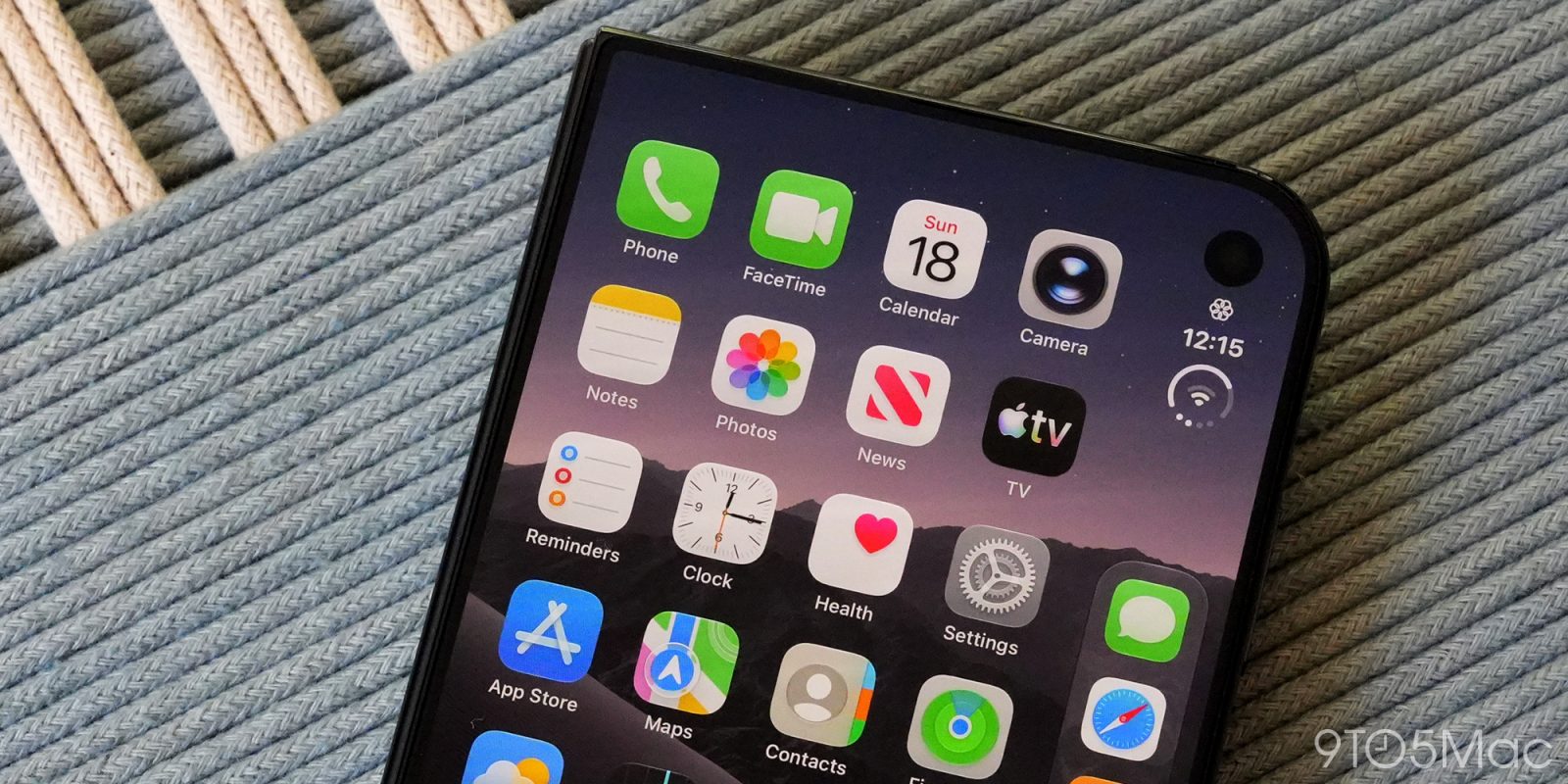
Apple is publishing a slew of support documents today corresponding with the launch of iPhone Duo, as it does for every iPhone launch. The support documents cover Touch on iPhone Duo, troubleshooting hinge issues, and much more.
In one support document, Apple outlines what to do if you’re having any of the following problems with the hinge on your iPhone Duo:
- Device won’t open or close completely
- Unexpected noise while opening or closing the device
- Loose hinge
- Bent or broken hinge
- Enclosure damage that affects hinge operation
Apple also has a support document outlining the software accommodations for using a case on iPhone Duo that partially covers the left edge of the outer display:
After applying iPhone Duo Case, a message appears on the display of iPhone Duo with the option to adjust the screen size to accommodate for the case. Follow the onscreen instructions to make the changes.
You can adjust the screen at any time: open Settings and tap Display & Brightness. Turn on Shift Left Edge. This shifts the outer display content to accommodate the front portion of the case.
Apple will likely continue adding support documents about iPhone Duo over the coming days. You can find a roundup of some of the ones published so far below.
- If your iPhone Duo won’t turn on or the screens are black
- About genuine Touch ID buttons for iPhone Duo
- How to reset your iPhone Duo using your Mac or PC if you forget your passcode
- iPhone Duo Troubleshooting Button Issues
- iPhone Duo Troubleshooting Bluetooth or Wi-Fi Issues
- iPhone Duo Troubleshooting Hinge Issues
- iPhone Duo in iPhone User Guide
- How to set up iPhone Duo Case
- iPhone Duo Troubleshooting Display and Multi-Touch Issues
Follow Chance: Threads, X, and Instagram


FTC: We use income earning auto affiliate links. More.


Comments