
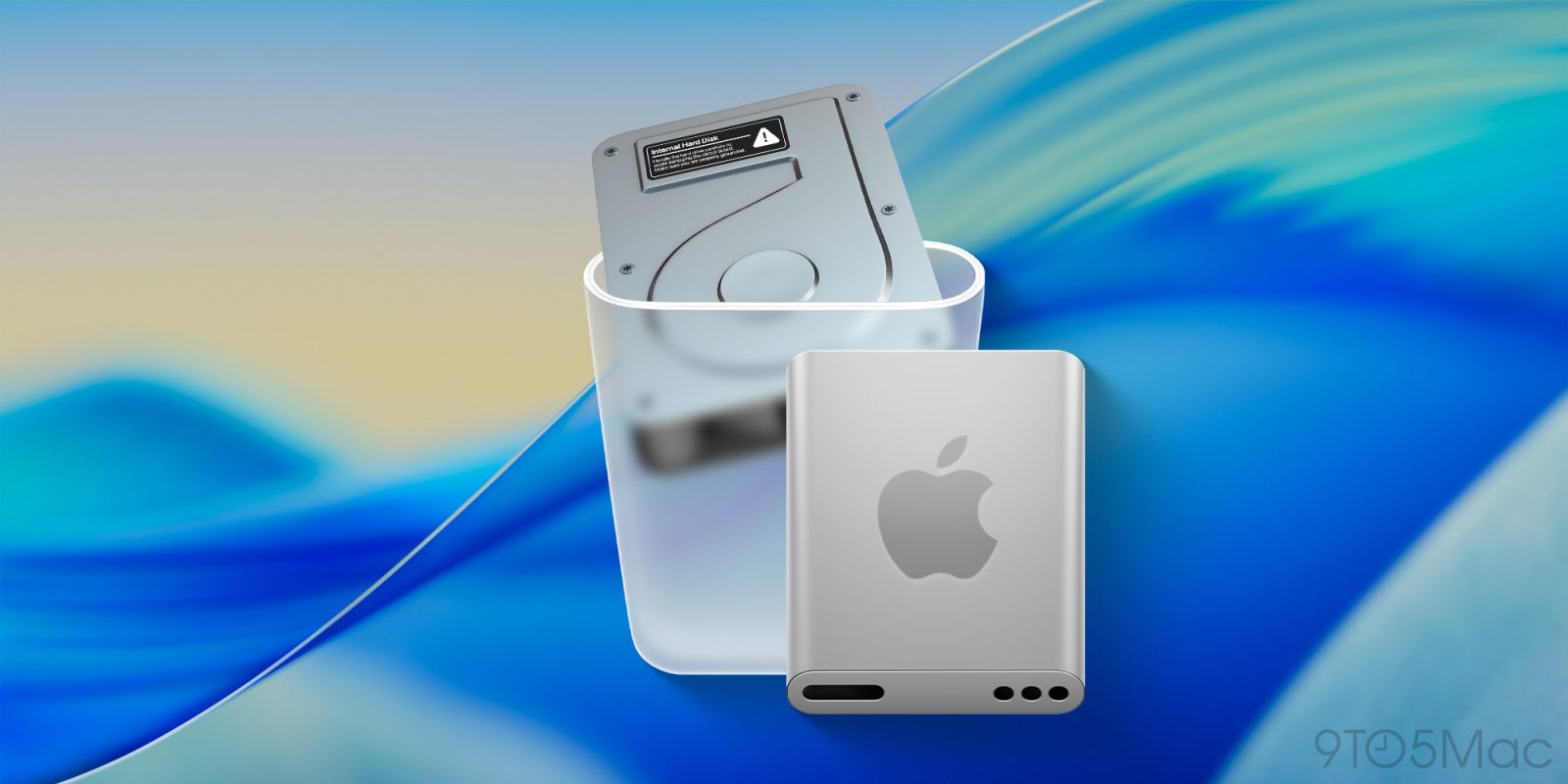
On today’s developer beta release of macOS Tahoe 26, Apple replaced the old Macintosh HD icon, which depicted an actual hard disk drive, with a new SSD-looking icon. Here’s what it looks like.
Top comment by HastaLaMac
It looks a bit odd, I feel slightly uncomfortable with the perspective. Also: what’s up with the holes in the front? And lastly: can’t they just have Basic Apple Guy designing these?
The old icon, a silver metal box with screws, vents, and a warning sticker, had a good run, considering Apple hasn’t shipped Macs with mechanical hard drives for a while.
But with today’s beta release, the old Macintosh HD icon has been replaced with a sleeker aluminum-looking enclosure with rounded edges, and a big Apple logo right in the center.
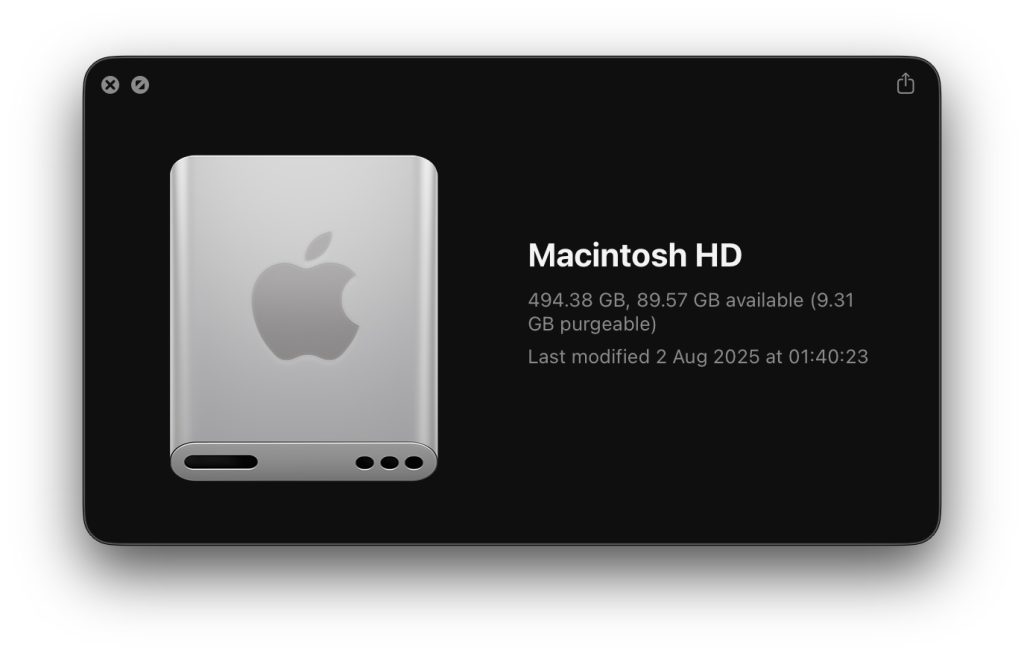
As of now, this seems like the only big icon change on the new macOS beta, but we’re digging through the system and will report back if we find anything else new. We did spot a new AirDrop icon on iOS 26 beta 5, despite it still being the same as before on macOS.
Do you like the new icon? Did you prefer the old one? Let us know in the comments.
Accessory deals on Amazon
- Anker 25,000mAh power bank, 100W, USB-C: $109.99 (was $134.99)
- Anker Foldable 3-in-1 wireless charger, 15W, Qi2: $62.99 (was $89.99)
- AirPods Pro 2: $169 (was $249)
- AirTag, 4 Pack: $79.98 (was $99)


FTC: We use income earning auto affiliate links. More.


Comments