
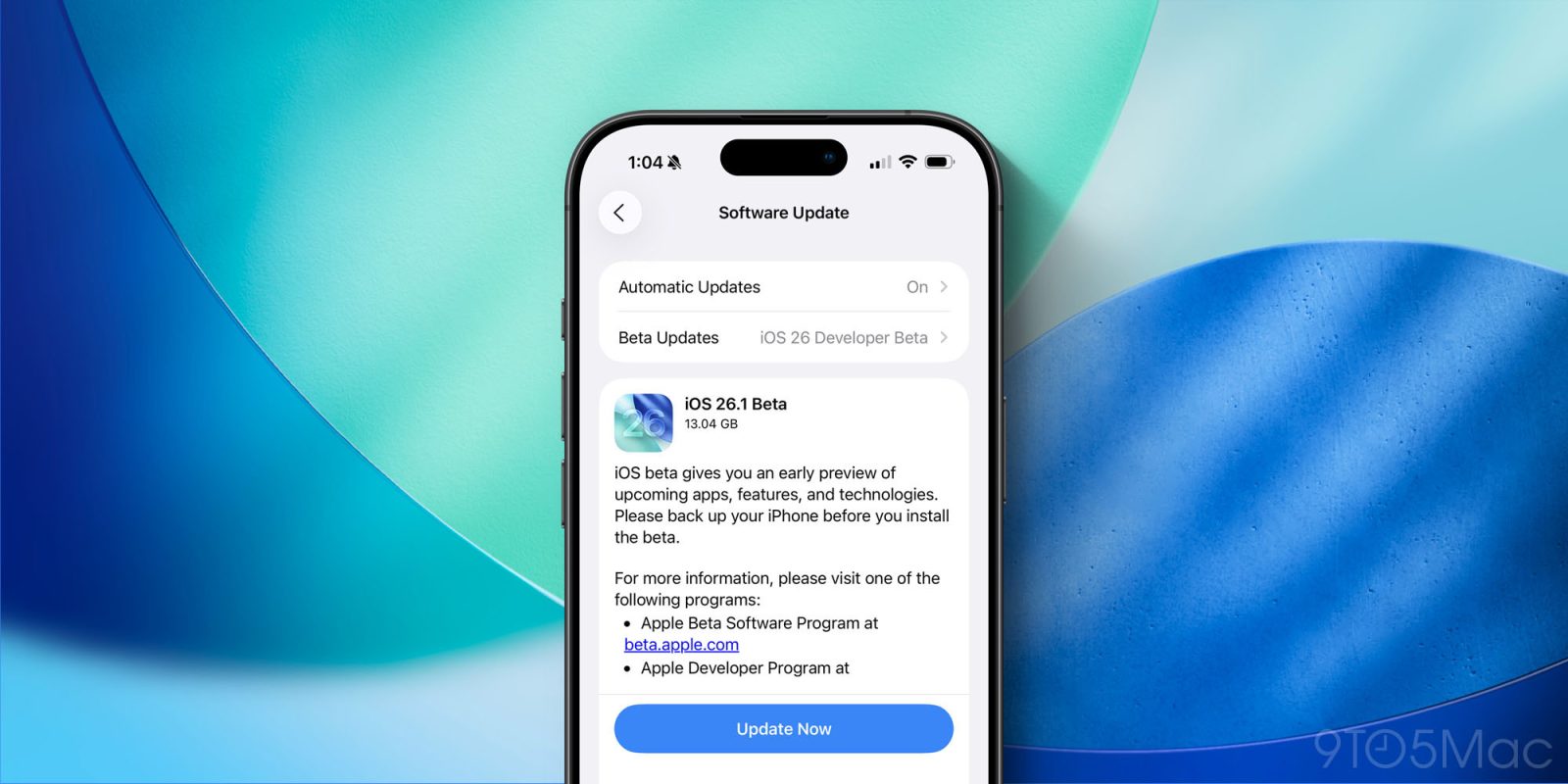
Last week Apple launched iOS 26 to the public, but we didn’t have to wait long for the next update to arrive in beta form. Today iOS 26.1 beta 1 released for developers, here’s everything new we’ve discovered so far.
iOS 26.1 beta 1 changes
In terms of major new features, the biggest changes in iOS 26.1 discovered so far involve AirPods Live Translation and Apple Intelligence.
Both features have been expanded to support a variety of new languages.
There are five new AirPods Live Translation languages supported, and a whopping eight new languages for Apple Intelligence features overall.
You can find the full lists of new supported languages here.
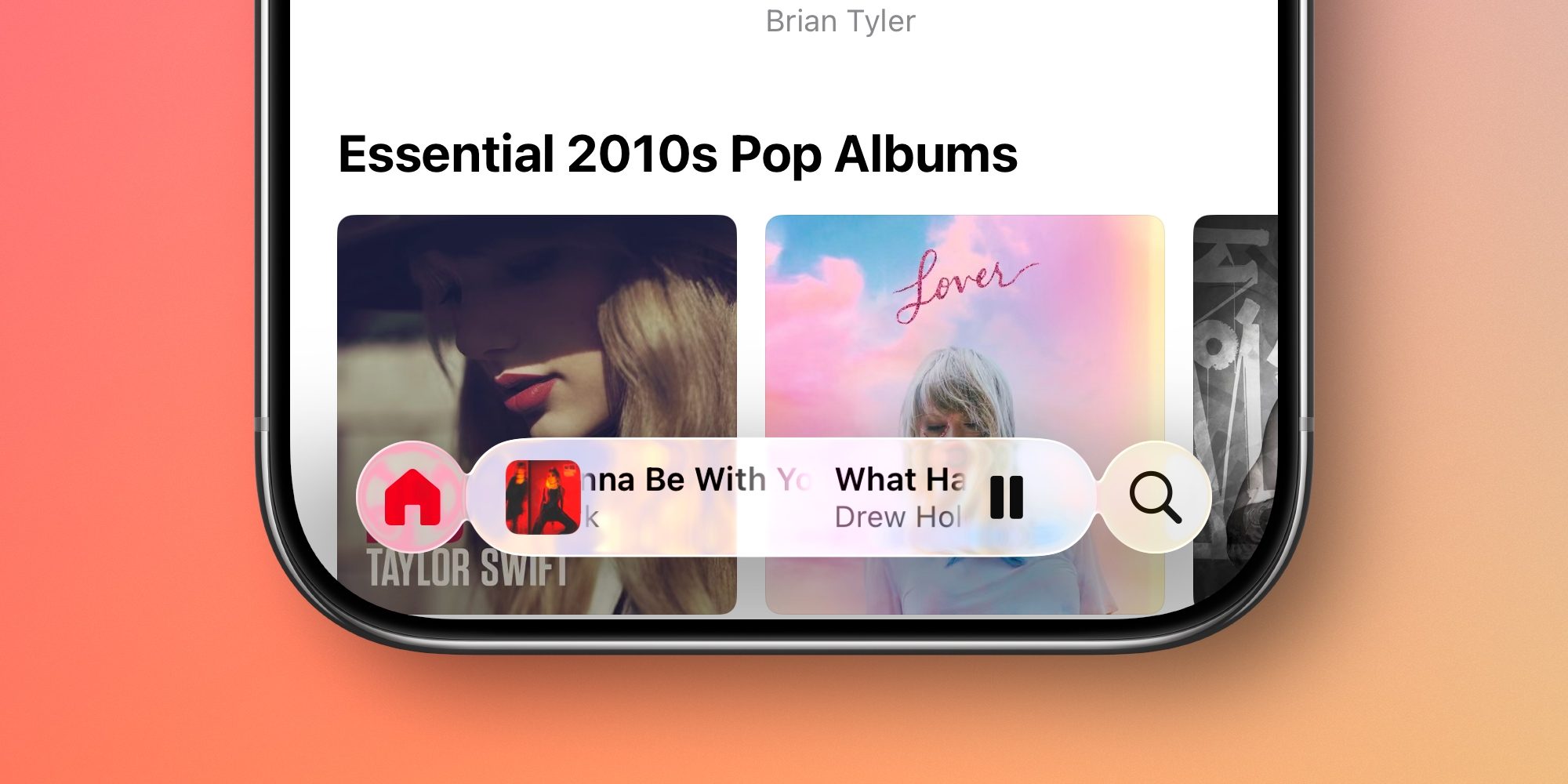
Apple Music gets a small, but welcome new feature in iOS 26.1 beta 1.
Now, you can swipe left and right on the MiniPlayer to switch between songs.
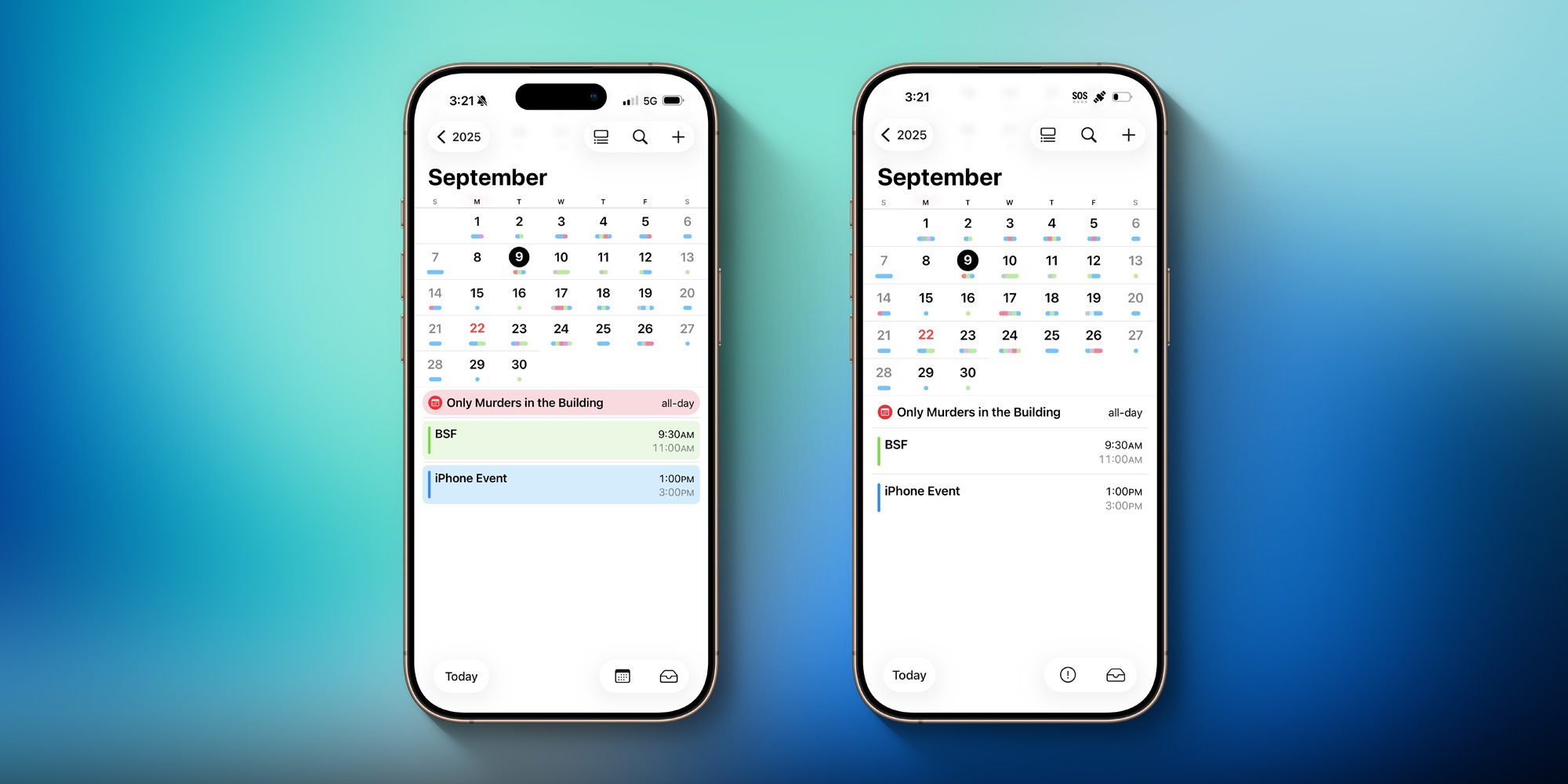
Beyond these language expansions, iOS 26.1 beta 1 brings several UI updates to certain iPhone apps.
Apple Calendar now shows full-width color highlights for all events in List view.
In Apple’s Photos app, videos have a new and improved playback scrubber.
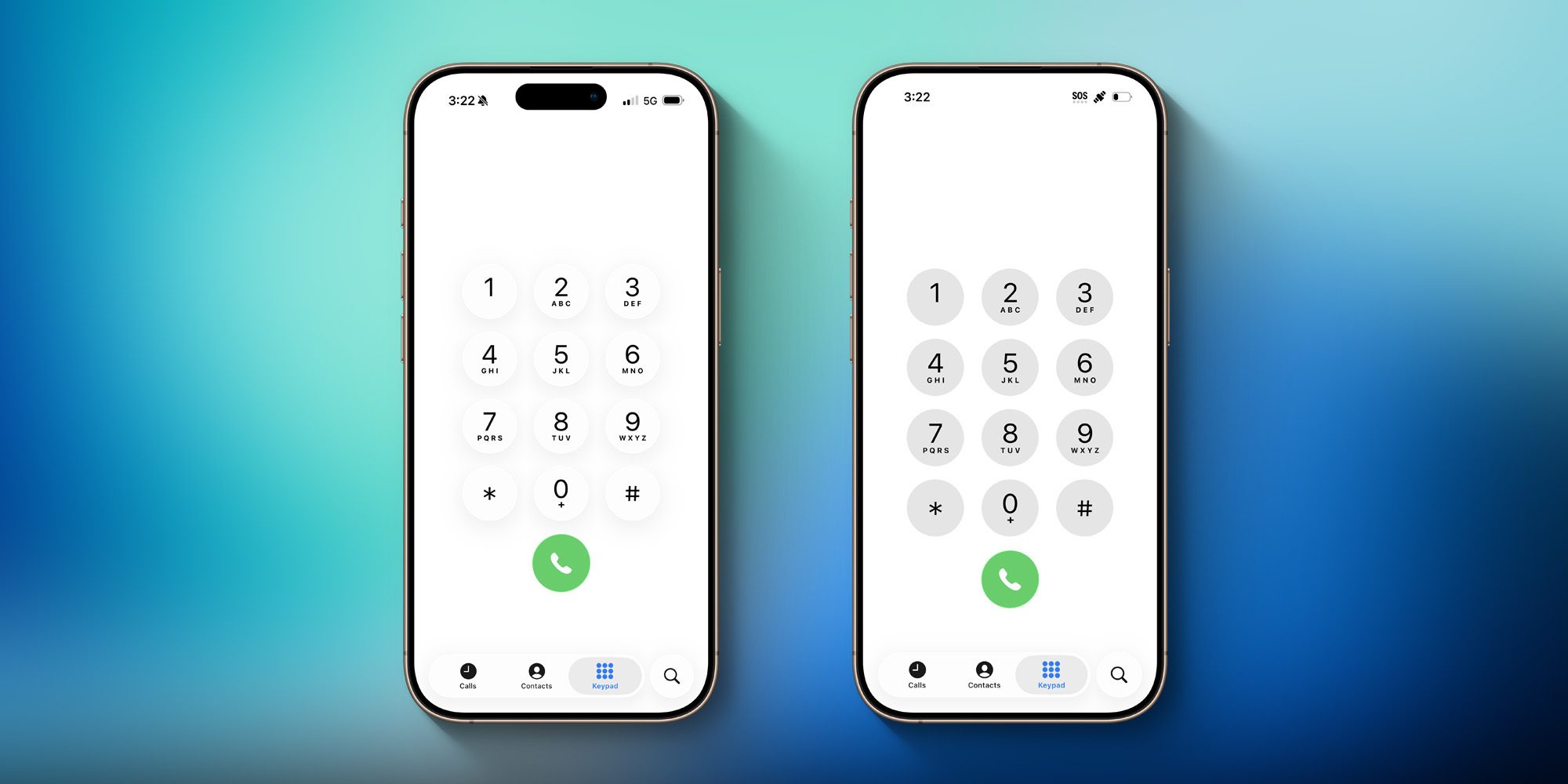
The Phone app, which got a major redesign with lots of new features in iOS 26, adds Liquid Glass to the keypad. It doesn’t screenshot particularly well.
Finally, iOS 26.1 beta 1’s code reveals that Apple is working to add support for MCP (Model Context Protocol).
MCP is Anthropic’s protocol for agentic AI, and Apple’s support would help further cement it as a key industry standard.
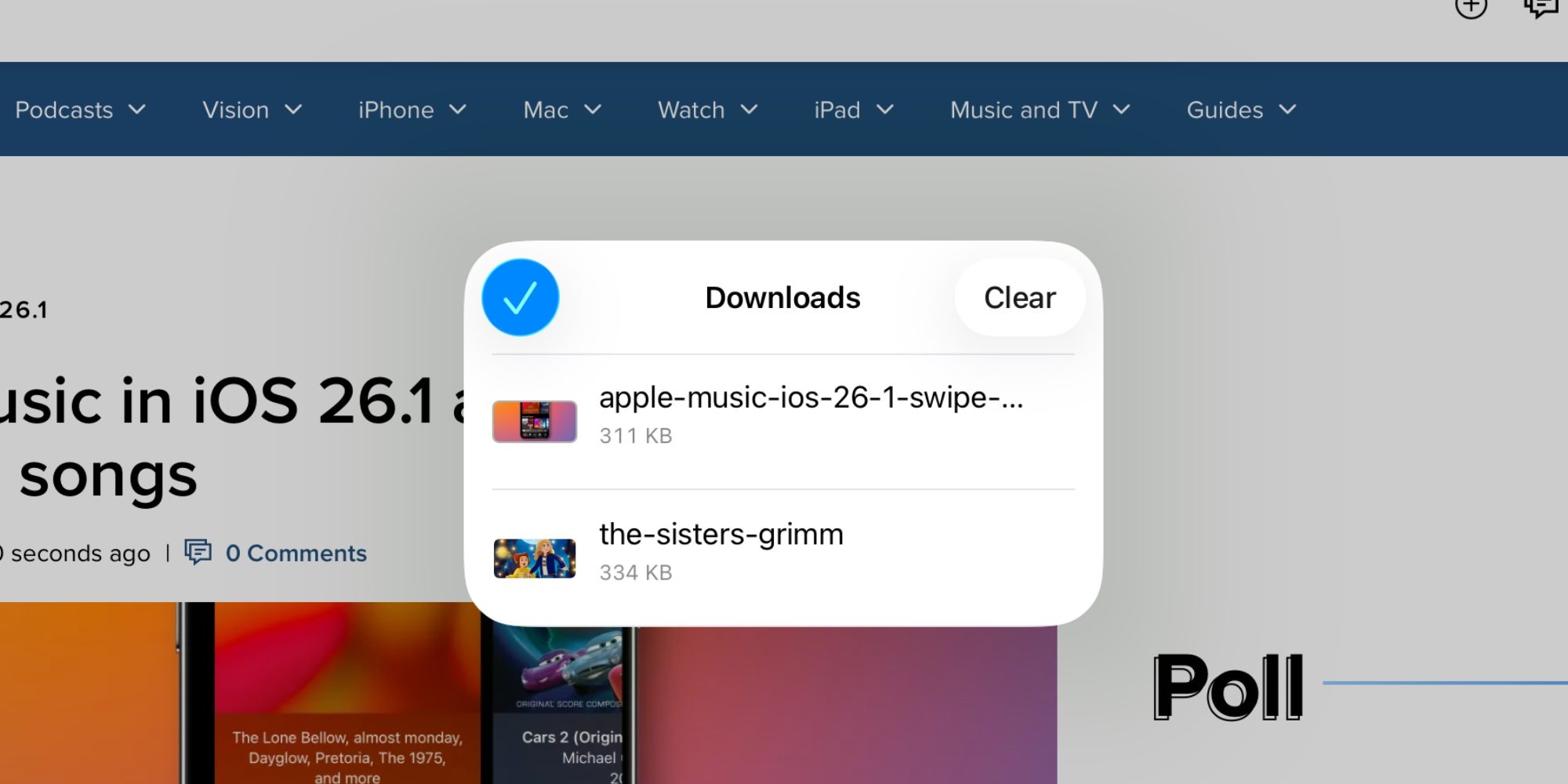
On the iPadOS 26.1 front, Apple has moved Safari’s Downloads panel into a separate popup in the middle of the screen. In iPadOS 26.0, it would simply drop down from the downloads icon.
We’ll update this post with any additional discoveries as more users start testing iOS 26.1.
Have you noticed any more changes in iOS 26.1 beta 1? Let us know in the comments.
Best iPhone accessories
- AirPods Pro 3
- MagSafe Car Mount for iPhone
- HomeKit smart plug 4-pack
- 10-year AirTag battery case 2-pack
- 100W USB-C fast charging power adapter


FTC: We use income earning auto affiliate links. More.



Comments