
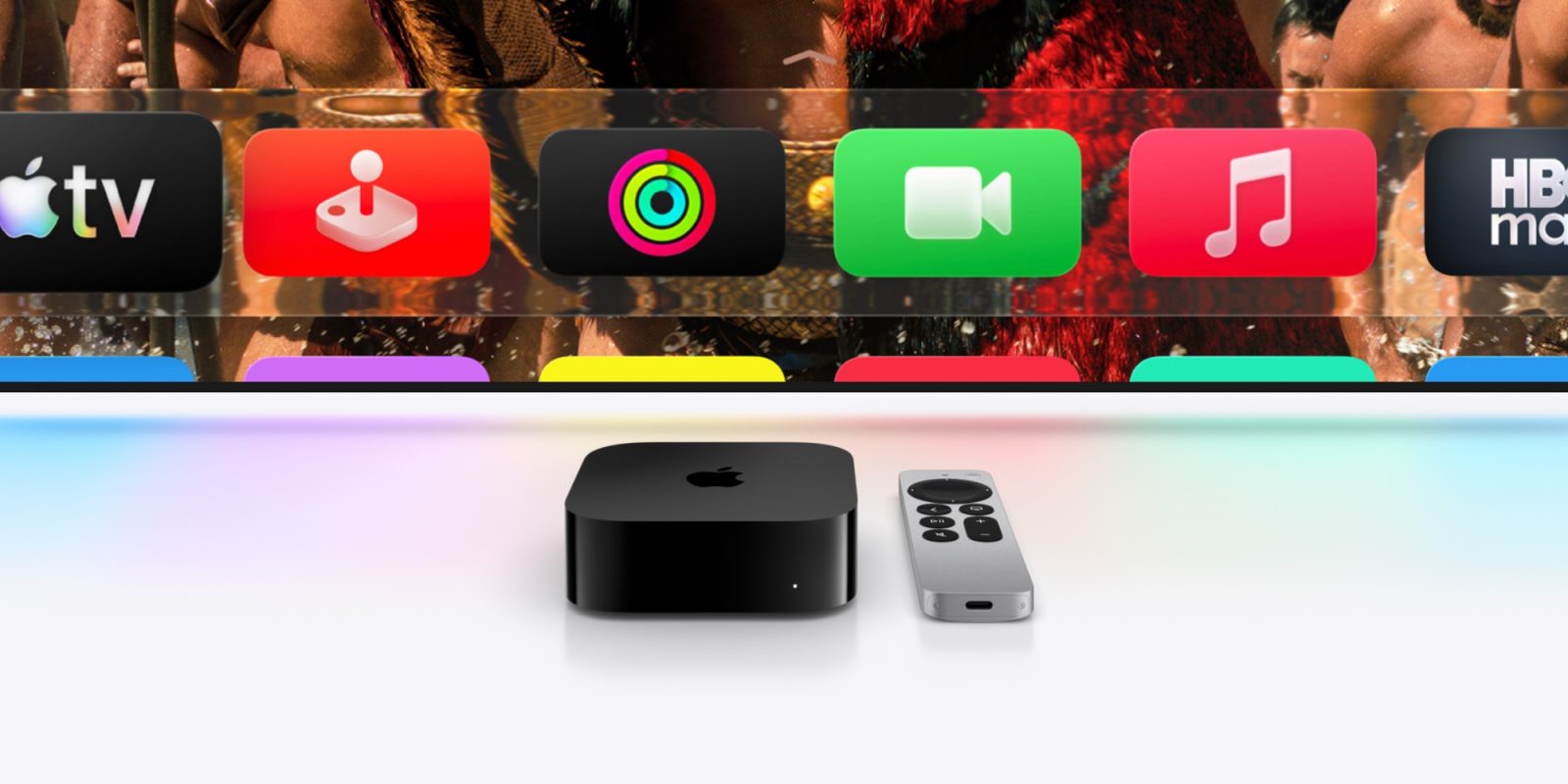
The wait continues for a new Apple TV 4K, but Apple has steadily added new features to tvOS 26 via recent updates, including two changes I’ve been especially enjoying.
#1: Profile upgrades
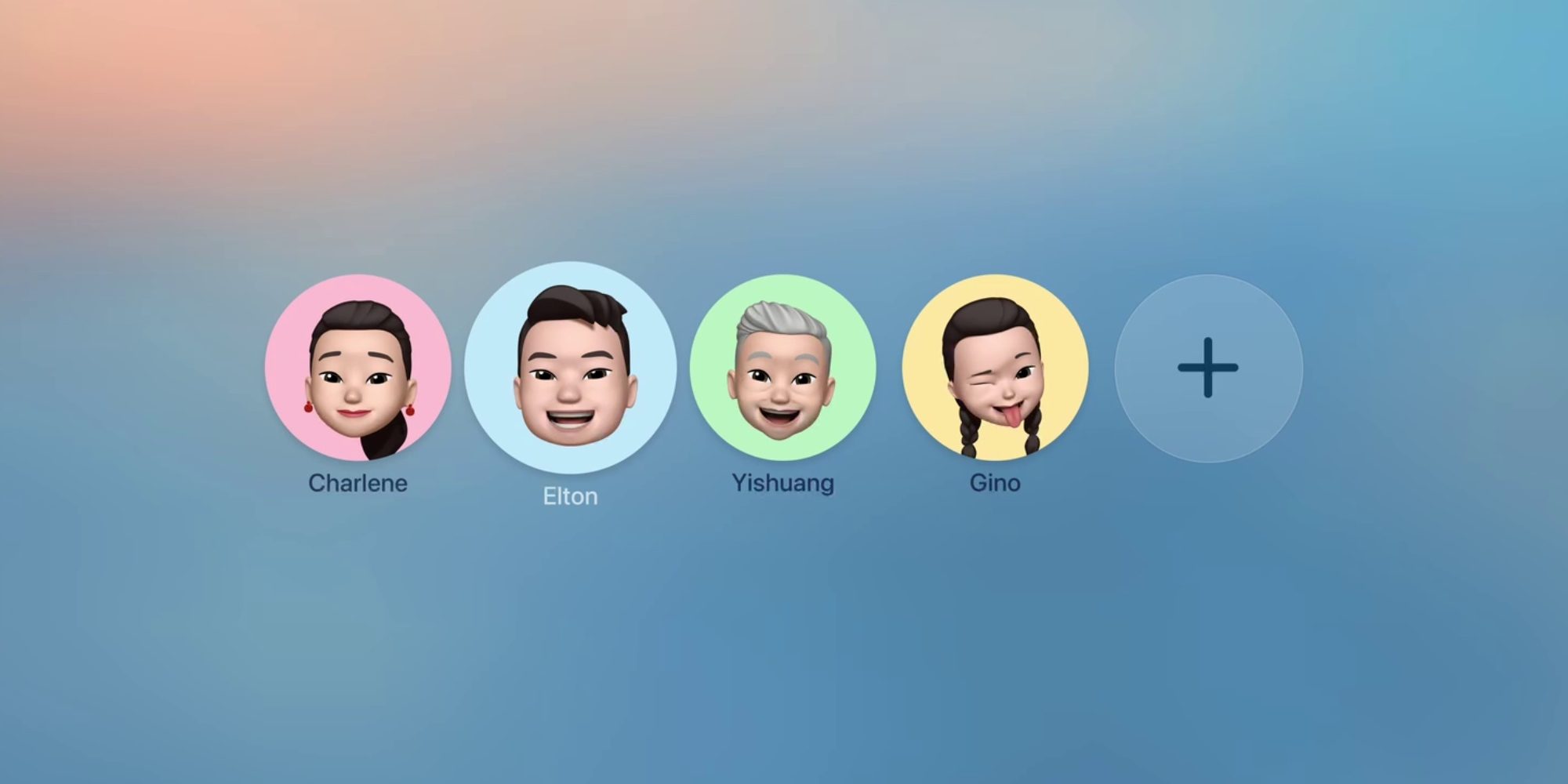
Every streaming service has its own user profile feature, but prior to tvOS 26, Apple’s own systemwide option was lackluster.
Recently in tvOS 26.2 though, Apple made two changes that turned profiles into a feature I’m now loving.
First, the update made it possible to create a new profile without having an associated Apple Account.
I have a young toddler, so he’s still a ways off from needing his own Apple Account. But I was able to create a tvOS profile for him with ease after tvOS 26.2.
Second, the Apple TV app now filters out the content it shows based on the age of the profile in use.
So now, with my toddler having his own profile, I can open the Apple TV app and only see content that’s appropriate for him to browse.
The biggest benefit of all of this, of course, is that now my Apple TV Watchlist isn’t cluttered with Mickey Mouse Clubhouse, Frog and Toad, or his favorite Disney animated films.
#2: Genius Browse for TV and movie recommendations
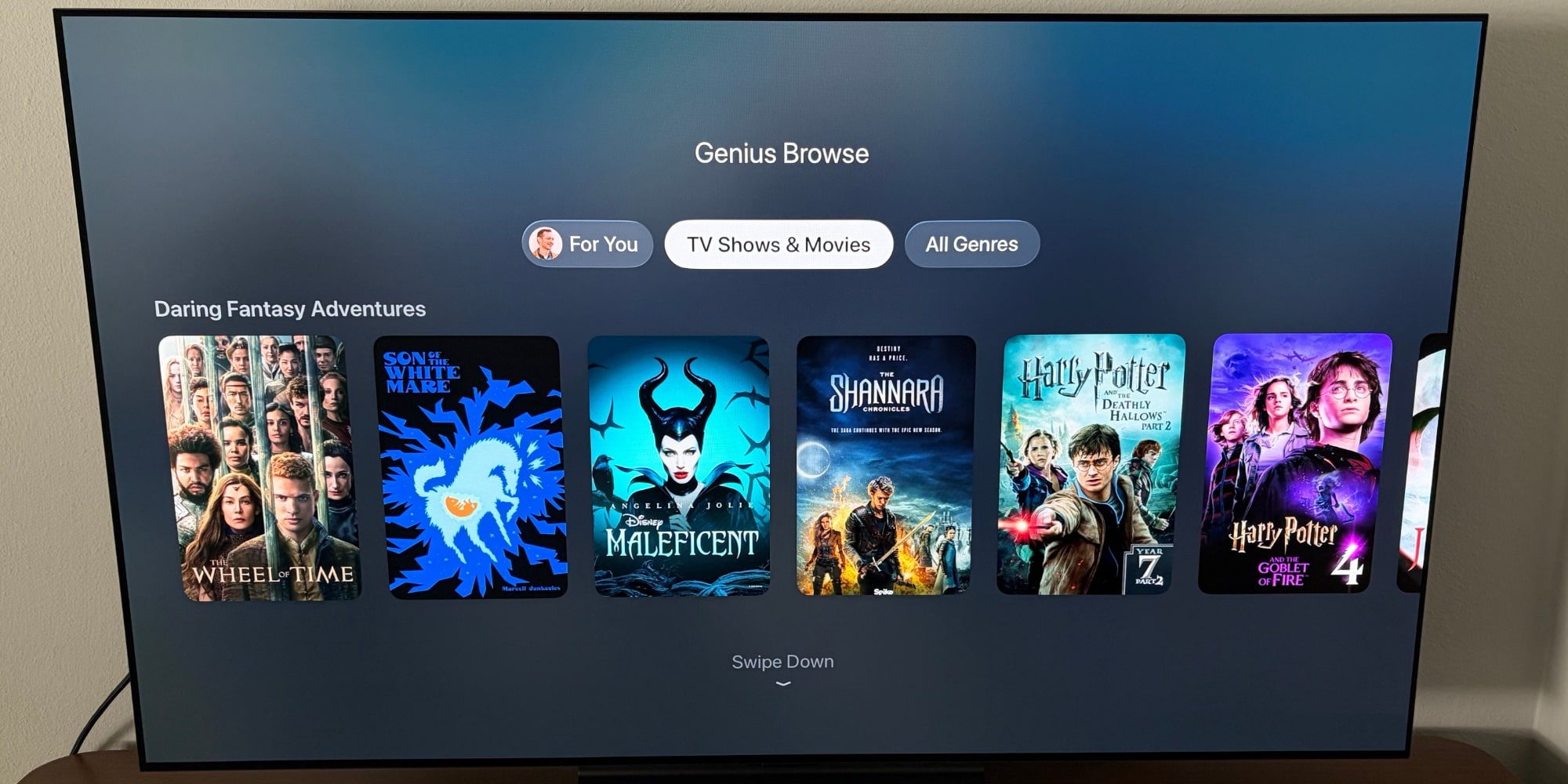
In tvOS 26.4, the Apple TV app added a convenient new recommendation feature called Genius Browse.
Genius Browse provides personalized content recommendations that you can customize for yourself or together with other profiles in your household.
You can find the feature by scrolling down to the Genius Browse row in the Apple TV app. There, you’ll see a variety of suggested ‘collections’ with descriptions like the following:
- Action-Packed Sci-Fi
- Based on a Book
- Thrilling Sports Stories
- and so on
Opening a collection reveals TV and movie recommendations from not only Apple’s own streaming service, but also other supported streamers.
One great thing about Genius Browse is that you can select a title and get a whole new set of recommendations that are specifically identified as being similar to that one title. So there are multiple layers of recommendations offered.
Genius Browse also includes some nice filtering tools, and I love that these recommendations are personalized based on profiles.
Which tvOS 26 features have you been using and loving most? Let us know in the comments.
Best Apple TV 4K accessories
- Anti-slip silicone case for Siri Remote, AirTag compatible
- TotalMount for mounting Apple TV
- AirPods Pro 3
- iPhone Continuity Camera mount for Apple TV


FTC: We use income earning auto affiliate links. More.



Comments