
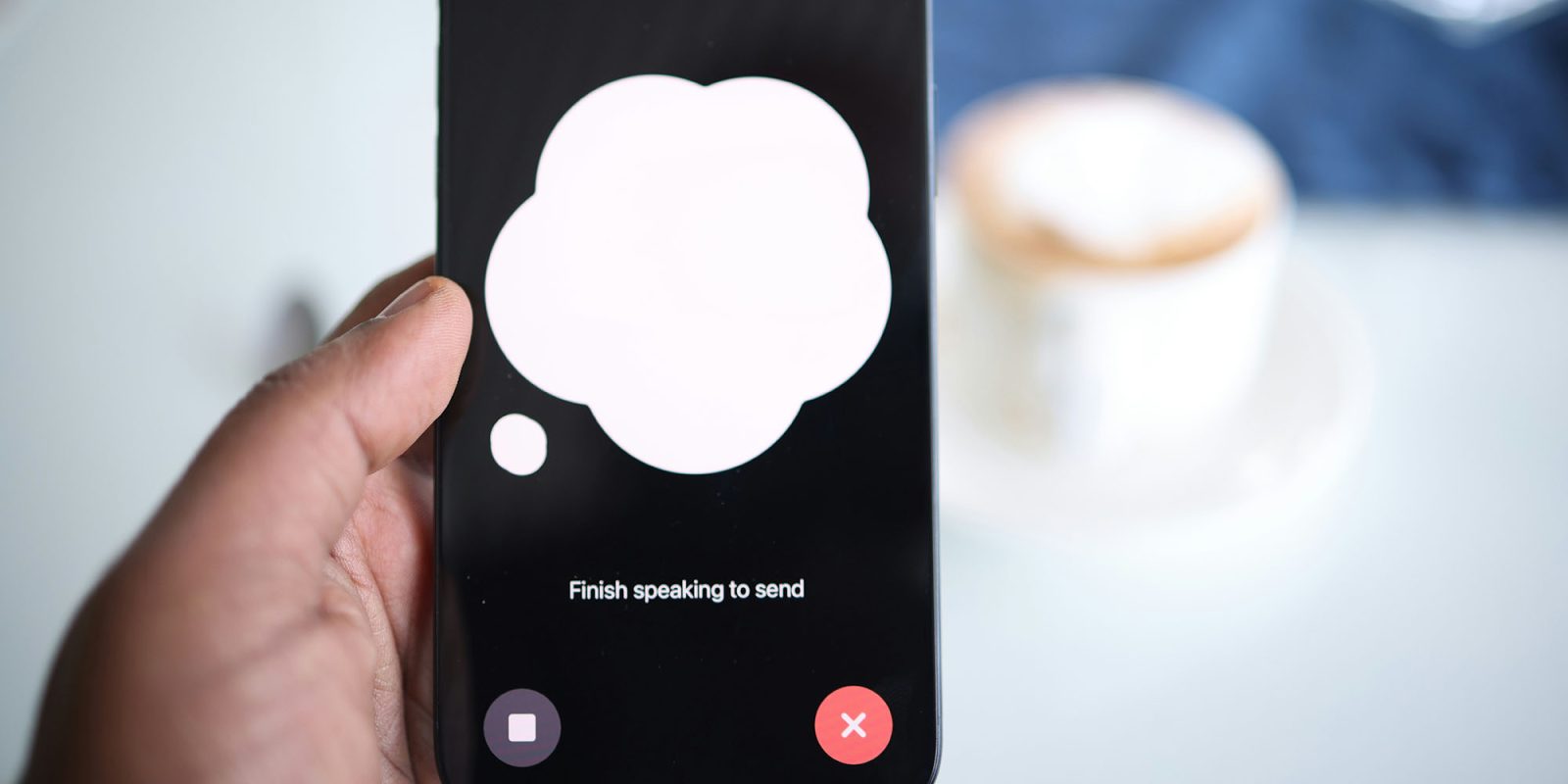
A recent study found that around a third of AI app users are having deeply personal conversations with the chatbots. Even if you’re not sharing your deepest fears with an AI app, your questions and conversations may still include a significant amount of personal data.
A separate Stanford study found that six leading US AI companies all feed user inputs back into their models for future training, potentially putting your privacy at risk. Fortunately, there are simple steps you can take to manage this …
The AI privacy risks
A surprising number of people use AI chatbots as a substitute therapist. This can obviously lead to the sharing of extremely sensitive personal information. But even if we’re not doing this, our queries can often reveal personal data that we wouldn’t want to be leaked onto the internet.
This can happen indirectly because the standard conditions of AI apps typically give them the right to use our conversations as training data for future versions of the models. That then generates the risk that our own data could be included in responses to other similar queries in future.
The stakes are even higher now that many AI models allow us to upload documents for analysis. The contents of those documents could potentially also be used as training material.
Opting out of AI data collection
Fortunately, all major AI apps provide the ability to opt out of using your data as training material, and for most it’s both quick and easy to do.
Amazon Alexa
In the Alexa app on the iPhone, tap the three-bar menu option at the bottom of the screen and then Alexa Privacy. Scroll down to Manage Your Alexa Data and scroll down again to Help Improve Alexa. Toggle off Use of voice recordings.
ChatGPT
On the web or in the Mac app, go to Settings, then Data Controls and toggle off “Improve the model for everyone.”
Claude
On the web, visit https://claude.ai/settings/data-privacy-controls and uncheck Help improve Claude.
Gemini
On the web, visit https://myactivity.google.com/product/gemini, set the On toggle to Off and uncheck Improve Google services with your audio and Gemini Live recordings.
Meta AI
The company always made the opt-out exceedingly difficult to find, burying it many layers deep in the privacy settings and more than once changing the routing to it. As far as we’re able to determine now, the company has removed the opt-out option altogether, leaving writing to the company the only remaining option.
Siri
Given Apple’s privacy focus, this option is surprisingly well hidden.
In the iPhone app, open Settings, then Privacy & Security. Scroll quite a long way down to Analytics & Improvements. Scroll down again to Improve Siri & Dictation and toggle this off.
Removing other personal data from the internet
While you can change settings within apps, data brokers still collect your info from public records and then make it available for resale. In the best of instances, this is used to spam you, and in the worst, it is used to commit fraud and identity theft.
You can manually request the deletion of your data, but this is an extremely tedious and time-consuming process given the sheer number of data brokers out there, and it’s only valid for the time of your request. There’s nothing to stop the brokers re-adding your data at a later date.
That’s where Incogni comes in. Not only do they do all of the hard work for you across literally hundreds of data brokers, genealogy websites, and social media, but they monitor to ensure that it has been done, scan for the later addition of new data, and issue new takedown requests for that.
Unlike other services, Incogni helps remove your sensitive information from all broker types, including those tricky People Search Sites that are often missed. With the company’s Unlimited plan, you can even send links you’ve discovered yourself and Incogni will take care of it for you.
For a limited time, 9to5Mac readers can use this link to claim a 55% discount using the promo code 9TO5MAC.
Photo by Solen Feyissa on Unsplash


FTC: We use income earning auto affiliate links. More.


Comments