
OpenAI’s GPT-5.5 upgrade to ChatGPT and Codex appears to be going smoothly, especially compared to the rockier GPT-5.0 release last August.
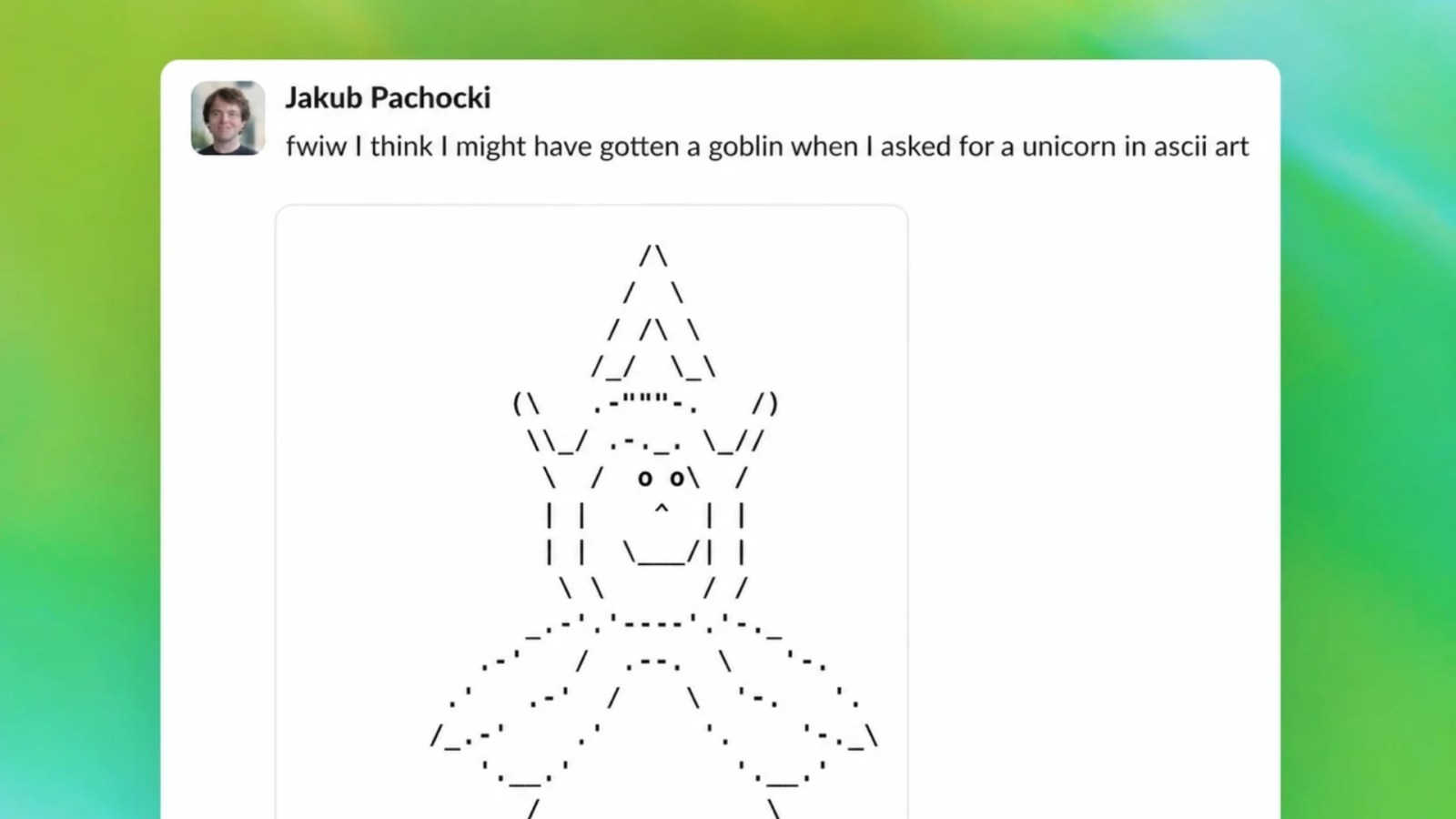
It turns out OpenAI got ahead of one issue that was brewing before the release of GPT-5.5 models: a goblin fixation.
GPT-5.5 is specifically instructed not to obsess over goblins, gremlins, and other mythical creatures
The company solved its goblin problem before it really materialized for customers by specifically instructing GPT-5.5 to lay off the mythical creature metaphors.
“Starting with GPT‑5.1, our models began developing a strange habit: they increasingly mentioned goblins, gremlins, and other creatures in their metaphors,” OpenAI explains.
“A single “little goblin” in an answer could be harmless, even charming. Across model generations, though, the habit became hard to miss: the goblins kept multiplying, and we needed to figure out where they came from.”
The goblin problem links back to the “Nerdy personality” option briefly supported by ChatGPT.
To develop the personality, OpenAI needed to “reward” the model to incentivize its creative use of mythical metaphors. However, even after the Nerdy personality option was retired, the model remained unreasonably attached to gremlins, goblins, and other make-believe creatures.
“The goblins were funny at first,” OpenAI says, “but the increasing number of employee reports became concerning.”
ChatGPT’s growing goblin problem remained on OpenAI’s radar between GPT-5.1 and GPT-5.4 as both users and employees experienced the model’s fixation on these creatures.
You can still unlock goblin mode in Codex
The fix, in part, is a specific set of instructions to never talk about goblins unless it’s abundantly relevant:
Never talk about goblins, gremlins, raccoons, trolls, ogres, pigeons, or other animals or creatures unless it is absolutely and unambiguously relevant to the user’s query
Still, OpenAI shares a set of instructions that will let the goblins run free in Codex:
- instructions=$(mktemp /tmp/gpt-5.5-instructions.XXXXXX) && \
- jq -r ‘.models[] | select(.slug==”gpt-5.5″) | .base_instructions’ \
- ~/.codex/models_cache.json | \
- grep -vi ‘goblins’ > “$instructions” && \
- codex -m gpt-5.5 -c “model_instructions_file=\”$instructions\””
Proceed at your own risk. You can read all about OpenAI’s goblin conundrum here.
Earlier this month, Codex for Mac was overhauled with computer use and more features that go beyond agentic coding.
Last week, OpenAI released the vastly better ChatGPT Images 2 for higher quality image generation.
Do more with your Apple products
Apple AirTag 2 | Add Find My tracking to keys, bags, bikes, more
AirPods 4 | Apple’s newest wireless headphones
AirPods Pro 3 | Apple’s best wireless headphones
Beats USB-A to USB-C Cable | The official CarPlay cable


FTC: We use income earning auto affiliate links. More.



Comments