
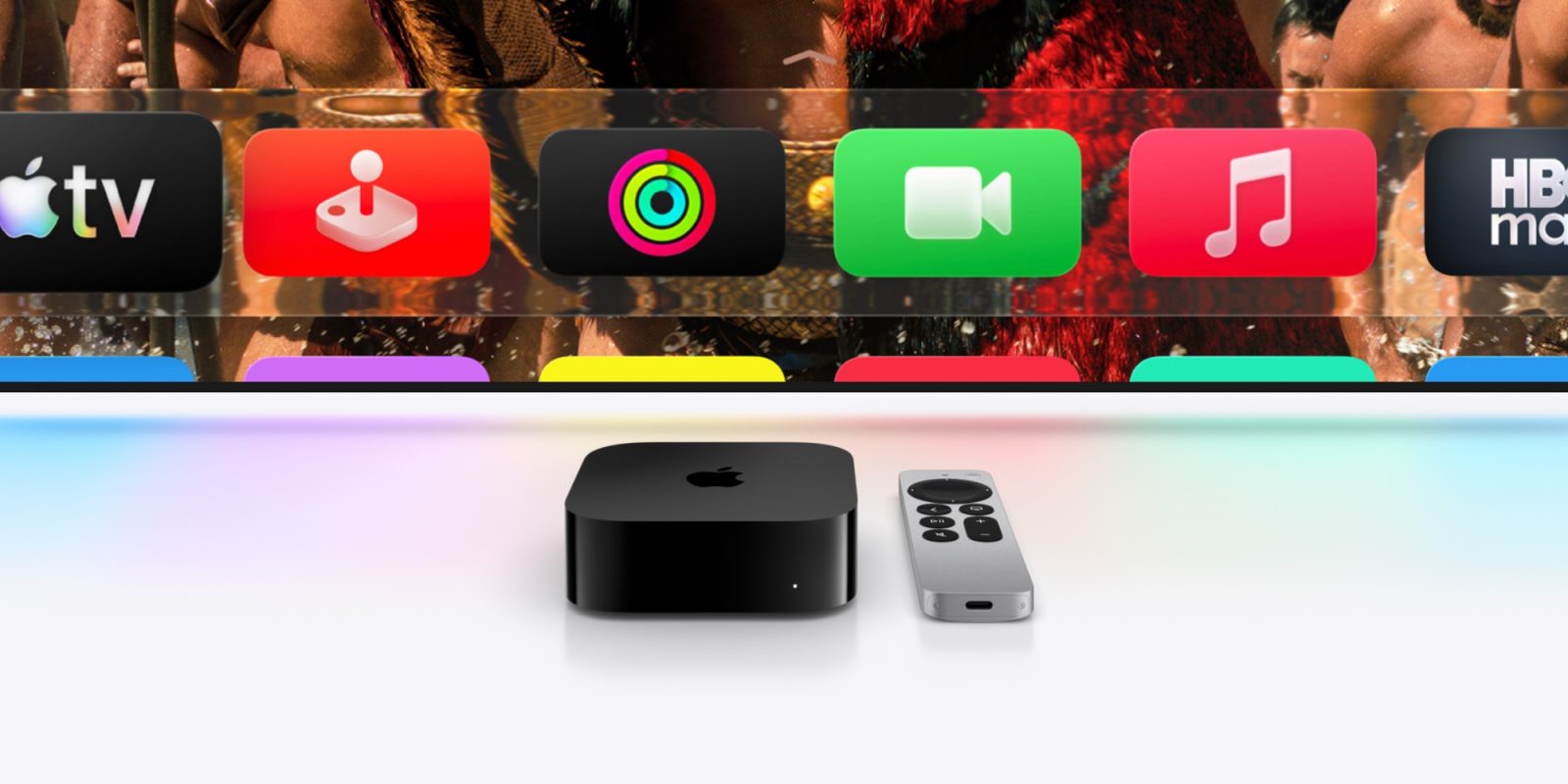
Next month tvOS 27 will be unveiled, the next major version of Apple TV 4K software, and Apple confirmed this week that it will bring a useful new display setting: Larger Text.
Text can be resized with new systemwide setting in tvOS 27

If you’re an Apple TV 4K fan, you never know if WWDC will bring exciting new tvOS updates or completely disappoint. This year it’s anyone’s guess, as rumors about tvOS 27 have been largely nonexistent.
That might be because we’ve been waiting for new Apple TV 4K hardware to arrive. It’s reportedly being held up by the new Siri, so Apple might be unable to showcase many tvOS 27 features if they’re tied to unreleased hardware. Though perhaps some aspects of the new Siri will come to current Apple TV models.
In any case, this week as part of its preview of accessibility updates Apple did confirm one new feature coming to tvOS 27.
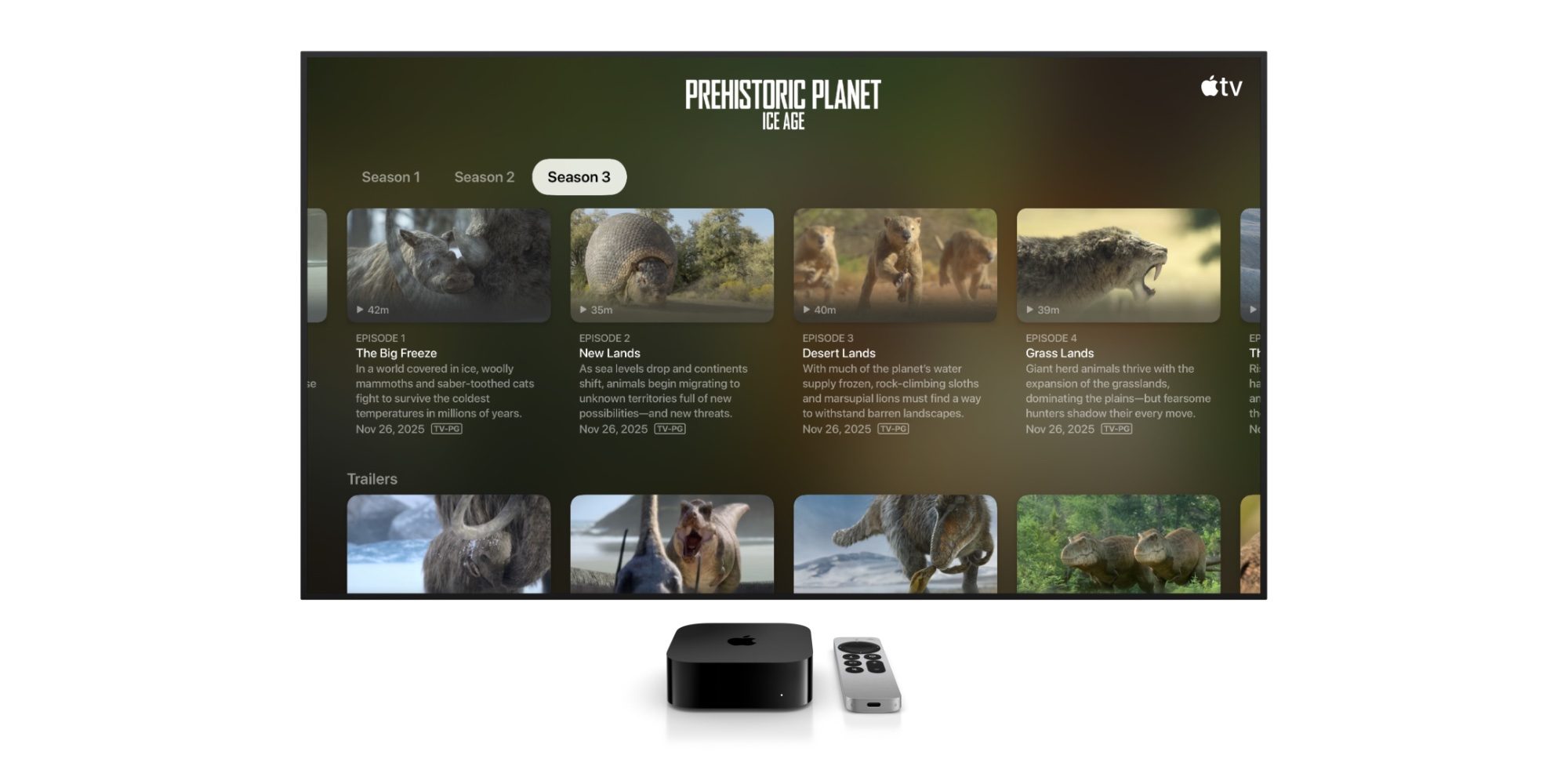
tvOS 27 will add a new setting to adjust the systemwide text size and make it larger.
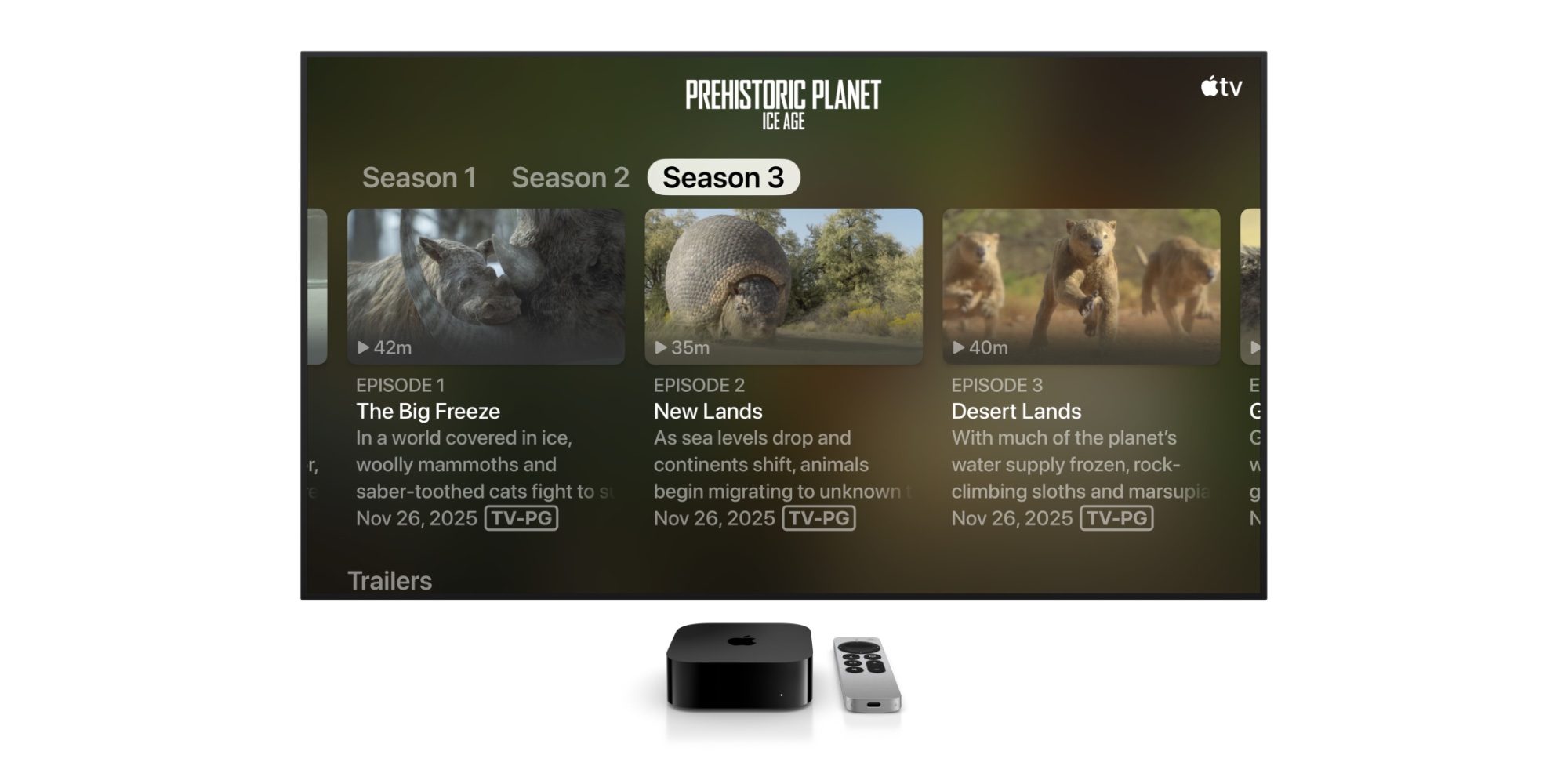
Larger Text support is coming to tvOS, so viewers who have low vision can increase onscreen text size to be easier to read.
You can see how big a difference this new setting can make via the comparison images Apple shared (above and below).
Currently, tvOS 26 lets users enable Bold Text to make things easier to read. There is also a Hover Text setting so that the item that’s actively selected can be made larger. But a true, systemwide Dynamic Type setting is currently missing.
So if you have low vision, or if you’re like me and just sit a fair distance away from your TV, tvOS 27 will let you make everything a bit easier to read.
Will you use the new Larger Text setting when tvOS 27 launches? Let us know in the comments.
Best Apple TV 4K accessories
- AirPods Pro 3 (limited-time $199 price, down from $249)
- Anti-slip silicone case for Siri Remote, AirTag compatible
- TotalMount for mounting Apple TV
- iPhone Continuity Camera mount for Apple TV


FTC: We use income earning auto affiliate links. More.



Comments