
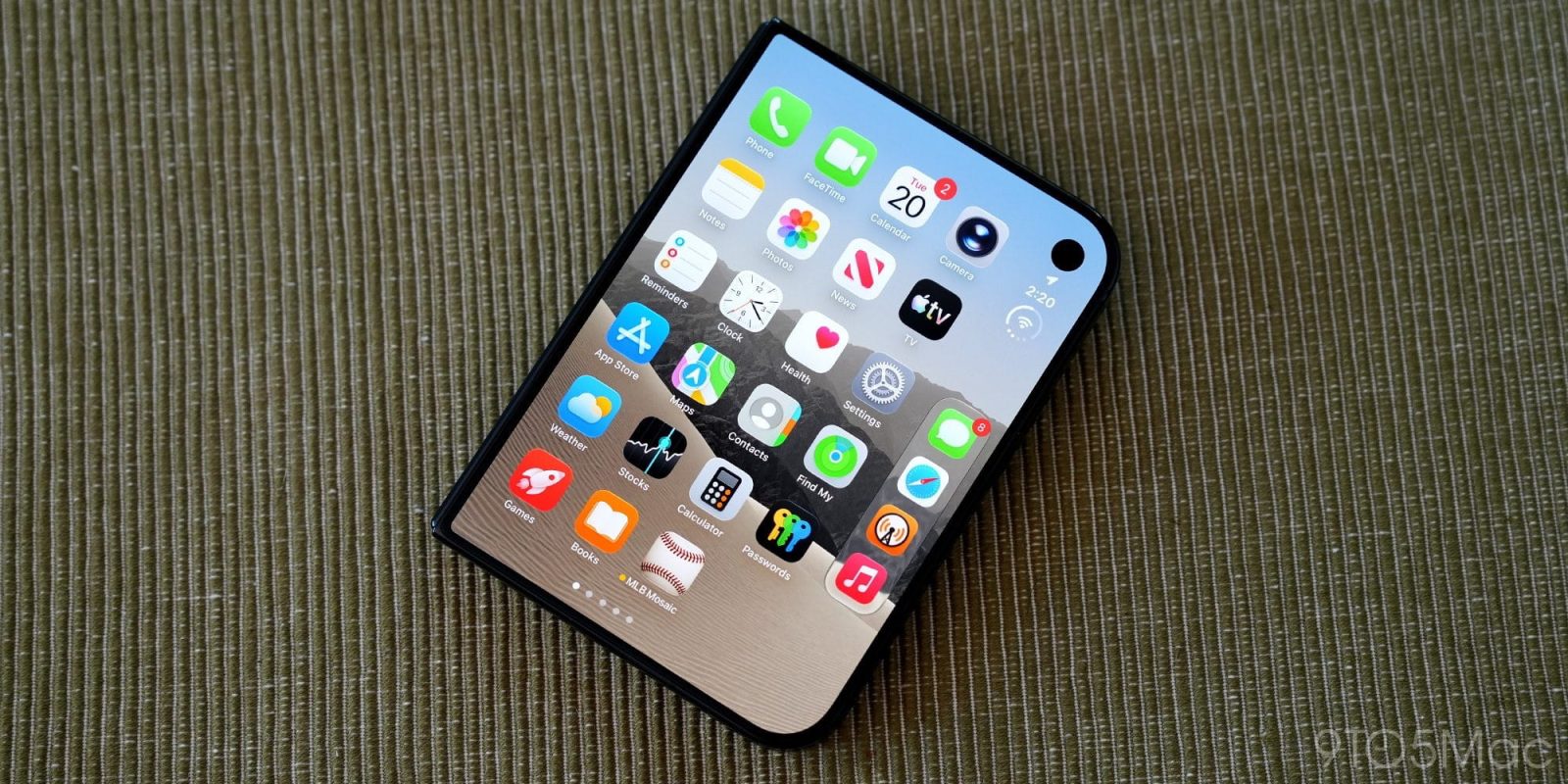
iPhone Duo is officially out in the wild, and users keep discovering new details about the device. The latest: there’s a hidden trick that makes opening Control Center significantly easier.
iPhone Duo’s Control Center can be opened in new, more reachable way
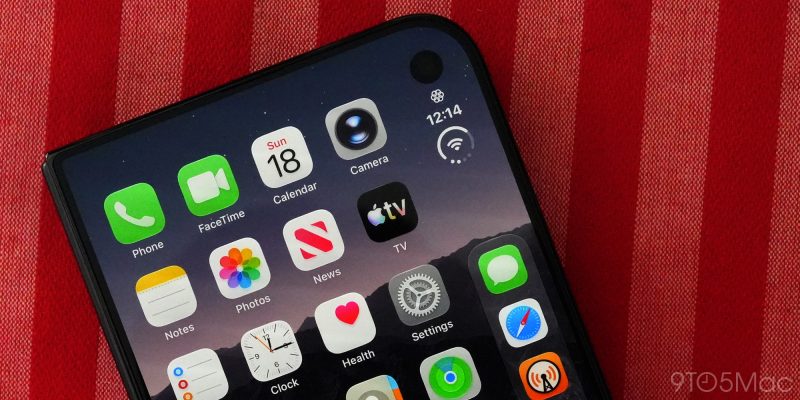
When iPhone Duo reviews dropped earlier this week, one common complaint I saw is that in left-handed use, opening Control Center can be a pain.
Like on other iPhones, you open Control Center by swiping down from the top-right corner.
If you’re using iPhone Duo two-handed, that’s not a problem. Or if it’s in your right hand, it might be slightly awkward but still ultimately fine.
In left-handed use though, even when folded, the device’s extra-wide design makes Control Center more of a challenge to open.
Except it turns out, Apple added a hidden trick that solves that.
As Stephen Robles shows in a video on X, you can instead just tap the new Battery/Wi-Fi/Cellular icon to open Control Center.
This shortcut is much more reachable than a top-right corner swipe. And as Robles demonstrates, when you have a Live Activity running the button moves even further down the screen to become even more reachable.
It’s one of the many unique design implementations iPhone Duo introduces.
What are your favorite iPhone Duo tricks you’ve discovered? Let us know in the comments.
Best iPhone accessories
- AirPods Pro 3 (now only $199, down from $249)
- MagSafe Car Mount for iPhone
- 10-year AirTag battery case
- 100W USB-C fast charging power adapter
- HomeKit Garage Door Opener


FTC: We use income earning auto affiliate links. More.



Comments