


New tethering app:
Yet another App Store developer has managed to sneak an app with hidden tethering functionality into the App Store. We covered an app that did this in August, and this new application uses a similar process to enable tethering.
[youtube http://www.youtube.com/watch?v=APNEQp_DHEs]
The new application is called FlashArmyKnife, and it costs $1.99 on the App Store. For those unfamiliar, these apps with hidden tethering allow you to use your existing iPhone internet data service (with no additional cost) to connect your Mac or PC to the internet. We tested the application with a Mac and it worked as advertised. The developer has not provided a specific tutorial video for PC users, but there is a PC tutorial video for the similar tethering application in our August article. That article also includes more general troubleshooting tips.
Because the application’s tethering functionality is an “easter-egg” – and was hidden from Apple’s app review team – it will likely be removed soon.
Some users have experienced some issues, and making sure that turning off proxies on your computer following setup and entering the correct static IP and socks information (the static HTTP is 6667 and SOCKS is 6668) seems to fix the most common problems.
1642, M+, C, 1452, M+, C, 1943, M+
When it says “run”, tethering is running. Press “C” to stop tethering.
The video above is the best guide for setting up the tethering app. Directly above is some written assistance with specific characters that will need to be entered.
Update: The tether app has been removed.
First 12 Days of Christmas gift from Apple:









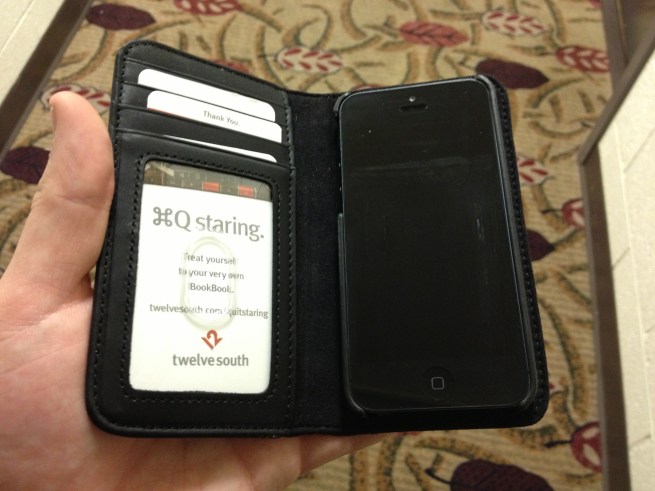 TwelveSouth’s