
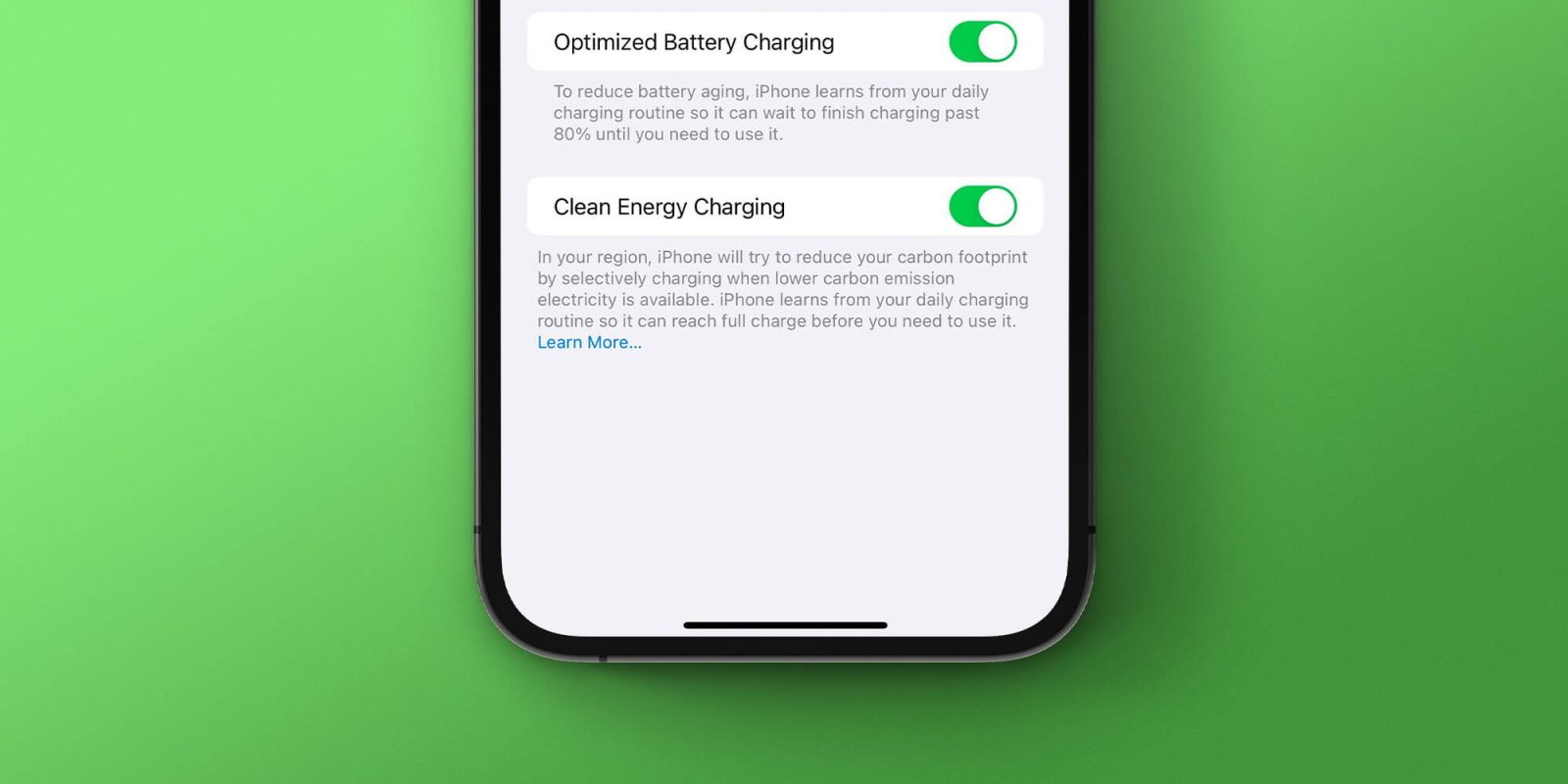
With the release of iOS 16 earlier this week, Apple teased that it would also soon be launching a new Clean Energy Charging feature for the iPhone. The first beta of iOS 16.1 is now available to developer beta testers, and as expected, it includes this new Clean Energy Charging option.
Top comment by Trudge Mastheo
You can find the Clean Energy Charging option by heading to the Settings app and tapping on the Battery menu. From there, chose the “Battery Health and Charging” option and look for the Clean Energy Charging toggle. Apple explains:
In your region, iPhone will try to reduce your carbon footprint by selectively charging when lower carbon emission electricity is available. iPhone learns from your daily charging routine so it can reach full charge before you need to use it.
For me, the Clean Energy Charging toggle was enabled by default in the first iOS 16.1 beta – whether or not that is the case for everyone remains to be seen. It’s also possible that Apple changes its mind by the time iOS 16.1 is available to everyone and disables it by default.
The Settings page also links to a support article on Apple website, but that support article isn’t live yet. Apple likely won’t publish it until iOS 16.1 officially launches to the public later this fall.
Spot any other changes in today’s release of iOS 16.1 beta 1? Let us know in the comments below or on Twitter @9to5Mac. Stay tuned for our full hands-on coverage with the new releases right here at 9to5Mac today and throughout the rest of the week.


FTC: We use income earning auto affiliate links. More.


Comments