
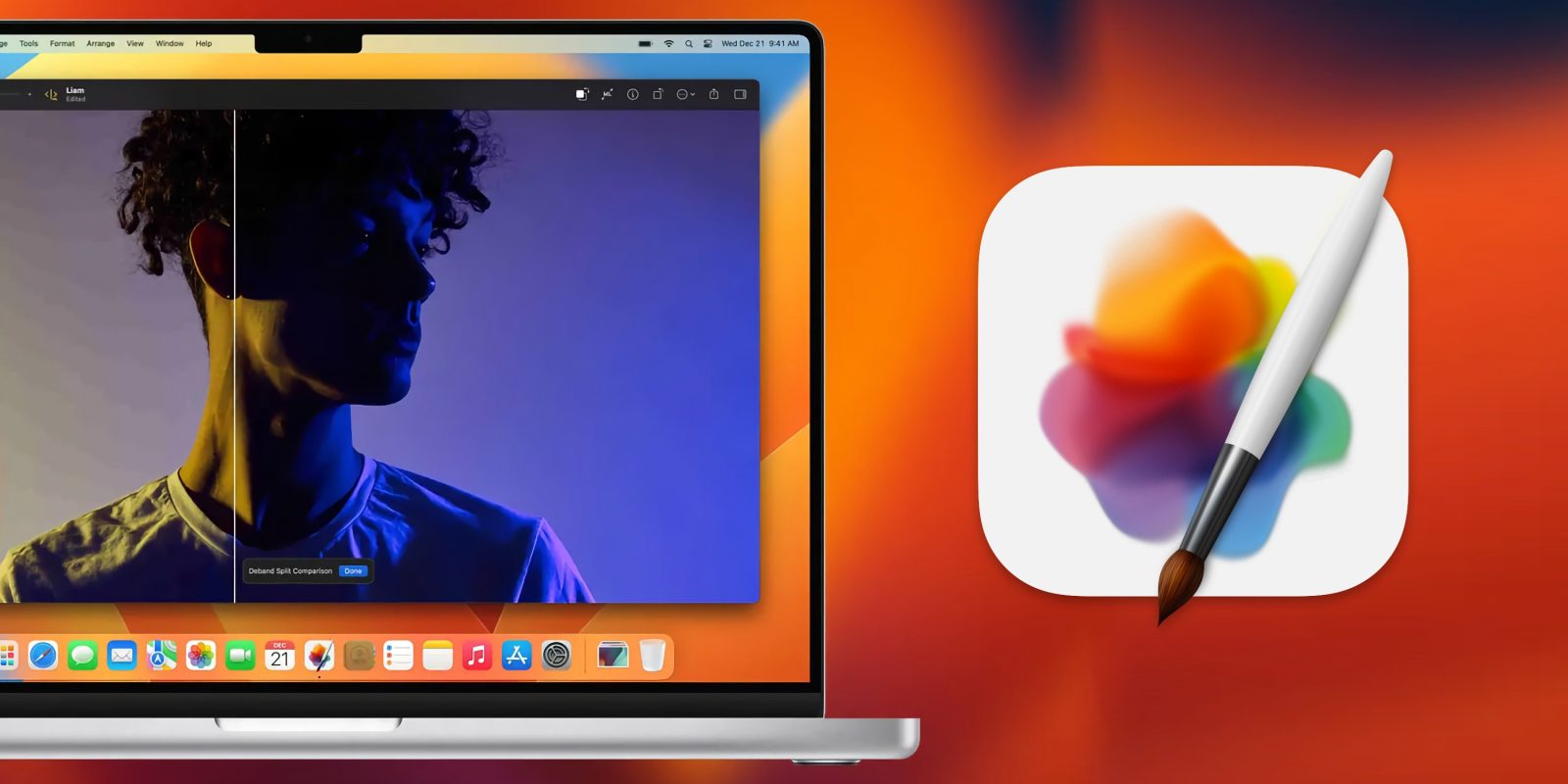
Pixelmator is now owned by Apple, so it was only a matter of time before the suite of photo apps was updated with Apple Intelligence support. Today, Pixelmator Pro for Mac is the first in Apple’s trio of products to get new AI features alongside accessibility improvements and more.
New Pixelmator 3.7 update focuses on AI and accessibility
When Apple acquired Pixelmator, it gained ownership of three separate apps:
- Pixelmator Pro for Mac
- Pixelmator for iPhone and iPad
- Photomator for iPhone, iPad, and Mac
Before the acquisition, Pixelmator Pro was clearly the biggest focus of the developers. And now, the Mac tool has received a big version 3.7 update with Apple Intelligence features, accessibility improvements, and new RAW support.
It’s a very Apple-y update. Not only because of the Apple Intelligence integrations, but also an emphasis on accessibility, which has long been a hallmark of Apple’s own apps.
Here are the App Store release notes:
Image Playground
- With Image Playground, you can now create fun, original images based on a photo, a description, or people from your Photos library.
- Use the new Add to Playground feature to easily recreate any image layers or drawings in beautiful artistic styles like animation, illustration, or sketch.
- Insert your created images as new separate layers from the Insert menu at the top of your screen or replace any existing layers using the Replace Layer feature.
- When working with templates or mockups, you can easily replace placeholder images with your Image Playground creations.
Writing Tools
- With support for Writing Tools, you can proofread, summarize, rewrite, and modify the tone of any text in your designs.
- The Compose feature lets you tap into the power of ChatGPT to create new, original text content from scratch based or a quick prompt or a description.
- Simply hover over or Control-click any highlighted text in Pixelmator Pro and click Writing Tools to get started.
Other Improvements
- You can now open and edit RAW images from OM SYSTEM OM-1 Mark I cameras, taken using High Res Shot.
- VoiceOver support has been improved to provide spoken and braille descriptions of Pixelmator Pro tools.
- You can also use your keyboard to navigate through tool option items with VoiceOver.
- Hover over items in the Tools sidebar to display their names in large text using Hover Text.
Best Mac accessories
- 100W USB-C power adapter for fast charging
- tomtoc protective MacBook sleeve bag
- AirPods Pro 2 (now only $199, down from $249)
- Twelve South aluminum laptop stand for MacBooks
- Anker Docking Station USB-C with Ethernet, HDMI, SD, more


FTC: We use income earning auto affiliate links. More.



Comments