
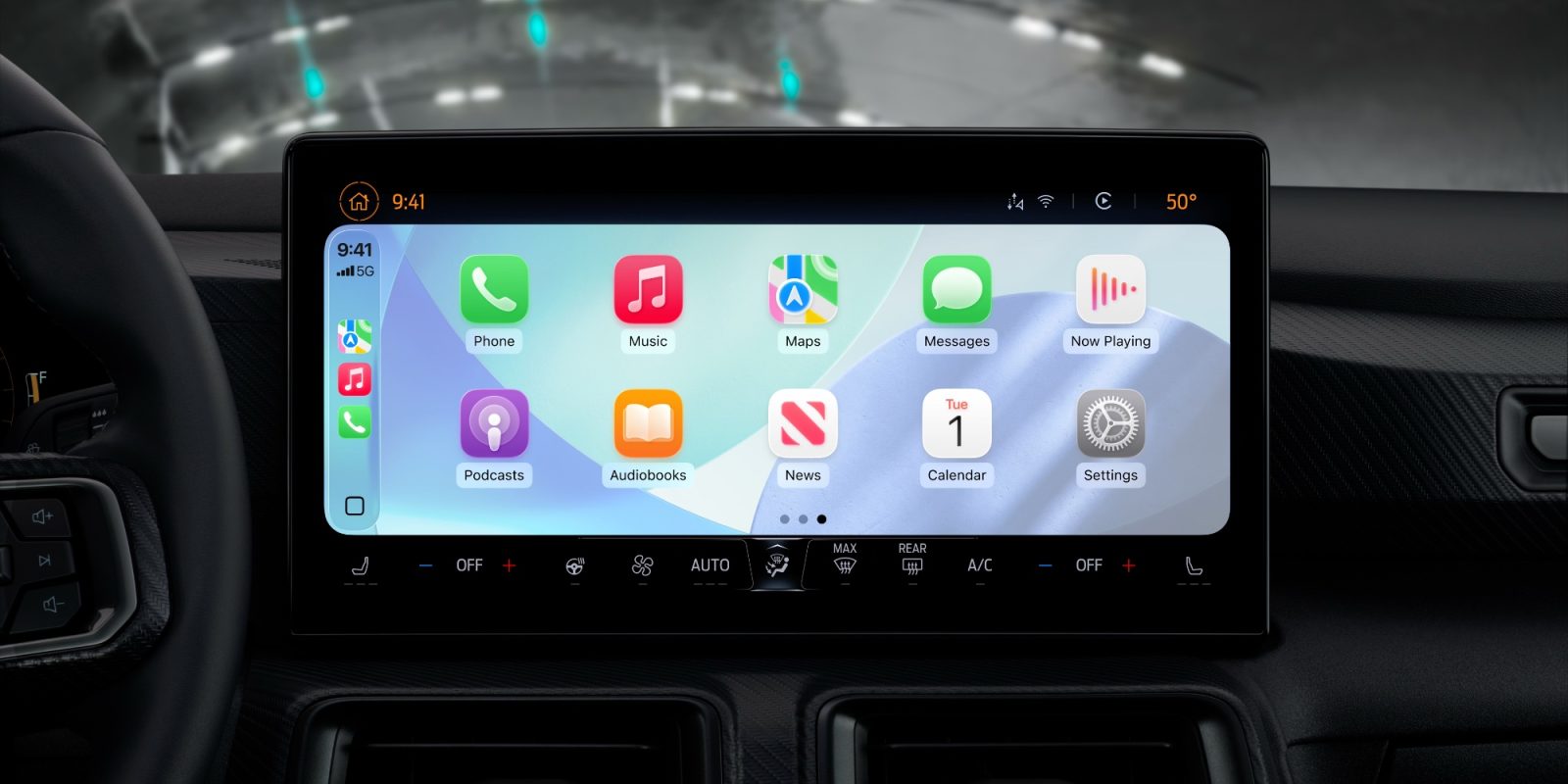
Apple has changed up the wallpaper collection on CarPlay in iOS 26 Several new options have been added. The update also removes many of the existing wallpaper options that were still hanging around from older iOS versions.
CarPlay in iOS 26 includes nine wallpaper choices. Each wallpaper changes its appearance for light and dark mode, creating 18 possible options.
CarPlay previously featured a variety of wallpaper styles, including versions based on iPhone default wallpapers from over the years. Here’s an example from iOS 17:
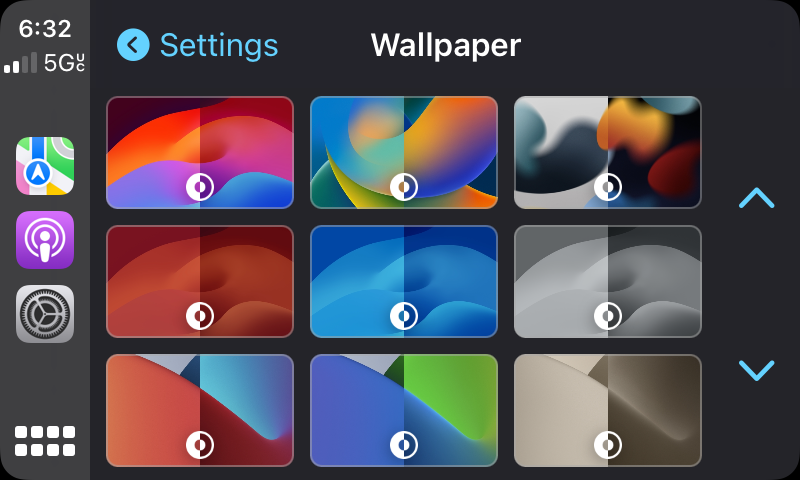
Now CarPlay features two styles: the iOS 26 wallpaper design, and a solid color choice. The iOS 26 wallpaper style now comes in six colors with light and dark mode options.
Here’s how the selection appears in dark and light mode:
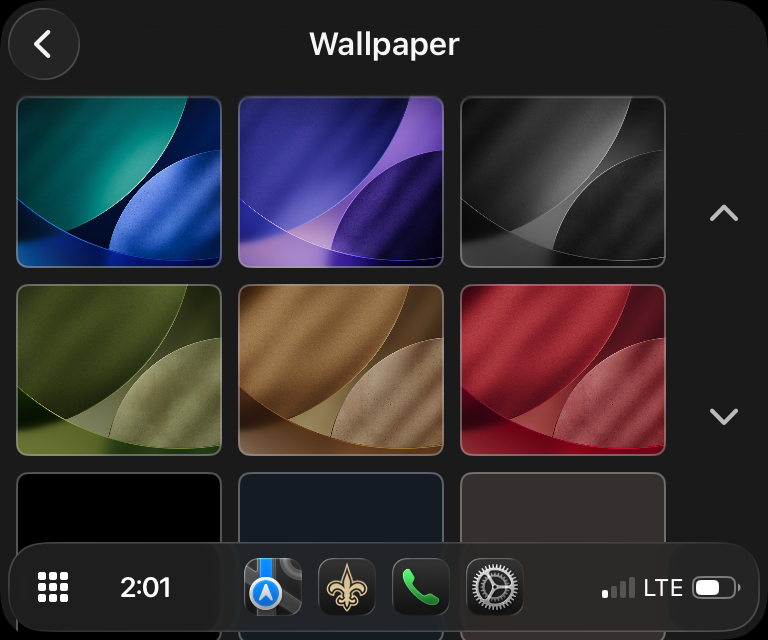
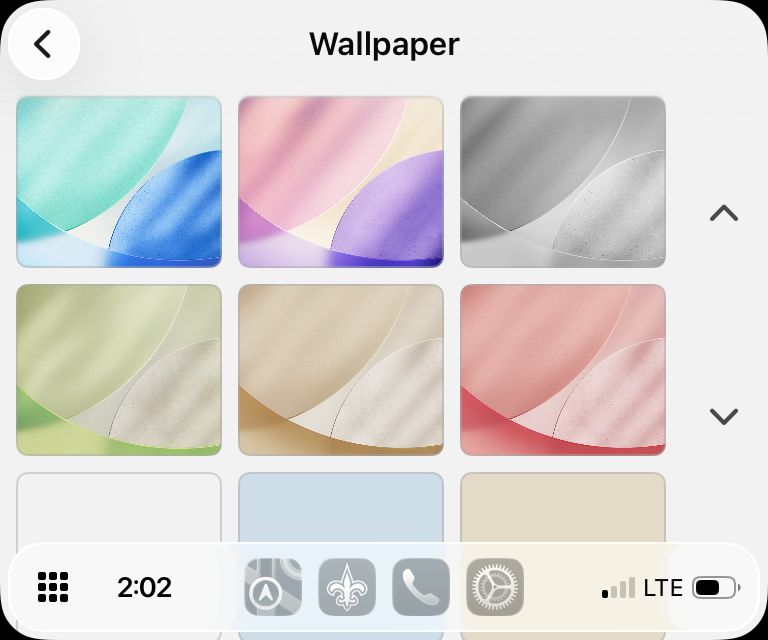
And here’s how each appears with icons:
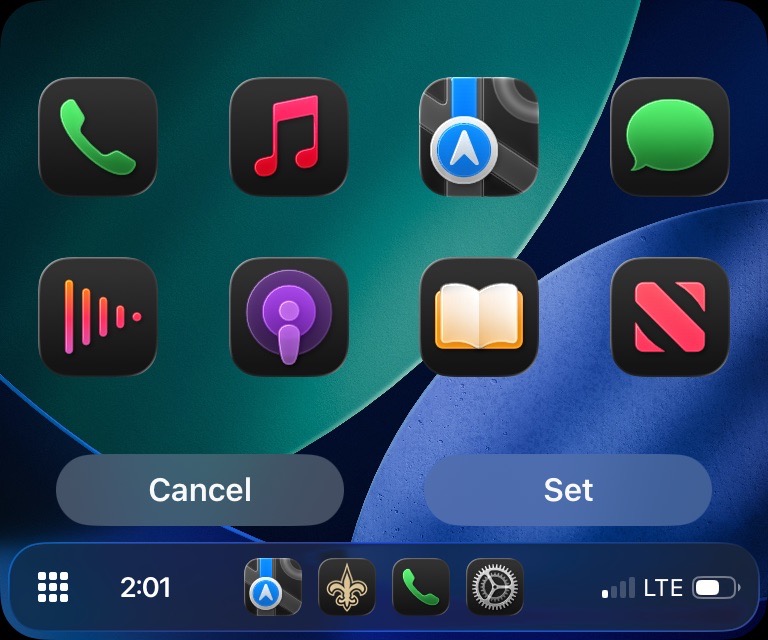
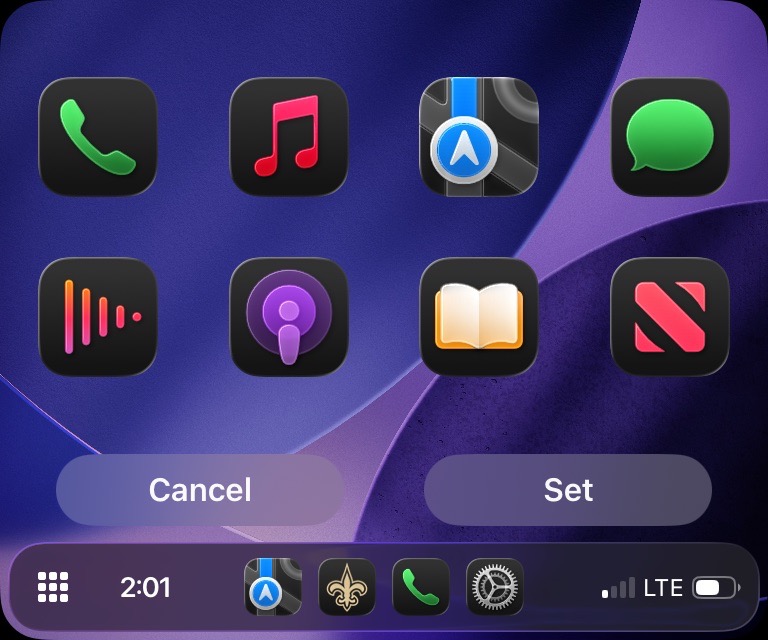
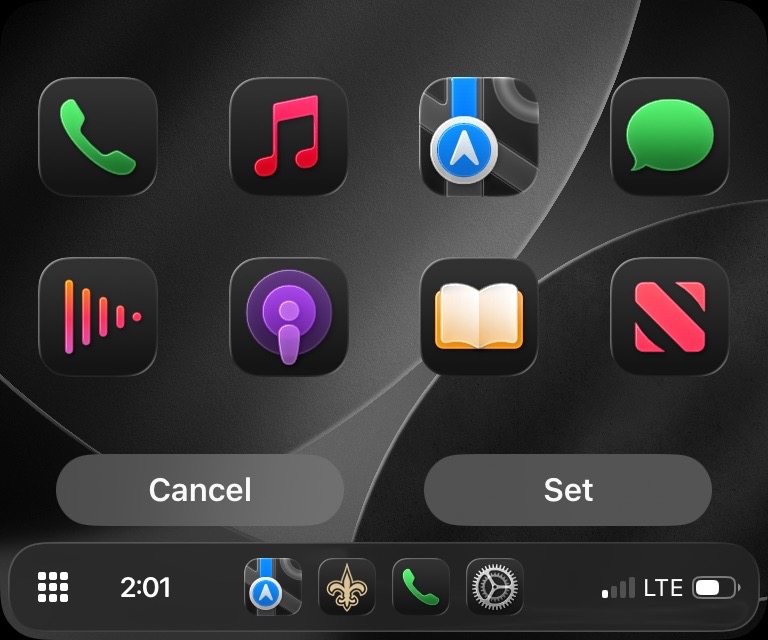
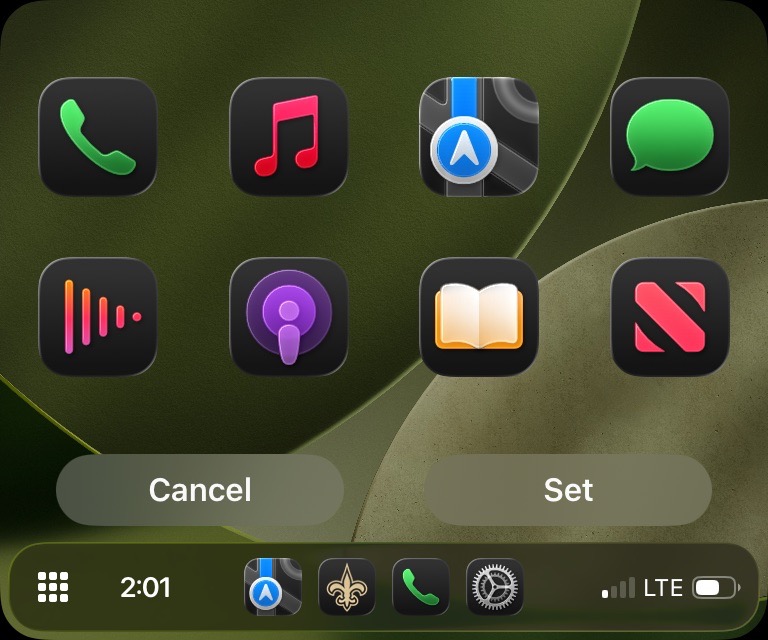
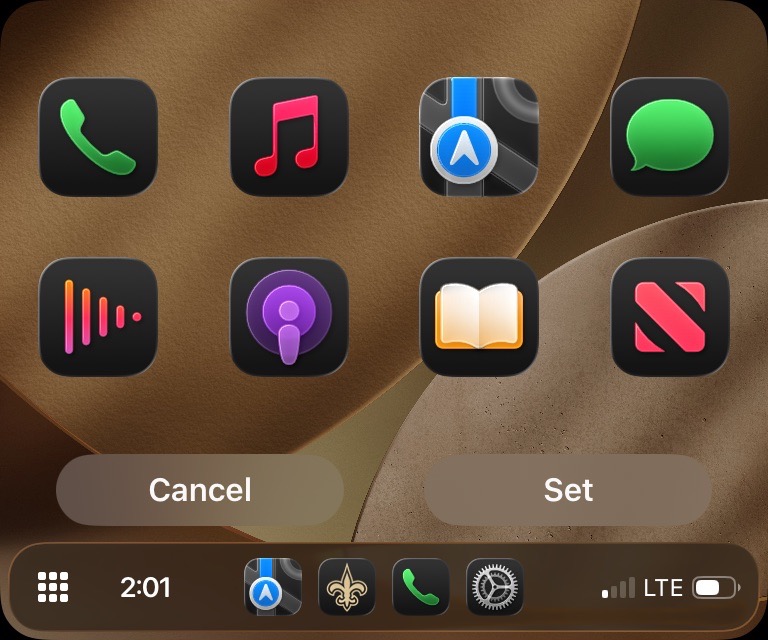
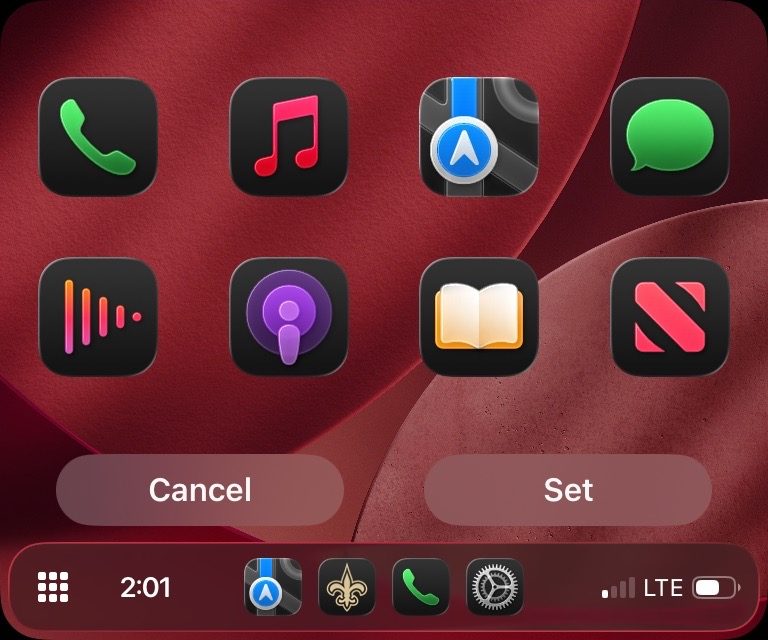
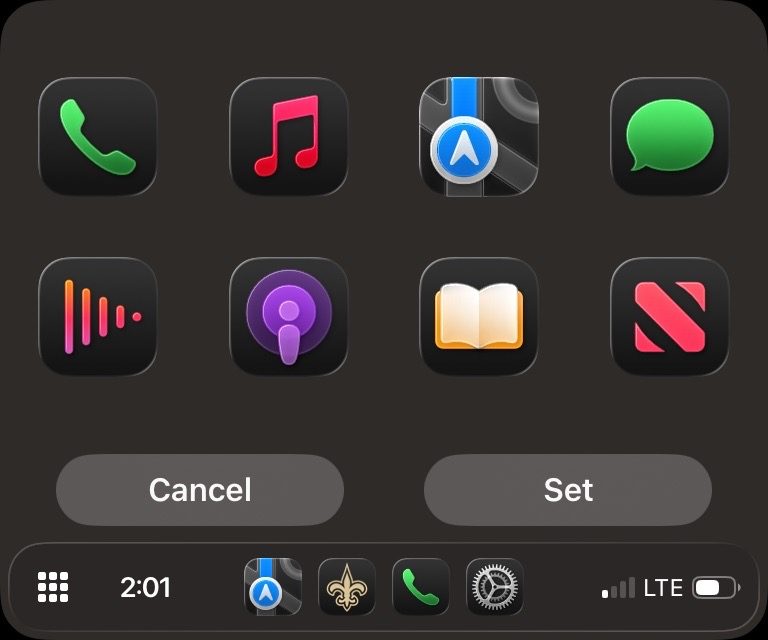
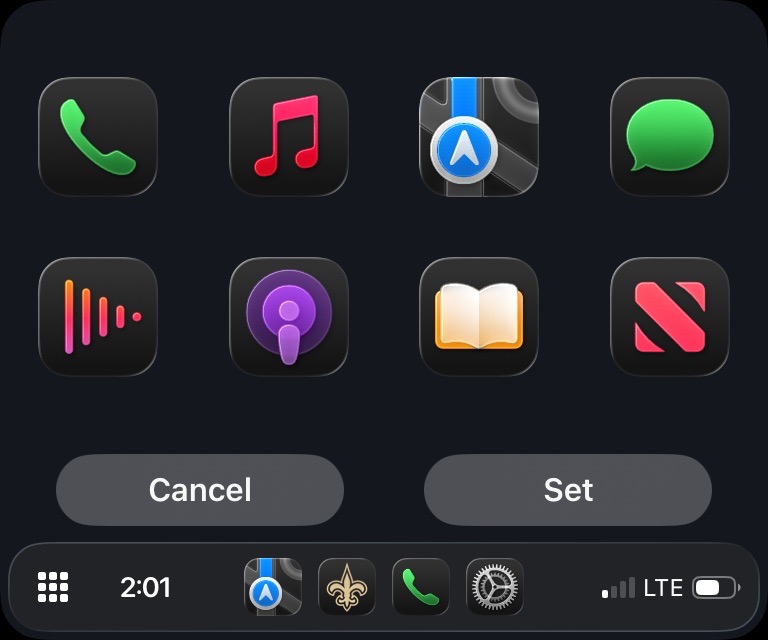
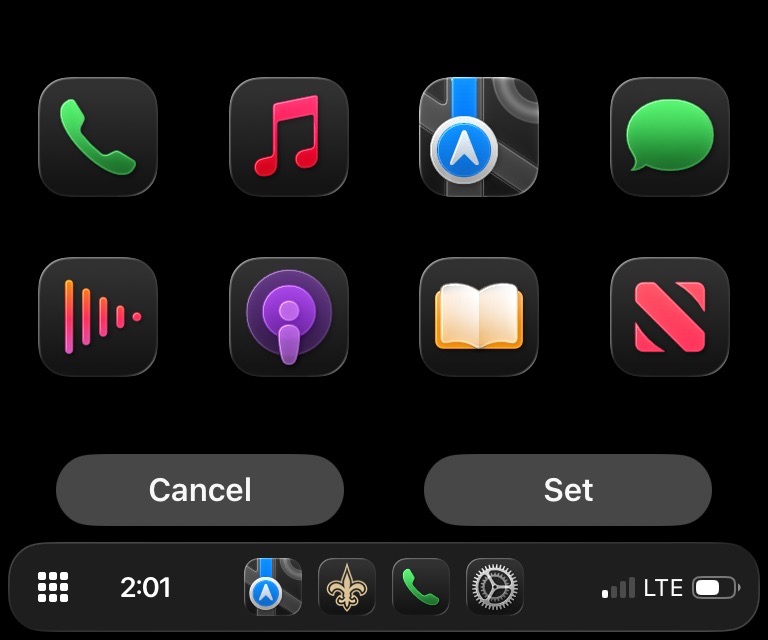
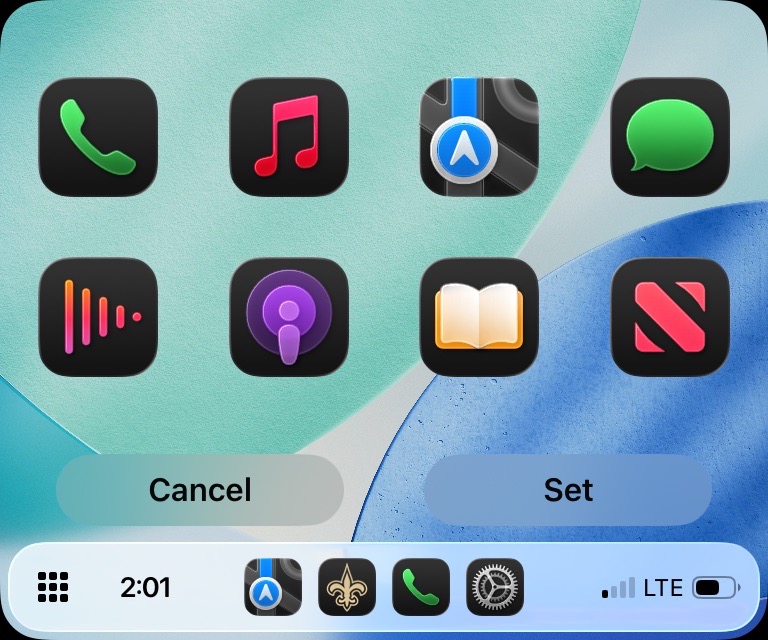
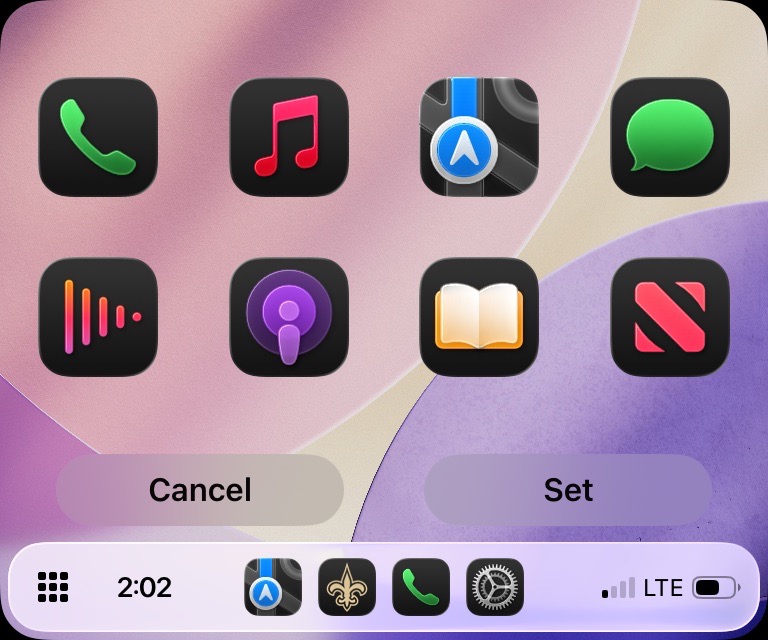
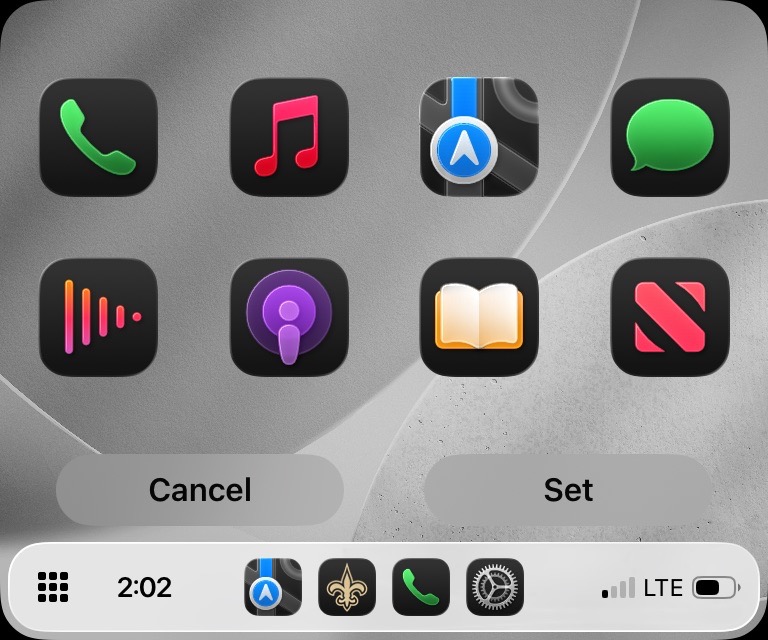
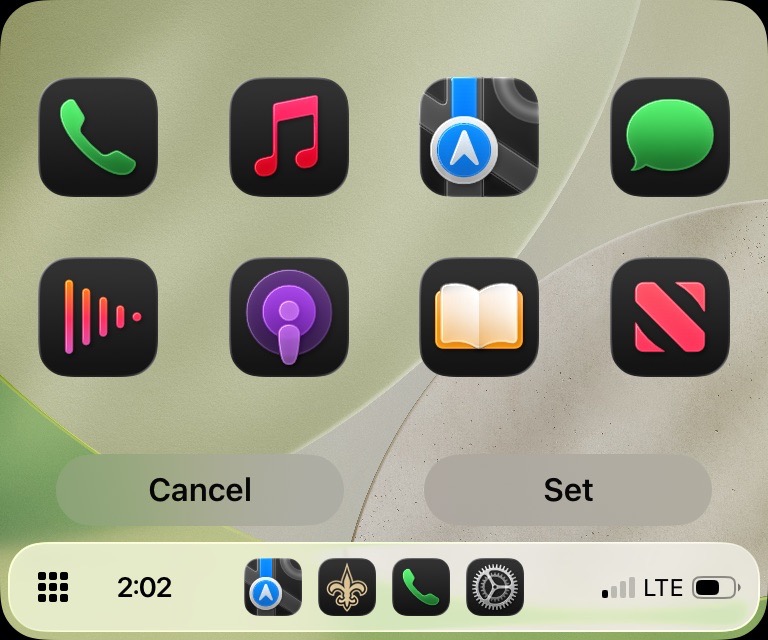
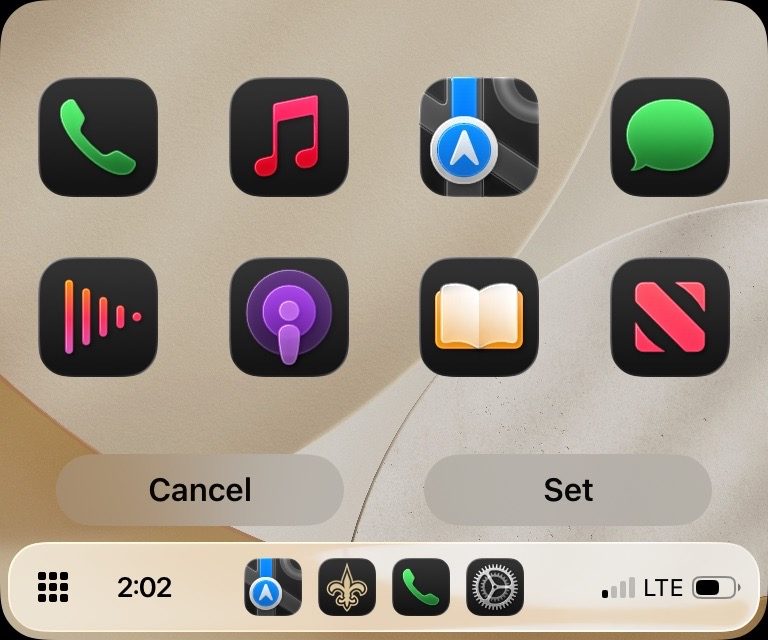
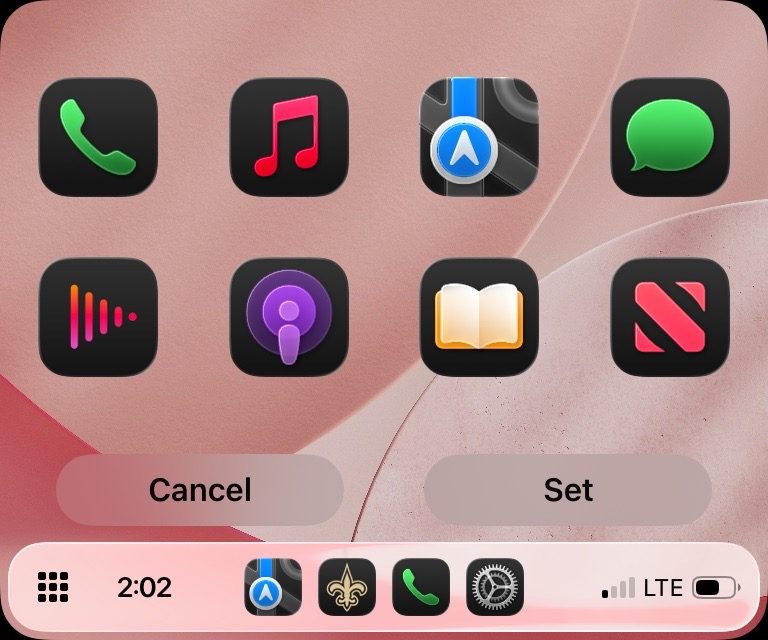
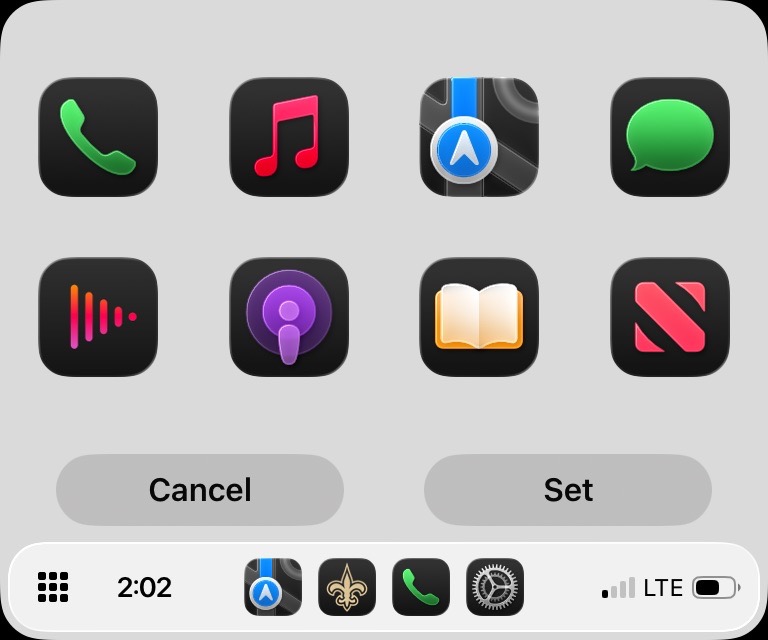
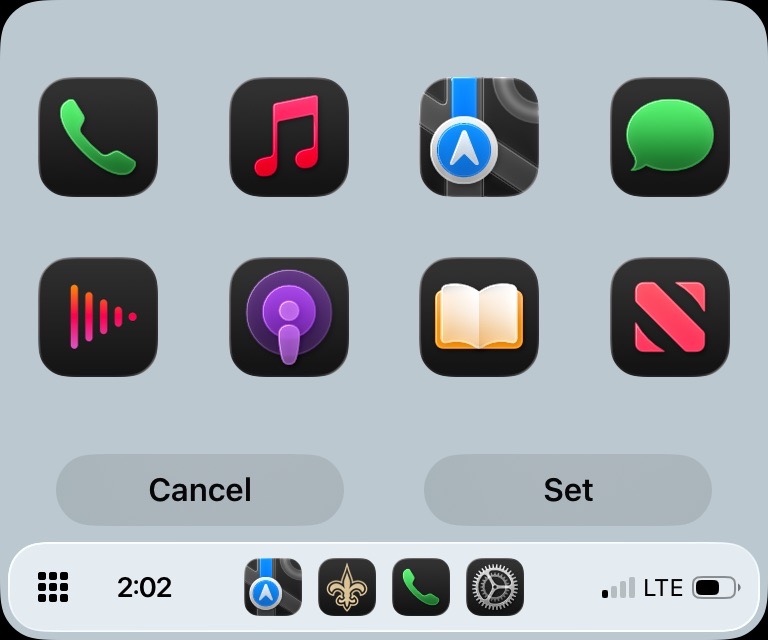
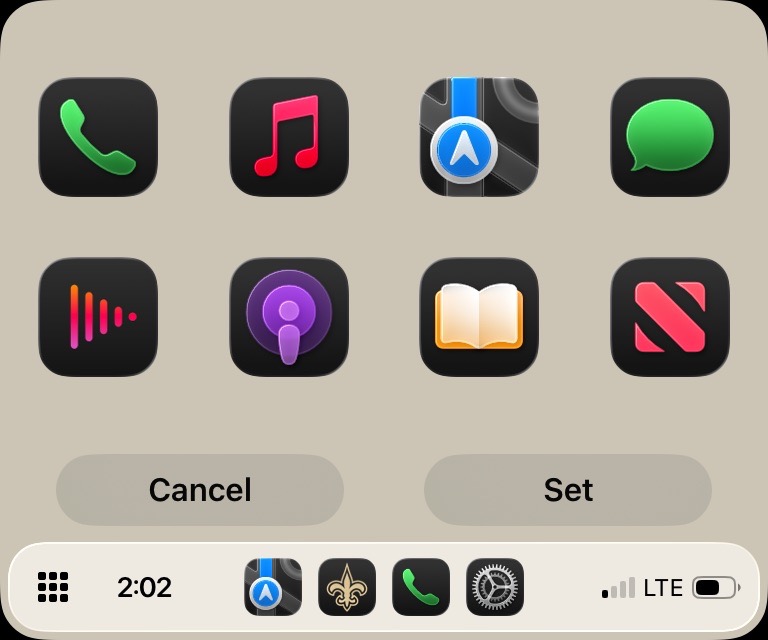
CarPlay in iOS 26 also includes new icon appearance options (light, dark, and clear in light or dark), a redesigned Music app, widgets, and much more. Apple is also supporting video in CarPlay for the first time with iOS 26, although car makers will need to enable support.
Do more with your Apple products
AirPods 5 | Apple’s newest wireless headphones
Apple AirTag 2 | Add Find My tracking to keys, bags, bikes, more
AirPods Pro 3 | Apple’s best wireless headphones


FTC: We use income earning auto affiliate links. More.



Comments