
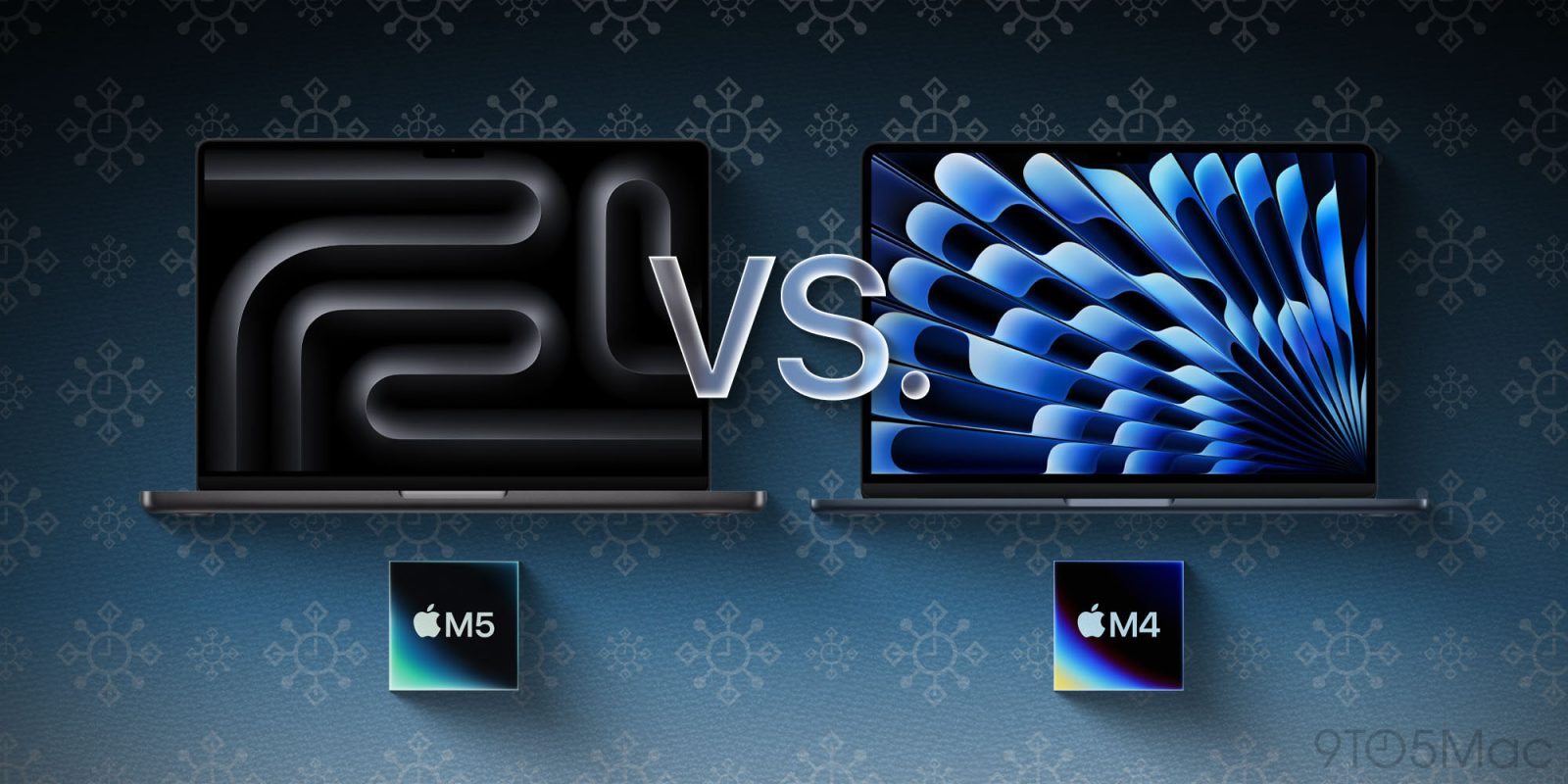
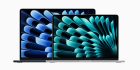
Apple offers two entry level MacBook models: the MacBook Air, and the base model MacBook Pro. There’s a couple hundred dollars in difference between the two, which begs the question – is the MacBook Pro worth the premium, or should you save money and stick to the MacBook Air?
M5 vs M4 chip
The biggest debate to be had is going to revolve around the chipset. Do you need an M5 chip for your workflow?
I’m not gonna delve into all of the details, you can read our M5 roundup here if you’d like. But, in short, this is what’s new with M5:
- 15% faster multithreaded CPU performance vs M4
- 45% faster GPU performance vs M4
- 30% increase in unified memory bandwidth
- 4x peak GPU compute performance for AI
Overall, M5 is a great leap in GPU performance, and with Apple betting so heavily on local models for AI, that could be important in the future. However, M4 is still plenty fast, and I wouldn’t make any purchasing decisions based on what Apple might do in AI in the future.
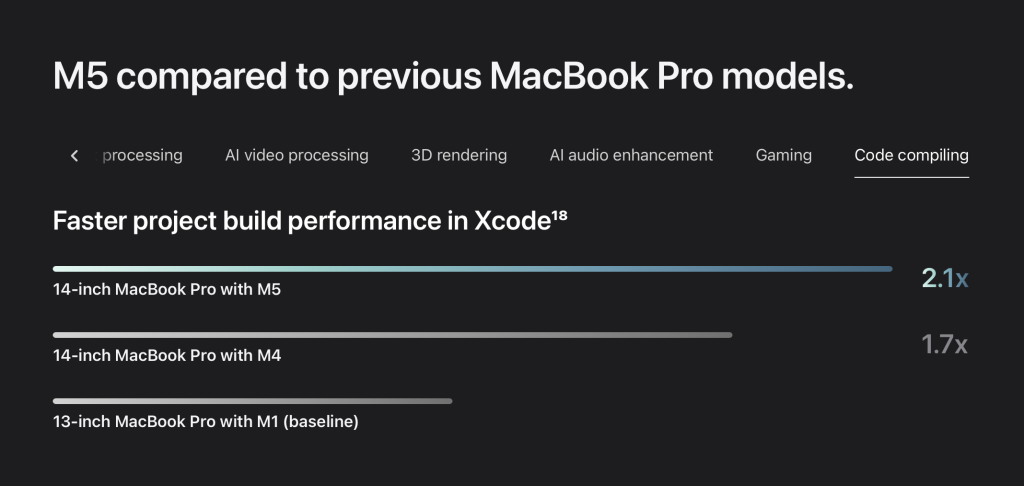
It’s also worth noting that Apple still does most of its Apple silicon comparisons to the M1 rather than newer chips like M2 or M3. I’ll let that speak for itself.
Air vs Pro: Worth the premium?
With the 14-inch MacBook Pro, you’re paying for a couple nice-to-have features. Those features are additional ports, a proper active cooling system, and a nice miniLED display with HDR support, better colors, and more. Also, you’ll get a larger display. MacBook Pro is 14.2-inch, vs 13.6-inch on the MacBook Air.
The MacBook Air only comes with MagSafe and two Thunderbolt/USB-C ports, both of which are located on the left side. MacBook Pro comes with MagSafe, three Thunderbolt/USB-C ports (two left, one right), as well as an HDMI port and SD card slot.
Thermals are also a big differentiator for the MacBook Pro. Simply put, MacBook Air doesn’t have a fan, and relies entirely on passive cooling. If your workflow is CPU/GPU intensive, you’ll likely run into thermal throttling on the MacBook Air if you’re pushing it for a while.
Plus, to be completely honest: macOS Tahoe isn’t perfectly optimized quite yet, and I’ve heard from a number of MacBook Air users that their Macs are consistently running hot.
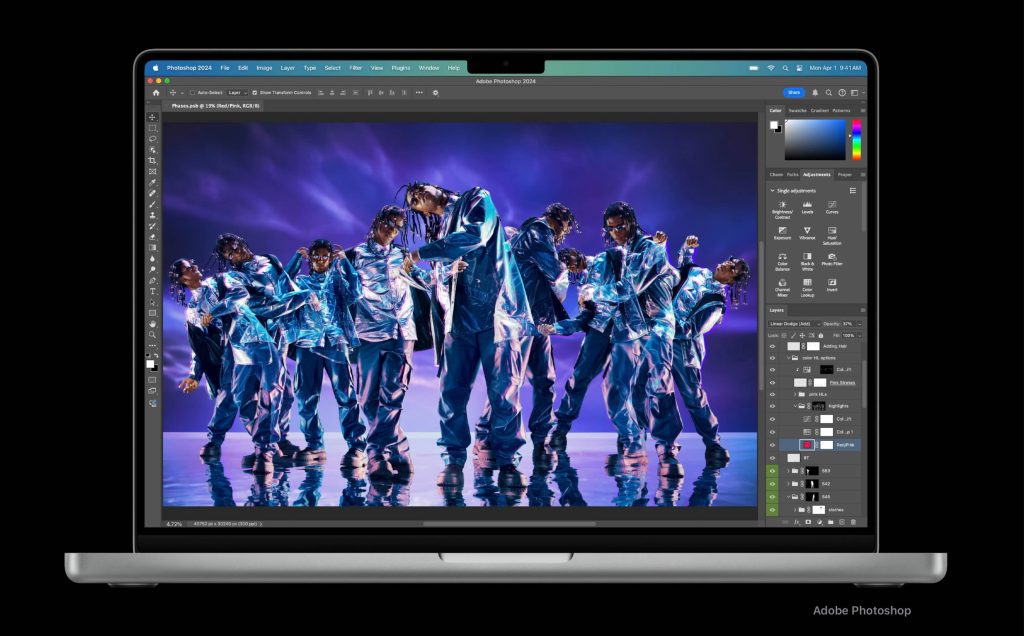
Lastly, MacBook Pro has a fantastic display. Unless you’re constantly working with colors, this probably doesn’t matter as much. It’s not like the MacBook Air display is bad. That said, thanks to its miniLED panel, the MacBook Pro supports HDR content, whereas the Air simply doesn’t. The MacBook Pro also has 1000 nits of standard brightness versus 500 nits on the Air, making it much more enjoyable in outdoor conditions.
Wrap up
Typically, there’s around a $400 price gap between a MacBook Air and MacBook Pro once equivalently upgraded. MacBook Air comes with 256GB of storage by default, whereas the 14-inch MacBook Pro comes in with 512GB. However, once you bring them to the same level, MacBook Air is $1199, vs $1599 for the MacBook Pro – at least directly from Apple.
$400 is nothing to scoff at. That’s certainly an adequate amount of money to think about saving.
With this week’s Black Friday deals, you can get a 512GB M4 MacBook Air for $949, versus $1399 for the 512GB M5 MacBook Pro. If you’re okay with less storage, then M4 MacBook Air drops to $749 on Amazon.
The choice is up to you ultimately. I do like the 14-inch MacBook Pro a lot, and I’ve spent a fair amount of time utilizing both the MacBook Air and MacBook Pro. The main takeaway I want you to have here is that you probably shouldn’t buy the 14-inch MacBook Pro purely because it has a newer chip. Get it because you think you need the thermals, display, or ports.
For most users, especially given the cost advantage, I’d recommend the M4 MacBook Air. It’s an excellent machine, and this week’s deals make it hard to pass up on.
My favorite Apple accessory recommendations:
- Anker Ultra-Slim MagSafe Battery Pack
- AirPods Pro 3 (2x ANC vs AirPods Pro 2!)
- Anker Nano 45W Fast Charger with Smart Display
- Anker Prime 3-in-1 25W Compact MagSafe Charger
- Logitech MX Master 4 Mouse for Mac
- AirTag 2 4-pack (50% improved Precision Finding!)
- Belkin MagSafe 3-in-1 Charging Stand for iPhone
- MOFT MagSafe Kickstand Wallet for iPhone
Follow Michael: X/Twitter, Bluesky, Instagram


FTC: We use income earning auto affiliate links. More.



Comments