
Starting today, features from three of Adobe’s flagship products will be natively integrated into ChatGPT, for free. Here’s how it works.
Adobe has just announced that starting today, ChatGPT users will be able to send natural language prompts to edit images, create animations, and manage, merge, extract, or edit text and content from PDFs using Adobe Photoshop, Adobe Express, and Adobe Acrobat.
The company says that while these features are a great way to present the capabilities of its products to users who don’t necessarily know how to use their full-blown tools, they also offer a faster way to make quick edits, even for pro users.
Here is Ely Greenfield, Chief Technology Officer and Digital Media business at Adobe, on today’s release:
Our innovations in agentic conversational interfaces are making it possible to bring Adobe’s apps to third-party platforms like ChatGPT, where hundreds of millions of people already work every day. By making Photoshop, Adobe Express, and Acrobat available in ChatGPT, we’re giving users an accessible way to do creative work — editing vacation photos, creating event invitations, transforming documents — while delivering the precision and control that define Adobe’s tools, all inside the chat. This builds on the foundational investments we’ve made in AI assistants across our own apps and allows us to meet customers where they already are as working with AI agents become the starting point for accomplishing everyday tasks. And for anyone who wants the full power of our tools it’s seamless to move from ChatGPT into our native apps.
Adobe Photoshop on ChatGPT
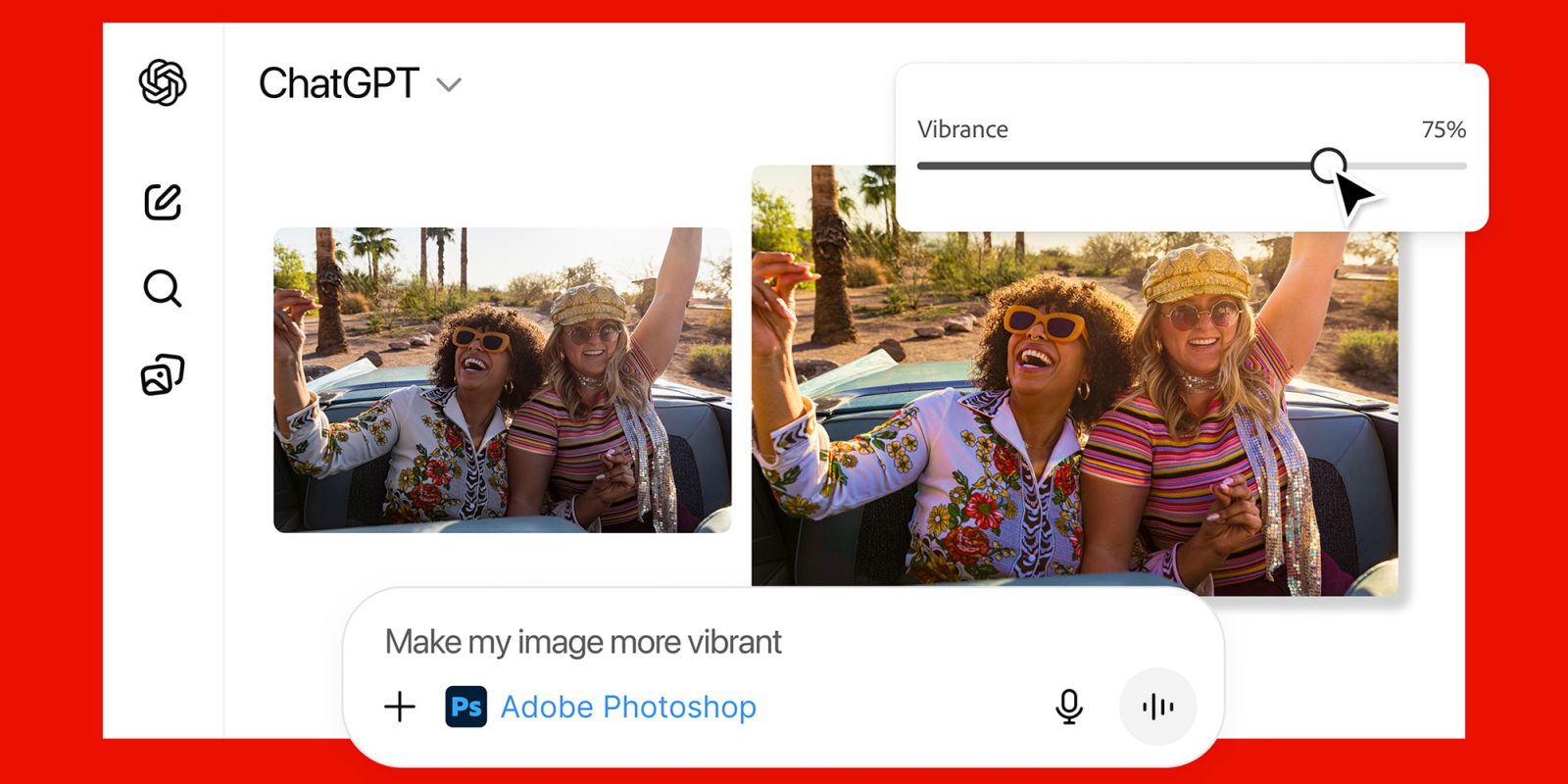
With this integration, you can upload an image to ChatGPT and prompt it to do something like Adjust the brightness levels on Photoshop, and Photoshop will edit the image right from ChatGPT.
If you’re not happy with the result, you’ll be able to further adjust it manually using sliders for brightness, contrast, and exposure, much like in the actual Photoshop app.
With this integration, ChatGPT and Photoshop can also identify elements within the image, and even use Photoshop in cases where the user doesn’t explicitly mention it in their prompt.
So you could say something like Apply a charcoal drawing style to this entire image, except for the dog in the corner, and Photoshop within ChatGPT will do just that.
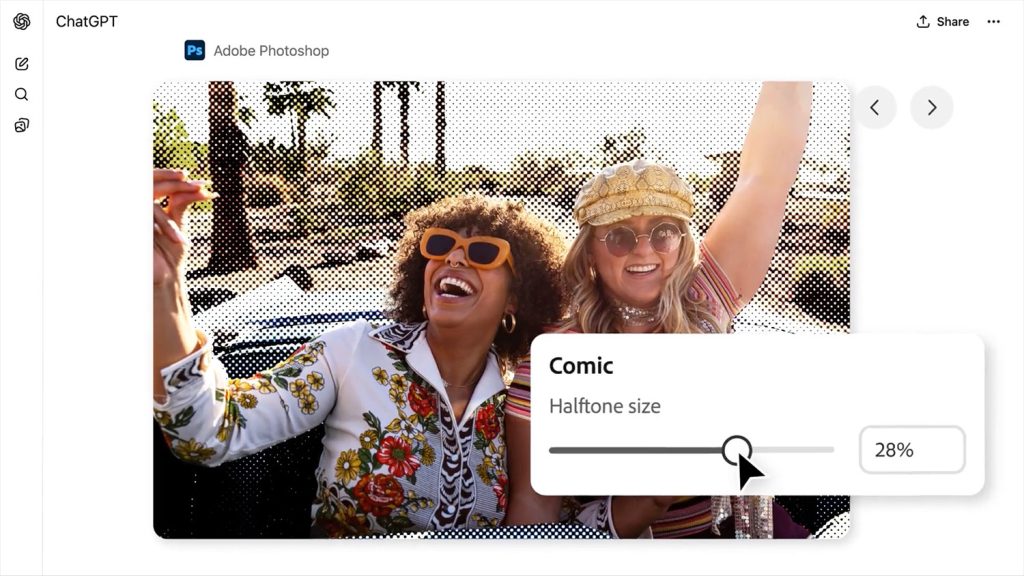
Alternatively, you can ask for effects, such as glitch, glow, tritone, halftone, dither, mosaic, and motion blur, and you’ll be presented with the edited image, in addition to effect-specific sliders and adjustments for better control of the end result.
Interestingly, this is another situation where you’ll be able to ask something as generic as Apply effects to this image, and you’ll get a preview of multiple Photoshop effects to pick from and further customize.
And if you need to take things a bit further, you can click on the “Open in Photoshop” button on the top right-hand corner of the interface.
This will open the web-based version of Photoshop directly from ChatGPT, retaining all the adjustment layers that Photoshop automatically applied on ChatGPT.
Adobe Express for ChatGPT
With this integration, you can input a prompt such as Use Adobe Express to give me some ideas for a Happy Birthday card for my niece, who’s turning 9. She likes space themes, robots, and her favorite color is purple.
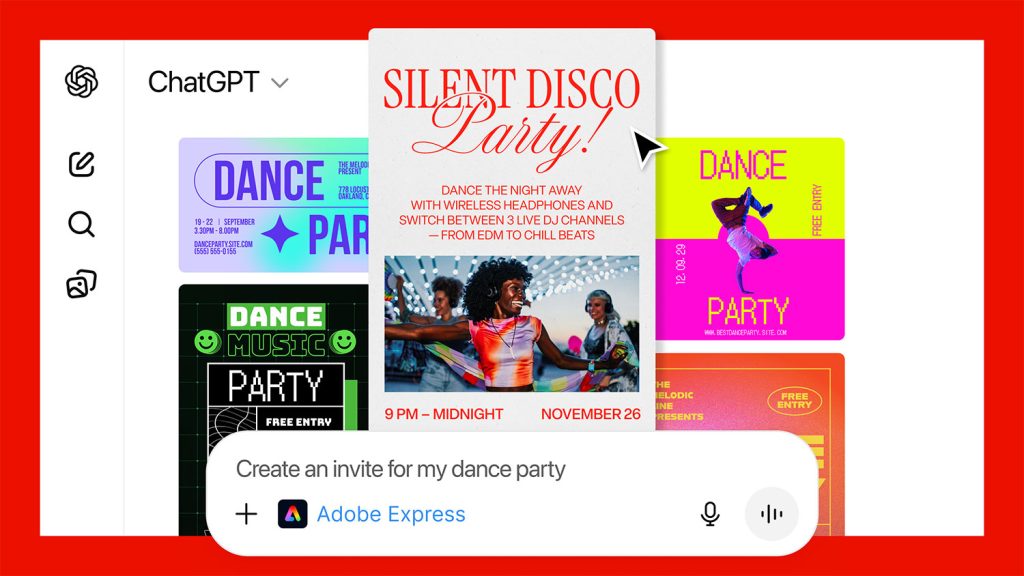
Adobe Express will generate multiple options, based on Adobe’s library of professional designs. Once you select your favorite, you can ask for specific changes, such as Make the robot bigger, and change the purple tones to dark red. Adobe Express within ChatGPT will work on these adjustments, one at a time.
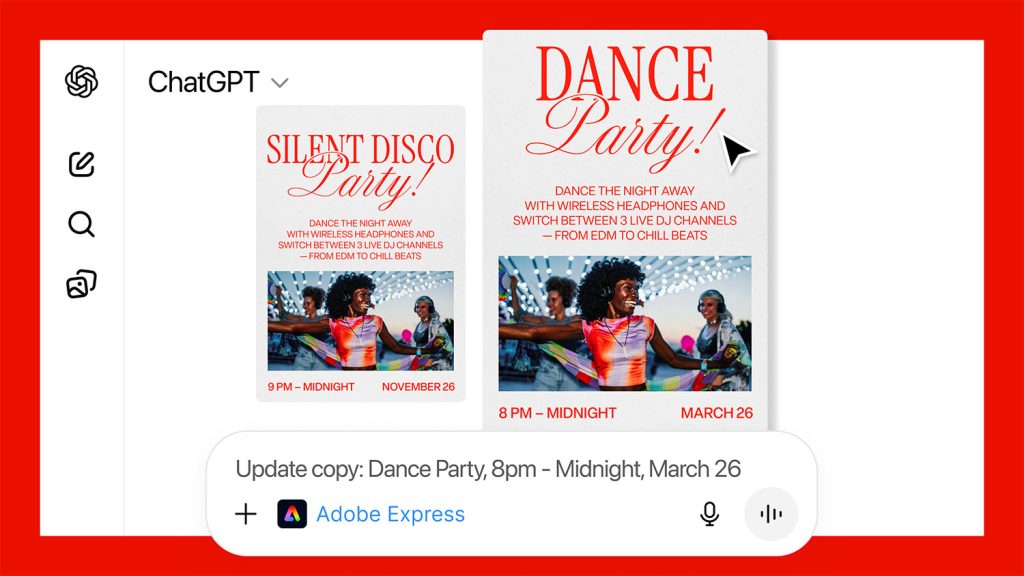
Once you’re happy with the result, you can actually ask for an animated version of the card, with something as generic as Can you animate this design with a popping animation? and Adobe Express will present a few options.
Alternatively, you can also open it in a web-based version of Adobe Express to access a fully layered, editable version of the asset, where you can add the final tweaks yourself.
Adobe Acrobat for ChatGPT
With this integration, you can upload any PDF, so you can manually edit or format the text with the same editing tools as the full-blown Adobe Acrobat.
Alternatively, of course, you can ask ChatGPT for help to tweak the text, just as you would with any other attached document.
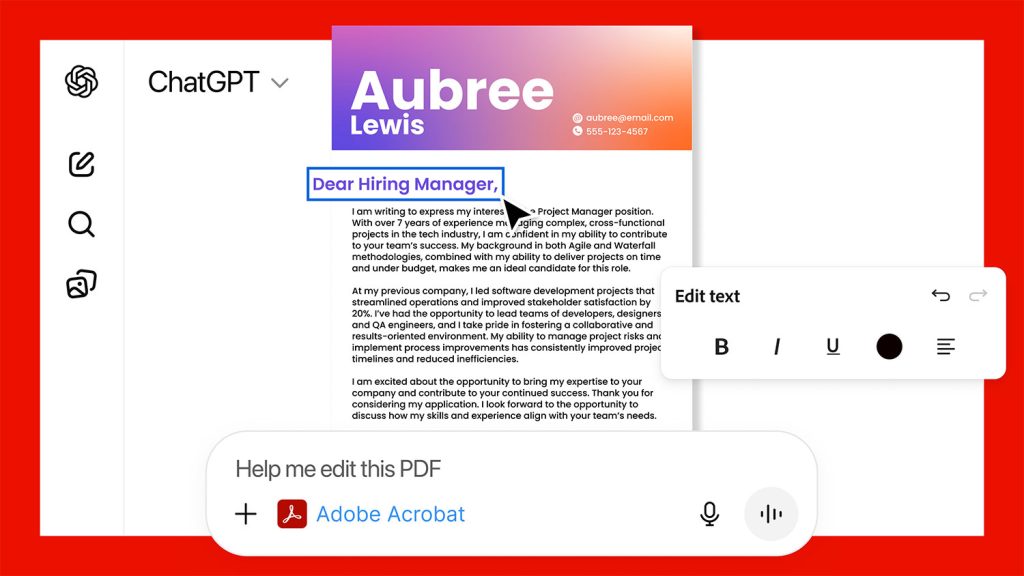
With this integration, you can also tell ChatGPT that you want to use Acrobat to merge multiple PDFs, and it will automatically present you with a drag-and-drop interface.
From there, you’ll be able to reorder the PDFs, or tweak the details inside any document before saving everything as a single document.
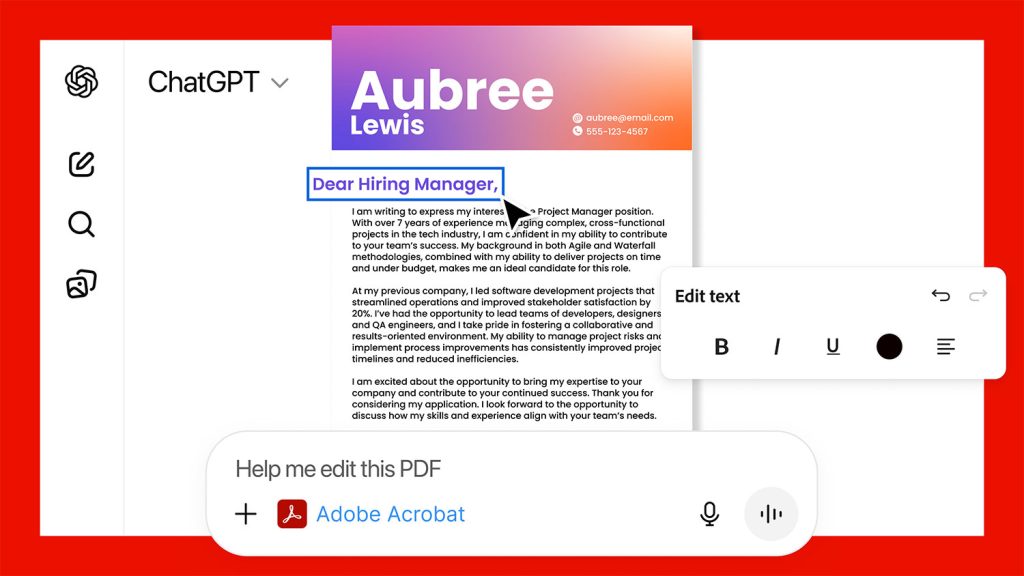
You can also extract text or other data, compress documents, or save a new full-quality version of the PDF, just like on the full-blown Adobe Acrobat app.
All the features rolling out today are free to all 800+ million ChatGPT users worldwide. Here is Adobe on the availability across platforms:
Adobe Photoshop, Adobe Acrobat, and Adobe Express are free in ChatGPT and available starting on 12/10 on ChatGPT desktop, web, and iOS. Adobe Express for ChatGPT is also available on Android, with support for Photoshop and Acrobat for ChatGPT on Android coming soon.
The company also says that this is just the beginning, as it plans to add new capabilities to its apps on ChatGPT in the coming weeks.
What do you think of these integrations? Let us know in the comments.
Accessory deals on Amazon
- Wireless CarPlay adapter
- Logitech MX Master 4
- Apple AirTag 4 Pack
- AirPods Pro 3
- Beats USB-C to USB-C Woven Short Cable


FTC: We use income earning auto affiliate links. More.




Comments