
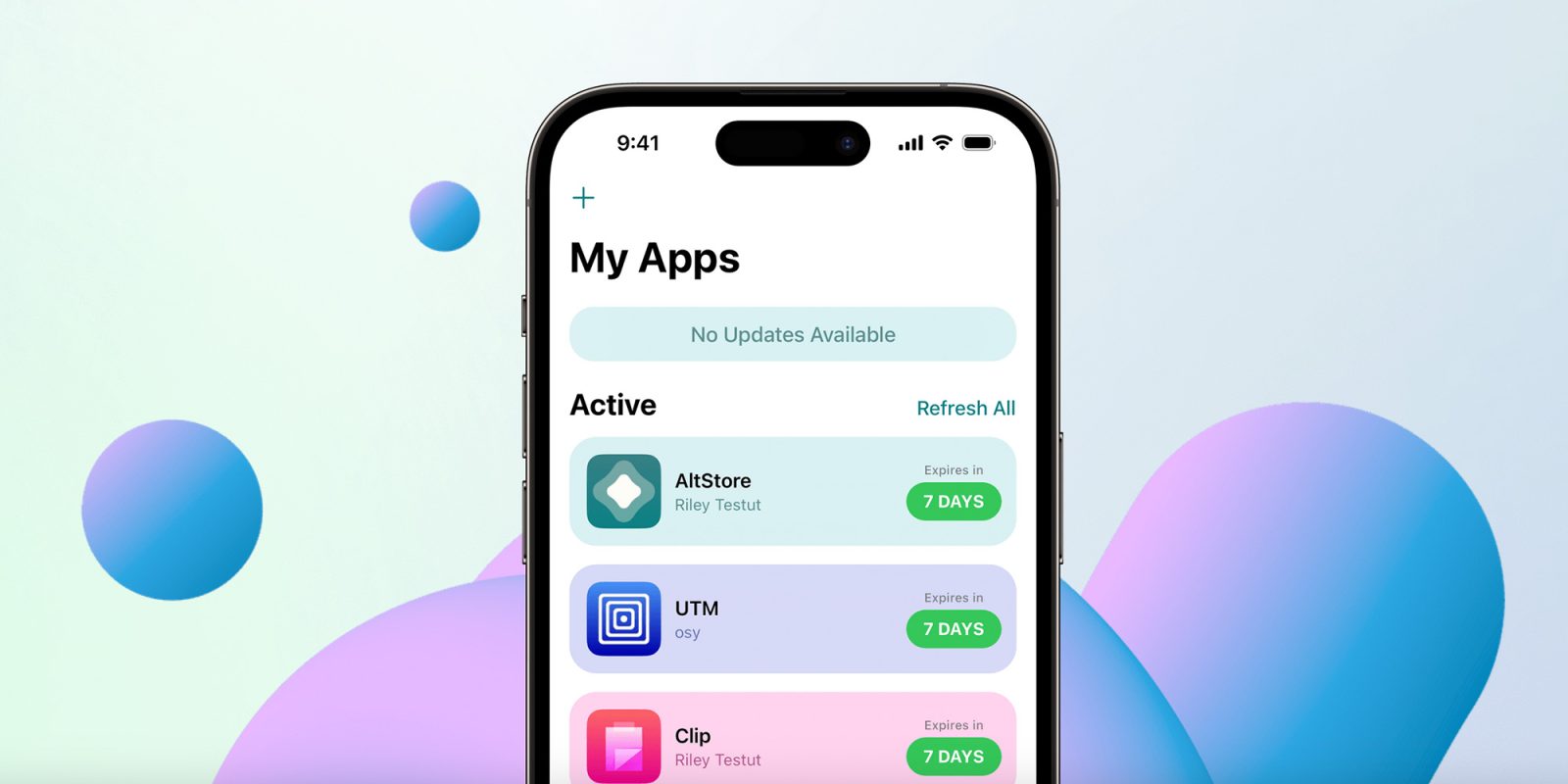
Japanese users can now download AltStore PAL and sideload apps on their iPhones and iPads. Here’s how.
A bit of context
Yesterday, Apple announced a sweeping set of changes to the App Store and iPhone in Japan to comply with the country’s Mobile Software Competition Act (MASCA).
With these changes, developers can now distribute their apps to Japanese users through alternative app marketplaces, in addition to Apple’s App Store.
Additionally, developers will be able to use alternative payment options beyond Apple’s own In-App Purchase system, as well as link users to external payment environments.
Apple, meanwhile, will maintain its Notarization review process for all apps and has introduced a new set of business terms, including App Store commissions, processing fees, store services commissions, and a Core Technology Commission.
You can read 9to5Mac’s coverage of the new terms here.
AltStore PAL now available in Japan
A few hours after Apple flipped the switch on its new rules for Japan, AltStore confirmed on Mastodon that its AltStore PAL app was already available in the country, allowing users to sideload apps to their iPhones and iPads.
To celebrate what AltStore said is its first international expansion since its EU launch in 2024, they decided to give away a free month of Patreon access to all AltStore PAL users, which will include patron-exclusive features.
AltStore’s Patreon offers plans ranging from $3 to $10 per month, providing access to exclusive app icons, achievements, a Discord community, and more.
How to install AltStore PAL
If you’re physically located in a supported country, here are AltStore’s official steps to install AltStore PAL. Make sure you are using Safari, signed into an EU or Japanese App Store account, and your device is running iOS 18.0 or later, or iPadOS 18.0 or later:
1. Tap “Download” [on the button on https://altstore.io/download] and a “Marketplace Installation” alert will appear asking you to allow downloads from AltStore LLC
2. Open the Settings app and there will be a new option, “Allow Marketplace From AltStore LLC” at the top under your Apple ID. Select “Allow”
3. Return to [https://altstore.io/download], tap “Download” again, and another prompt to install will then appear. Select “Install App Marketplace”
To learn more about AltStore, follow this link.
Accessory deals on Amazon
- AirPods Pro 3
- Beats USB-C to USB-C Woven Short Cable
- Wireless CarPlay adapter
- Logitech MX Master 4
- Apple AirTag 4 Pack


FTC: We use income earning auto affiliate links. More.


Comments