

AirPods Pro 3 are a fantastic upgrade over their already-strong predecessor, and one underrated advantage of the new model is a powerful health feature: heart rate sensing. Here’s how to use it.
Heart rate sensing with AirPods Pro 3: Everything you should know
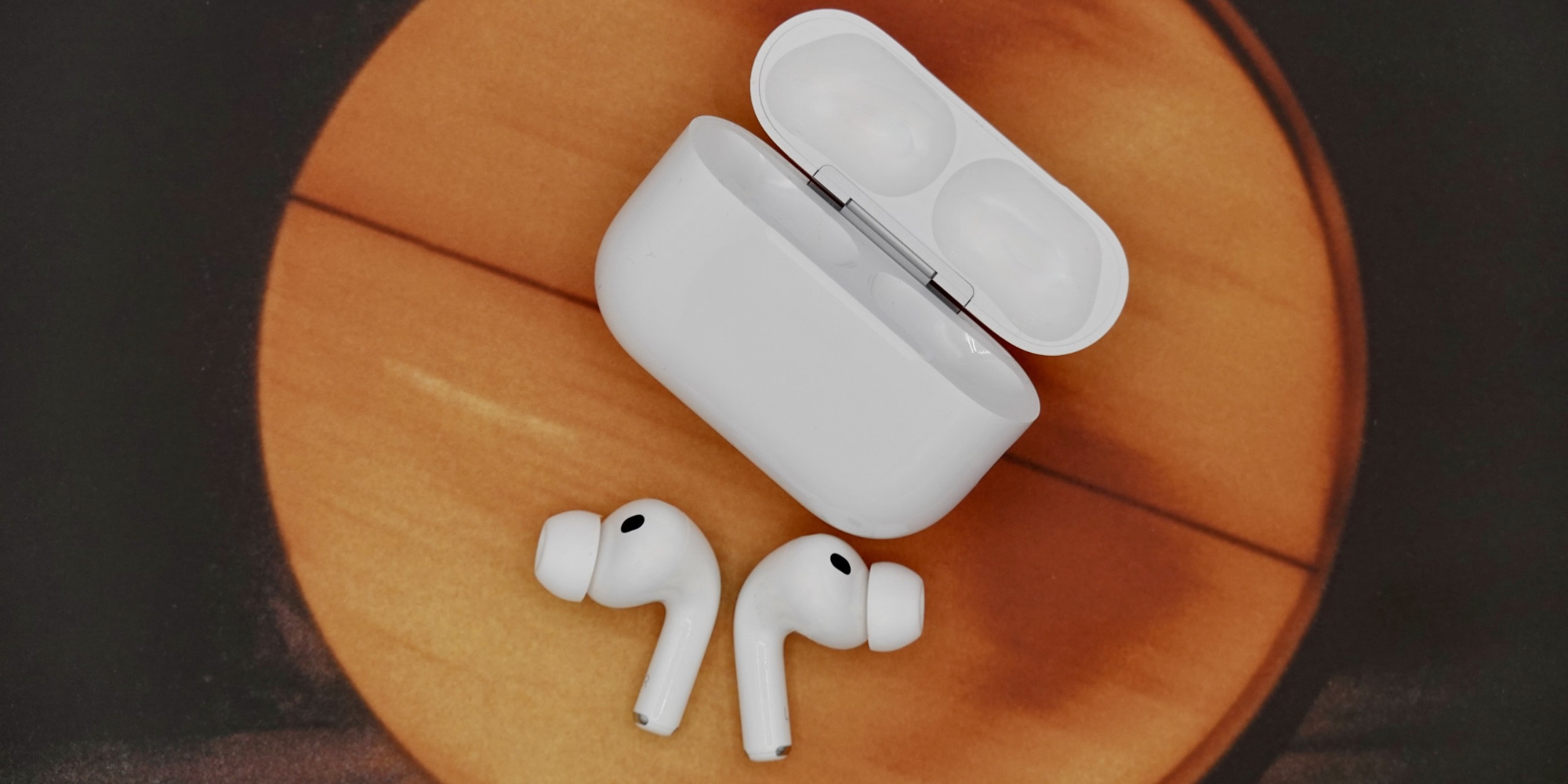
When Apple unveiled AirPods Pro 3 this fall, it improved nearly every aspect of what made AirPods Pro 2 so great. It also brought AirPods further into “health device” territory by adding a heart rate monitor.
Heart rate sensing lets AirPods Pro 3 users view their heart rate data inside the Health app on iPhone, and also enables closing Activity rings without an Apple Watch. There are special perks in Apple Fitness+ too.
Here’s how heart rate sensing works, and how to use it.
First, make sure you have the feature enabled.
While wearing AirPods Pro 3, visit the Settings app on your iPhone, then tap your AirPods’ name at the top of the screen, and scroll down near the bottom to find ‘Heart Rate.’ Make sure this is toggled on.
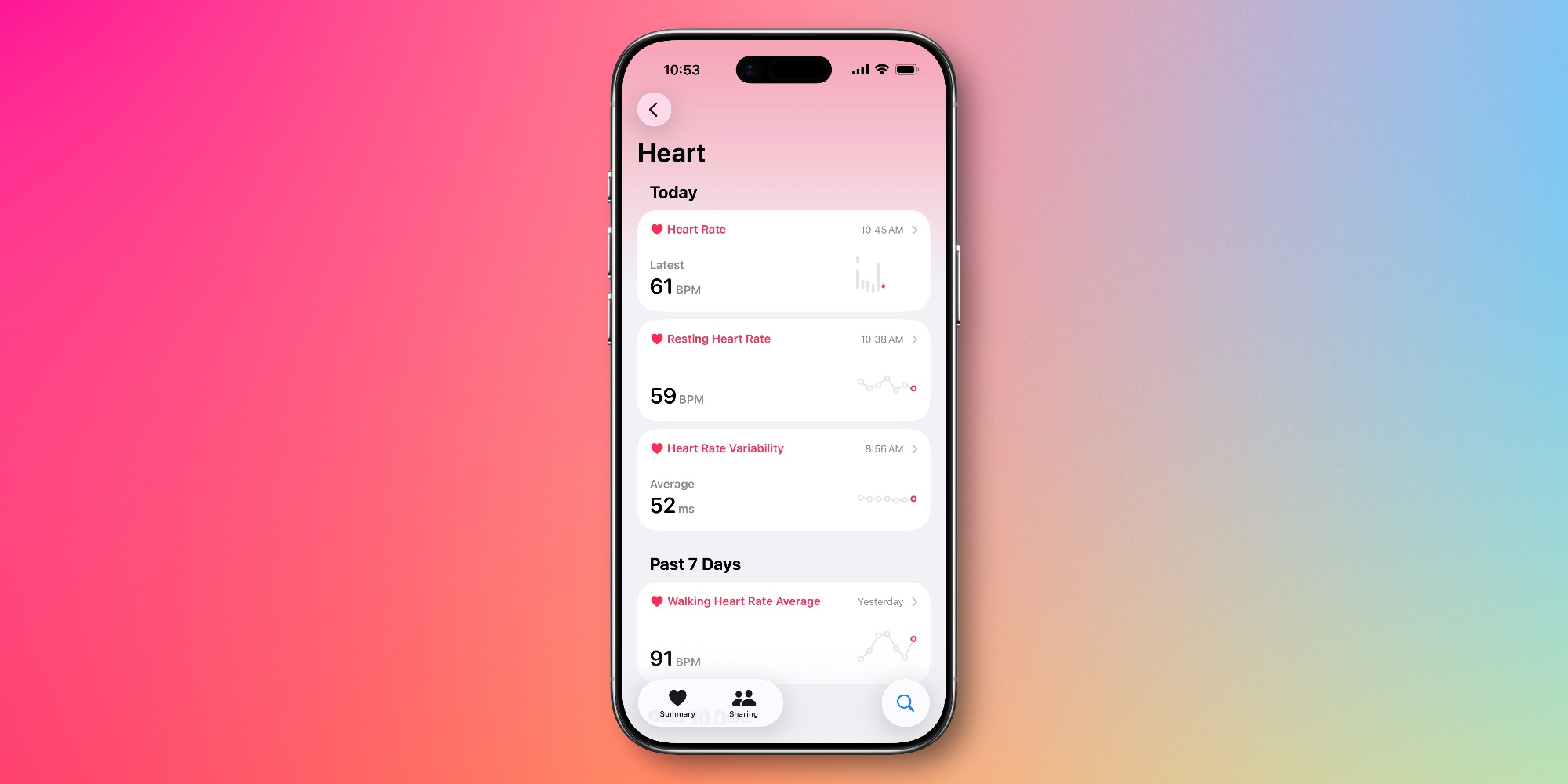
Once enabled, your heart rate data will be automatically logged to the Apple Health app on your iPhone. You can find it by opening Health, then hitting the search icon in the bottom-right, and tapping ‘Heart.’
Improving heart rate sensing accuracy with AirPods Pro 3
To get the most accurate heart rate readings, Apple recommends the following tips:
- Check the fit: Perform a fit test in the Settings app
- Keep your Health app data up to date: Your height, weight, gender, and age all impact heart readings
- Clean your AirPods regularly: Eliminate buildup that could obstruct accurate readings
- Check for ear conditions or modifications: Earwax buildup, moisture, skin conditions, ear piercings around your ear, and metal jewelry may affect sensor performance
Following this guidance will ensure your heart rate readings are as accurate as possible.
If you wear both AirPods Pro 3 and an Apple Watch, both devices will be used to track your heart rate. Apple says the “highest-confidence source” will be logged in any given moment.
Have you been using AirPods Pro 3’s heart rate monitoring? How has it worked for you? Let us know in the comments.
Best AirPods Pro deals and accessories
- AirPods Pro 3 (now only $219, down from $249)
- Magnetic strap neckband for preventing lost AirPods
- Belemay leather case for AirPods Pro
- AirFly Pro 2 for connecting AirPods to standard headphone jacks
- Memory foam AirPods Pro eartips for a more comfortable fit


FTC: We use income earning auto affiliate links. More.




Comments