
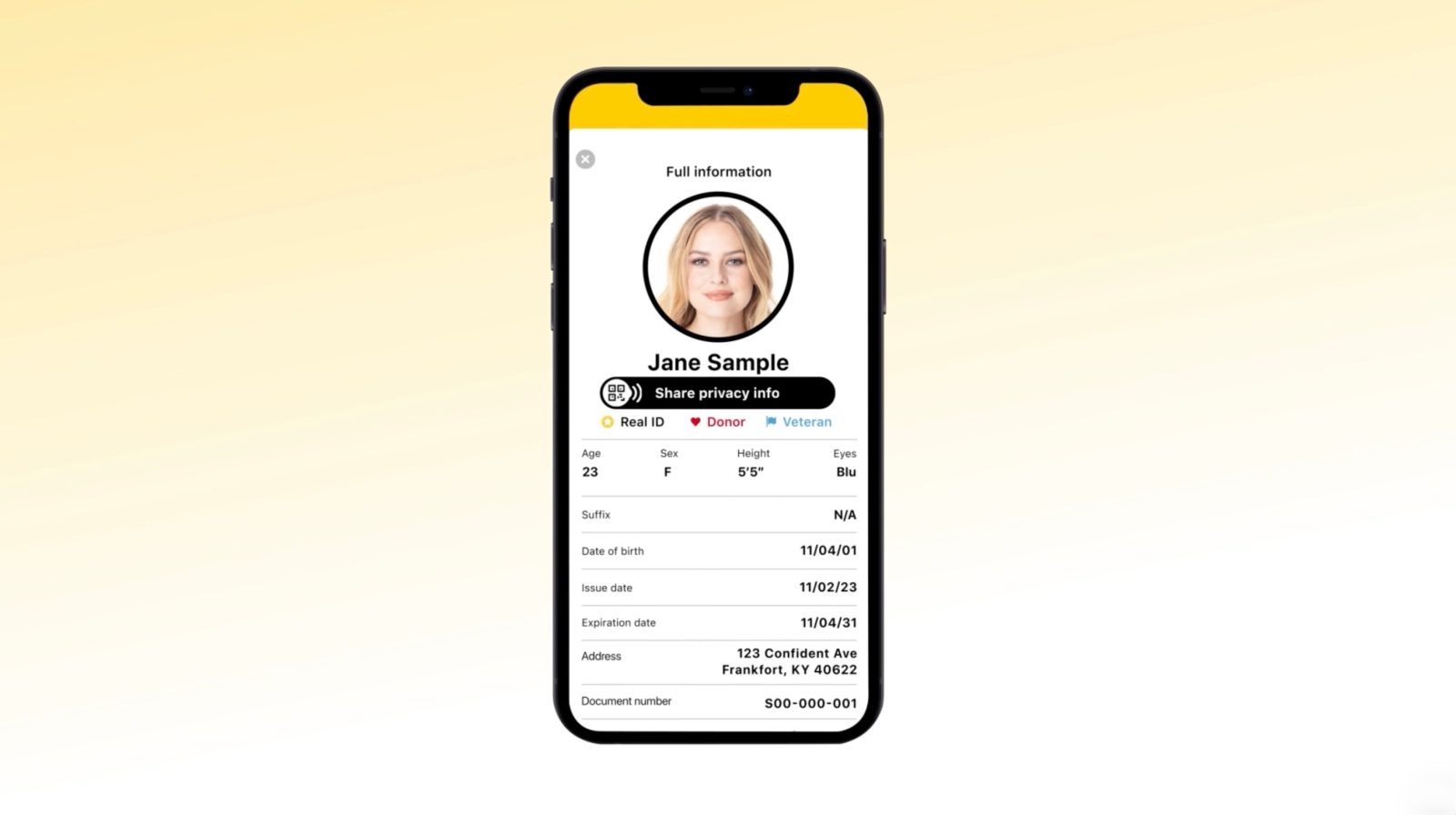
Kentucky today launched its new Kentucky mobile ID app for iPhone, allowing residents to access a digital version of their ID.
While the app itself is available on the App Store starting today, there’s a big upgrade coming this summer: support for storing your Kentucky ID in Apple Wallet.
At launch, Kentucky says that its new mobile driver’s license or ID system is only supported through the official Kentucky mobile ID app (available on iPhone and Android).
Using this app, Kentucky residents must complete a verification process to access their digital ID, including scanning their physical license and taking a selfie. Then, they can use that ID exclusively at TSA checkpoints in more than 250 airports.
Here’s Kentucky Gov. Andy Beshear:
“Mobile ID offers Kentuckians more options for air travel, while further protecting them from identity theft or having their private information shared. We want our families to be safe and feel safe while they are traveling, and this is just another step Team Kentucky is taking to increase safety for our people.”
Kentucky’s digital ID does not replace your physical license. You must continue to carry your physical license. If you get get pulled over or have any interaction with law enforcement, you must present your physical license.
Apple Wallet support
What about Apple Wallet support? On its website, the Kentucky Transportation Cabinet says it’s actively working with Apple on this feature and support will launch later this year:
Kentucky is actively working with Apple, Google, and Samsung to make the Kentucky Mobile ID and Mobile Driver’s License available in their respective digital wallets. This capability can only be introduced after Kentucky’s new driver licensing system, KINDL (Kentucky Information Network for Driver Licensing), launches in Summer 2026.
There aren’t any additional details available right now. Kentucky has been on Apple’s list of forthcoming partners for several years at this point. IDs in Apple Wallet can be used at TSA checkpoints as well as select business and venues. Here’s your full guide on where they are supported.
However, there’s no need to wait for your state to support digital IDs in Apple Wallet. Apple launched a new solution in iOS 26.1 that lets anyone with a passport create a digital ID, regardless of whether or not their state supports the feature.
Thanks, Logan!
Must-have MagSafe accessories for your iPhone:
- Twelve South HiRise 3 Deluxe
- Baseus Picogo Qi2.2 25W MagSafe Battery
- Belkin MagSafe Vent Mount Pro
- Moft MagSafe wallet with kickstand
- MagSafe ring lights
Follow Chance: Threads, Bluesky, Instagram, and Mastodon.


FTC: We use income earning auto affiliate links. More.




Comments