
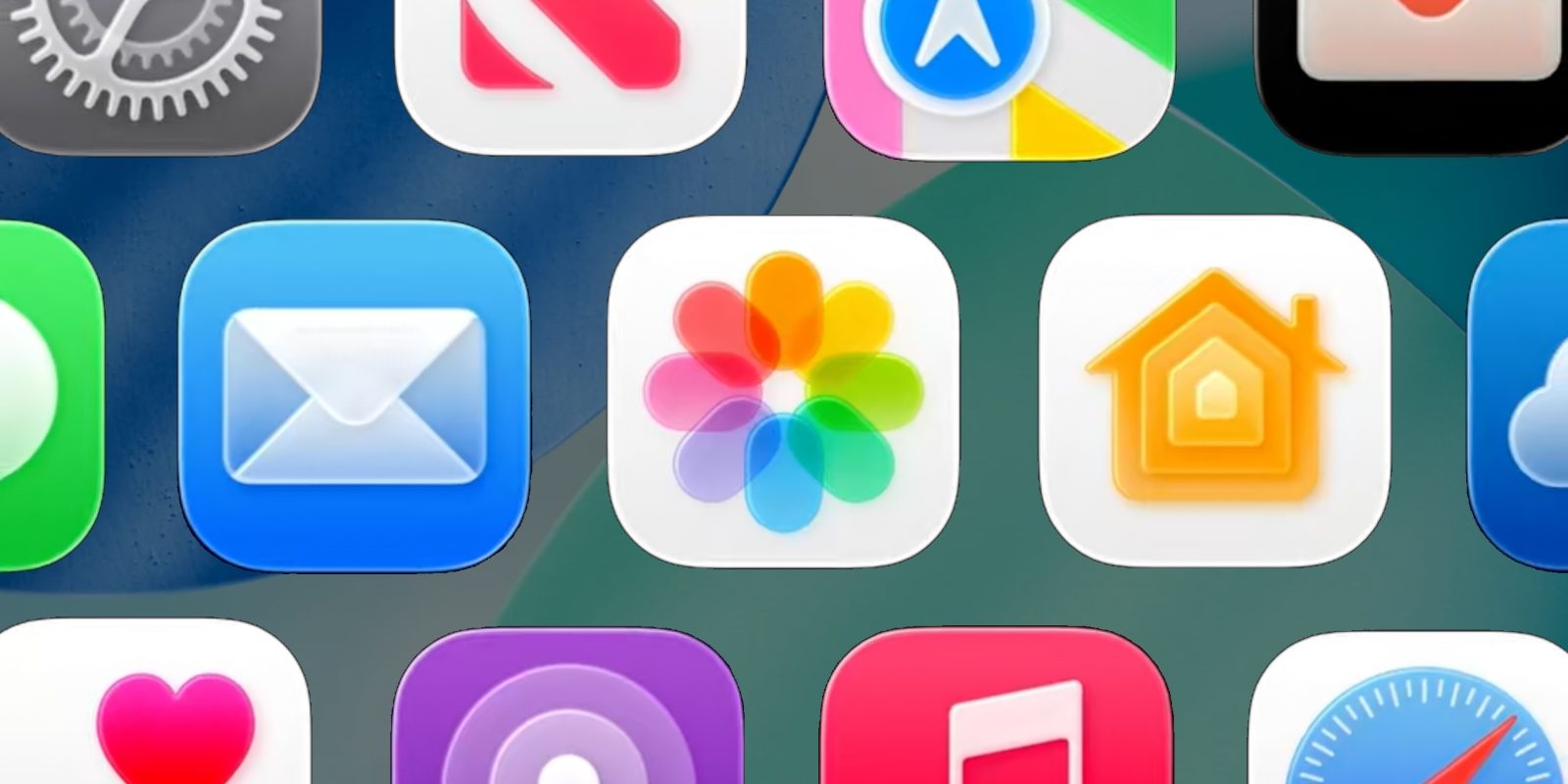
iOS 26.4 just launched, and it’s packed with a lot of new features. Here’s everything new available across six iPhone apps in iOS 26.4.
Apple Music
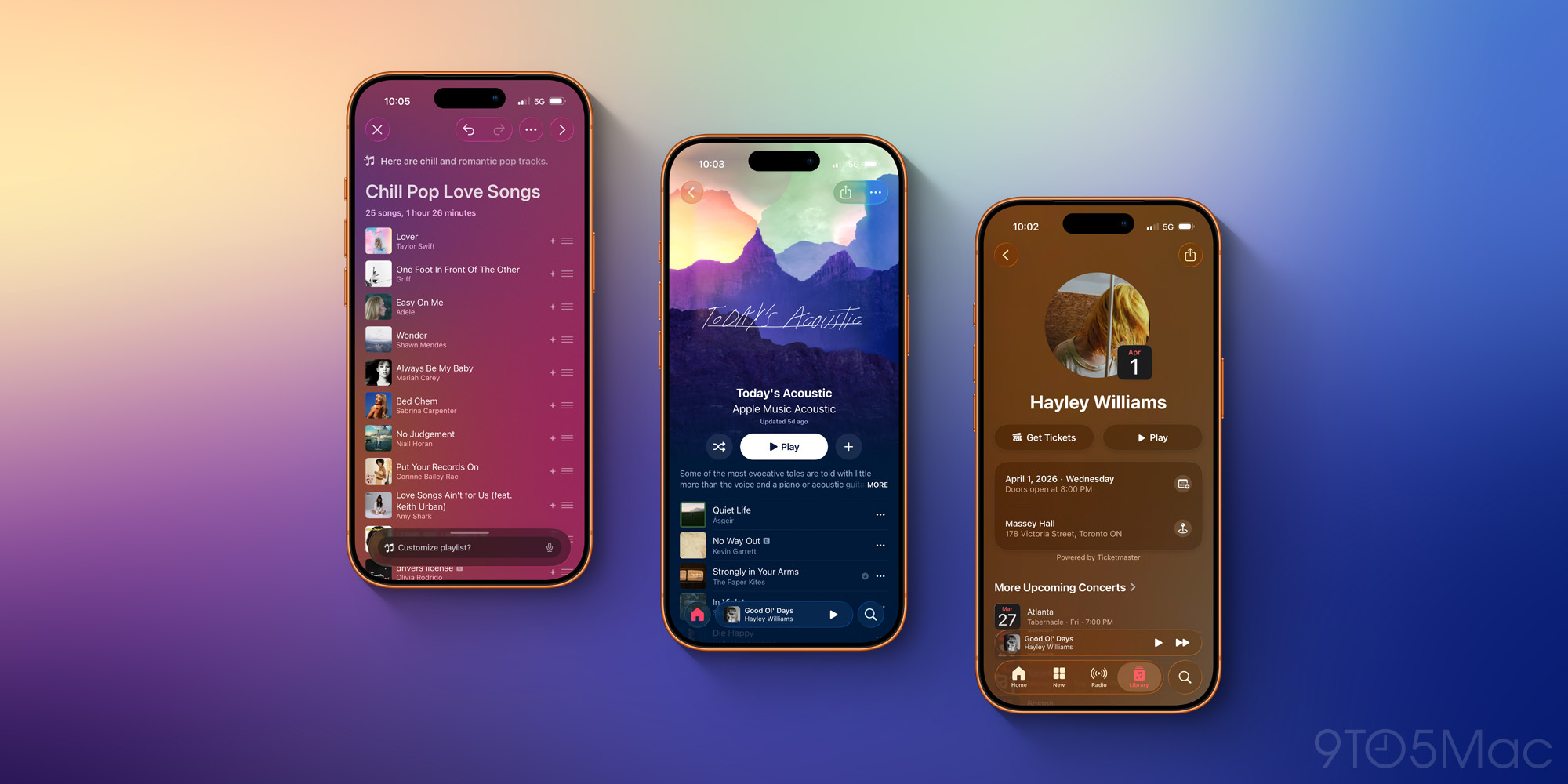
Apple Music just got five new features in iOS 26.4, making it one of the biggest app updates in the release.
New features include:
- Playlist Playground, an AI playlist creation tool
- Beautiful new fullscreen design for albums and playlists
- Ambient Music widgets for the Home Screen
- Concert info for artists and local venues
- Ability to add songs to multiple playlists at once
My personal favorites so far are the new fullscreen design for albums and playlists, and Playlist Playground. The latter feature does require an AI-compatible iPhone, however.
Reminders
Late last year in iOS 26.2, the Reminders app gained one of my favorite new features: ‘Urgent’ reminders.
The idea is that you can now mark any time-based reminder as ‘Urgent,’ and when you do, the app will send more than just a standard push notification when its due time arrives.
’Urgent’ reminders set off an alarm when they come due, and stick around via a special Lock Screen UI and Live Activity until you mark the task complete. They also provide the option of snoozing the alarm.
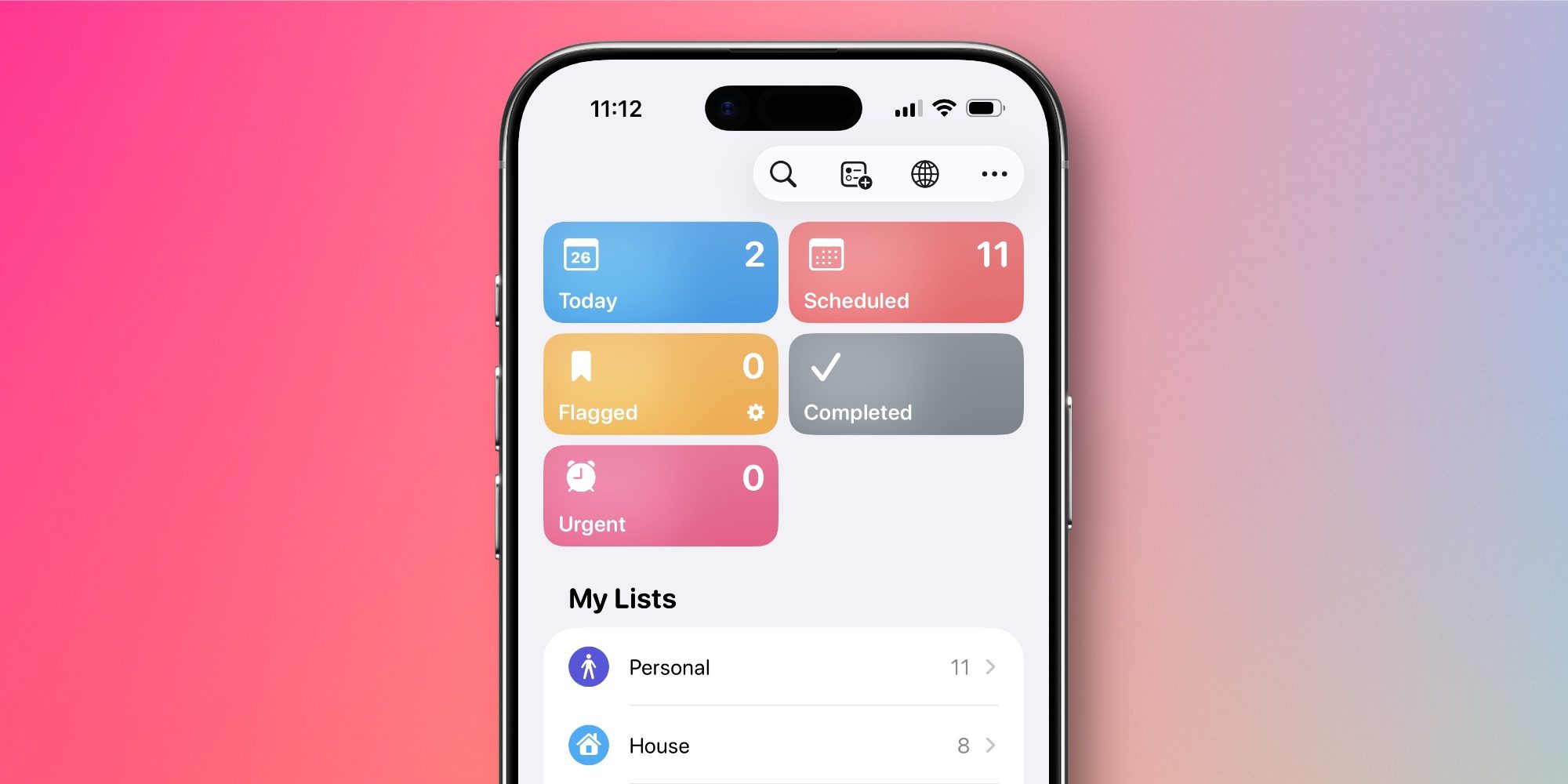
In iOS 26.4, Apple adds a nice touch for the feature: now all of your ‘Urgent’ reminders are available from a dedicated ‘Urgent’ smart list at the top of the app. This new list makes it easy to see your most important, time-sensitive tasks in one place.
Apple Podcasts
Apple Podcasts supported video podcasts long before they became popular on YouTube and Spotify. But the legacy feature needed some upgrades, and iOS 26.4 delivers.
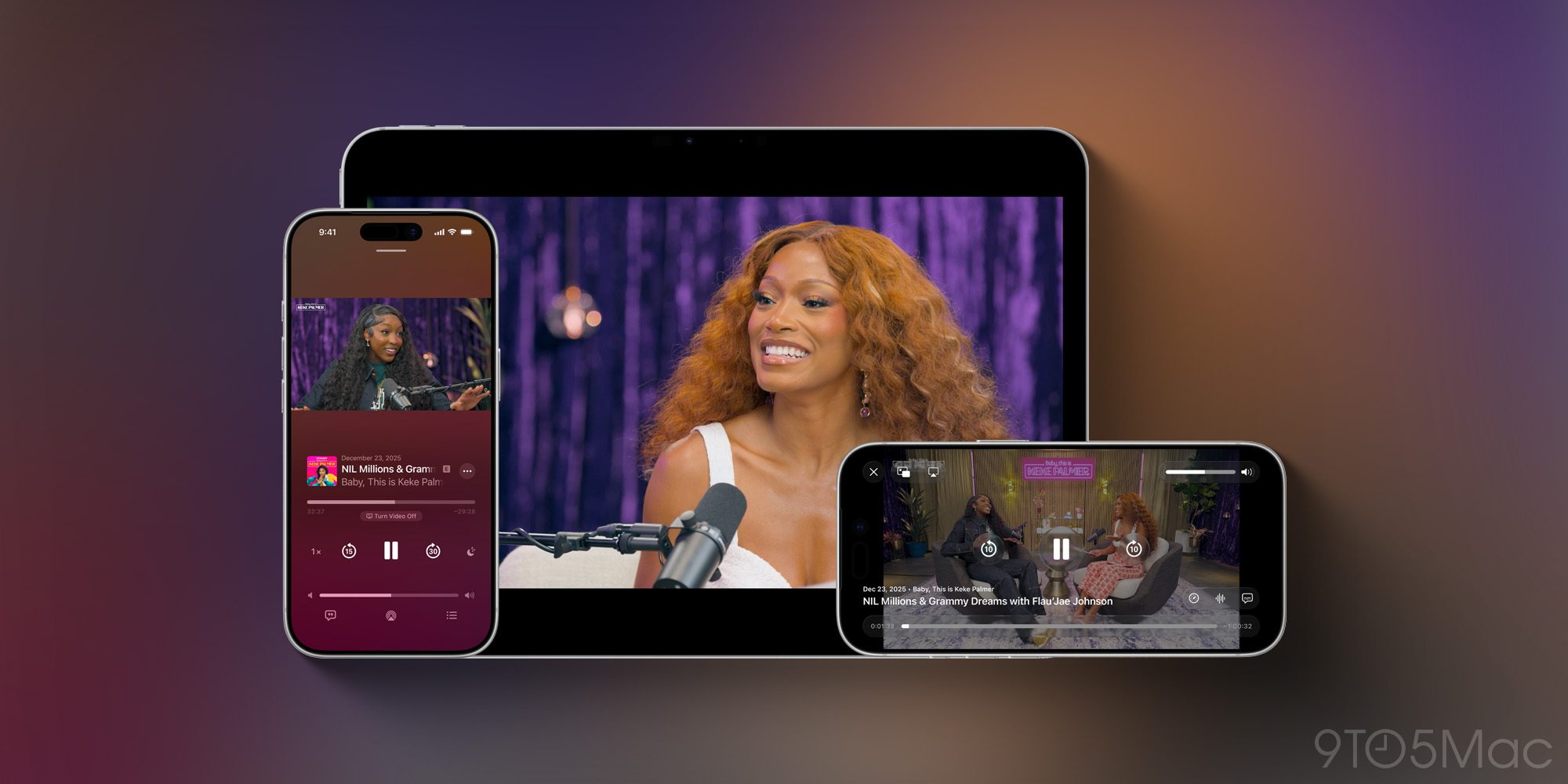
Starting in iOS 26.4, the Podcasts app now offers an “enhanced video podcast experience.”
Here’s what that means, per Apple’s press release:
In the Apple Podcasts app, users will be able to switch seamlessly between watching and listening to shows, making the experience of discovering and viewing video podcasts as simple and enjoyable as listening to audio podcasts has always been. Users can watch video from within the app and move to horizontal full display, as well as download videos to watch offline. And automatic quality adjustment powered by HLS technology ensures smooth playback across network conditions, delivering the best possible experience whether listeners are on Wi-Fi or a cellular connection.
The number of video podcasts currently available on Apple Podcasts is fairly limited, but hopefully these upgrades will go a long way toward changing that.
Apple TV
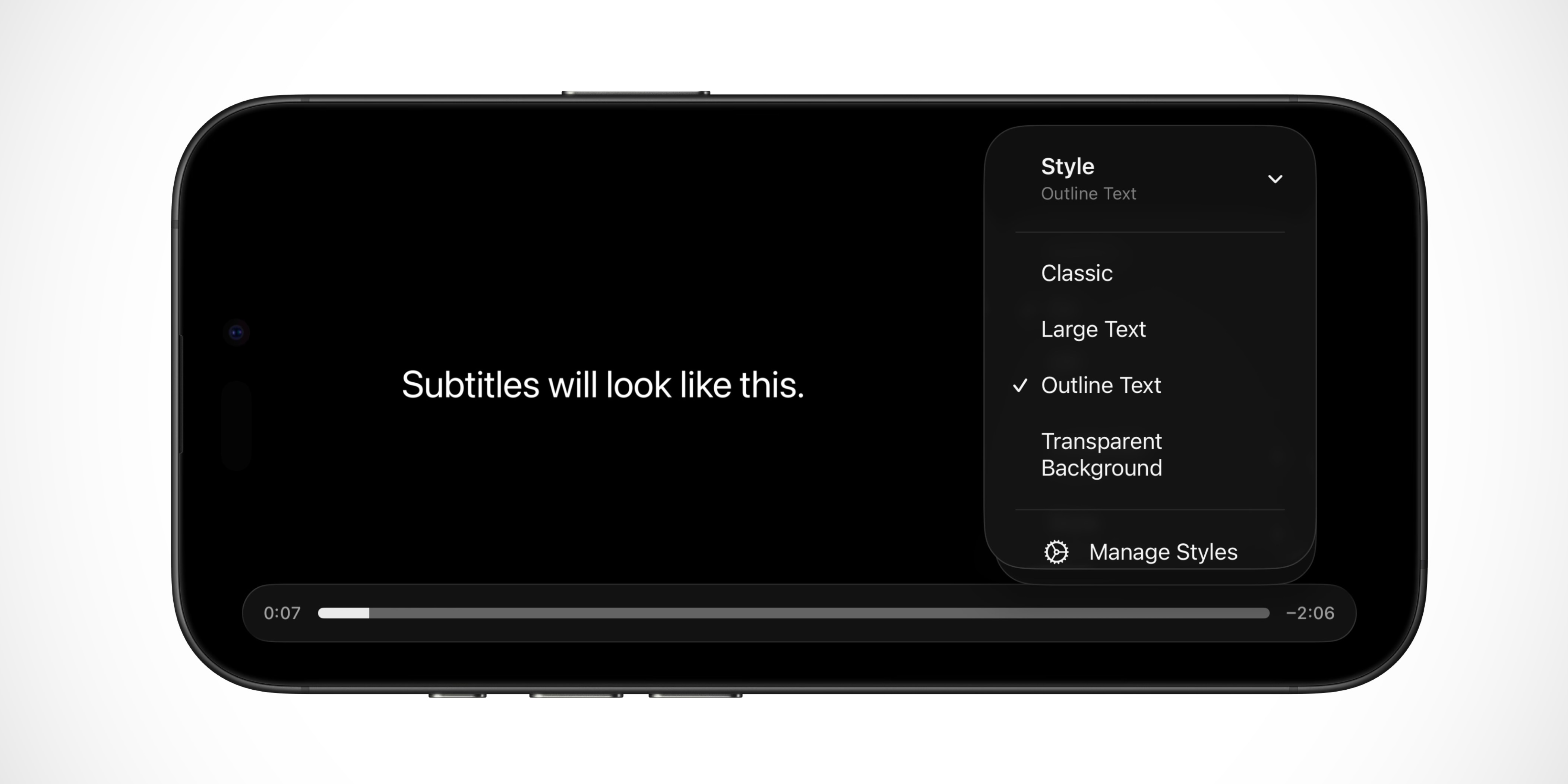
Apple’s TV app makes it easy to change the style of subtitles in iOS 26.4.
When watching a video, tap the Subtitles button and you’ll find a new Style menu.
Available styles include Classic, Large Text, Outline Text, and Transparent Background. But you can also hit the ‘Manage Styles’ button to customize the subtitle style even further.
This feature was previously available via Accessibility settings, but it’s great to see it made more prominent inside the Apple TV app.
Health
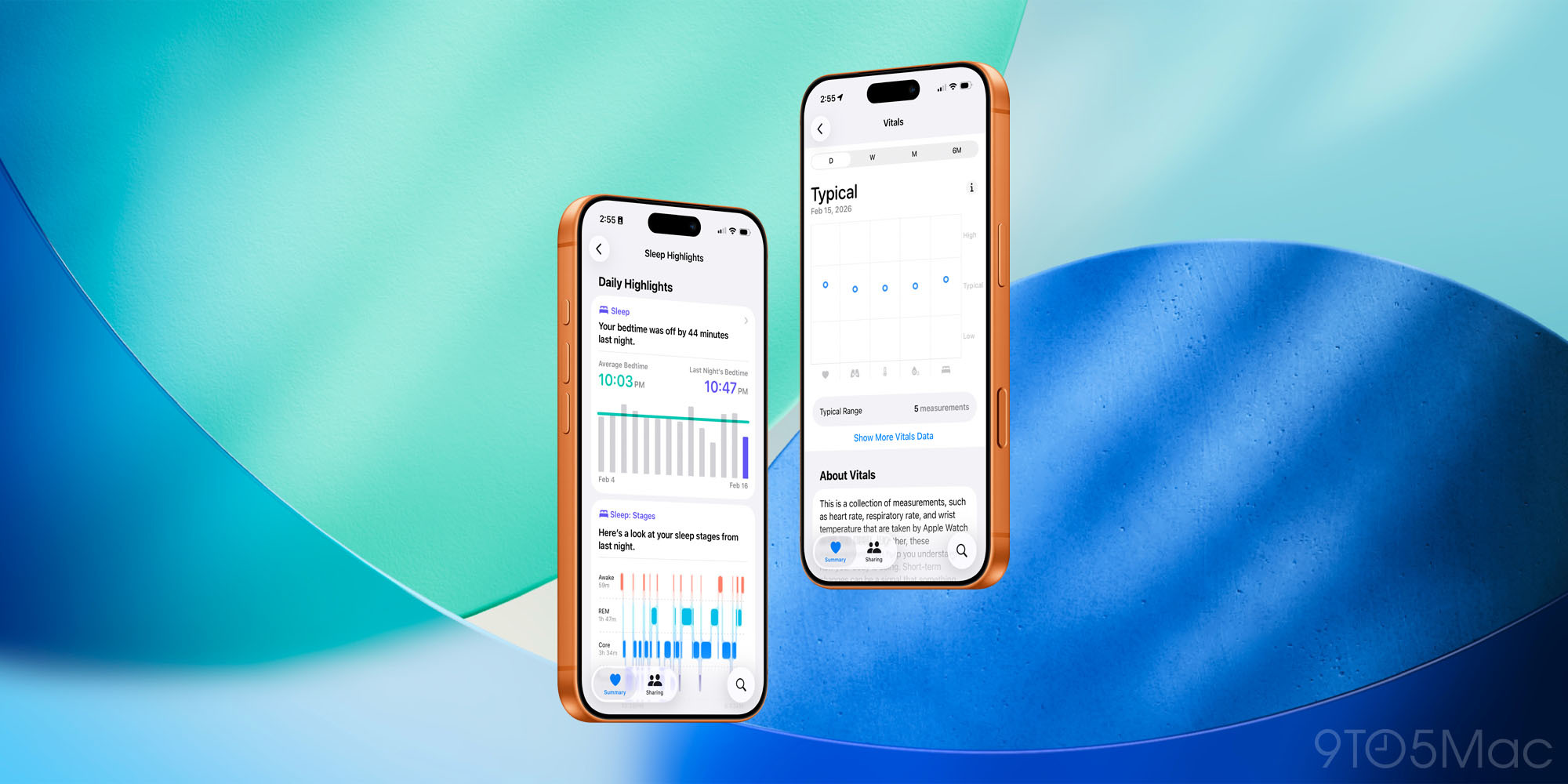
One of my favorite features of Apple’s Health app is Highlights, which shows trends in your data over time.
iOS 26.4 adds a new Highlight for sleep data: bedtime. It offers a quick visual overview of your bedtime over the last two weeks, providing the average, a bar chart, as well as highlighting the previous night’s bedtime.
The update also brings Blood Oxygen readings back to the Vitals graph. Those readings were removed from Vitals following Apple’s Masimo saga. But now that Blood Oxygen is back for Apple Watch users, iOS 26.4 restores the data to Vitals.
Freeform
Earlier this year when Apple Creator Studio launched, it gave subscribers new ‘premium’ features in Pages, Keynote, and Numbers.
Apple promised at the time that premium features would also be coming to Freeform later in the year. And iOS 26.4 fulfills that promise.
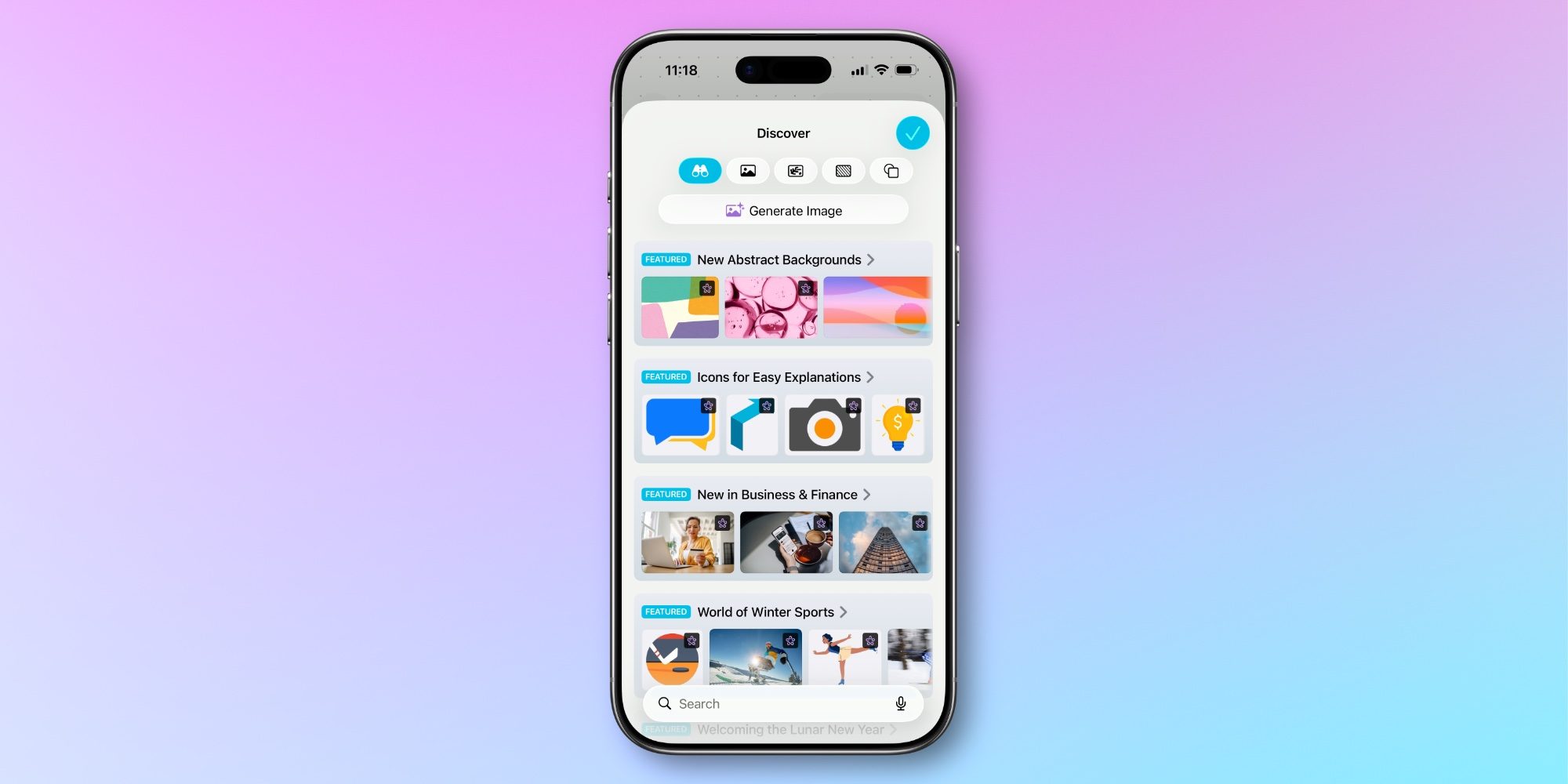
Freeform now includes the Content Hub seen in other iWork apps, providing access to Apple-curated photos, graphics, and backgrounds. The app also lets you generate new AI images using OpenAI’s image models.
Which new app features in iOS 26.4 are you most excited about? Let us know in the comments.
Best iPhone accessories
- AirPods Pro 3 (limited-time $199 price)
- 10-year AirTag battery case 2-pack
- MagSafe Car Mount for iPhone
- Apple’s new AirTag 2 (1-pack / 4-pack)
- 100W USB-C fast charging power adapter


FTC: We use income earning auto affiliate links. More.



Comments