
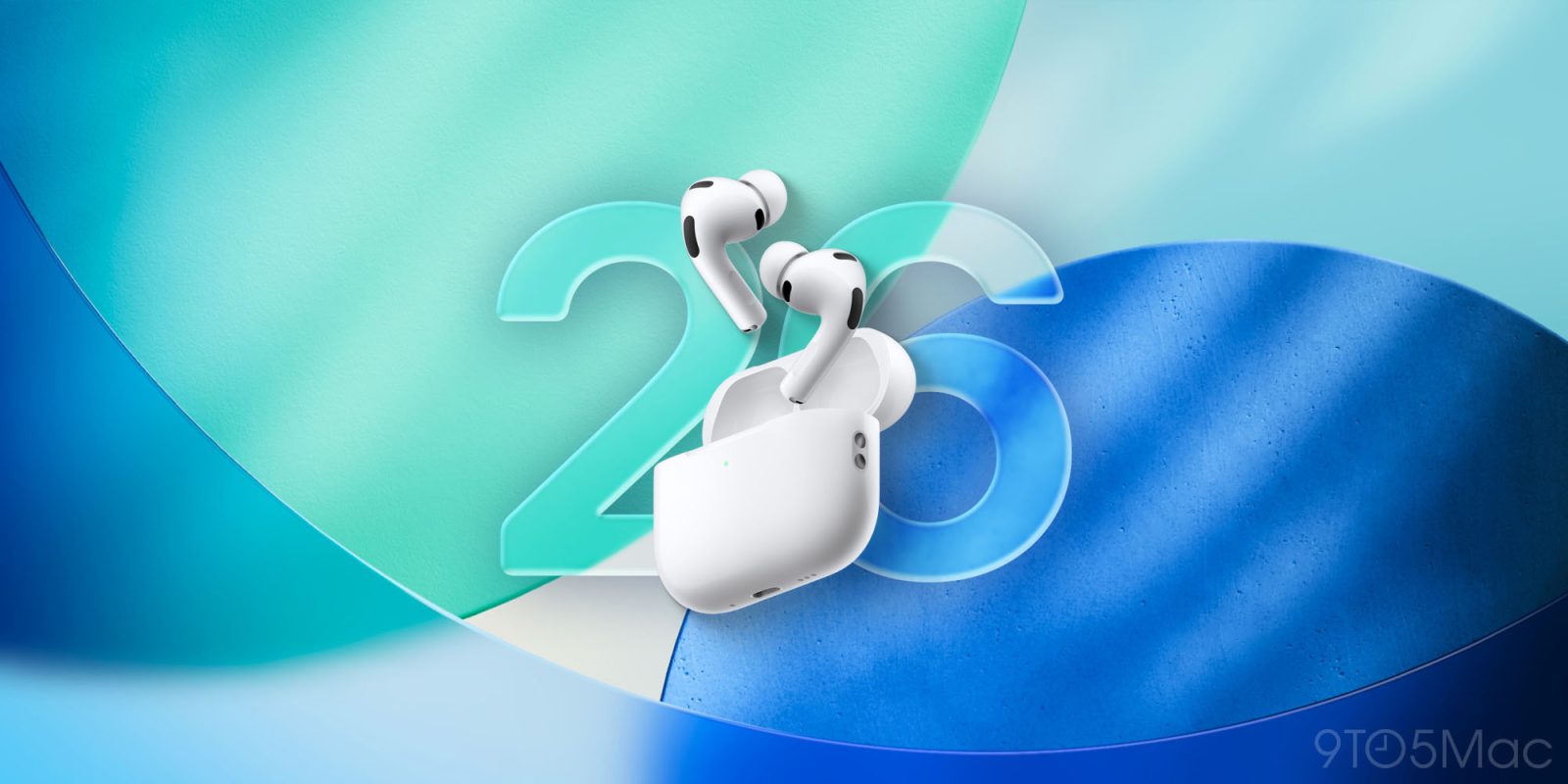
AirPods have long supported touch controls via the earbuds’ stems, but the list of supported actions and gestures has grown substantially over time—including in iOS 26. Here are all of the 10+ hidden controls now offered by AirPods Pro.
AirPods Pro keep adding more new features tied to touch controls and gestures
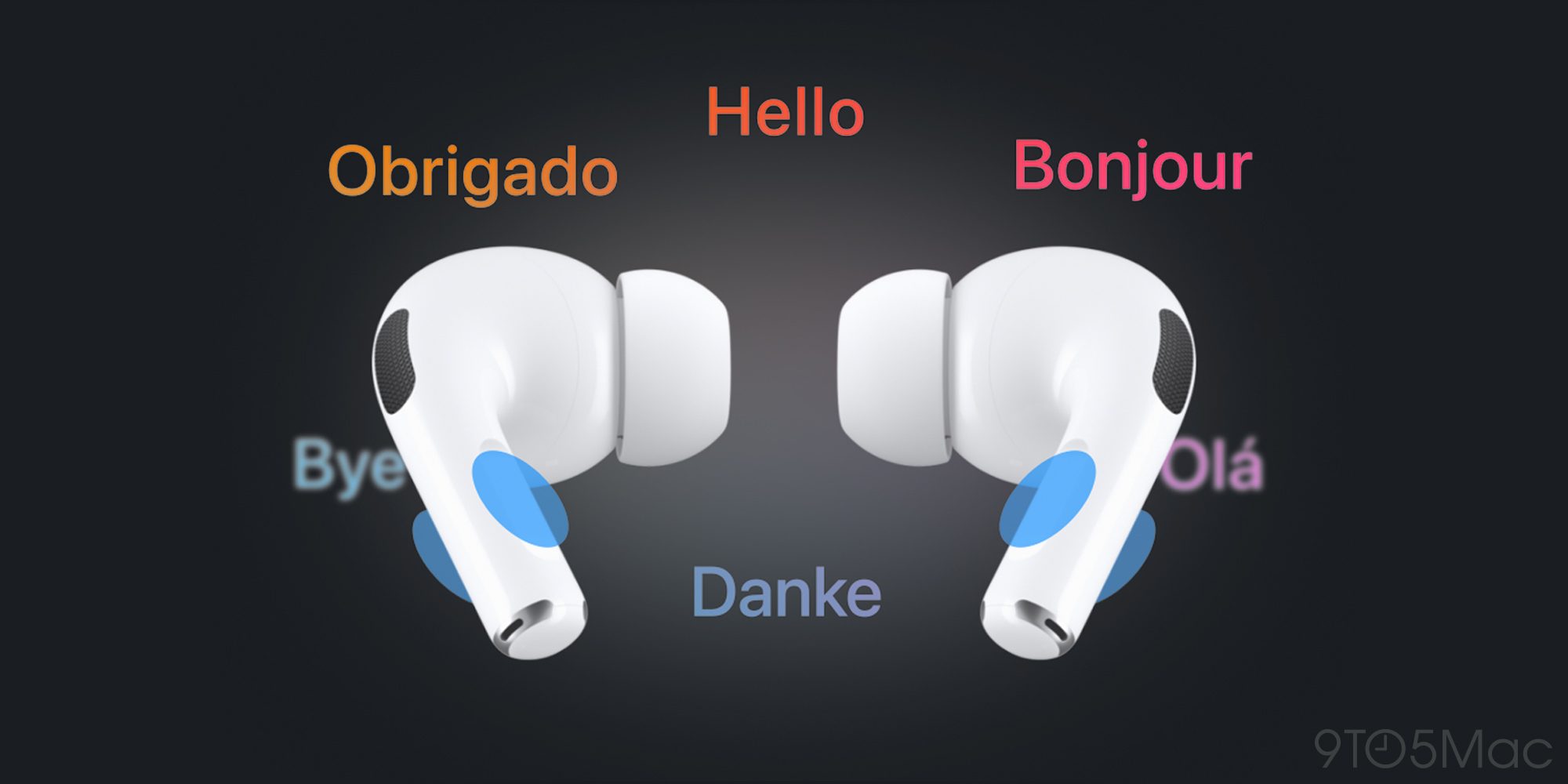
iOS 26 introduced a variety of new AirPods Pro features, including a couple that rely on physical gestures using AirPods’ stems.
Live Translation and Camera Remote both expand the number of features activated via AirPods touch controls or gestures.
You might wonder: how many different AirPods features are hidden behind a physical interaction?
The number varies based on which AirPods you’re using. But for AirPods Pro, there are more than 10 total options.
Here’s the full list of AirPods Pro features tied to touch controls and gestures:
- Play & Pause Audio: Press the stem.
- Play Next Track: Double-press the stem.
- Play Previous Track: Triple-press the stem.
- Answer Call: When you receive a call, press the stem.
- Mute & Unmute Call: Press the stem.
- End Call: Double-press the stem.
- Adjust Volume: Lightly swipe up or down on the stem.
- Toggle Active Noise Cancellation, Transparency, and Adaptive Audio: Set either of your AirPods to perform this action when you press and hold the stem.
- Live Translation: Press and hold the stem on both AirPods at the same time.
- Activate Siri: Set either of your AirPods to perform this action when you press and hold the stem.
- Camera Remote: Press or long-press the stem when the Camera app is open.
- Head Gestures: Nod or shake your head to interact with Siri.

Several of these features can also be personalized to your liking inside Settings ⇾ AirPods, making for even more total controls than those listed above. Some also need to be manually toggled on before they’ll be supported.
You can find many of the features above in Apple’s official support document here. It also provides overviews of supported touch controls and gestures for different AirPods models dating back to the original AirPods from 2016.
Did you know about all of the supported AirPods Pro touch controls and gestures? Let us know in the comments.
Best AirPods Pro deals and accessories
- AirPods Pro 3 (now only $199, down from $249)
- AirFly Pro 2 for connecting AirPods to standard headphone jacks
- Belemay leather case for AirPods Pro
- Magnetic strap neckband for preventing lost AirPods
- Memory foam AirPods Pro eartips for a more comfortable fit


FTC: We use income earning auto affiliate links. More.



Comments