
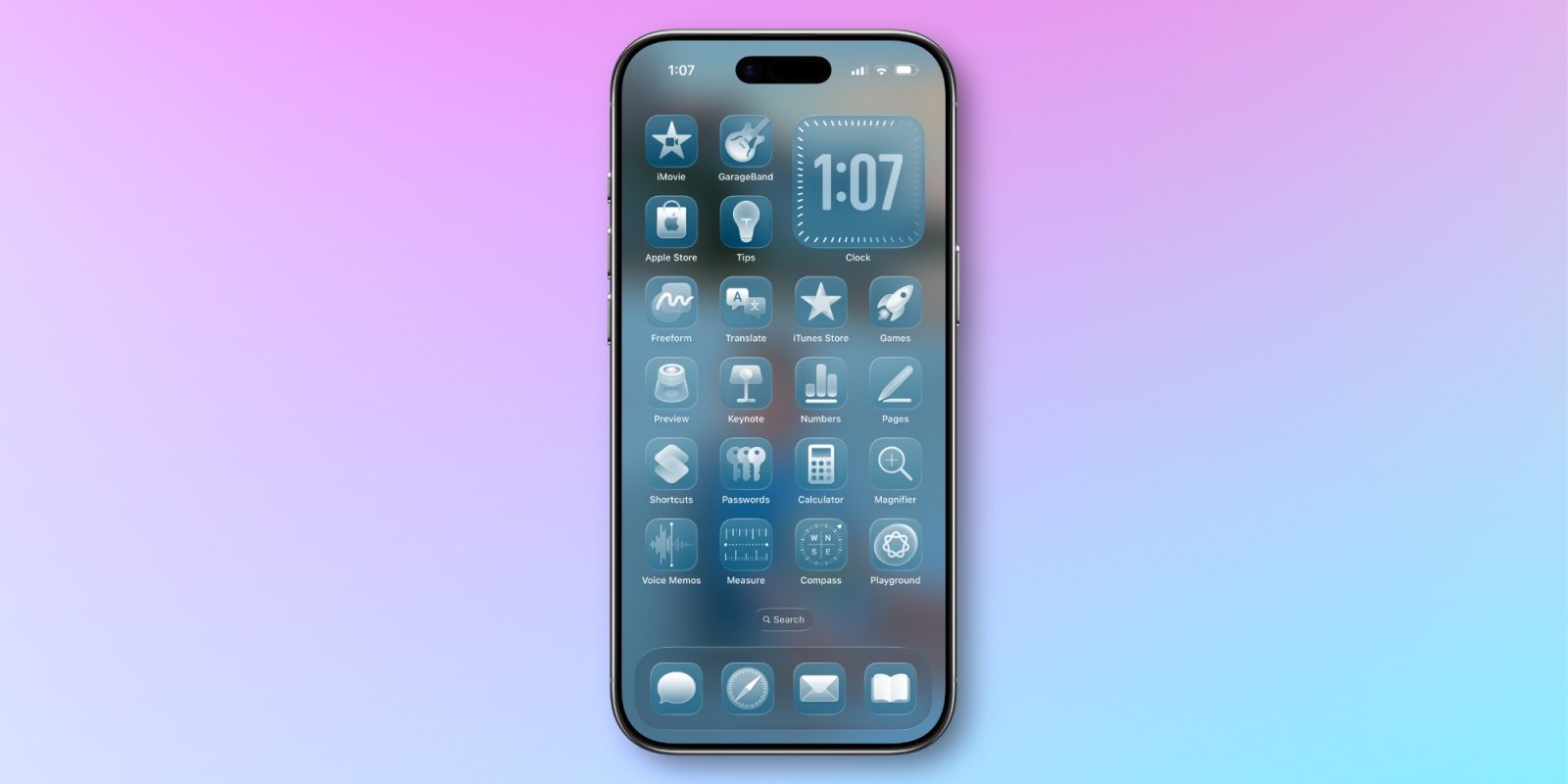
iOS 26.4 recently brought two new updates for how you can customize the Liquid Glass design on your iPhone.
Reduce Bright Effects and Reduce Motion let you minimize more Liquid Glass effects in iOS 26.4
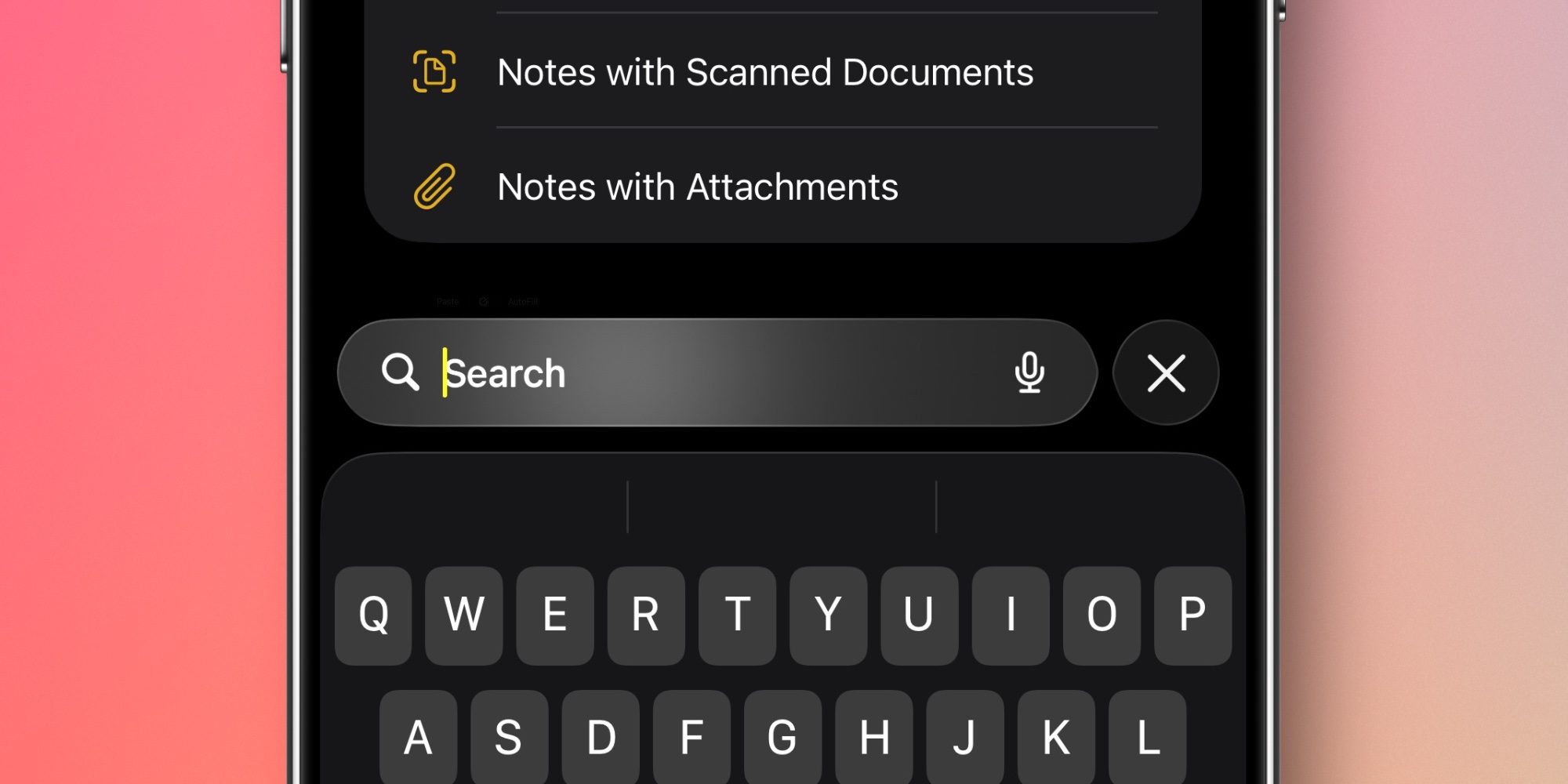
Rumors indicate that Apple might let users adjust Liquid Glass with a slider in iOS 27. But until then, Apple continues adding new ways to update its iPhone design in iOS 26.
iOS 26.4 expands customization tools with two settings:
- Reduce Bright Effects, which is brand new in iOS 26.4
- Reduce Motion, which has been updated in iOS 26.4
Reduce Bright Effects lets you dial down the flashing effects that happen when interacting with certain Liquid Glass UI elements. Per Apple’s description:
Minimize highlighting and flashing when interacting with onscreen elements, such as buttons or the keyboard.
For examples of what this looks like, see this X post from my 9to5Mac colleague Dylan.
You can open Settings ⇾ Accessibility ⇾ Display & Text Size to find the new toggle.
Reduce Motion is not new to iOS 26.4, but the Accessibility feature has been updated and expanded in Apple’s latest update.
Apple says that Reduce Motion now “more reliably reduces the animations of Liquid Glass for users sensitive to screen motion.”
If you’re a Reduce Motion user who has had issues since updating to iOS 26, the improvements to the feature should hopefully help.
You can find the updated toggle in Settings ⇾ Accessibility ⇾ Motion.
Are you using either of these customization features for Liquid Glass in iOS 26.4? Let us know in the comments.
Best iPhone accessories
- AirPods Pro 3 (now only $199, down from $249)
- 10-year AirTag battery case 2-pack
- MagSafe Car Mount for iPhone
- Apple’s new AirTag 2 (1-pack / 4-pack)
- 100W USB-C fast charging power adapter


FTC: We use income earning auto affiliate links. More.



Comments