
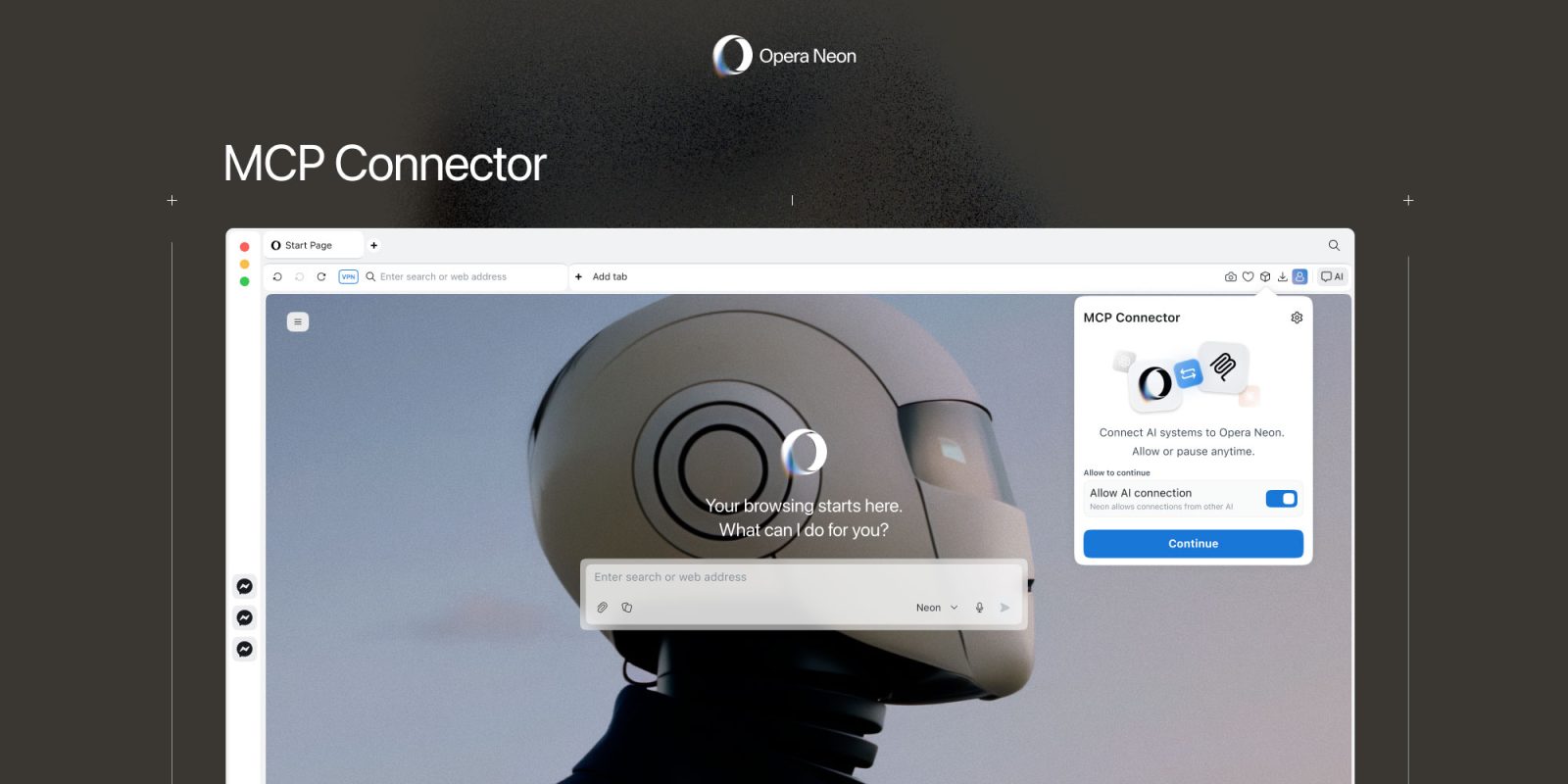
Opera’s agentic browser now lets users connect AI tools directly to their live browsing session, enabling them to access tabs, interact with pages, and take actions in real time. Here are the details.
What is MCP?
MCP, or Model Context Protocol, was developed as an open standard by Anthropic and was later donated to the Linux Foundation’s Agentic AI Foundation, which was created late last year.
In a nutshell, MCP is a universal standard that connects AI models to external systems. As more and more companies adopted it, it quickly became possible to plug AI tools such as ChatGPT, Gemini, and, of course, Claude, into apps and services such as Notion, Google Drive, Slack, GitHub, and Zapier, letting LLMs access data and perform actions across them.
There are, of course, more technical aspects involved in adopting and deploying MCP, but the short of it is that as more and more platforms put in the work to adopt it, more users can integrate them and benefit from it.
MCP on Opera Neon
As 9to5Mac readers probably know, Opera Neon is Opera’s subscription-based agentic browser. It launched last year, featuring native agentic tools, including:
- Tasks: Self-contained workspaces that understand context and make it possible to use the AI to analyze, compare, and act across multiple sources at once.
- Cards: A feature that lets users save frequently used prompts to streamline repetitive browsing tasks.
- Do: Neon’s agentic browsing feature, which navigates on the user’s behalf
- Make: A useful tool that creates widgets, self-contained apps, and reports based on information provided by the user, or following a web lookup.
Since then, the browser has picked up a few welcome improvements, including deep research, Gemini 3 Pro integration, and more.
Today, Opera Neon is adding MCP support, allowing AI tools such as ChatGPT, Claude, Lovable, n8n, and even OpenClaw to access tabs, interact with pages, and take actions on a user’s behalf.
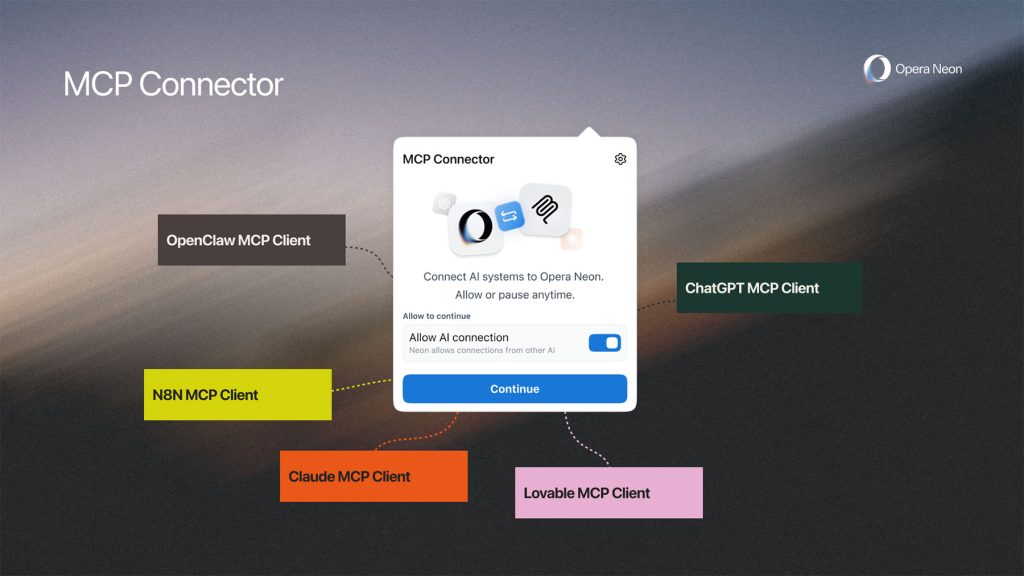
Depending on the user’s workflow, this can greatly improve productivity by reducing context switching, allowing AI tools to pull information from open tabs, update documents, trigger automations, and complete multi-step tasks without the user’s manual input at every step.
Of course, these gains are more immediate for users who are already comfortable with MCP-ready tools. However, today’s news can also serve as a starting point for those looking to explore these workflows in Opera Neon.
To learn more about Opera Neon, follow this link.
Worth checking out on Amazon
- David Pogue – ’Apple: The First 50 Years’
- MacBook Neo
- Logitech MX Master 4
- AirPods Pro 3
- AirTag (2nd Generation) – 4 Pack
- Apple Watch Series 11
- Wireless CarPlay adapter


FTC: We use income earning auto affiliate links. More.



Comments