
Update, July 22: Apple has updated the support document to clarify that users can convert encrypted HFS+ volumes directly to encrypted APFS without decrypting them first. You can learn more about that here. The original story follows below.
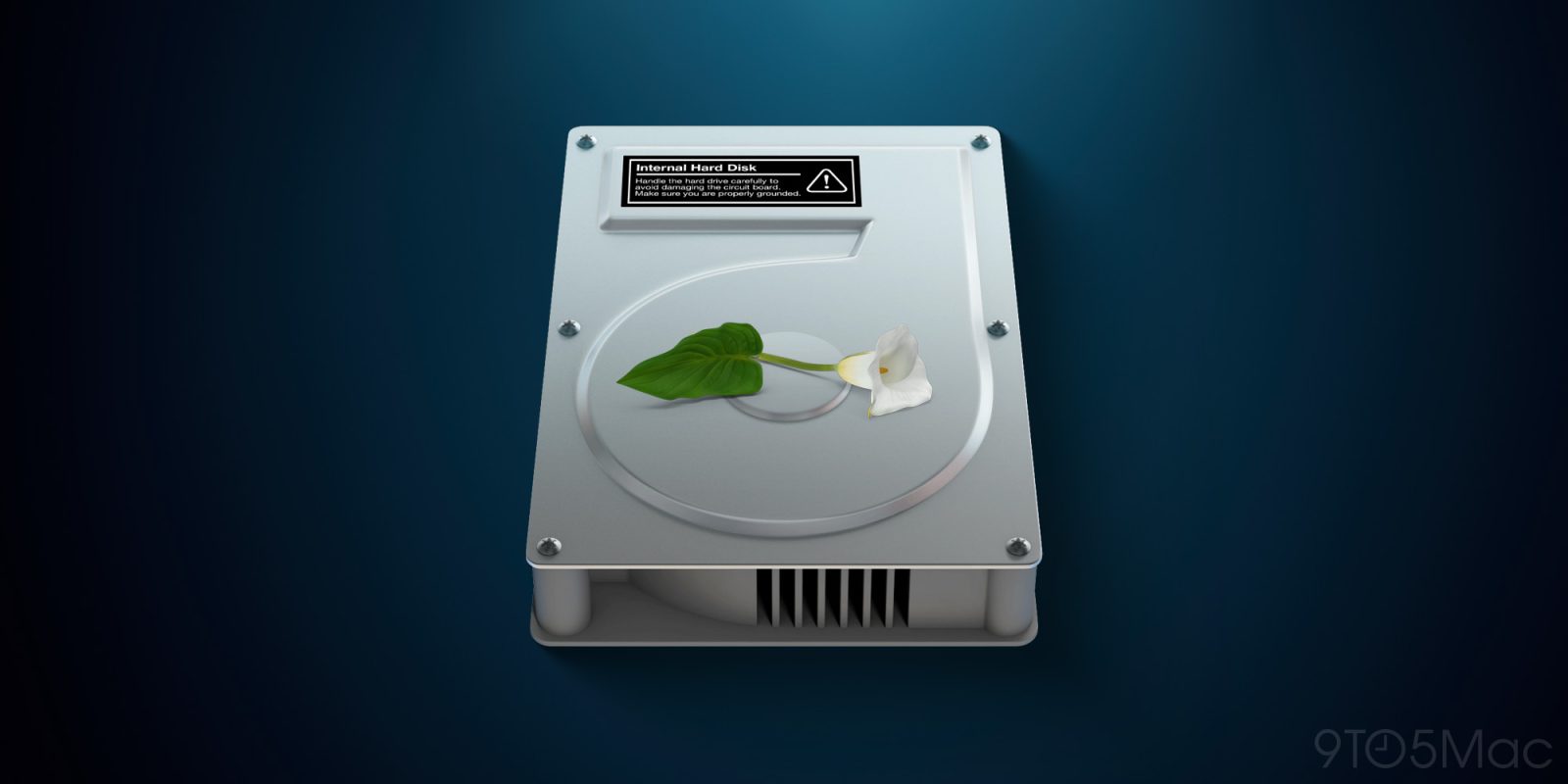
Apple has announced that starting with macOS 28, users will need to decrypt or reformat certain storage volumes to keep using them. Here are the details.
Change is set to take effect on next year’s macOS
In a new support document, Apple explains that starting with macOS 28, “the Mac OS Extended file system format will be supported only for volumes (disks and other storage devices) that aren’t encrypted.”
In practice, this means users who currently rely on encrypted HFS+ external drives or other encrypted legacy Mac-formatted volumes will need to “either decrypt or reformat any encrypted Mac OS Extended volumes.”
Apple doesn’t explain the reason for the change. Still, the move appears to be another step in Apple’s transition to APFS, its file system with built-in encryption support, which replaced Mac OS Extended as the default Mac file system in macOS High Sierra.
As a result of this change, Apple says that starting with macOS 26, Macs might notify users when they’re using an encrypted Mac OS Extended disk that won’t be compatible with macOS 28 or later.
According to the support page, “the notification will identify the volume by name.” However, Apple says users can manually confirm whether a volume is both using Mac OS Extended format and encrypted by following these steps:
- Open Disk Utility, which is in the Utilities folder of your Applications folder. Or use Spotlight to find and open it.
- From the View menu in the menu bar, choose Show Only Volumes.
- In the sidebar of Disk Utility, select the name of the volume.
- Look for the information shown directly under the name of the volume on the right. If you see both “Mac OS Extended” and “Encrypted” for your volume, that volume won’t be compatible with macOS 28 and later. Example:
CoreStorage Logical Volume • Mac OS Extended (Case-sensitive, Journaled, Encrypted)
Apple adds that “macOS 28 and later will continue to support unencrypted volumes that use Mac OS Extended format,” and notes “Mac OS Extended is also known as HFS Plus (or HFS+).”
Finally, Apple provides instructions for users who want to continue using an affected volume with macOS 28 or later. The company recommends backing up any data they want to keep, and then:
Reformat the volume
Erase and reformat the volume using APFS or APFS (Encrypted) format. This permanently deletes all data on the volume, but ensures future macOS compatibility.
Erase and reformat a storage device in Disk Utility
Or decrypt the volume
This solution doesn’t apply to encrypted Time Machine backup disks.
- Connect the drive to your Mac and enter the encryption password when asked to unlock it.
- Control-click the icon of the drive on the desktop or in the sidebar of a Finder window, then choose Decrypt from the shortcut menu that appears.
- Enter the encryption password again when asked, then wait for decryption to complete. This takes time, especially for large volumes. To check progress, you can enter
diskutil cs listin Terminal, which is in the Utilities folder of your Applications folder. Or use Spotlight to find and open it.After decryption, you can optionally convert the volume to APFS format without erasing it:
- Open Disk Utility, which is in the Utilities folder of your Applications folder. Or use Spotlight to find and open it.
- From the View menu in the menu bar, choose Show Only Volumes.
- In the sidebar of Disk Utility, select the name of the volume.
- From the Edit menu in the menu bar, choose Convert to APFS, then click Convert to confirm. Quit Disk Utility when done.
- If you want to encrypt the APFS volume, Control-click the icon of the drive on the desktop or in the sidebar of a Finder window, then choose Encrypt from the shortcut menu that appears.
To check out the support page, follow this link.
Will you be affected by this change? Let us know in the comments.
Worth checking out on Amazon
- Geoffrey Cain – ‘Steve Jobs in Exile’
- David Pogue – ’Apple: The First 50 Years’
- MacBook Neo
- Logitech MX Master 4
- AirPods Pro 3
- AirTag (2nd Generation) – 4 Pack
- Apple Watch Series 11
- Wireless CarPlay adapter


FTC: We use income earning auto affiliate links. More.


Comments