
Adobe is unifying its ChatGPT integrations into a new plugin with more than 70 tools spanning photo editing, video, design, and PDFs. Here are the details.
New Adobe plugin in ChatGPT available today
Last year, we covered the launch of Adobe’s first native integrations with ChatGPT, which brought features from Photoshop, Adobe Express, and Acrobat directly into the chatbot.
With these integrations, users could edit images, create and animate designs, and manage, merge, or modify PDFs directly within ChatGPT.
Today, the company is combining its previously separate ChatGPT connectors into a single Adobe plugin in ChatGPT, available across ChatGPT, ChatGPT Work, and Codex.
Once activated, users can describe the result they need and let the Adobe plugin orchestrate more than 70 tools across the company’s creative and productivity suites to create it.
Here’s Adobe:
“ (…) the Adobe plugin in ChatGPT supports a wide range of workflows, from editing photos and creating campaign videos to designing marketing assets and generating polished PDFs — all through rich, interactive experiences right in the flow of the conversation. That breadth of capabilities means the plugin can adapt to the needs of your project, and when you want advanced editing, creative control or pixel-level precision, you can continue your work in Adobe’s apps right where you left off.”
According to Adobe, the unified plugin includes the capabilities previously available through its ChatGPT integrations, along with additional tools drawn from Adobe Express, Photoshop, Firefly, Premiere, Acrobat, Lightroom, Illustrator, InDesign, Adobe Stock, and more.
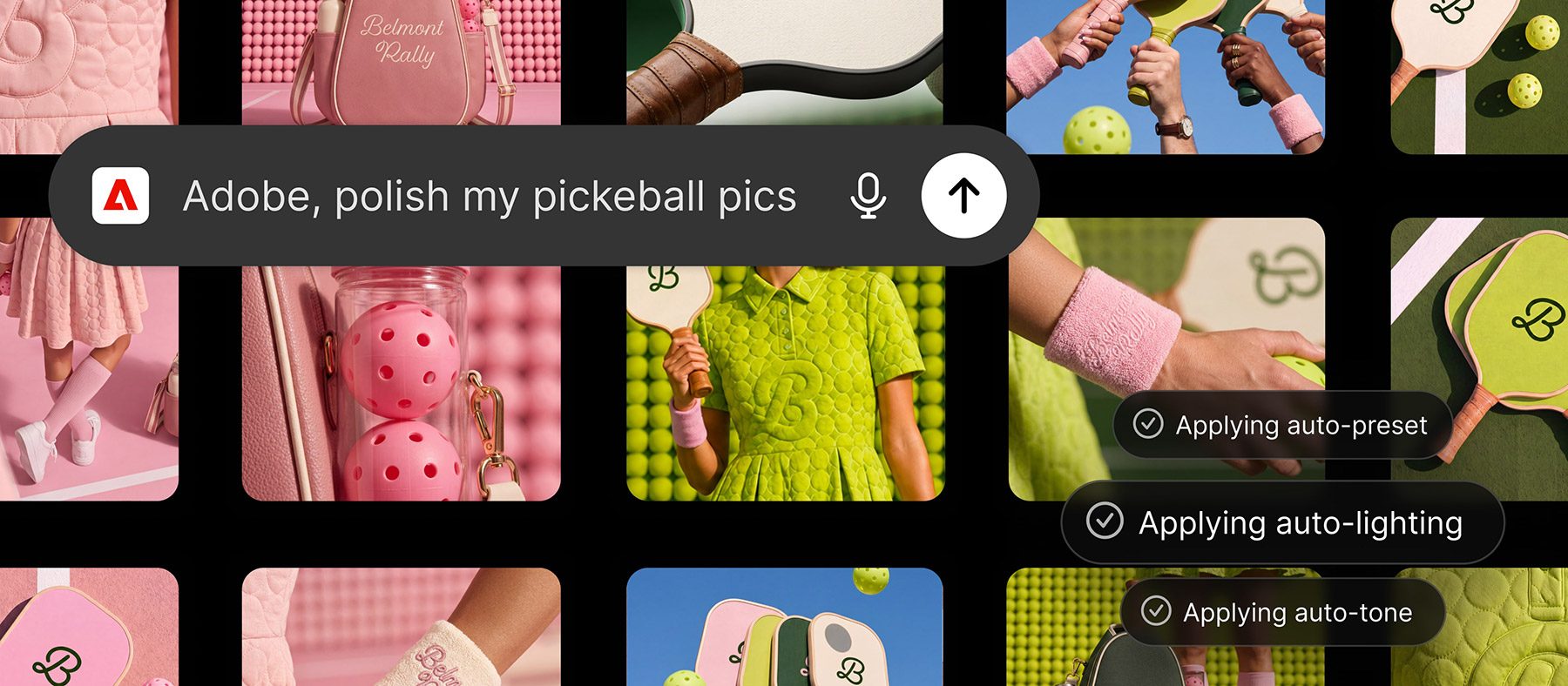
Today’s launch is part of a broader expansion of Adobe’s tools across AI platforms, including ChatGPT and Microsoft Copilot, with integrations for Slack and Gemini set to follow later this month.
Here are some examples of how users can leverage the new Adobe plugin in ChatGPT:
- Create high-quality creative for your campaign: Upload your campaign photos and describe the look you want. The Adobe plugin applies a consistent style across the entire set, saves the finished assets to Creative Cloud and transforms your strongest image into a product or packaging mockup.
- Create eye-catching video for every social platform: Turn a long-form video into an eye-catching highlight reel, then adapt it for YouTube Shorts, Instagram Reels and other social platforms
- Create a design and share it anywhere: Browse thousands of design templates with interactive previews, select the best one for your project, customize the copy and colors, then animate it for social media or convert it into a polished PDF that’s ready to share or print.
- Transform data into customer-ready documents: Upload a spreadsheet or dataset and describe the result you need. The Adobe plugin transforms your information into professionally formatted PDFs, including event badges, catalogs, infographics and other customer-ready documents.
Users can install the Adobe plugin by searching for Adobe in ChatGPT’s plugins directory. Once installed, it can be invoked by typing @Adobe in a prompt or selecting it from the + menu alongside other connected plugins.
Adobe recommends that users sign in to their Adobe accounts “to unlock generative capabilities, access your Creative Cloud files, and save your work across sessions,” although guest access is also available.
To learn more about the new Adobe plugin in ChatGPT, follow this link.
Worth checking out on Amazon
- Geoffrey Cain – ‘Steve Jobs in Exile’
- David Pogue – ’Apple: The First 50 Years’
- MacBook Neo
- Logitech MX Master 4
- AirPods Pro 3
- AirTag (2nd Generation) – 4 Pack
- Apple Watch Series 11
- Wireless CarPlay adapter


FTC: We use income earning auto affiliate links. More.



Comments